


















3D Illustration Styles
Volumetric 3D illustrations with real light and shadow and tactile materials create depth that jumps off the screen. Choose this illustration technique when your interface or campaign needs clarity, focus, and a vivid sense of space.





What is 3D Style?
3D illustrations build scenes with modeled objects, believable lighting, and realistic or stylized materials. Soft gradients suggest volume. Cast shadows define hierarchy. Subtle depth of field guides attention without distracting from core actions, so illustrations explain the layout at a glance.
Use 3D illustrations for dashboards and marketing sites. They also suit onboarding screens that explain complex tools. These illustrations add concrete context to abstract concepts. Detailed 3D scenes support storytelling while clean illustrated icon sets keep interfaces readable.
Where 3D works best


50+ 3D illustration styles
Each style has its own visual personality. Click to explore illustrations and download.
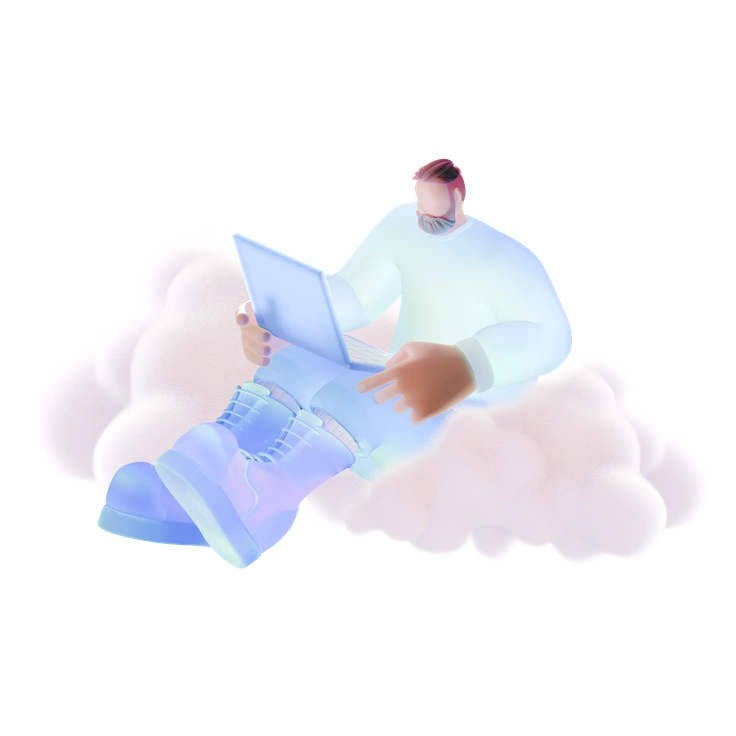
Soft blue 3D characters keep interfaces light while still adding depth.
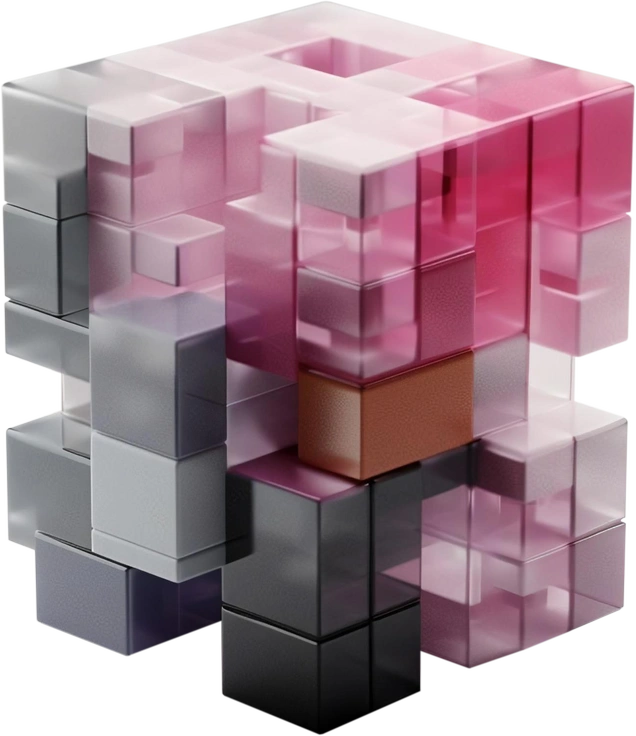
3D Blocks turns simple geometry into organized systems that read clearly in dense interfaces.
3D Blueprint keeps product screens clear with deep blue geometry and matte depth.
3D Boost brings high-gloss objects and metallic details into your product.

3D Buddy characters add humor to product interfaces with oversized heads, soft gradients and gentle lighting.
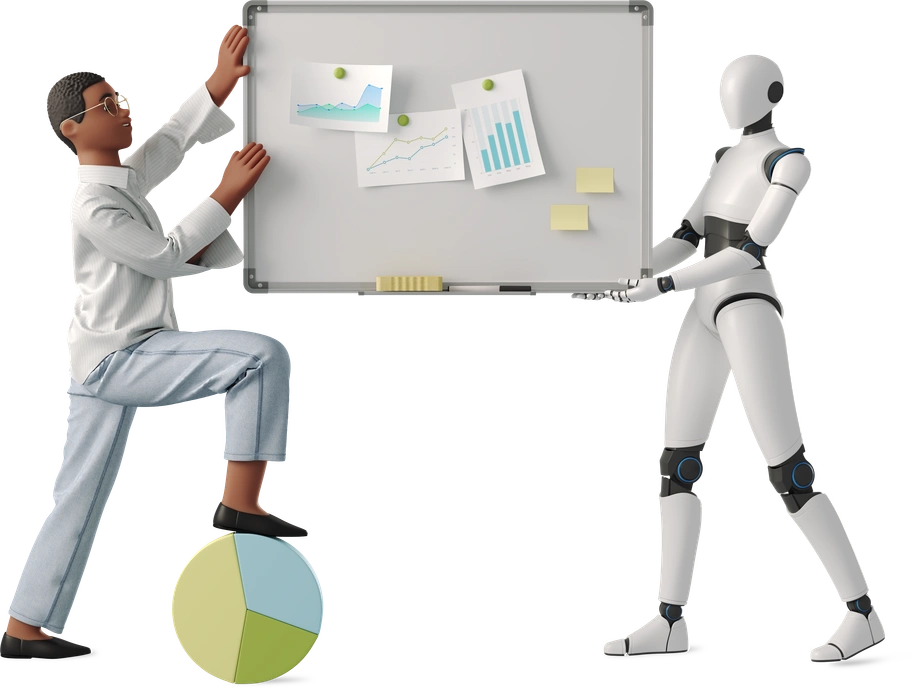
3D Business keeps presentations and dashboards clear with neutral scenes and realistic proportions plus soft depth.
3D Casual Life illustrations bring soft pastel characters and rounded objects into everyday scenes.
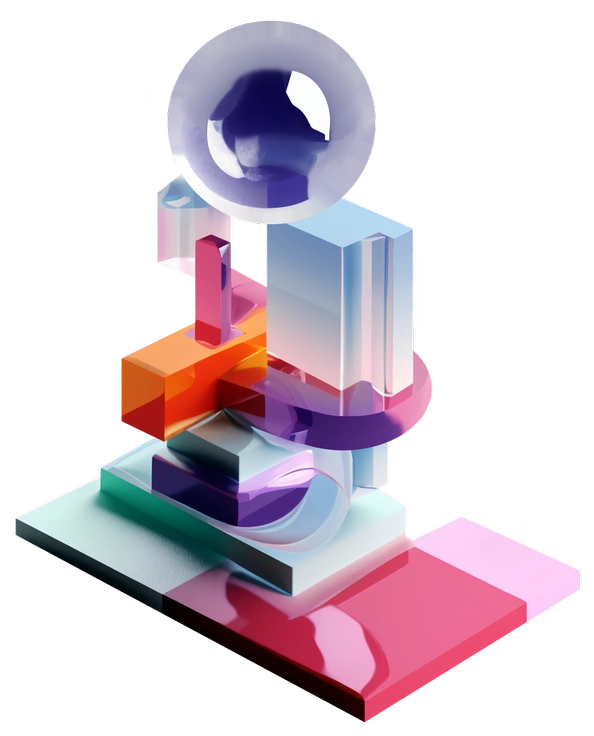
Bold 3D blocks, cranes, and tools give building projects a precise visual language.

3D Corporate illustrations bring business tools, dashboards and workflows into bright, dimensional scenes.
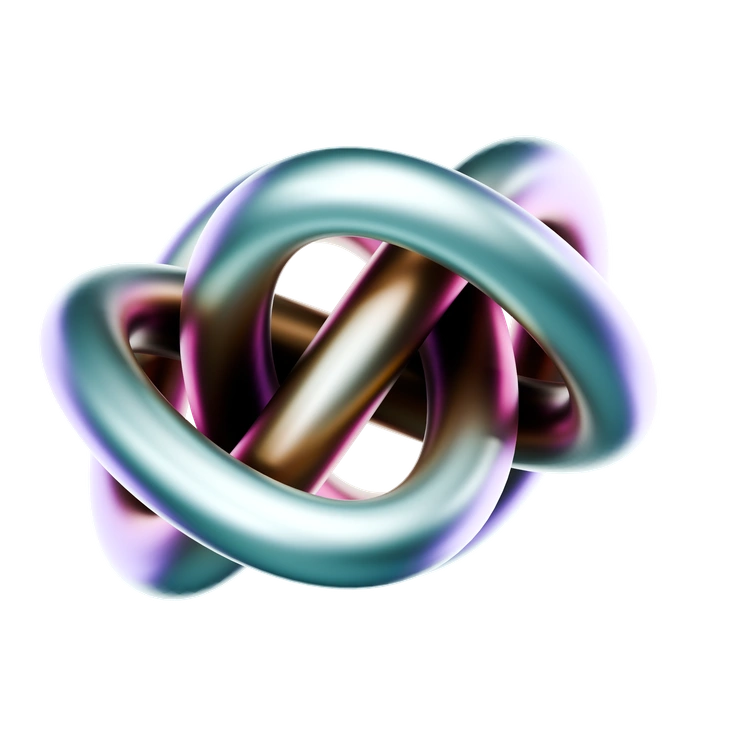
3D Crystex surrounds your layouts with abstract tech artifacts.

3D Cutie brings soft pastels and chunky toy shapes with oversized smiles into your layouts.

3D Editorial turns complex ideas into simple 3D metaphors that read clearly at thumbnail size.
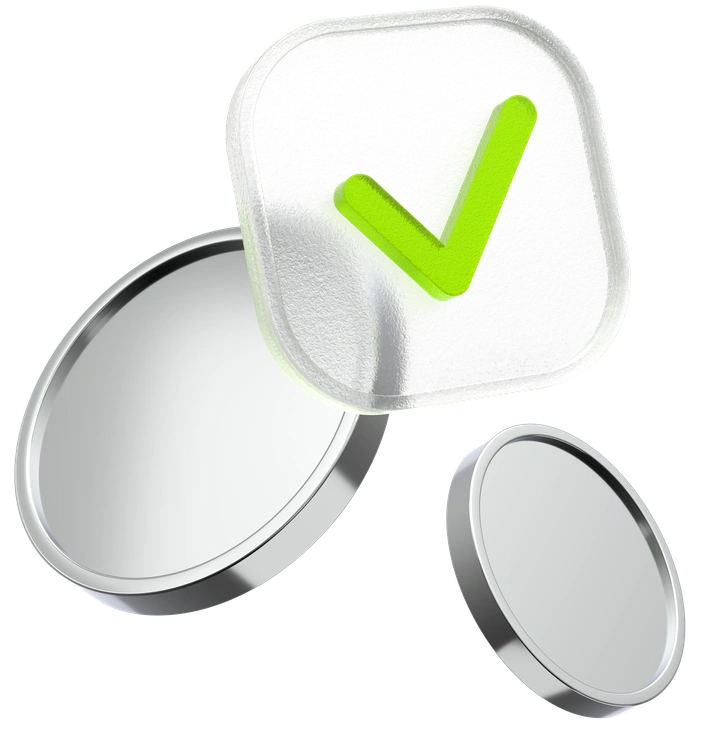
3D Enterprise uses glossy blue geometry and subtle speckles with clean lighting so product teams can explain complex financial flows and highlight metrics.

3D Flame turns everyday objects into chunky 3D characters with neutral tones and gentle lighting.

3D Fluency keeps interfaces light with floating objects and crisp lighting over gentle gradients.
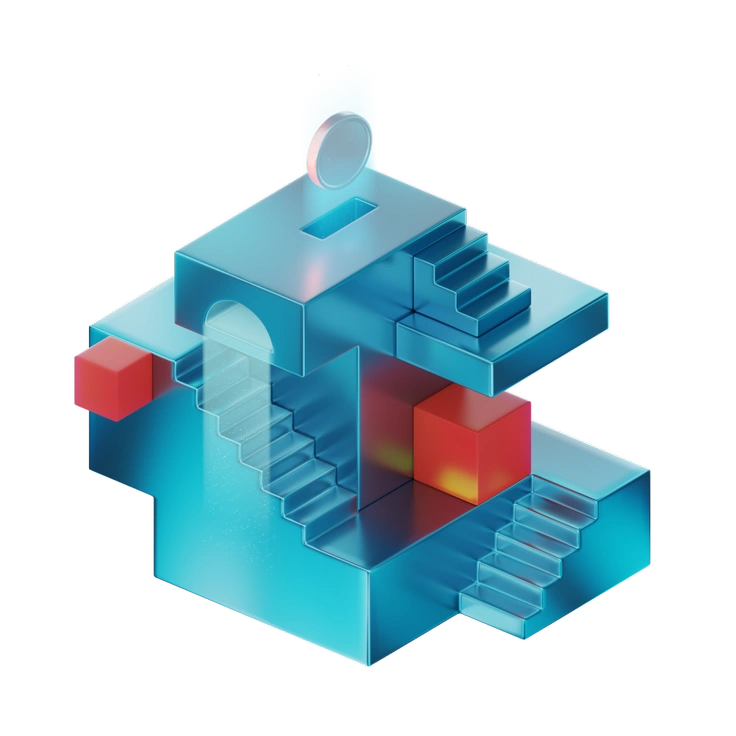
3D Glare brings clean, reflective 3D tech objects to your layouts.

3D Grid brings soft geometric blocks and UI panels into tidy grid compositions, giving SaaS dashboards and onboarding flows friendly depth while product sites stay readable beside compact, balanced scenes.

3D Hands Fun&Wild brings expressive gestures to touch interfaces with neutral tones and bold poses.

3D Holidays illustrations pack cheerful characters and decor into ready scenes that feel tactile and bright.
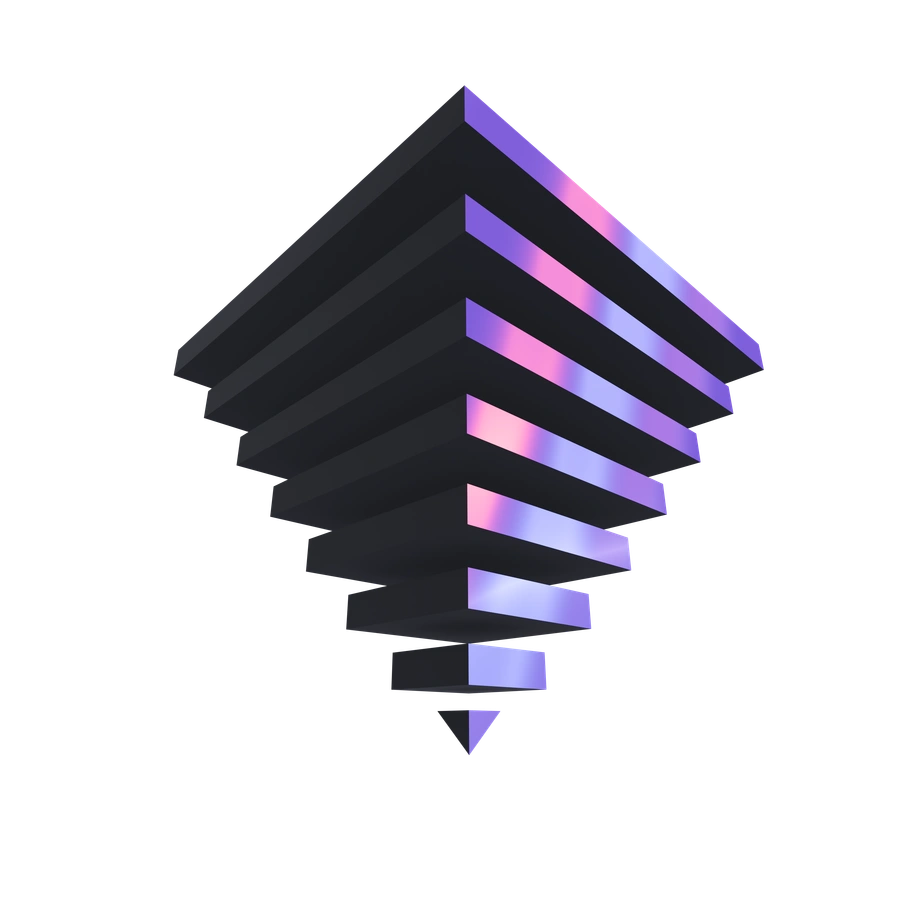
3D Illusion brings shifting geometric forms and metallic highlights into your layouts.
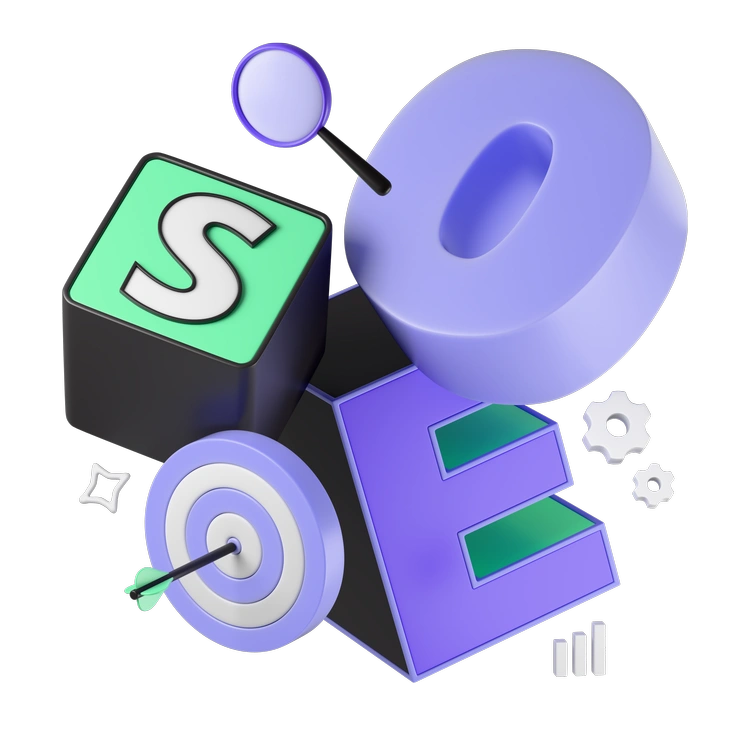
3D Incut brings carved geometric forms and calm neutrals to business and technology projects, giving interfaces and pitch decks structured depth while diagrams stay clear and professional.
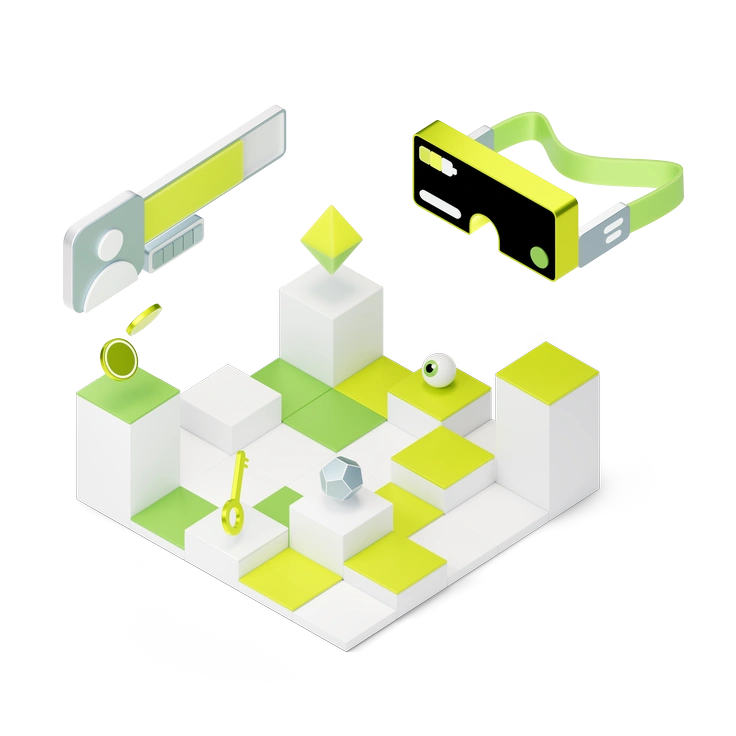
3D Isometric uses a strict grid and bold colors to explain complex products.
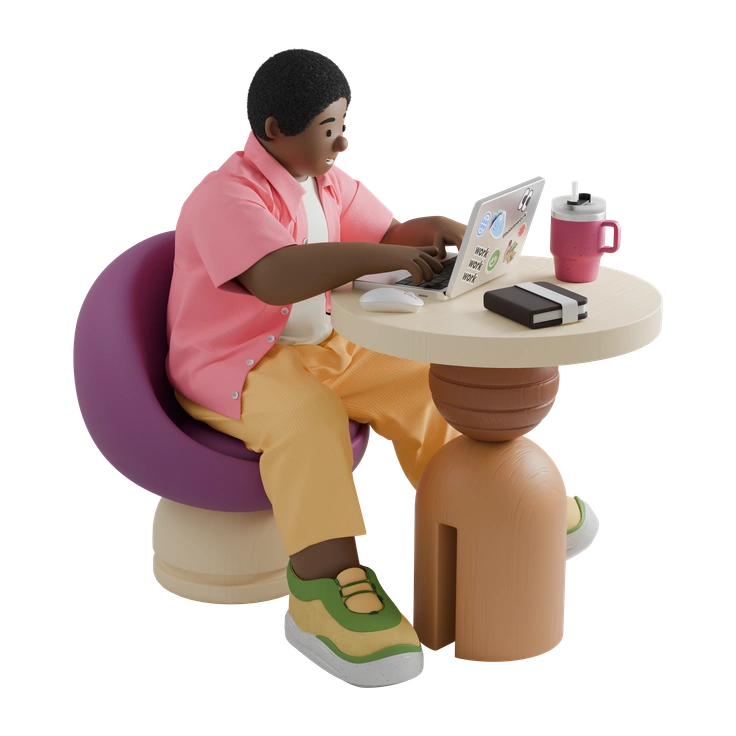
3D Kindy brings toy-like characters and gentle 3D scenes to kid-focused products, keeping interfaces friendly for children and reassuring for parents and educators in healthcare and learning contexts.
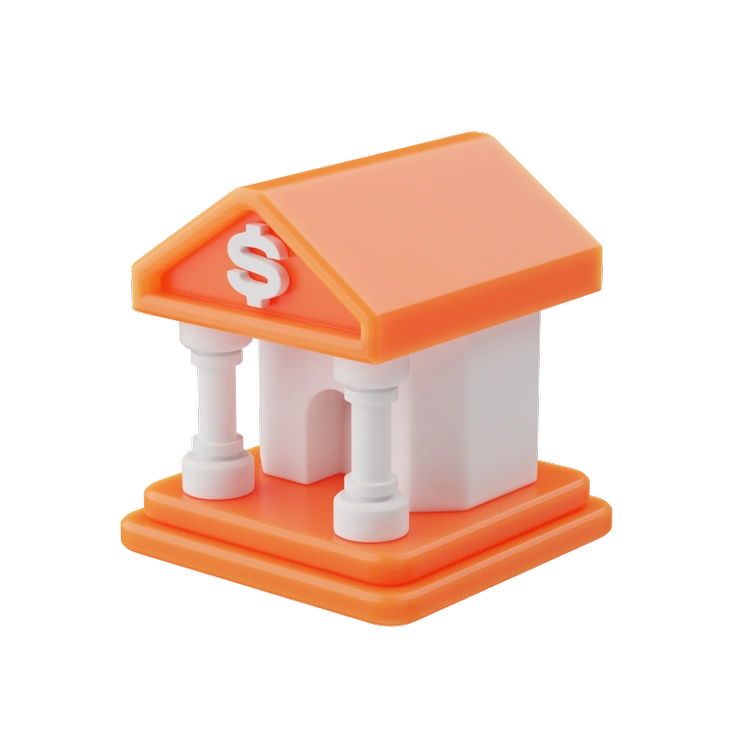
Clean 3D icons with bright universal colors slot neatly into modern interfaces.
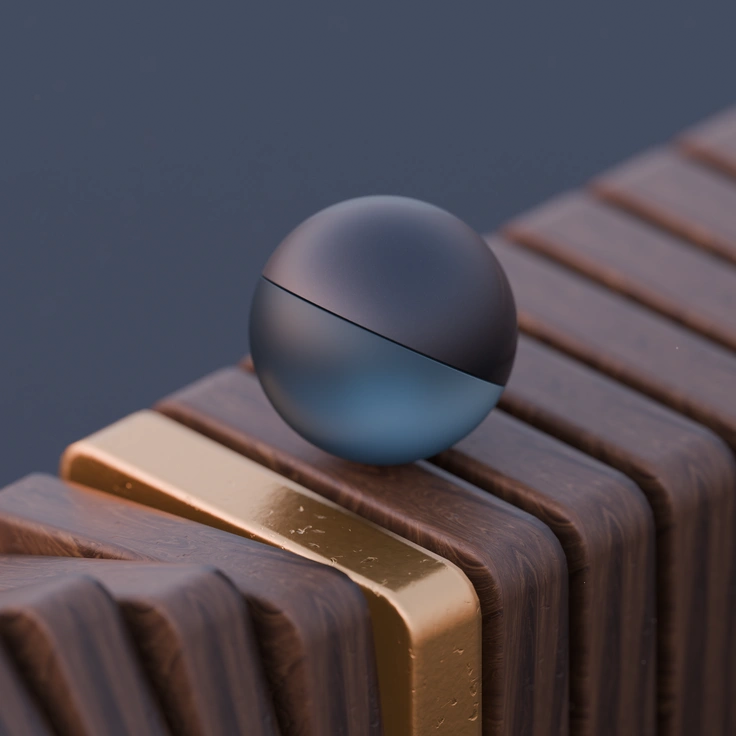
3D Luxe focuses on precise geometry, muted tones and subtle lighting, giving premium products and dashboards calm visual structure that never competes with typography, data or photography.

3D Microsoft Fluent fits interfaces that already follow Fluent Design.

Tiny 3D objects with crisp materials give your product screens precise, tactile accents.
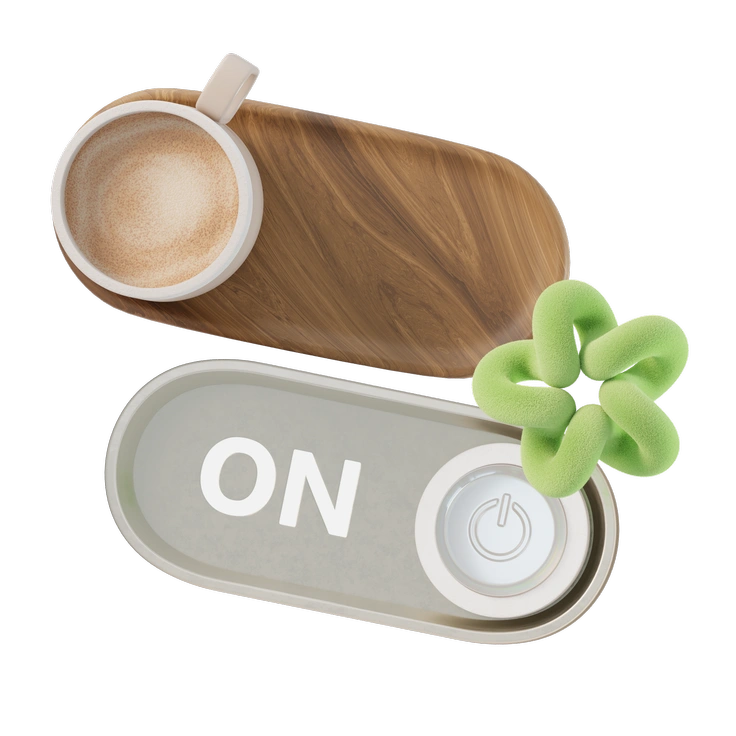
Neutral lighting and precise geometry define 3D Modern objects for business and lifestyle layouts.
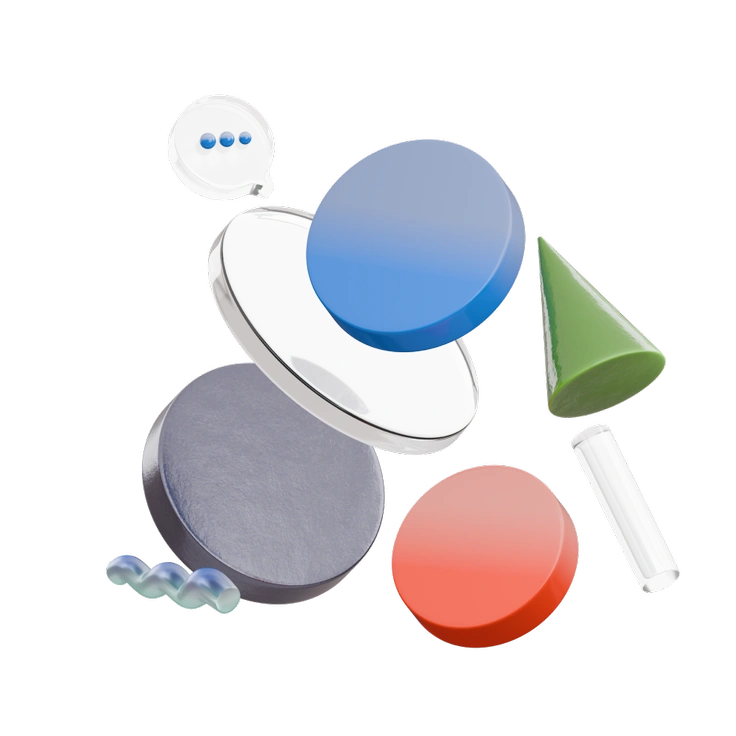
3D Morphis turns abstract geometry into clear visual metaphors for technology and business.

Neutral 3D objects in 3D Pack sit comfortably next to data-heavy layouts.
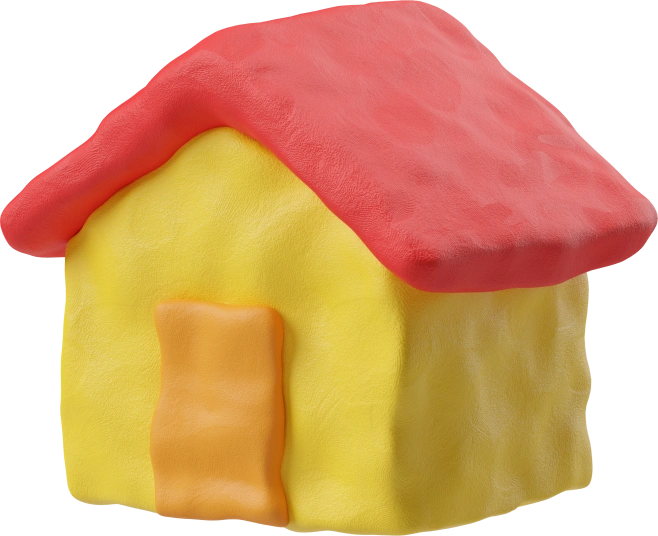
3D Plastilina wraps interfaces in clay-like shapes and bold colors, giving screens a tactile, handmade look.
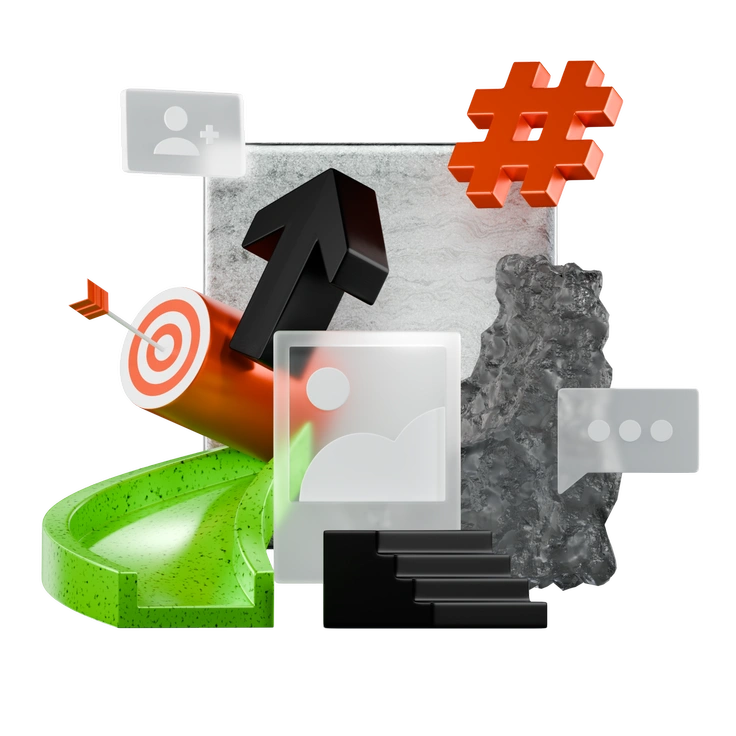
3D Platforms drops bold industrial platforms and tech structures into your layouts for SaaS dashboards and product explainers that need a clear, futuristic technology story.

3D Playful brings rounded 3D characters and objects into your product.
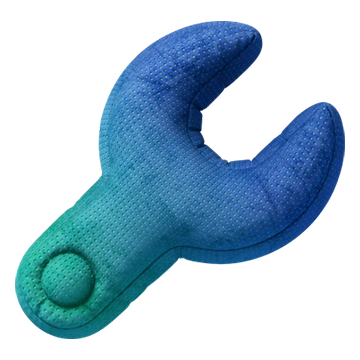
3D Plush Icons wrap everyday symbols in fabric-like volumes and gentle lighting so interfaces feel comforting without feeling childish.
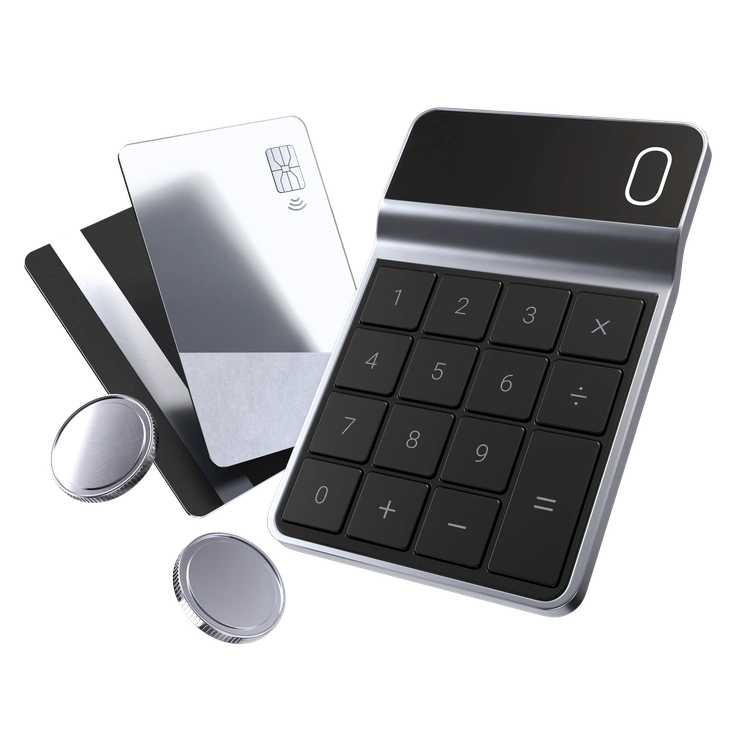
3D Pro brings calm geometric objects and monochrome palettes to serious products.
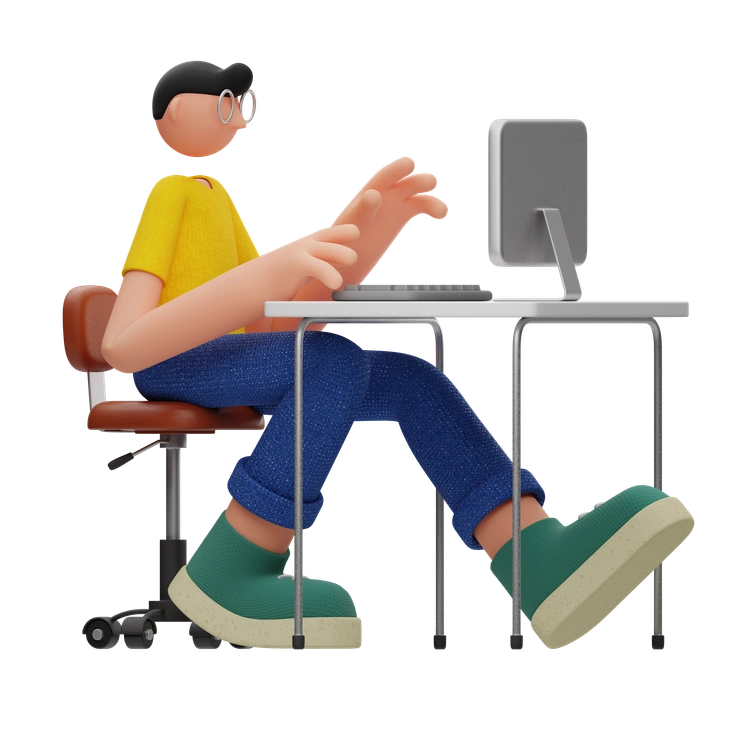
3D Rondi characters keep business and lifestyle screens friendly.
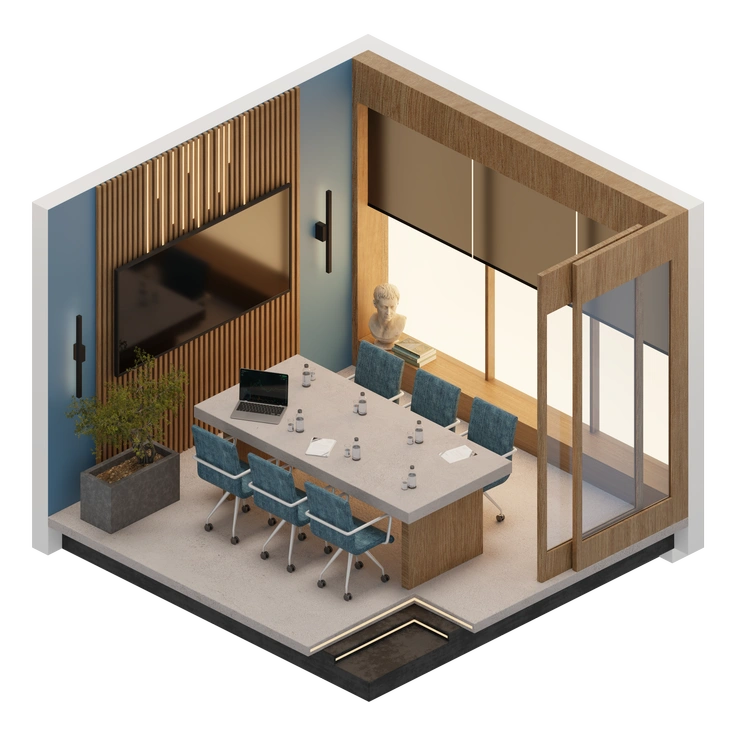
3D Rooms illustrations show complete isometric interiors with realistic lighting and textures.
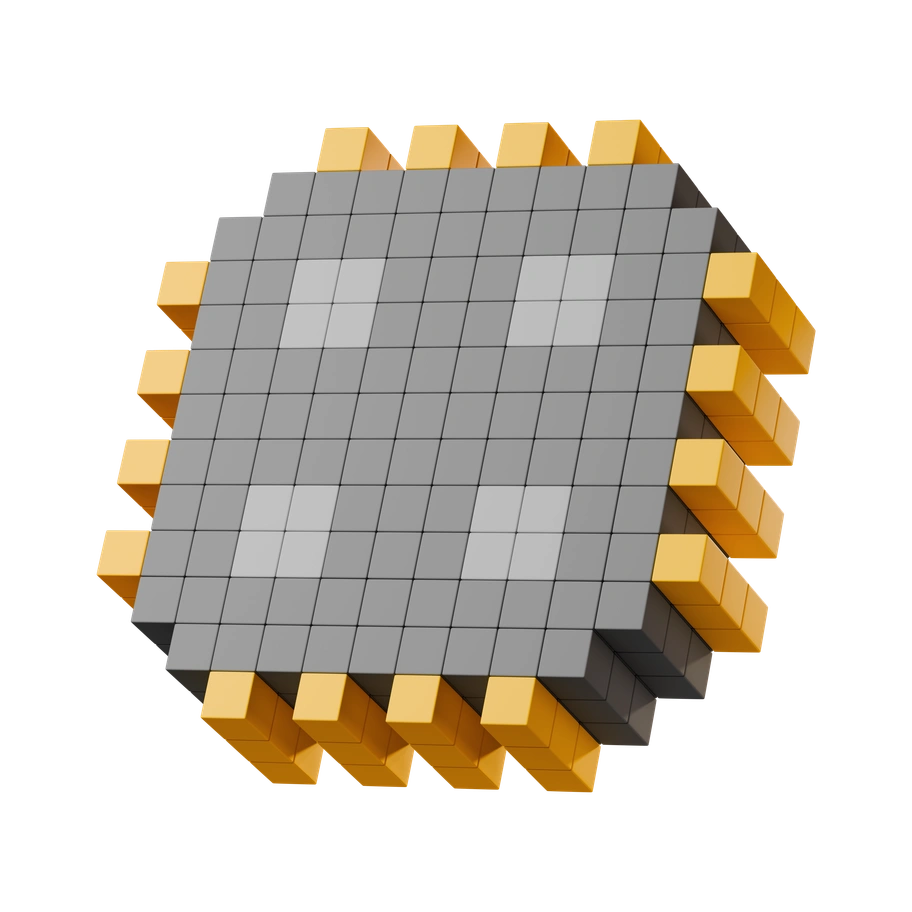
3D Stickle turns gadgets and accessories into chunky, tactile characters.
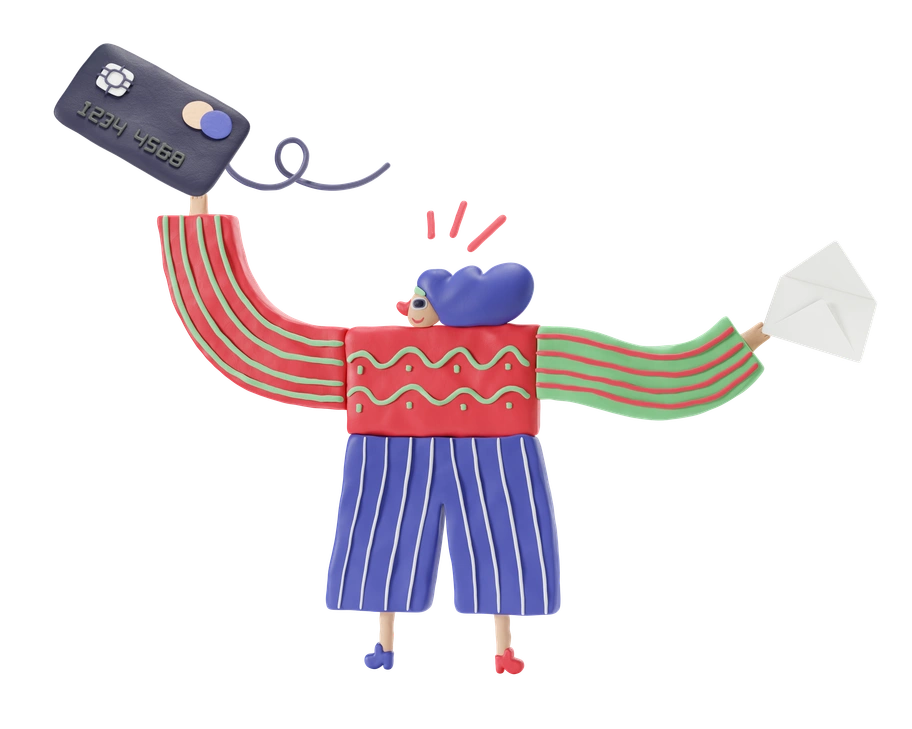
3D Stripy bends everyday shapes into striped, surreal 3D objects with muted neutrals.

Candy-bright 3D objects with soft gradients and rounded edges keep interfaces light.

3D Surfaced mixes volumetric objects with overlaid line icons for clear digital metaphors.

3D Techny keeps interfaces clear with monochromatic 3D objects that match modern UI.
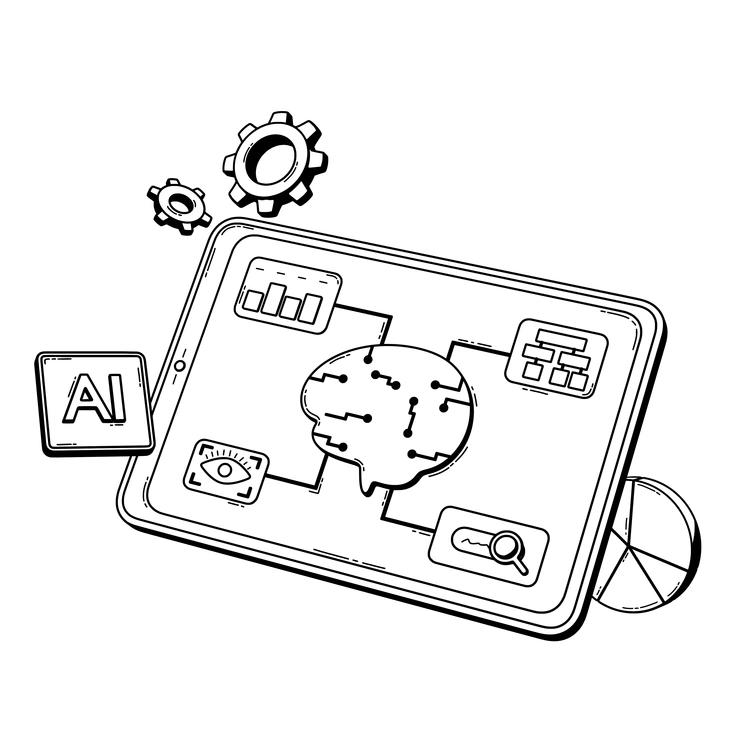
3D Techny Line keeps interfaces sharp with monochrome 3D objects and precise outlines.

3D Wrap turns abstract objects into vacuum-sealed sculptures with neon shine and deep reflections.
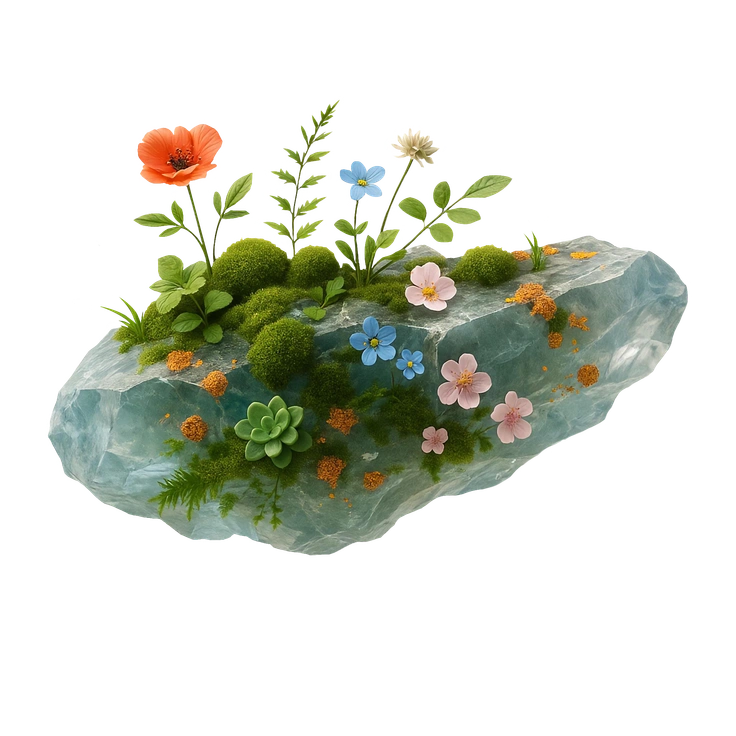
Biomorphic illustrations bring sculpted plant-like forms and neutral earth tones into your layouts.

Fuzzy turns everyday objects into plush, wooly characters with expressive eyes that feel instantly friendly.

Kit turns everyday objects into inflated 3D icons that feel friendly and precise.
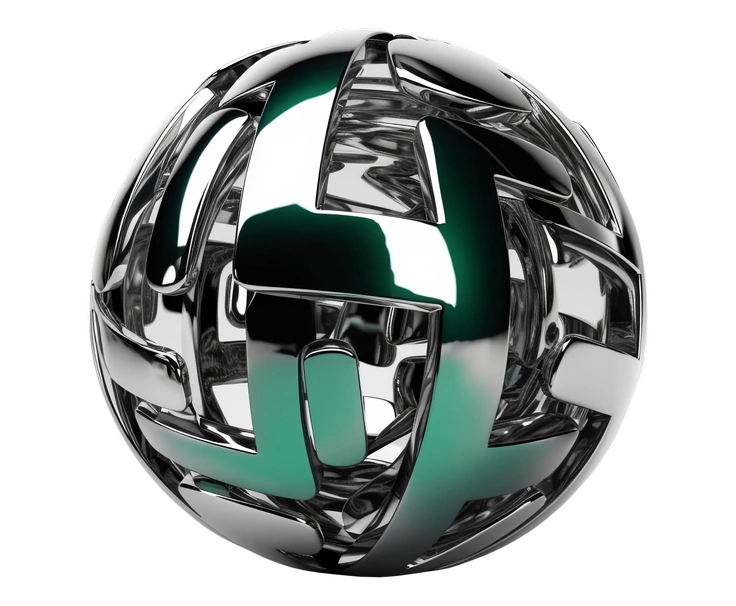
Metallic brings chrome-like reflections and industrial geometry to digital products.

Smart illustrations use volumetric gradients, transparent rounded frames, and cool tones that feel digital yet natural.

Vitrum illustrations wrap translucent glass objects in rich gradients and precise lighting.
Frequently asked questions


See all 3D illustration styles
Pick from fifty coordinated 3D illustration styles and drop ready PNGs straight into layouts. Need flexibility? Grab SVGs, recolor illustrated scenes in your editor, or assemble unique 3D illustrations in Mega Creator within seconds.