


















3D Pack Style Illustrations
Neutral 3D objects in 3D Pack sit comfortably next to data-heavy layouts. Product teams get consistent business and tech visuals without commissioning custom rendering or juggling multiple illustration sources.



What is 3D Pack Style?
Light and space define 3D Pack scenes. Neutral grays and muted tones wrap smooth geometric objects. Soft directional shadows separate devices and documents while keeping every render clean for data-focused compositions.
These illustrations show up in quarterly reviews and SaaS onboarding flows. Product marketers rely on them for clear process visuals. UX designers choose 3D Pack for dashboards and pitch decks in business products.
For business and product teams


Explore 3D Pack packs


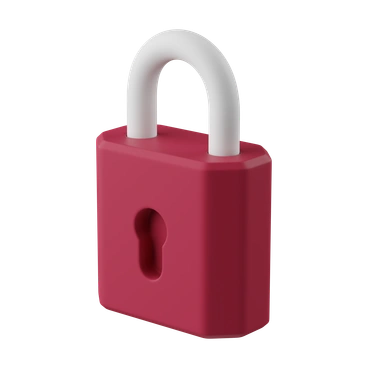
Common 3D Pack subjects
Business workspaces appear often with laptops next to documents and interface widgets. Financial symbols and device hardware also feature strongly. Browse by tag.
Between data and product views
Comparing 3D Pack with nearby styles helps you decide whether your business visuals should feel realistic or more playful.
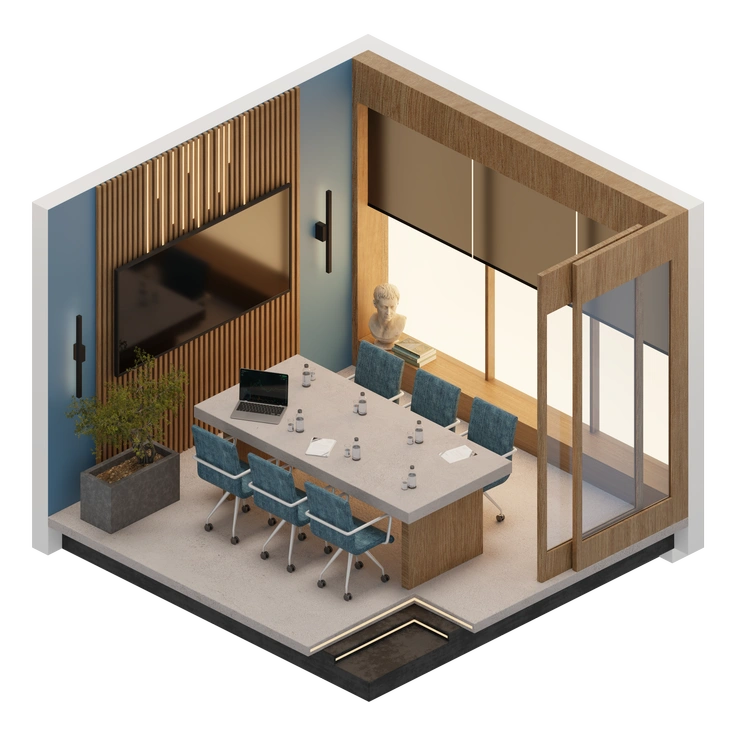
3D Rooms shows whole interiors with walls and desks, whereas 3D Pack offers single objects for clean compositions.
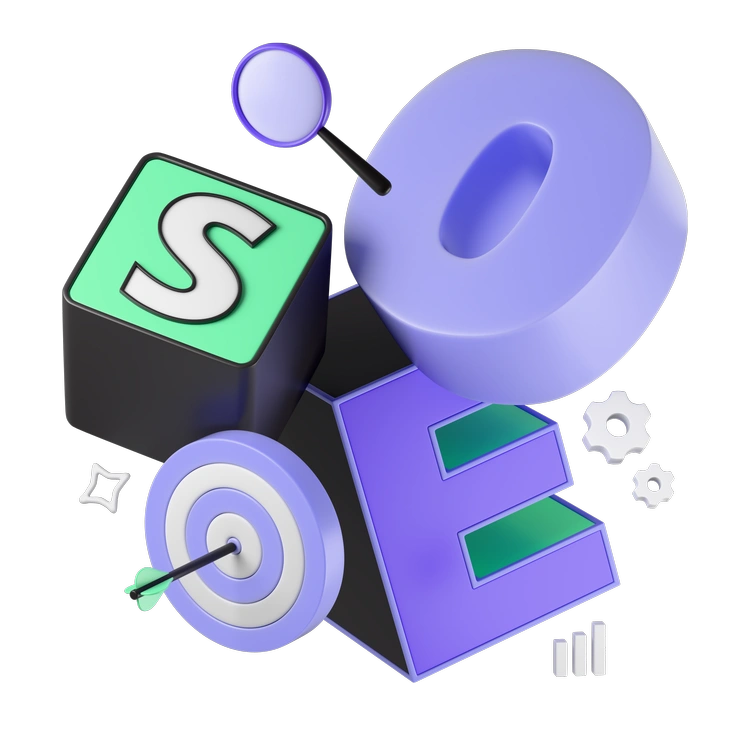
3D Incut leans into bright gradients and quirky shapes, while 3D Pack keeps neutral colors and straightforward business objects.

Biomorphic uses organic blobs and fluid forms. 3D Pack stays geometric with recognisable devices and financial symbols.

Metallic emphasizes reflective materials and high-contrast lighting. 3D Pack prefers matte finishes and softer shadows suited to calm dashboards.

3D Morphis bends objects into playful abstractions, whereas 3D Pack keeps items realistic enough for serious financial or corporate content.
3D Enterprise includes characters and scene backgrounds for storytelling. 3D Pack limits itself to objects that complement data-rich layouts.

3D Modern brings saturated colors and casual proportions. 3D Pack uses restrained tones and realistic scaling for conservative brands.
3D Blocks builds chunky modular shapes suited to diagrams. 3D Pack depicts finished devices and tools for polished business stories.

3D Plush icons feel soft and toy-like with exaggerated volume. 3D Pack stays minimal and office-ready.
Frequently asked questions


Start using 3D Pack illustrations today
Download PNGs for quick mockups or grab SVGs on a paid plan for full customization. Drop 3D Pack renders straight into Figma or Keynote. Any modern design tool will work.