


















3D Grid Style Illustrations
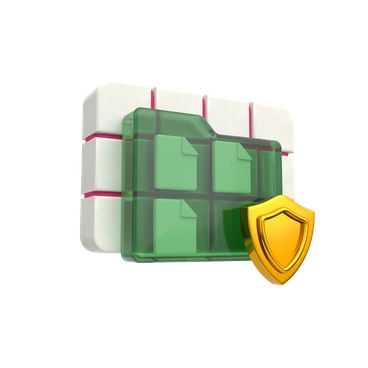
3D Grid brings soft geometric blocks and UI panels into tidy grid compositions, giving SaaS dashboards and onboarding flows friendly depth while product sites stay readable beside compact, balanced scenes.



What is 3D Grid Style?
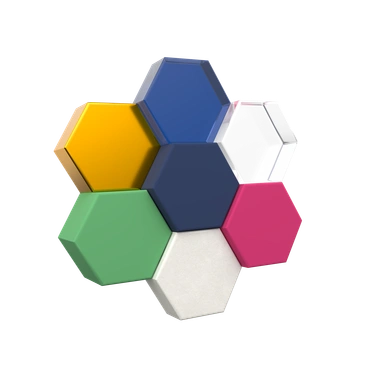
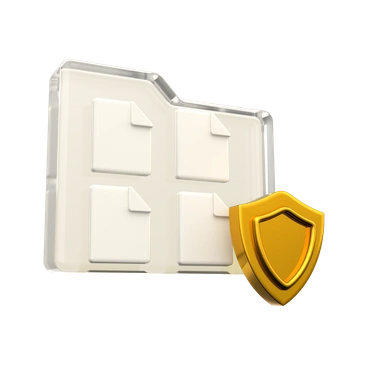
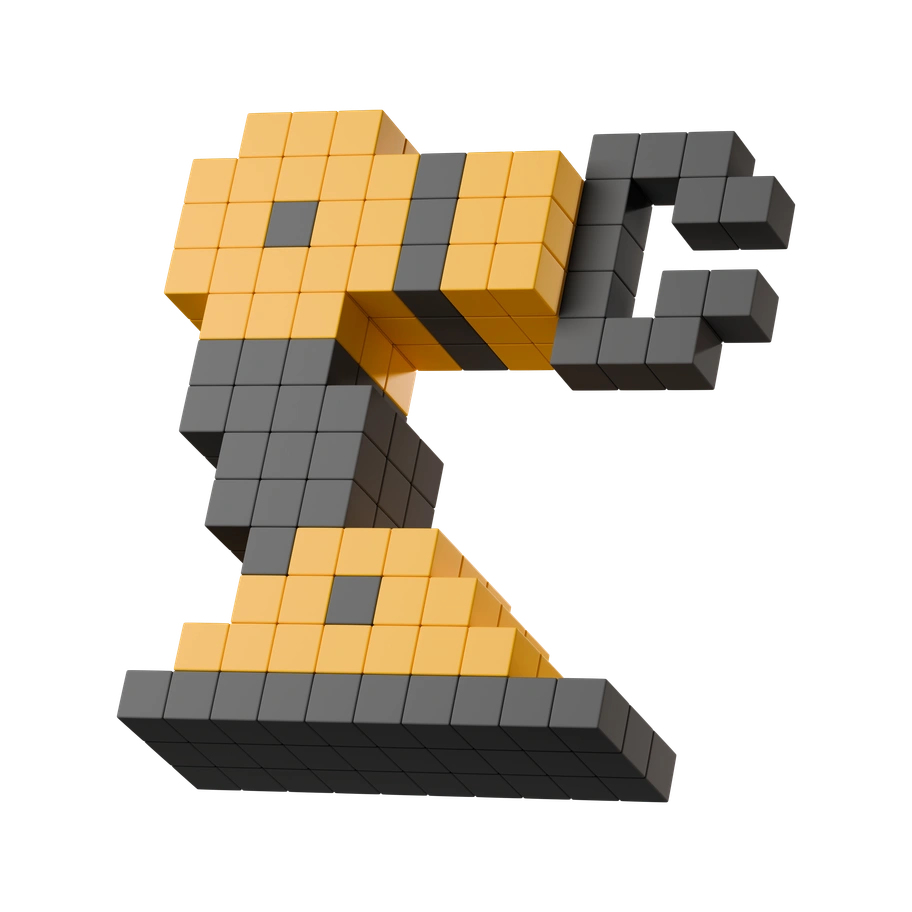
Rounded forms and blocky UI panels sit on neat grids with soft matte shading. Bright saturated colors and minimal shadows create depth that feels calm beside chart widgets and text.
The style works across productivity dashboards and onboarding flows that need clarity. Product marketers and UX designers adopt 3D Grid for clean hero sections and guided empty states in modern SaaS products.
Best in product UI


Explore 3D Grid packs





Scenes 3D Grid favors
Expect abstract dashboards with stacked cards and simple devices floating on grids. Minimal architectural blocks suggest rooms or platforms. Use tags to jump into the subjects you need.
Choosing between grid 3D looks
Comparing nearby styles shows how changes in color or texture and subject matter shift the feel of product screens.

3D Corporate focuses on realistic professionals and office props, while 3D Grid prefers abstract blocks and UI tiles.

3D Holidays brings themed decorations and seasonal objects, whereas 3D Grid maintains neutral tech motifs for product dashboards and apps.

3D Plastic people focuses on expressive characters with shiny bodies, while 3D Grid skips humans and highlights interface blocks.
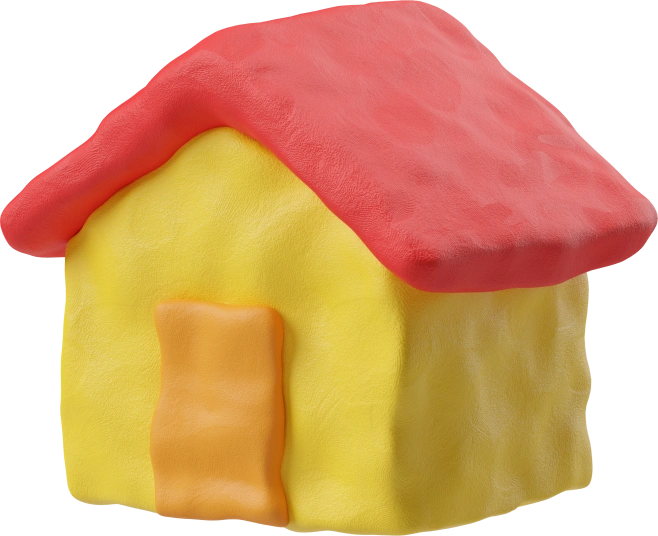
3D Plastilina looks sculpted from clay with fingerprints and bends, contrasting with 3D Grid’s smooth matte surfaces and stricter geometry.

3D Platforms builds layered stages for products or characters, whereas 3D Grid focuses on compact tiles and interface panels.
3D Stickle leans into elongated stick forms and quirky props, while 3D Grid keeps proportions solid for interface abstractions.

3D Wrap emphasizes folded ribbons and wrapped surfaces, giving scenes flowing contours that differ from 3D Grid’s blocks and panels.

3D Crystex uses translucent faceted shapes and reflective edges, contrasting with 3D Grid’s opaque matte objects and straightforward geometry.

Metallic goes for polished metal reflections and harder highlights, whereas 3D Grid favors soft matte color fields and gentler edges.

3D Construction focuses on heavy machinery and building tools, while 3D Grid stays abstract with compact devices and interface parts.

3D Playful introduces bouncy characters and imaginative props, whereas 3D Grid concentrates on restrained geometric tiles suited to product contexts.

3D Boost pushes high contrast lighting and energetic compositions, while 3D Grid emphasizes regular spacing and calmer, grid-aligned object placement.
Frequently asked questions


Start using 3D Grid illustrations today
Download PNGs for quick mockups or grab SVGs for production interfaces. Drag assets from Pichon into Figma and adjust colors to match your brand, then ship dashboards that look consistent.