


















3D Flame Style Illustrations
3D Flame turns everyday objects into chunky 3D characters with neutral tones and gentle lighting. Designers drop them into playful interfaces and game menus. They also work well in campaign graphics without custom modeling.



What is 3D Flame Style?
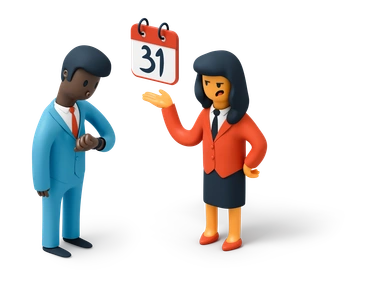
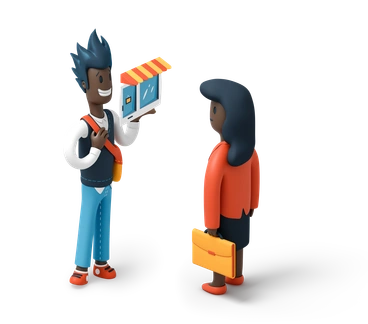
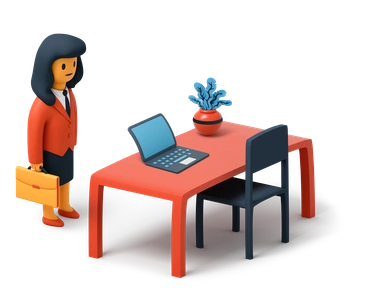
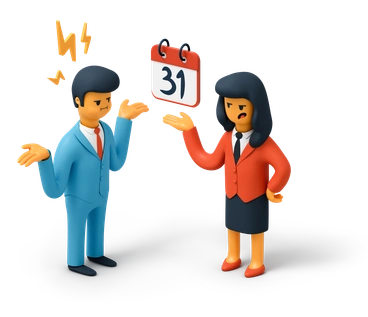
Each illustration in 3D Flame shows rounded geometry and chunky proportions with clean surfaces under soft ambient light. Colors stay mostly neutral. Small accent areas guide attention around each scene.
App developers and gaming studios pick 3D Flame for onboarding flows and reward screens in casual menus. Social teams use it for approachable posts. Educators add friendly characters to slides and learning portals.
Best for playful digital products


3D Flame illustration packs




What 3D Flame depicts
Expect expressive characters based on gadgets and office objects plus playful versions of household items. Abstract geometric clusters suggest buttons or game rewards. Browse by tag to jump straight to the scenes you need.
Comparing playful 3D moods
Comparing styles helps you pick a mood that aligns with product tone so assets blend naturally into layouts.
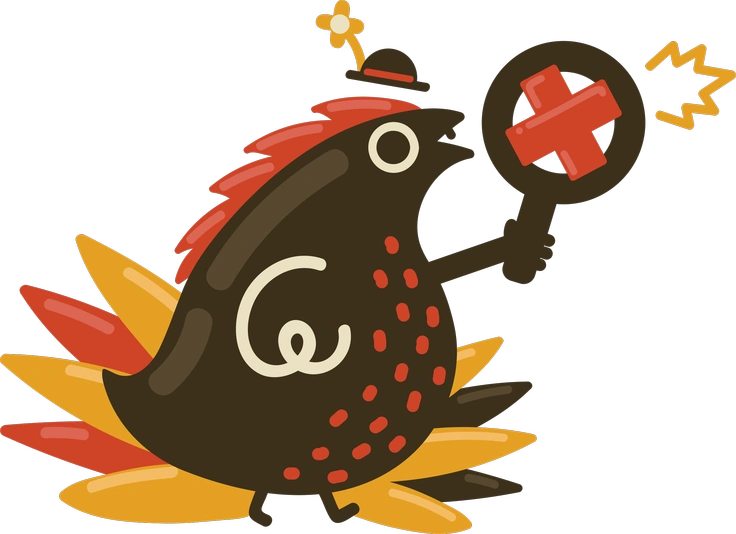
Arabica favors smoother shading and mature coffeehouse vibes. 3D Flame exaggerates forms and suits playful apps for casual audiences.
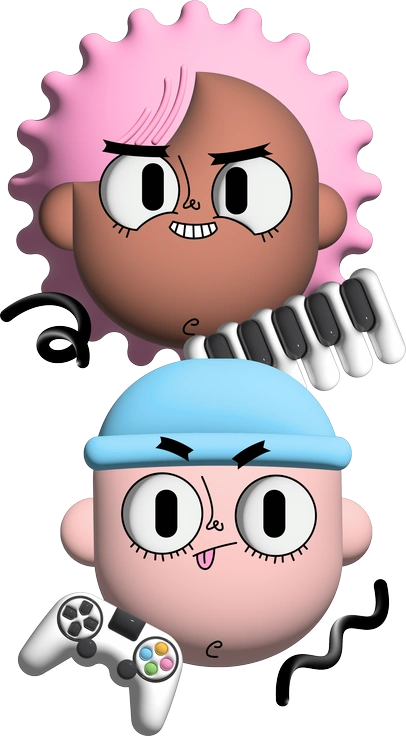
Cartoony uses flat outlines and bold fills while 3D Flame offers solid volumes and softer neutral colors for interface backgrounds.
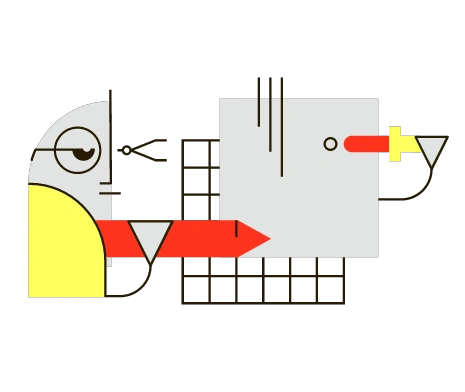
Geom sticks to rigid geometric compositions with symmetry. 3D Flame bends shapes into softer forms that feel more character driven.

Goofy tends toward chaotic scenes and wild expressions. 3D Flame stays cleaner with simplified poses suited for dashboards and navigation.
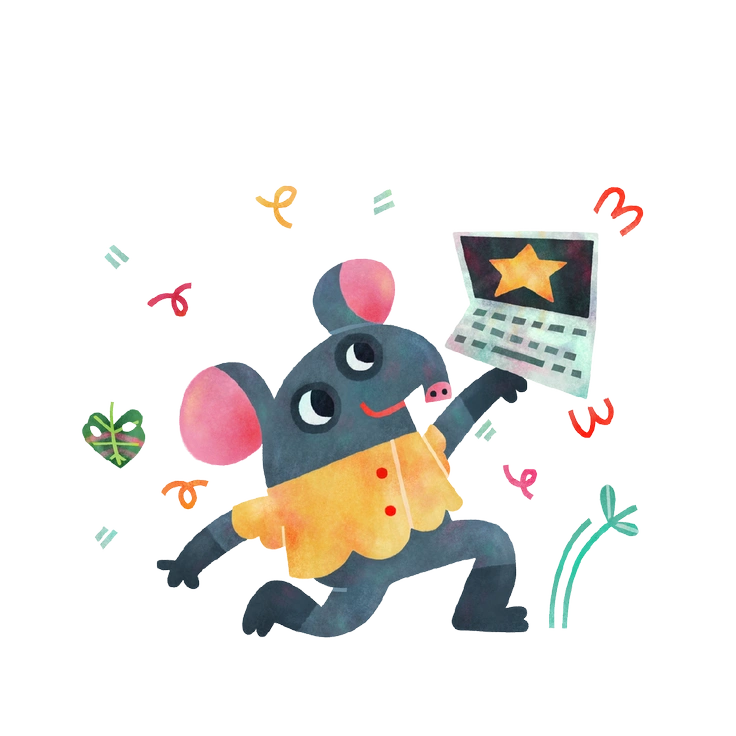
Jungle dives into dense foliage and animal worlds. 3D Flame focuses on interface friendly objects instead of big environmental scenes.

Karlsson features elongated characters and detailed props. 3D Flame prefers squatter shapes and minimal detail for uncluttered UI.

Looney pushes exaggeration and surreal humor further. 3D Flame stays more restrained, which fits product copy and navigation.
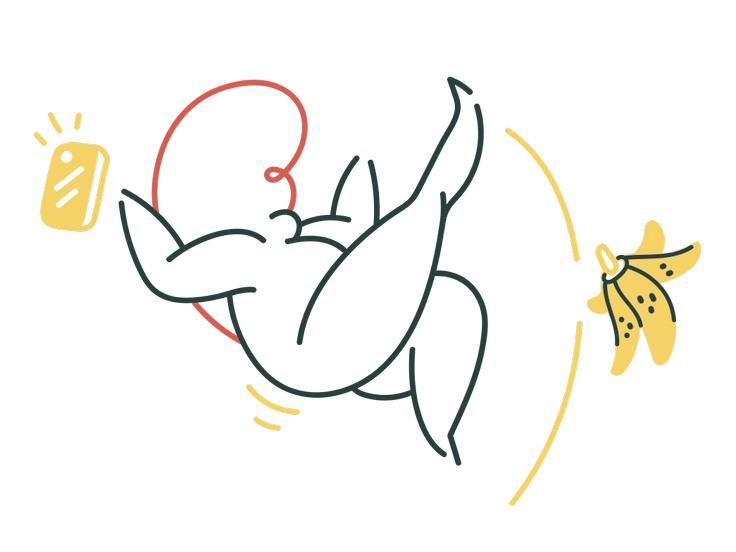
Macaroni builds from tubular shapes and bright bends. 3D Flame uses chunkier solids and calmer colors for broadly appealing interfaces.

Neo-Sakura leans into pastel palettes and delicate details. 3D Flame keeps tones neutral and shapes bold for products and dashboards.

Stripy relies on flat stripes and strong outlines. 3D Flame uses volumetric shading that reads better over photos or gradients.
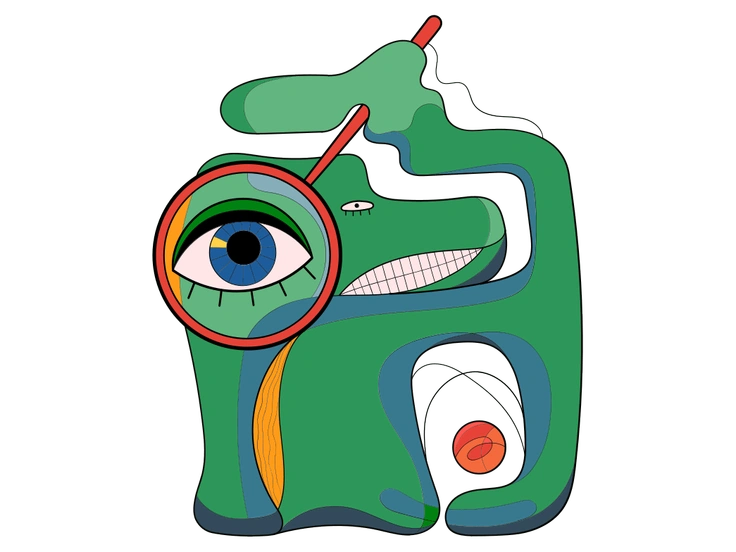
Surr dives into dreamlike scenes with unexpected juxtapositions. 3D Flame stays grounded in props and characters for apps and branding.

Woof centers on dog characters and pet themes. 3D Flame covers gadgets and symbols plus abstract icons for general products.
Frequently asked questions


Start using 3D Flame illustrations today
Download PNGs for quick mockups or grab SVGs on a paid plan for recoloring. Then drag 3D Flame into Figma and Webflow using Pichon, or adjust scenes directly inside Mega Creator.