


















3D Plush icons Style Illustrations
3D Plush Icons wrap everyday symbols in fabric-like volumes and gentle lighting so interfaces feel comforting without feeling childish. Ideal for family products and wellness tools and calm onboarding.
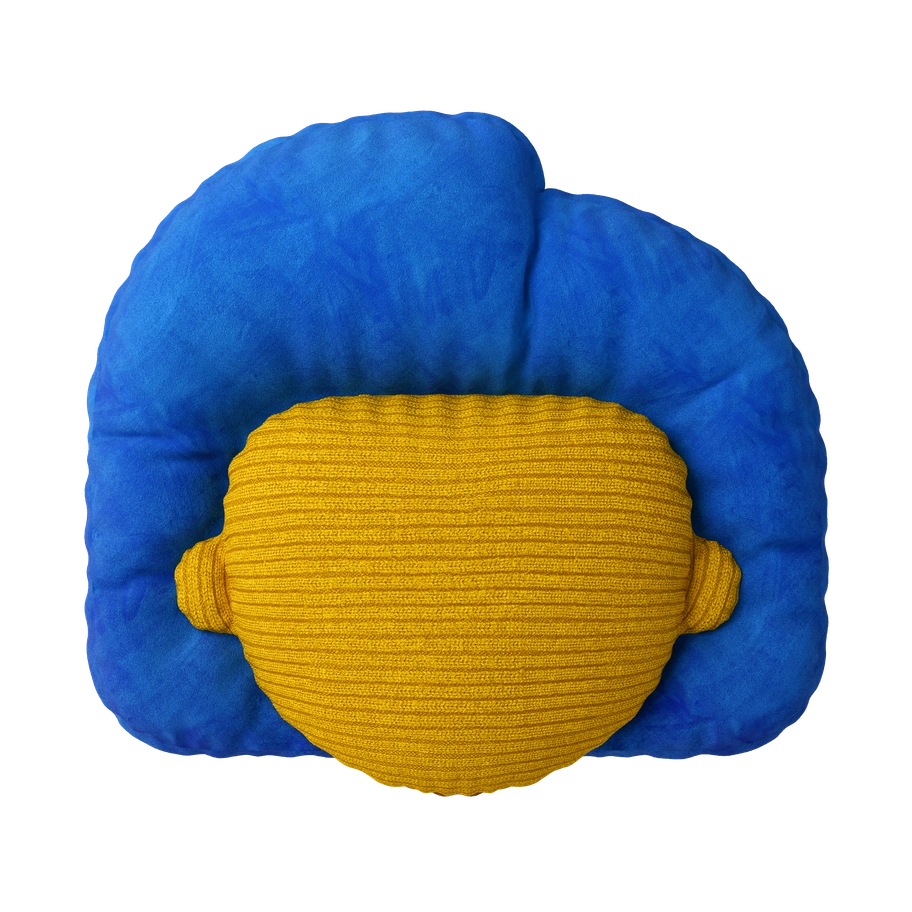

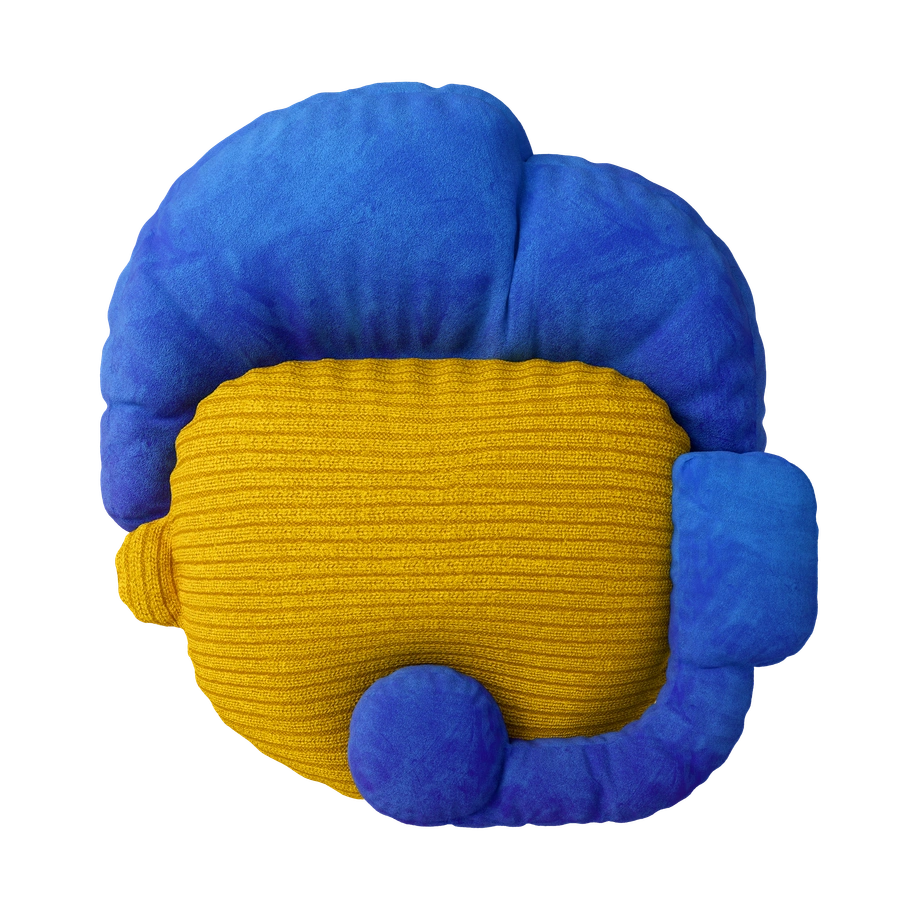

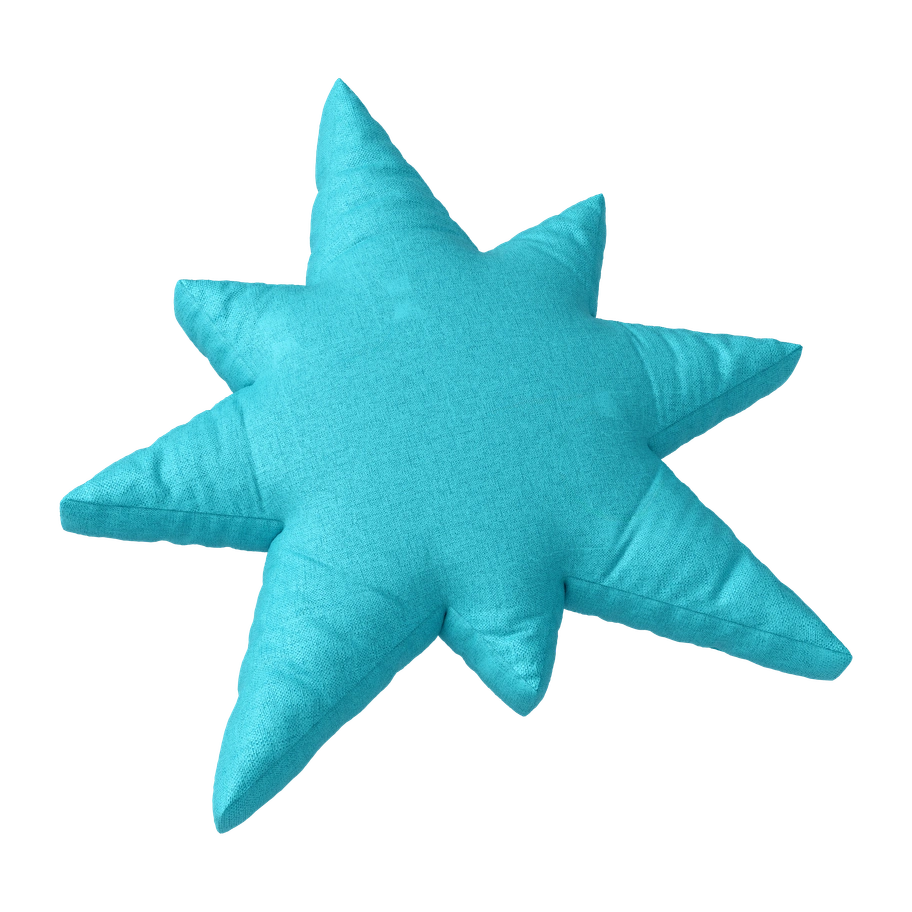


What is 3D Plush icons Style?
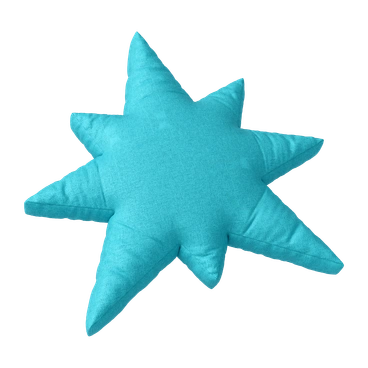
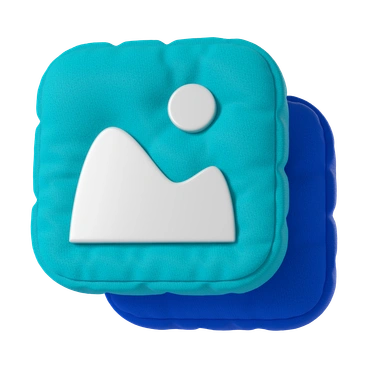
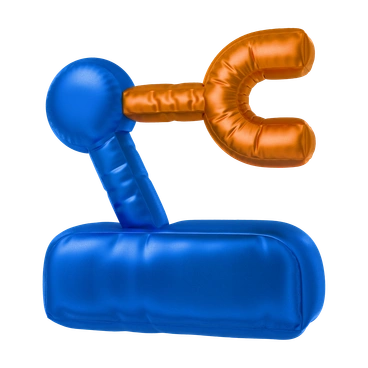
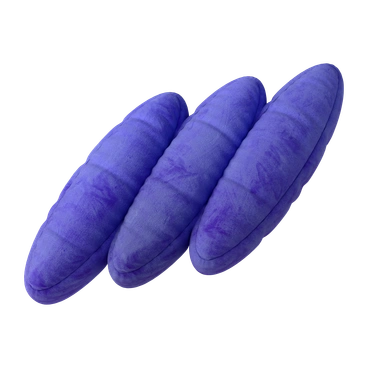
Clean geometry and textile shading turn simple icons into plump objects with stitched seams and pillow edges. Neutral beiges and muted pastels combine with soft shadows to suggest plush toys on a shelf.
Whether you're designing a meditation app or a children's dashboard, 3D Plush Icons give controls a cozy, touchable feel. Product teams use them for wellness onboarding and home comfort brands.
For comfort-first interfaces


3D Plush icons illustration packs
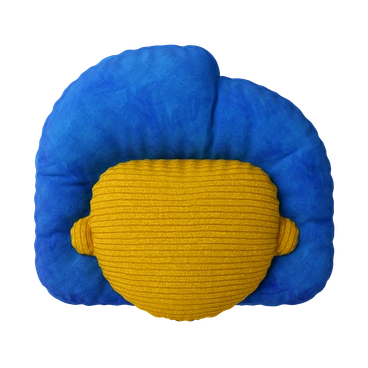
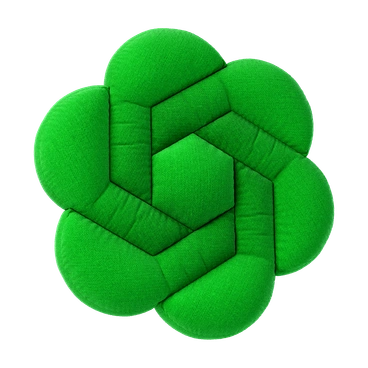
What plush icon artists draw
Household objects become cushions and fabric phones replace rigid glass devices. Abstract pillows and soft shapes appear often. Browse by tag.
Finding your plush 3D fit
Comparing related 3D sets helps you judge how soft, corporate, or playful your interface icons should feel.

3D Rooms builds full interiors with rigid furniture and walls, while 3D Plush Icons stay on soft standalone symbols.

3D Incut feels like layered paper and thin cardboard, whereas 3D Plush Icons mimic stuffed textiles and cushions.

Biomorphic focuses on flowing blobs and organic abstractions, while 3D Plush Icons depict recognizable objects turned into plush toys.

Metallic icons shine with reflective surfaces and hard edges. 3D Plush Icons keep everything matte and pillow-like.
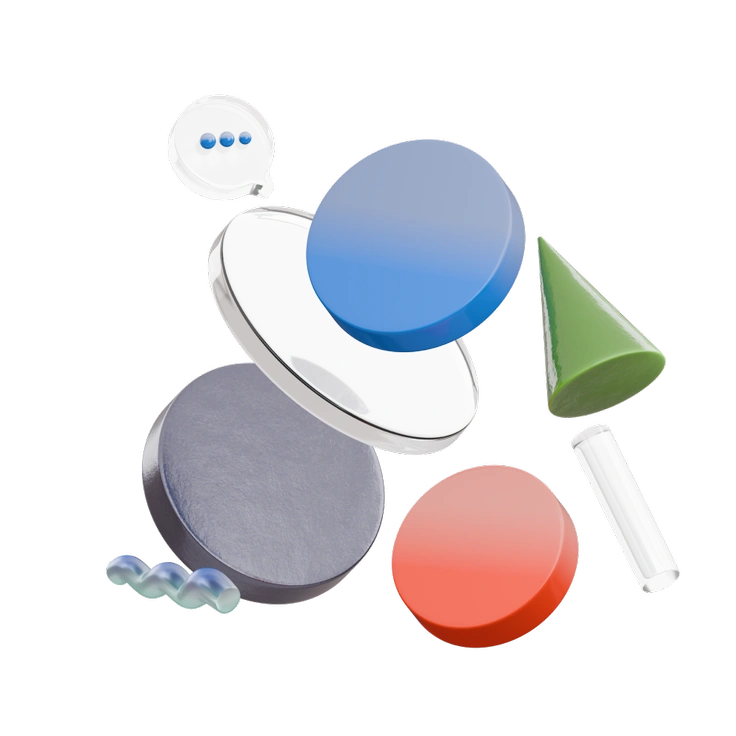
3D Morphis leans on glossy gradients and stylized shapes. 3D Plush Icons prefer tactile fabric textures and calmer geometry.

3D Enterprise targets formal business dashboards with sleek hardware. 3D Plush Icons feel friendlier for families and wellness products.
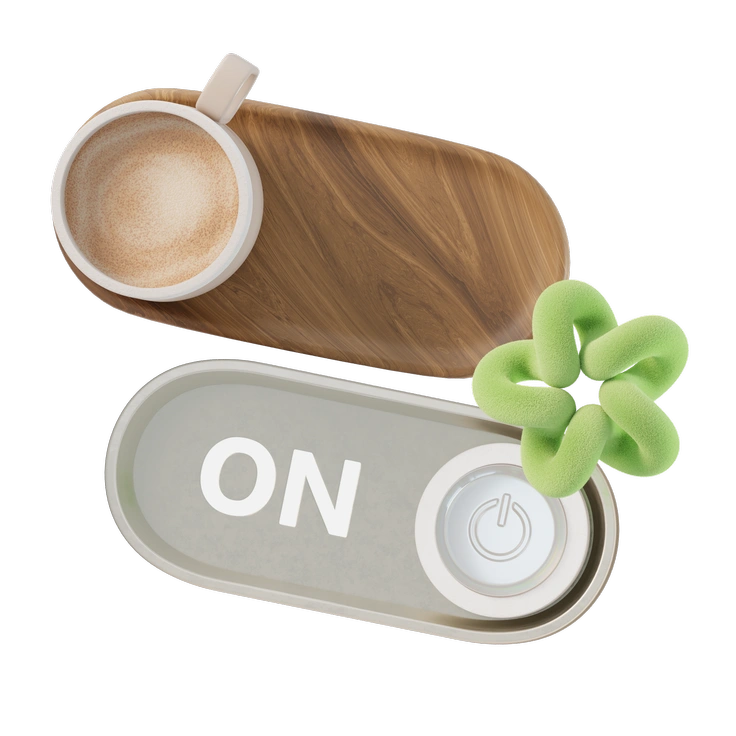
3D Modern uses smooth plastic and bolder colors, while 3D Plush Icons soften forms with muted textiles.
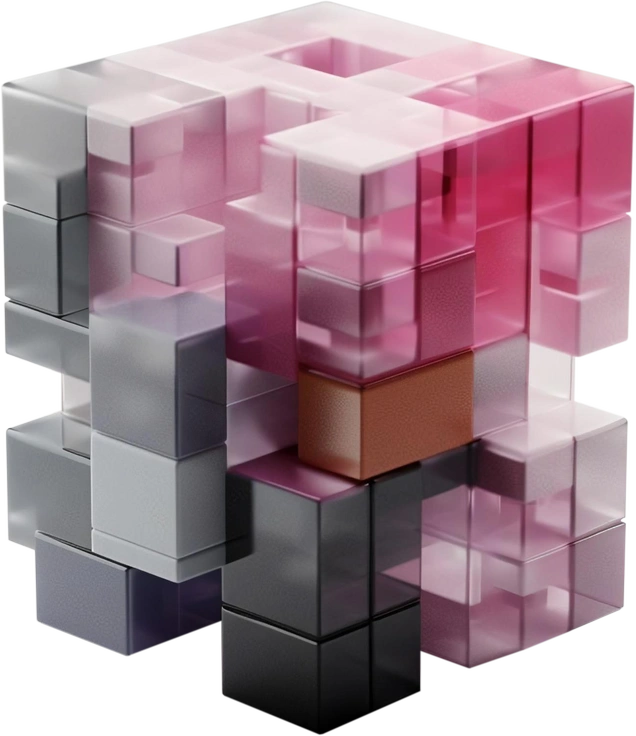
3D Blocks centers on rigid cubes and construction pieces. 3D Plush Icons reinterpret objects as padded cushions instead.
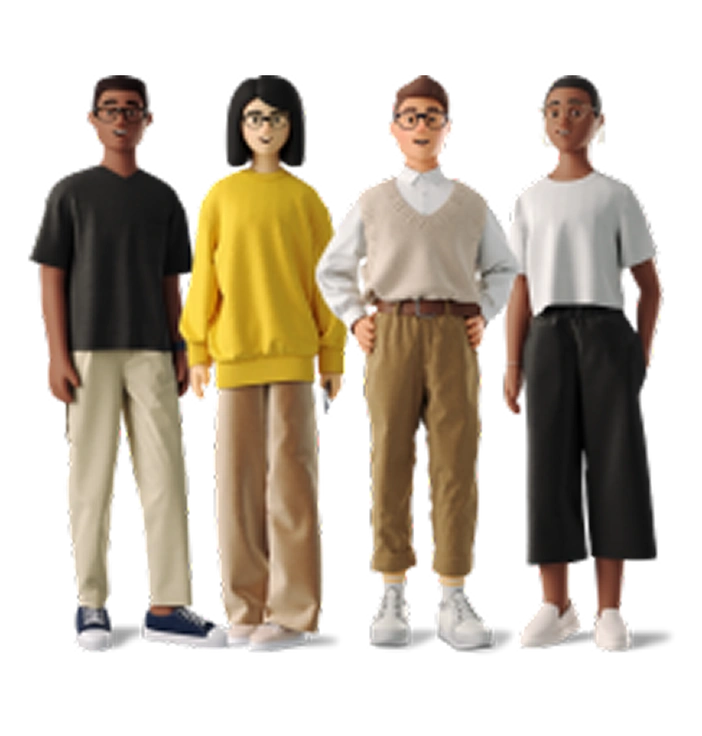
3D Business visualizes corporate scenes and charts. 3D Plush Icons concentrate on single plushified objects for navigation and UI.
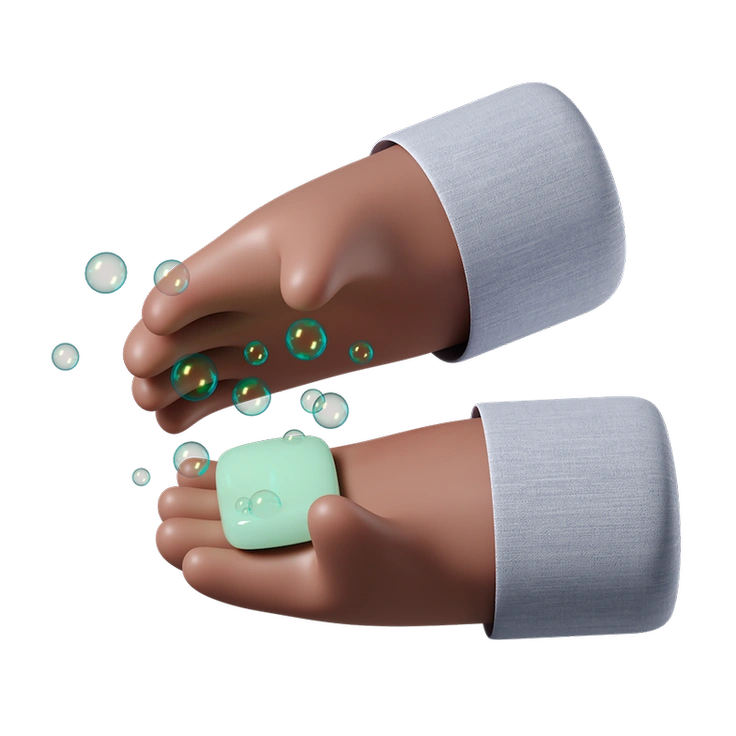
3D Hands Fun&Wild emphasizes expressive hands and gestures. 3D Plush Icons provide calmer, object-focused pictograms.
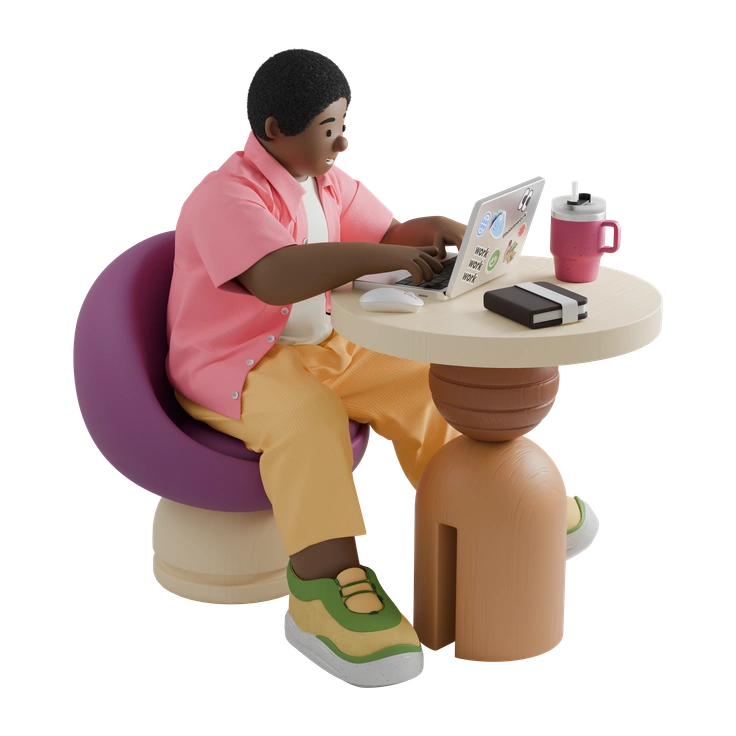
3D Kindy introduces playful characters and story moments, whereas 3D Plush Icons stay with quiet, fabric-like objects.

3D Pack offers generic glossy symbols for broad use. 3D Plush Icons specialize in cozy, textile-styled alternatives.
Frequently asked questions


Start using 3D Plush Icons illustrations today
Download PNGs free with attribution or grab SVGs on a paid plan. Drop 3D Plush Icons straight into Figma or Pichon and ship calmer interfaces across platforms in minutes.