Products
Music Lunacy

3D Techny Line Style Illustrations

3D Techny Line keeps interfaces sharp with monochrome 3D objects and precise outlines. Use it when you need technical clarity and consistent depth without distracting textures or heavy gradients.
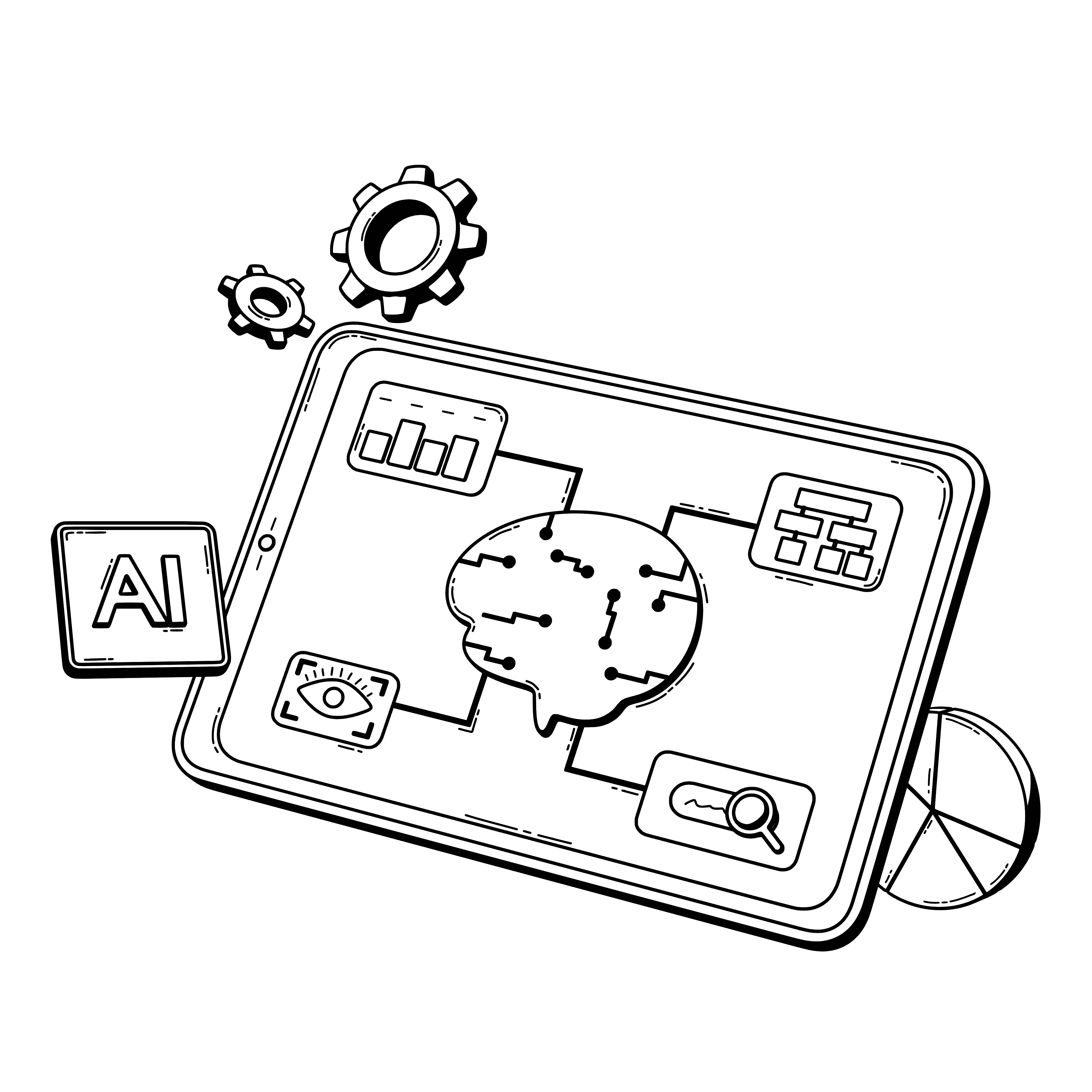
47+ illustrations SVG & PNG Editable colors Commercial license
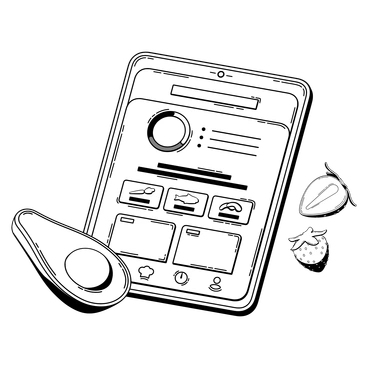
A tablet displaying a food app interface - 3D Techny Line style illustration
Monochrome Depth
Single-tone color with light shading suggests depth while staying compatible with restrained branding.
Precise Line Work
Thin outlines trace 3D forms so laptops and charts read clearly on UI screens.
Geometric Consistency
Shared perspective and proportions keep disparate objects aligned across product tours and explanation graphics.
Minimal Detailing
Reduced texture and simplified surfaces avoid clutter. Interfaces look focused and copy remains easy to scan.

What is 3D Techny Line Style?

Clean geometry and monochrome shading define 3D Techny Line. Rounded edges soften boxy objects. Sparse highlights hint at volume while thin outlines keep laptops and charts readable even at small sizes.

Teams working on dashboards and onboarding flows pick 3D Techny Line for clear metaphors. Tech companies and fintech platforms use it to describe processes and product features without visual noise.

For tech UI and decks

Product pages
Outline key features with 3D icons beside copy blocks on SaaS homepages and pricing sections.
Onboarding flows
Guide new users through steps using consistent objects for actions and confirmations so progress feels predictable and screens stay understandable.
Data storytelling
Pair charts with matching 3D symbols on reports and dashboards so complex metrics gain immediate context.
Pitch decks
Replace generic stock icons with monochrome 3D objects on cover slides and problem statements to keep messages coherent.

What Techny Line depicts

Scenes focus on laptops and mobile devices and office tools that hint at workflows. Abstract shapes suggest data structures or networks. Browse tags to jump straight into the themes you need.

Between outlines and volume

Comparing styles helps you decide how much texture and realism or playfulness fits each project without redrawing assets.
A film reel with film strip - Bitmap style illustration
Bitmap

Bitmap relies on textured surfaces and full color renders, where 3D Techny Line keeps flat shading and strict monochrome.
103+ illustrations
A smiling emoji in a framed artwork - Jumble style illustration
Jumble

Jumble arranges playful overlapping shapes with looser forms, while Techny Line stays structured with isolated objects and consistent perspective.
204+ illustrations
A plate with bacon, eggs, and vegetables - Marks style illustration
Marks

Marks uses bold strokes and expressive imperfections. Techny Line instead focuses on clean outlines and stable geometry for UI contexts.

284+ illustrations
A cat sitting on a windowsill - Scribbles style illustration
Scribbles

Scribbles sketches loose ideas with rough lines and casual energy. Techny Line feels more engineered with measured contours and controlled shading.
99+ illustrations
Animated Free
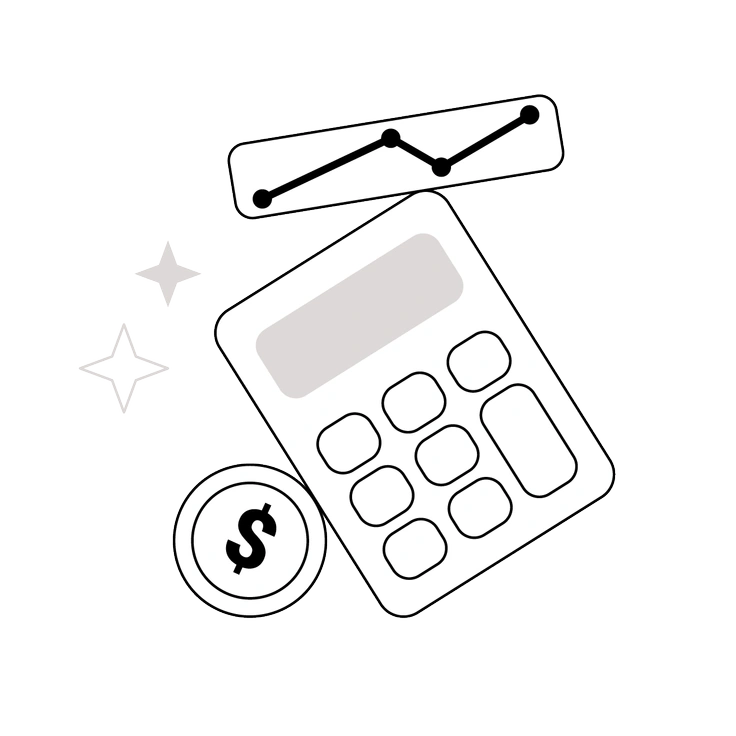
A calculator, dollar sign, and graph - Shade style illustration
Shade

Shade adds heavier gradients and rounded plastic forms, while Techny Line prefers restrained lighting and flatter faces for diagram-like clarity.
56+ illustrations
A triangle with gears behind it - Token style illustration
Token

Token icons reduce objects to flat symbols. Techny Line keeps three-dimensional volume and perspective while maintaining a minimal monochrome approach.

191+ illustrations
A robotic arm illuminating geometric shapes - Tokyo style illustration
Tokyo

Tokyo leans into colorful gradients and character scenes. Techny Line avoids narrative figures and focuses on neutral devices and abstract tools.

56+ illustrations
A woman riding a bicycle with city skyline - Urban Line style illustration
Urban Line

Urban Line illustrates city life and people with linear detail. Techny Line narrows scope to objects and diagrams for product storytelling.

1277+ illustrations
Animated
A colorful geometric puzzle with keys and glasses - 3D Isometric style illustration
3D Isometric

3D Isometric uses angled grids and richer shading for architectural scenes. Techny Line stays simpler with front-facing objects and lighter tonal contrast.

50+ illustrations
Animated
A dashboard with graphs and settings icons - 3D Techny style illustration
3D Techny

3D Techny offers full-color objects and softer gradients. Techny Line strips them back to monochrome outlines and mathematically neat silhouettes.
84+ illustrations
Animated
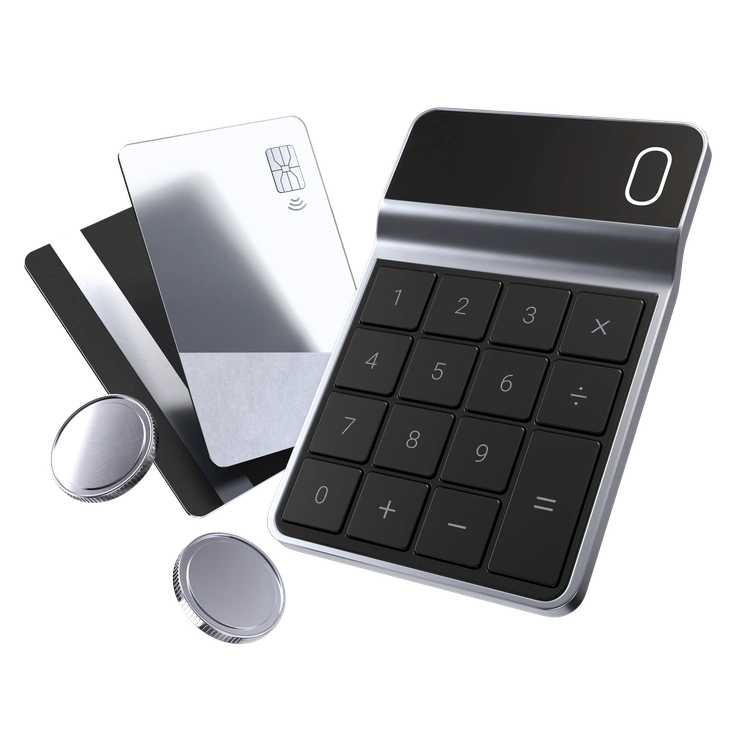
A payment device with cards and buttons - 3D Pro style illustration
3D Pro

3D Pro pushes realism and detailed lighting for hero scenes. Techny Line works better where schematic clarity and brand-neutral icons matter.

278+ illustrations
A blue fish with an online sign - 3D Blueprint style illustration
3D Blueprint

3D Blueprint mimics technical drawings with wireframes and measurements. Techny Line keeps similar precision but removes construction marks for calmer layouts.

73+ illustrations
Animated

Frequently asked questions

Yes. You can use them in commercial and client work. Free plans need a clickable Icons8 credit, while paid plans remove attribution requirements.
On the website you get PNG downloads on the free plan and SVG on paid plans. Everything is also available through the Pichon desktop app.
No layered source files are included. You edit colors and rearrange elements by opening the SVGs in your design tool or using Mega Creator.
Icons8 updates illustration libraries over time. New 3D Techny Line pieces may appear, so check the collection page for the latest count before planning deliverables.
Yes, monochrome outlines work nicely on dark or light layouts. You can recolor strokes in SVG files so contrast stays strong against your chosen background.
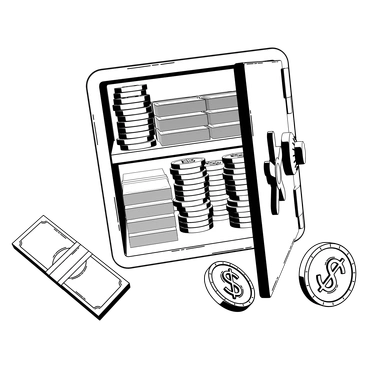
Abstract liquid sphere illustration 3D coins illustration 3D charts in metal box illustration

Start using 3D Techny Line illustrations today

Download PNGs for quick mockups or grab SVGs for production work. Drop icons directly into Figma, Sketch or slides and keep your next release visually consistent. Reuse the same set across onboarding flows and marketing pages.

Explore 3D Techny Line library