


















3D Blocks Style Illustrations
3D Blocks turns simple geometry into organized systems that read clearly in dense interfaces. Use modular scenes to explain workflows, data structures and product architecture across web product and slide layouts.
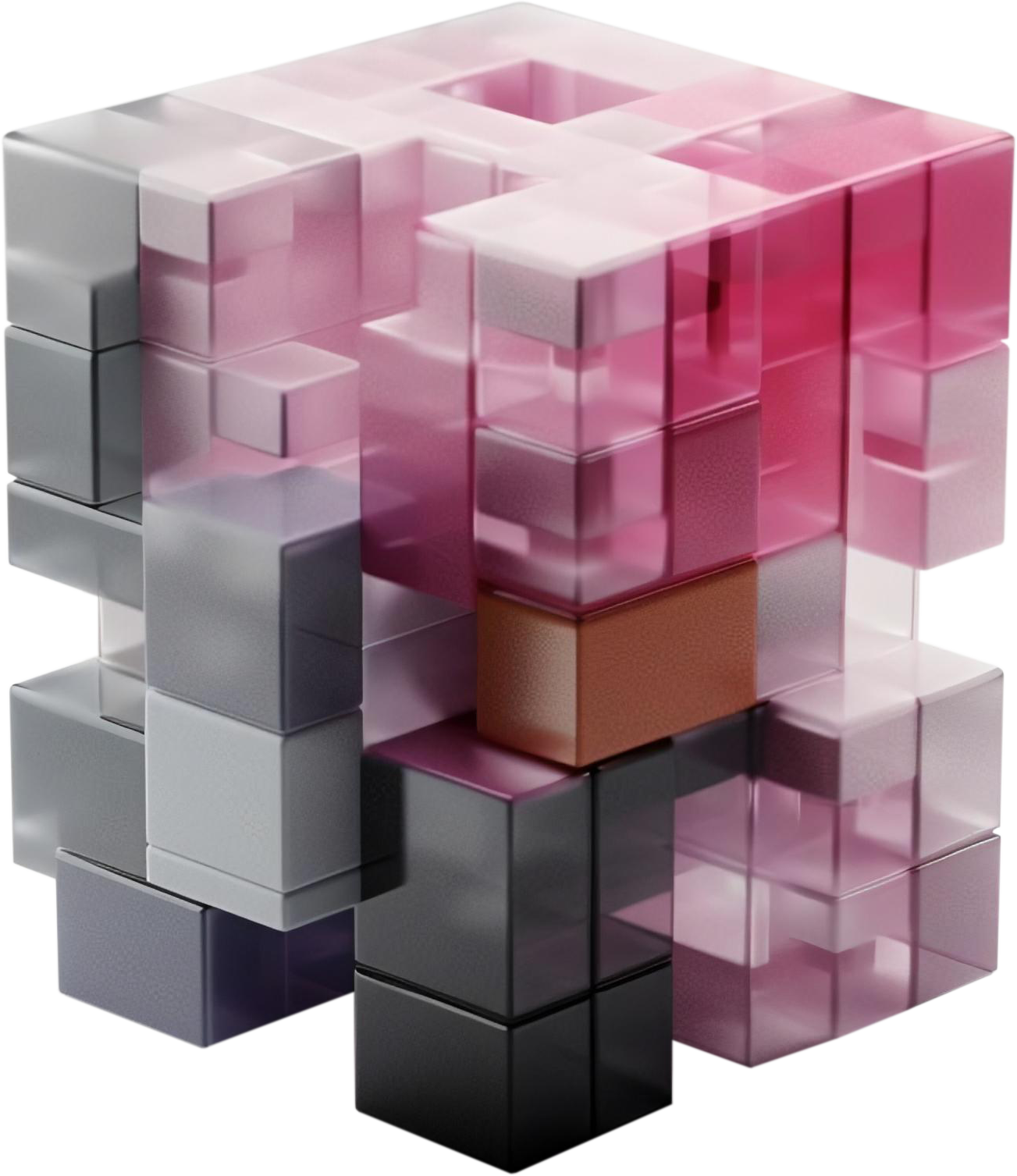


What is 3D Blocks Style?
Built around cubes and clean prisms, 3D Blocks uses neutral surfaces with bright caps to indicate focus. Soft shadows and shallow perspective give diagrams depth while still feeling tightly structured.
Most commonly used in SaaS dashboards and onboarding, this set helps teams show processes and information hierarchy. Product marketers and UX writers rely on these shapes for abstract product concepts and architecture overviews.
For product flows and diagrams


Common 3D Blocks scenes
Scenes focus on stacked architectural elements and device housings that feel like miniature systems. Browse tags for documents storage structures and abstract architecture to find the right subject.
Which block style fits best
Comparing related 3D sets helps you judge how abstract or figurative your visuals should feel for each project.
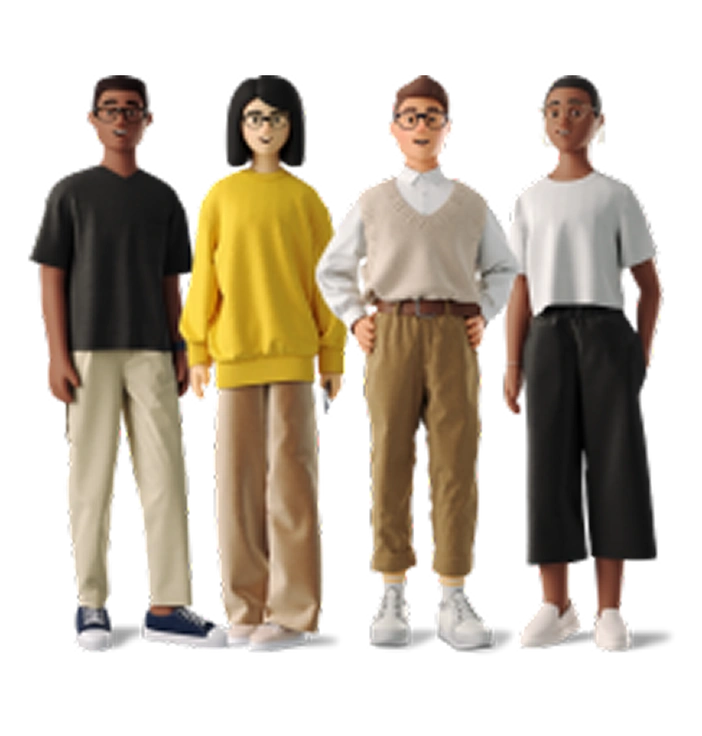
3D Business shows realistic office scenes with characters and props while this system stays abstract and object focused.
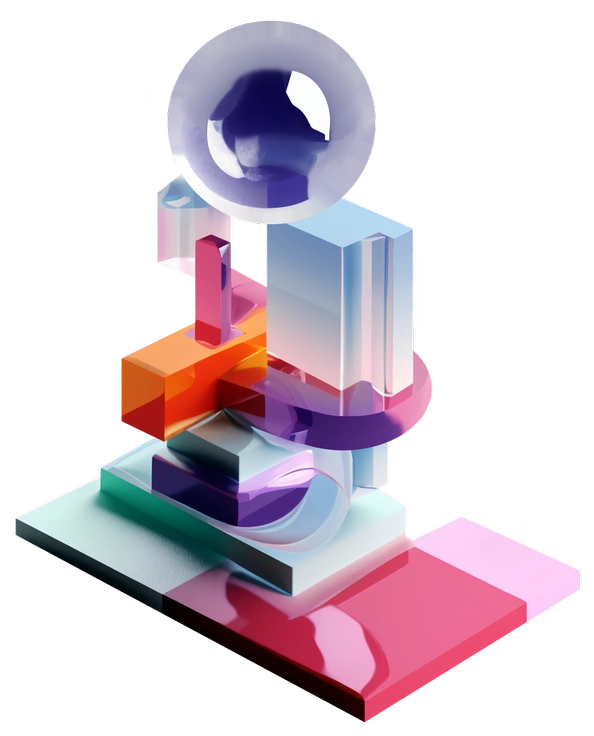
3D Construction focuses on machinery and building sites with yellow safety accents whereas 3D Blocks stays tool agnostic and conceptual.

3D Corporate uses polished environments and suited characters while 3D Blocks swaps people for neutral shapes that fit brand tone.

3D Crystex features translucent crystal forms and glowing edges whereas this collection favors solid opaque objects with clear structural roles.

3D Grid leans on wireframes and lattices to express connections while this set uses filled volumes to show hierarchy.

3D Hands Fun&Wild emphasizes hands and gestures. 3D Blocks avoids characters and instead highlights diagrams with containers and abstract objects.
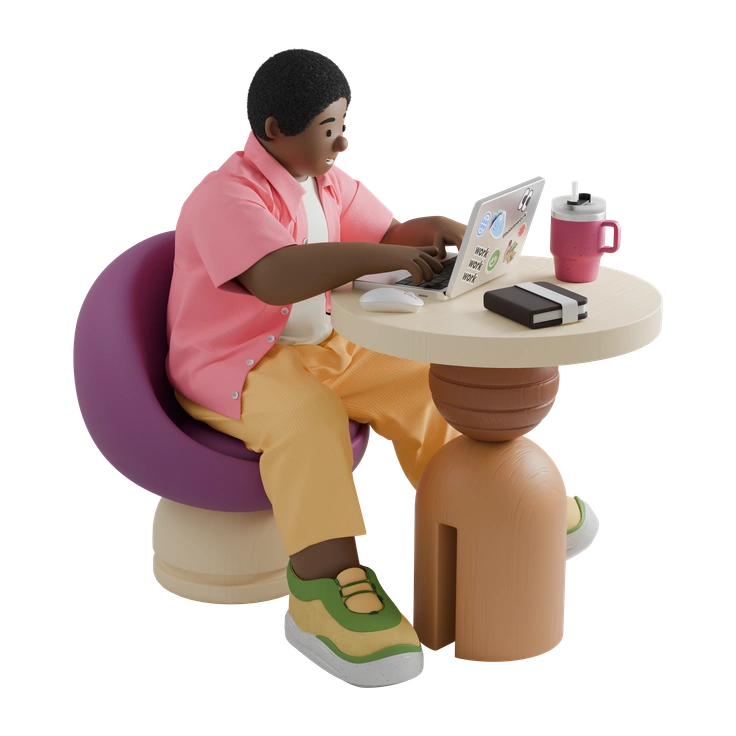
3D Kindy feels childlike with toys and rounded props whereas 3D Blocks keeps forms strict and suitable for professional dashboards.
3D Kit offers many mixable UI components and devices while this one focuses on abstract geometry that frames information.

3D Pack arranges icons as small isolated objects. 3D Blocks instead builds interconnected scenes that describe relationships and processes.

3D Platforms centers on floating stages and pedestals for products while 3D Blocks shows stacked structures that feel more systemic.

3D Playful uses bright palettes and rounded characters whereas this style keeps colors restrained and geometry sharp for analytical content.
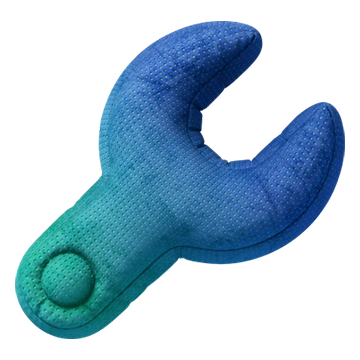
3D Plush icons appear soft and like fabric with textures. 3D Blocks stays sleek with hard surfaces and minimal shading.
Frequently asked questions


Start using 3D Blocks illustrations today
Download PNGs for quick mockups or grab SVG files with a subscription. Drop each scene directly into Figma or Pichon and tweak colors and scale before you finalize product screens and decks.