


















3D Pro Style Illustrations
3D Pro brings calm geometric objects and monochrome palettes to serious products. Use it when interfaces must signal structure and intelligence without feeling playful or overly technical.



What is 3D Pro Style?
Built around clean geometric primitives, 3D Pro uses single‑tone palettes and soft gradients. Smooth surfaces and controlled lighting emphasize depth and order while avoiding decorative texture and distracting reflections.
Designers building enterprise dashboards and investor reports reach for 3D Pro. Its 249+ illustrations cover SaaS onboarding flows and corporate websites when clarity and authority must appear on every screen.
For SaaS and enterprise UI


3D Pro illustration packs
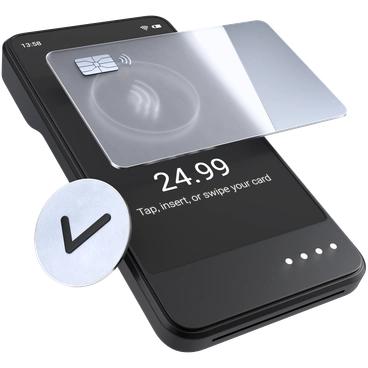

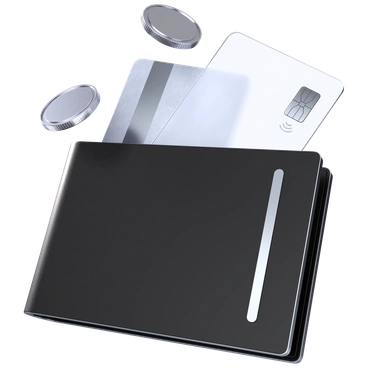

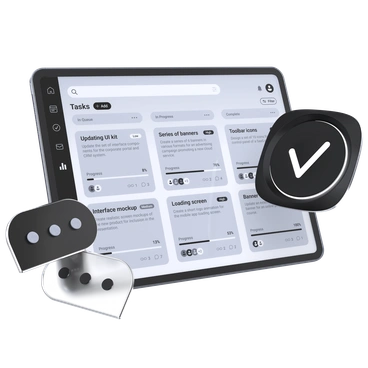

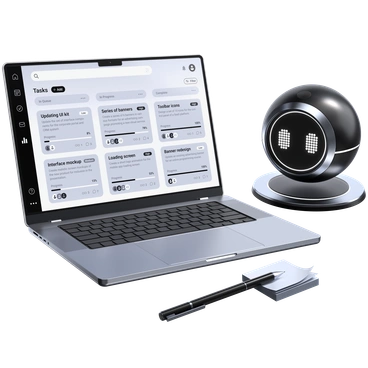
What 3D Pro shows
Expect business documents with charts and office tools, plus devices that hint at complex software. Browse tags to jump straight into finance and analytics themes or workflow scenes.
Finding your precise 3D mood
Comparing nearby 3D styles helps you decide how technical or friendly visuals should feel and how much abstraction you want.

3D Techny Line uses outlined forms and lighter detail, while 3D Pro favors solid masses and stricter monochrome palettes.

3D Isometric leans on angled perspectives and grid‑like layouts. 3D Pro sticks to frontal objects that integrate with flat dashboards.

3D Techny introduces brighter colors and more playful metaphors, while 3D Pro keeps concepts restrained and tuned for conservative brands.

3D Blueprint imitates technical drawings with wireframe details and blue plans. 3D Pro delivers filled objects suited to client‑facing visuals.
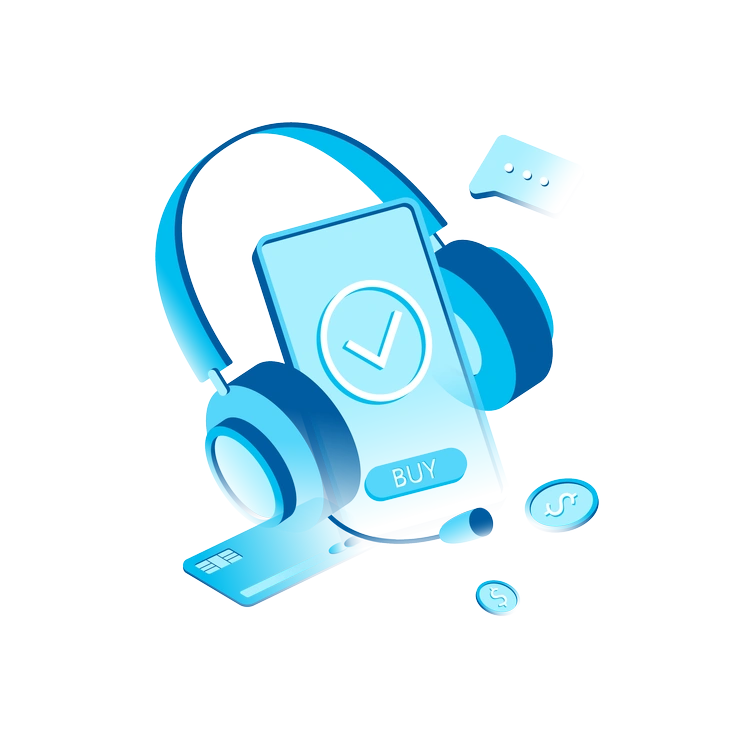
Icy uses frosted textures and cooler gradients that feel digital and abstract. 3D Pro looks cleaner and slightly more corporate.

Cut emphasizes sharp shadows and sliced surfaces for experimental work. 3D Pro prefers volumes and understated depth for regulated industries.
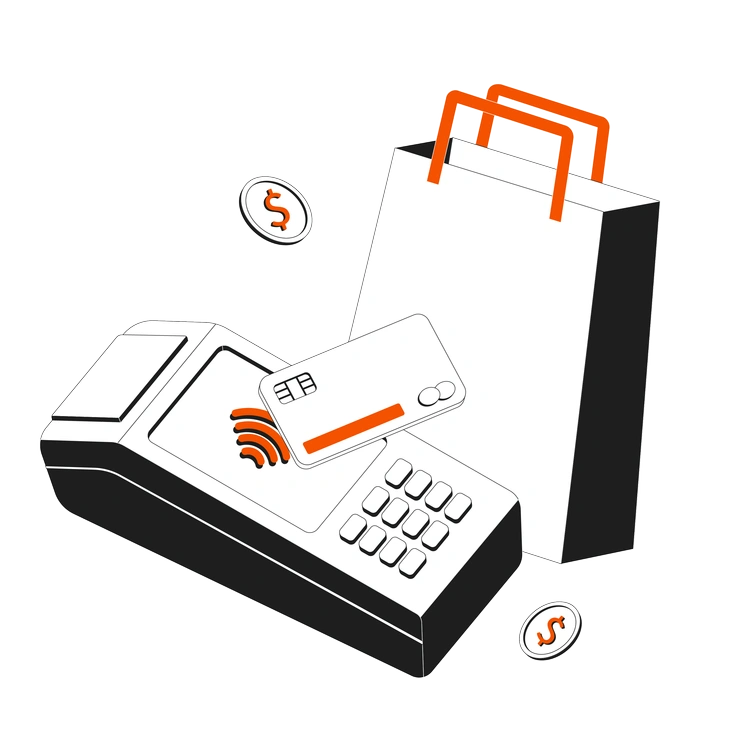
Strict combines thin line art with muted fills, giving a flatter look. 3D Pro builds heavier objects with noticeable volume.

Concept pushes metaphorical scenes and surreal compositions. 3D Pro focuses on recognizable business objects and diagrams for straightforward communication.

Line is outlined and minimal, better for lightweight UI hints. 3D Pro stands out more in hero areas and decks.

3D Mini uses small figures and rounded details for lighter products. 3D Pro has larger shapes suited to enterprise platforms.
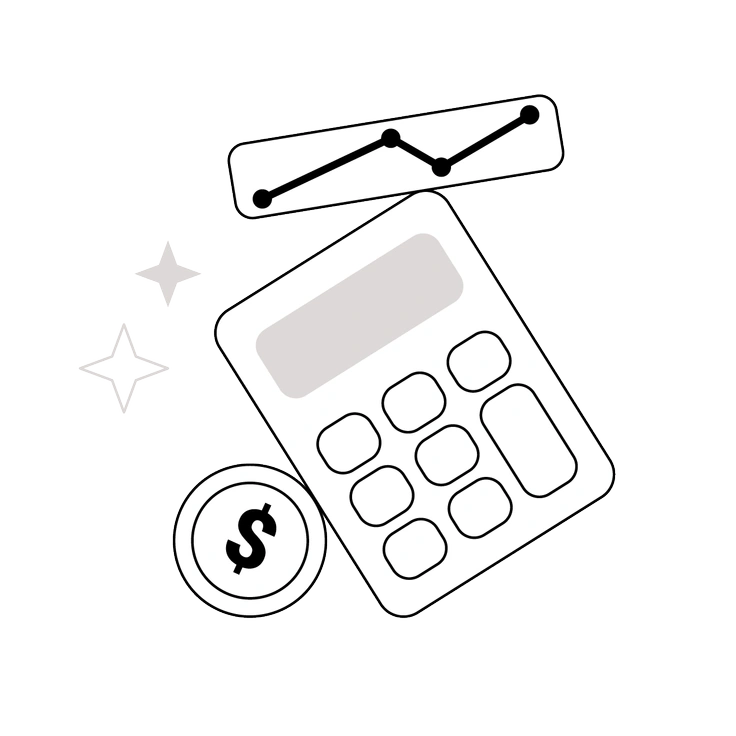
Shade leans on dramatic lighting and stronger gradients. 3D Pro keeps illumination neutral so metrics and interface elements remain primary.
Token focuses on circular badges and crypto marks. 3D Pro spans broader business objects and dashboard scenes beyond financial tokens.
Frequently asked questions


Start using 3D Pro illustrations today
Download a few key scenes, drop them into Figma or Sketch, and test them in your next dashboard or pitch. Adjust brand colors in SVGs, then roll out across product and marketing.