


















Vitrum Style Illustrations
Vitrum illustrations wrap translucent glass objects in rich gradients and precise lighting. Use them when interfaces need premium 3D accents that still feel lightweight and clean on screen.



What is Vitrum Style?
At its core, Vitrum focuses on thick glass volumes with soft gradient interiors and sharp edge highlights. Light bends through spheres and crystals so surfaces glow while backgrounds stay minimal and quiet.
App developers and product marketers choose Vitrum for onboarding flows and landing hero sections and premium feature cards. Tech startups use the glassy shapes to signal innovation and clarity without heavy illustration overhead.
For glass-first interfaces


Themes in Vitrum
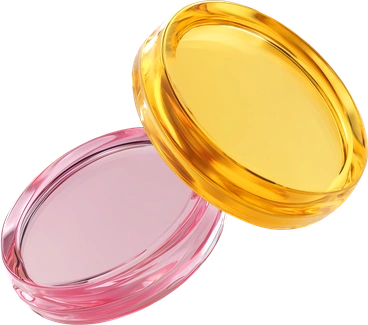


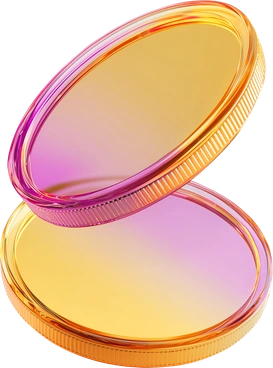
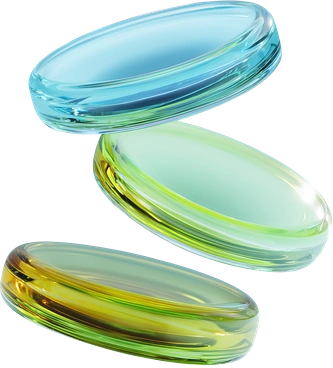
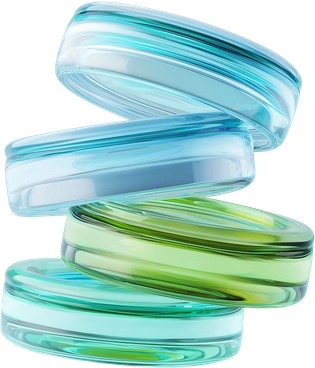


Glass subjects Vitrum shows
Many scenes center on floating crystals and spheres that hint at data or ideas. Other images reinterpret coins and interface cards in glass, inviting you to browse by tag.
Comparing glossy glass options
Side by side comparisons help you decide how transparent or textured your 3D graphics should look for a given project.
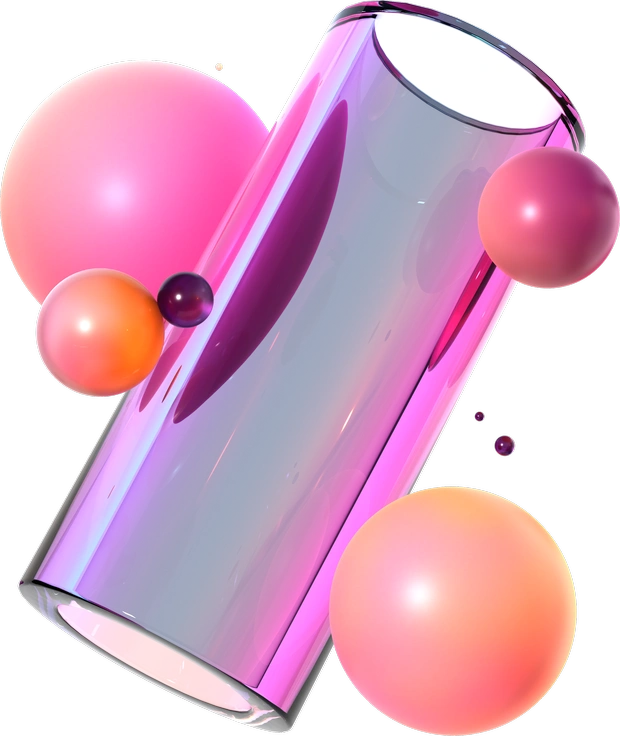
3D Glassy leans toward realistic device mockups and interface widgets, while Vitrum pushes bolder gradients and more exaggerated crystalline volumes.

3D Surfaced uses opaque plastics with subtle shading, whereas Vitrum emphasizes transparent depth and light bending through colorful interiors.

3D Microsoft Fluent illustration feels closer to system UI metaphors, while Vitrum reads as abstract glass sculptures for branding moments.
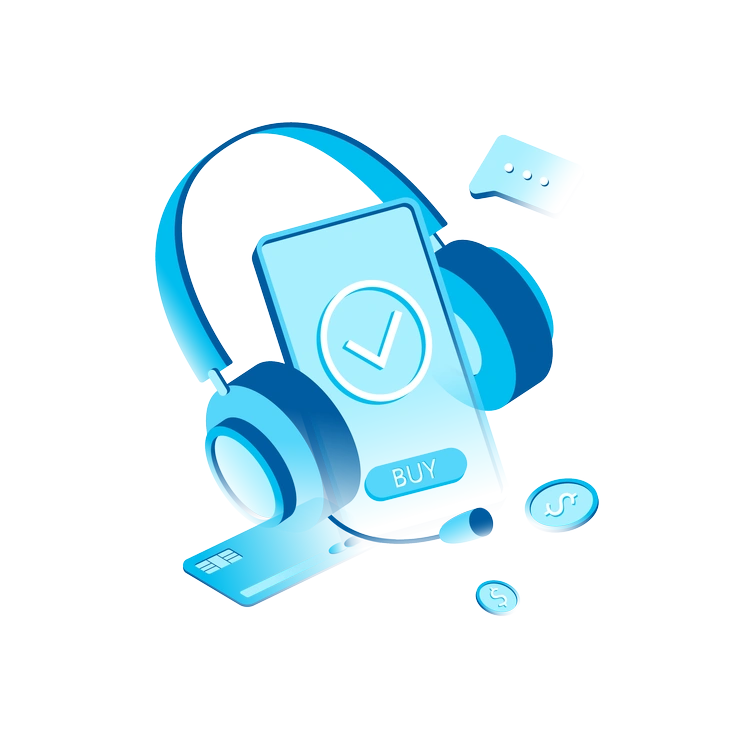
Icy focuses on frosted surfaces and cool blues. Vitrum instead delivers warm spectral gradients and clearer glass edges.

Amani is softer and more organic, with muted tones. Vitrum favors sharper edges and punchier hues that feel distinctly digital.
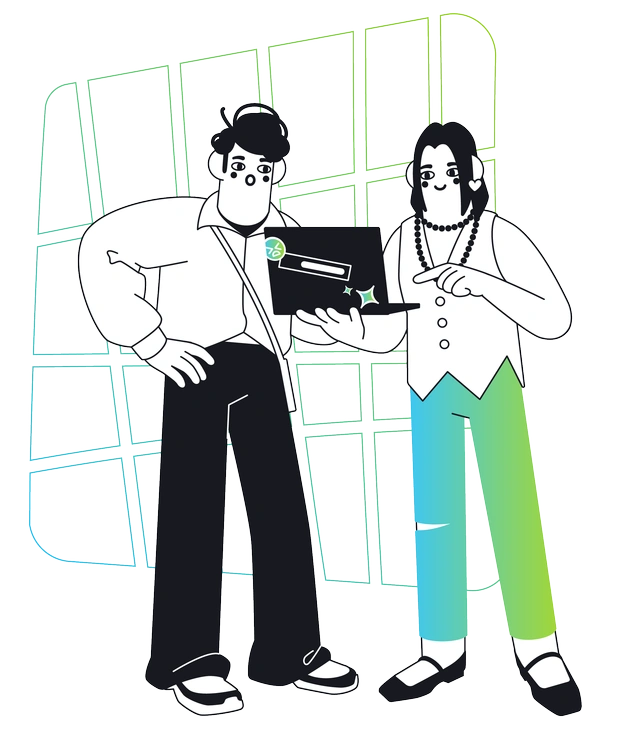
Breeze spreads elements out with airy spacing and matte materials. Vitrum packs more light into denser high-impact glass forms.
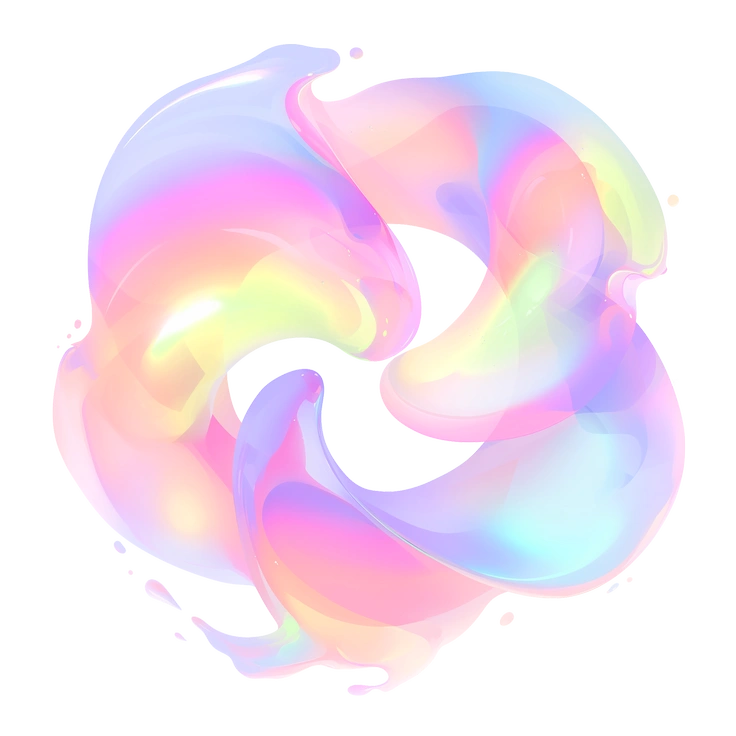
Fluid looks liquid and wavy with soft deformations, while Vitrum keeps harder geometry and crystalline corners that catch bright highlights.

Holographic leans into iridescent films and neon vibes. Vitrum uses glass thickness and internal refraction for a cleaner technology feel.

Isotech presents detailed tech devices and environments. Vitrum strips objects down to icons and symbols built from pure glass geometry.
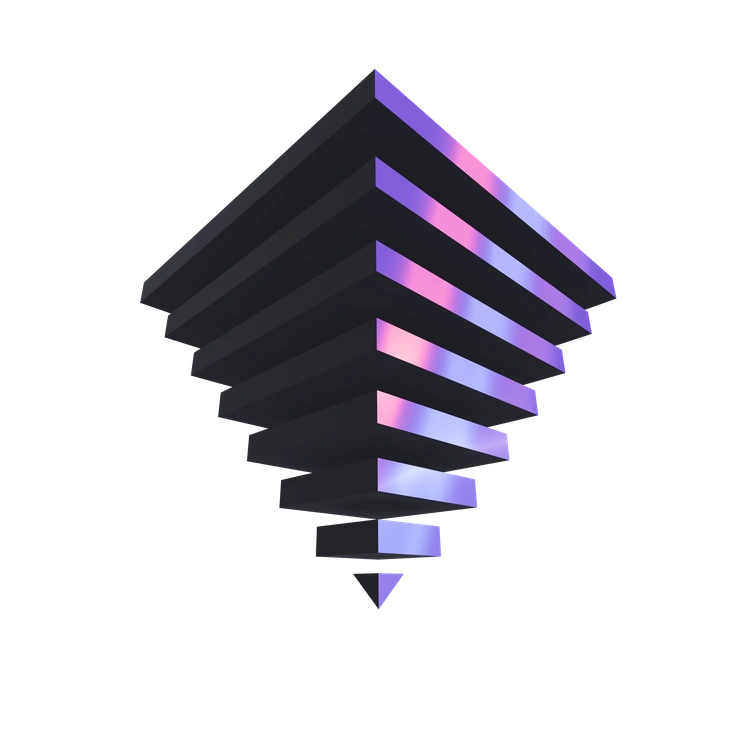
3D Illusion plays with impossible shapes and perspective tricks. Vitrum favors believable glass physics and straightforward compositions for product interfaces.

Dynamic centers on motion cues and expressive characters. Vitrum favors object scenes where glass tokens and cards resemble interface components.

Patchwork combines flat panels and textures for collage energy. Vitrum instead builds glowing glass shapes that suit minimalistic product layouts.
Frequently asked questions


Start using Vitrum illustrations today
Create an Icons8 account, choose the Vitrum scenes you like, then download PNG or SVG files. Drop them into Figma or your codebase to ship polished glassy interfaces faster today.