


















3D Techny Style Illustrations
3D Techny keeps interfaces clear with monochromatic 3D objects that match modern UI. Use it to explain features and show workflows while supporting tech storytelling without heavy character scenes.



What is 3D Techny Style?
Rounded forms and sharp edges sit together in 3D Techny objects. Single-color scenes rely on subtle highlights and soft shadows. Smooth surfaces and simplified silhouettes keep hardware and documents immediately readable.
Whether you're designing onboarding flows or pitch decks, product marketers pick 3D Techny for tech explanations. UX writers and trainers use it in documentation to visualize devices and processes.
For tech products and docs





Scenes 3D Techny covers
Expect office hardware and digital interfaces in most 3D Techny scenes. Everyday lifestyle objects appear too, from coffee mugs to headphones. Browse by tag to jump straight into relevant topics.
Pick your 3D Techny mood
Comparing nearby styles helps you decide whether your visuals lean more technical or more friendly for each project.
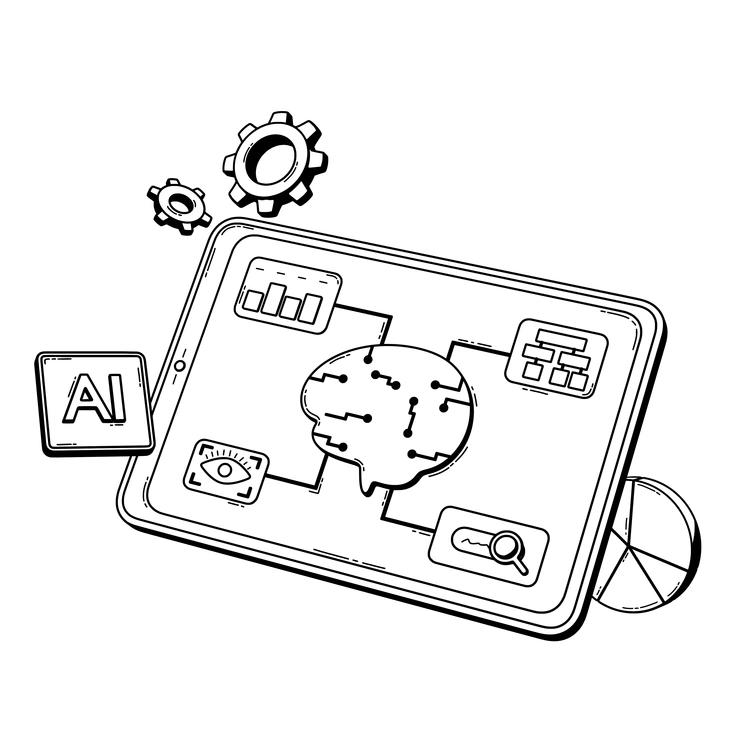
3D Techny Line keeps the same monochrome mood but replaces solid volumes with outlined wire shapes and lighter detail.

3D Isometric uses angled perspectives and full scenes, while Techny focuses on single objects and tighter compositions.
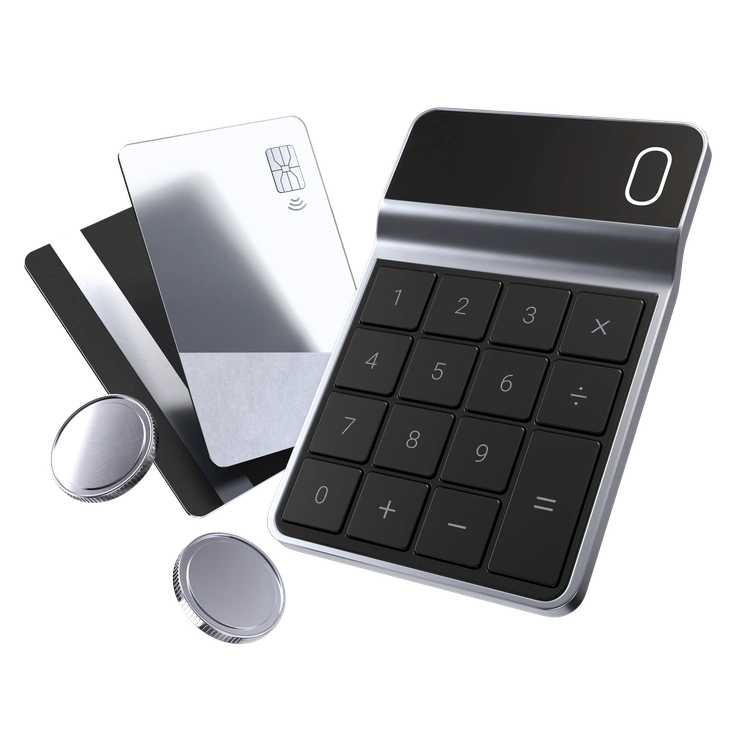
3D Pro introduces richer colors and more realistic materials, compared to Techny’s simplified geometry and strict monochrome palette.

3D Blueprint looks like technical drafts with contour lines and transparent volumes, where Techny feels more solid and presentation-ready.
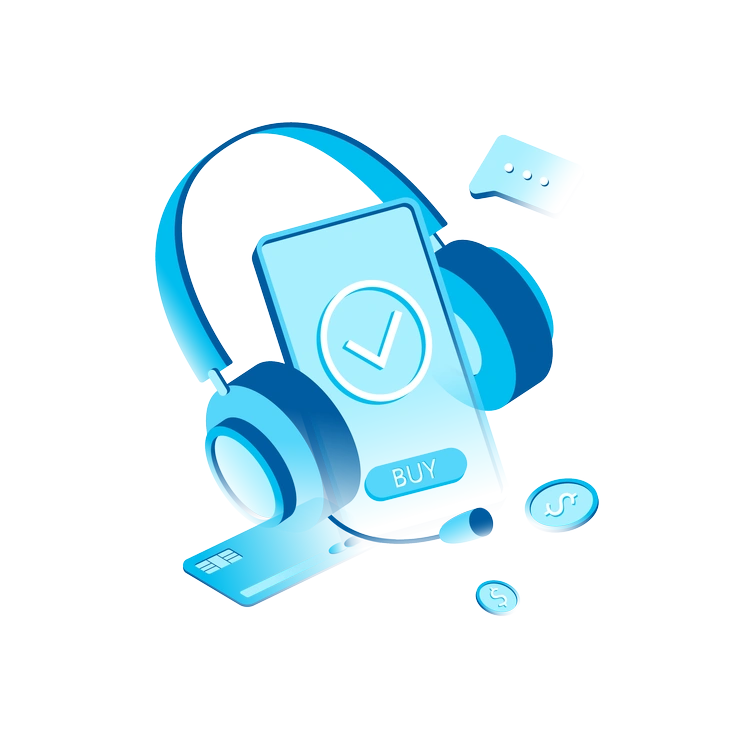
Icy introduces frosted textures and cool gradients, while Techny keeps uniform color blocks and minimal surface detail.

Cut mimics layered paper shapes with sharper shadows, whereas Techny presents smoother objects with softer light transitions.
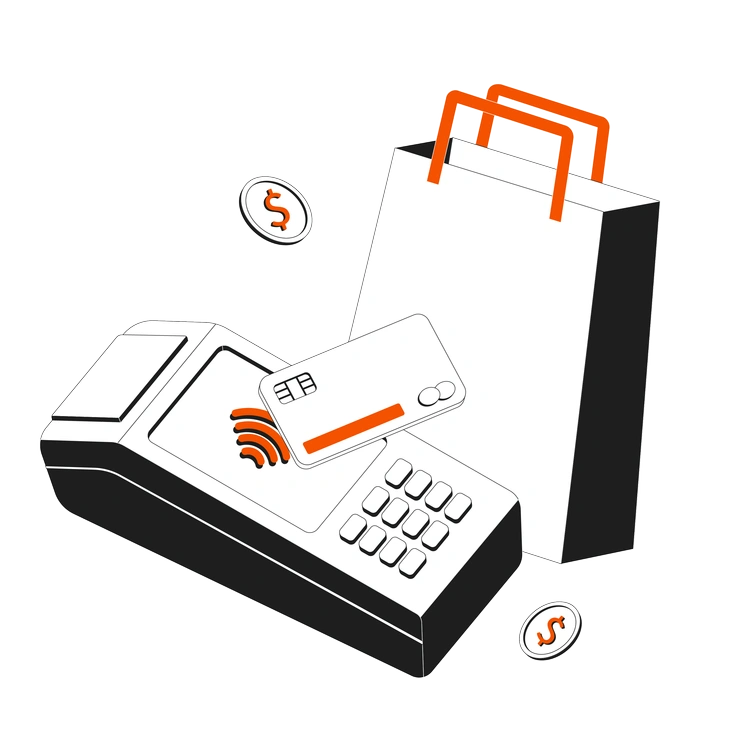
Strict feels more formal with precise edges and higher contrast, while Techny balances business tone with slightly softer geometry.

Concept leans into big metaphors and abstract shapes, whereas Techny sticks to concrete everyday tech and office objects.

Line switches to flat stroke drawings without volume, so it pairs differently with data-heavy layouts than Techny’s 3D forms.
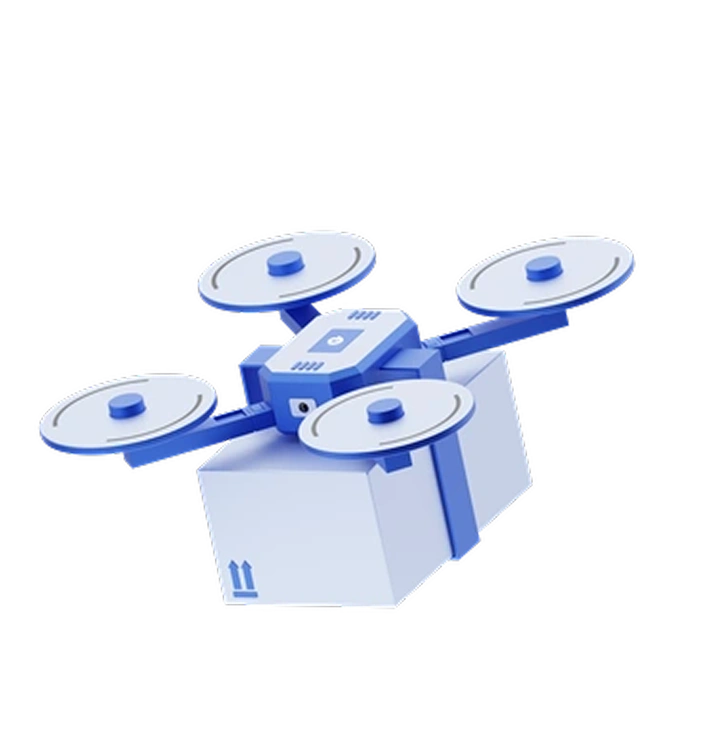
Techny keeps similar subjects but in two-dimensional icons, while 3D Techny adds depth and stronger presence on screens.
Shade relies on bold gradients and stronger shadow play, whereas Techny favors flatter tones with gentle shading.
Token frames symbols inside coin-like discs, ideal for gamification and rewards, while Techny presents free-standing objects without fixed borders.
Frequently asked questions


Start using 3D Techny illustrations today
Download 3D Techny illustrations into Figma or Sketch and match them with your product colors. Build presentations and product screens faster without waiting for custom renders. Grab PNG or SVG from Icons8 or Pichon or Mega Creator.