Products
Music Lunacy

3D Glare Style Illustrations

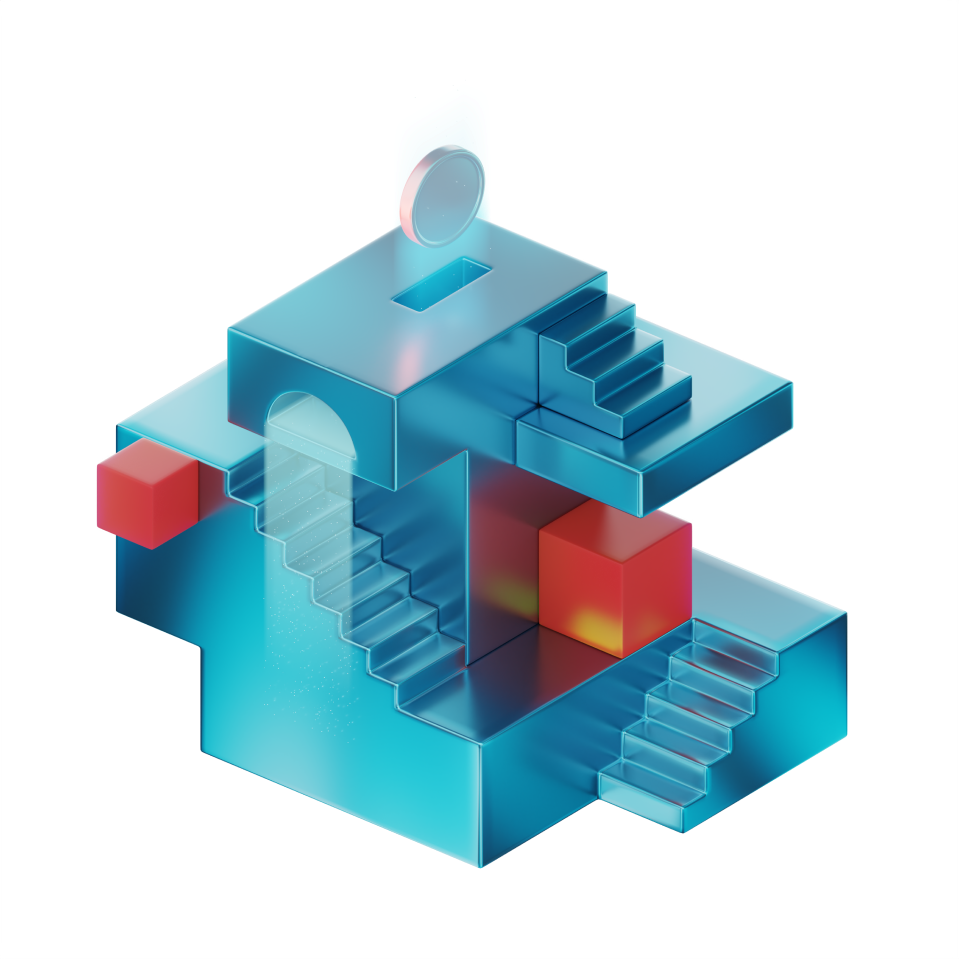
3D Glare brings clean, reflective 3D tech objects to your layouts. Neutral tones and soft lighting keep dashboards and landing pages precise while still feeling high-end.
22+ illustrations SVG & PNG Editable colors Commercial license
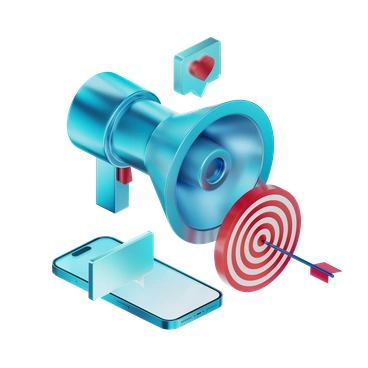
A megaphone, target, and smartphone elements - 3D Glare style illustration
Neutral Tech Palette
Subdued grays and soft whites pair with occasional accent tones for clear, hardware-like scenes.
Polished Surfaces
Smooth models with gentle glare suggest glass and metal materials without distracting texture noise.
Clean Geometry
Objects rely on volumes and crisp edges that read well at interface sizes.
Soft Ambient Light
Even lighting avoids harsh contrast and keeps tech objects readable on dashboards and headers.

What is 3D Glare Style?

The collection leans on smooth geometric objects, neutral grays and soft whites. Subtle glare accents slide across surfaces and keep devices and panels in dashboards looking focused and carefully lit.

The style works across tech product marketing and onboarding flows. Product managers and UX teams use 3D Glare to explain data pipelines and complex dashboards without commissioning separate custom illustration work.

For tech sites and docs

SaaS Dashboards
Use 3D Glare scenes beside metrics and charts to illustrate infrastructure status or analytics summaries inside product dashboards.
Website Heroes
Place device or interface compositions in hero sections of tech landing pages where you explain features or platform architecture.
Product Onboarding
Illustrate setup steps in onboarding flows with clear 3D tech objects so new users recognize tools and progress states quickly.
Technical Presentations
Drop slides with 3D Glare diagrams into investor decks or internal trainings when you describe digital platforms and transformation initiatives.

Recurring 3D Glare subjects

Scenes focus on laptops and dashboards that describe modern digital work. You also see abstract architecture and workspace tools. Pick a topic tag to narrow the gallery.

Pick your tech 3D mood

Comparing nearby 3D sets helps you decide whether your technology story should feel strictly corporate or more conceptual.
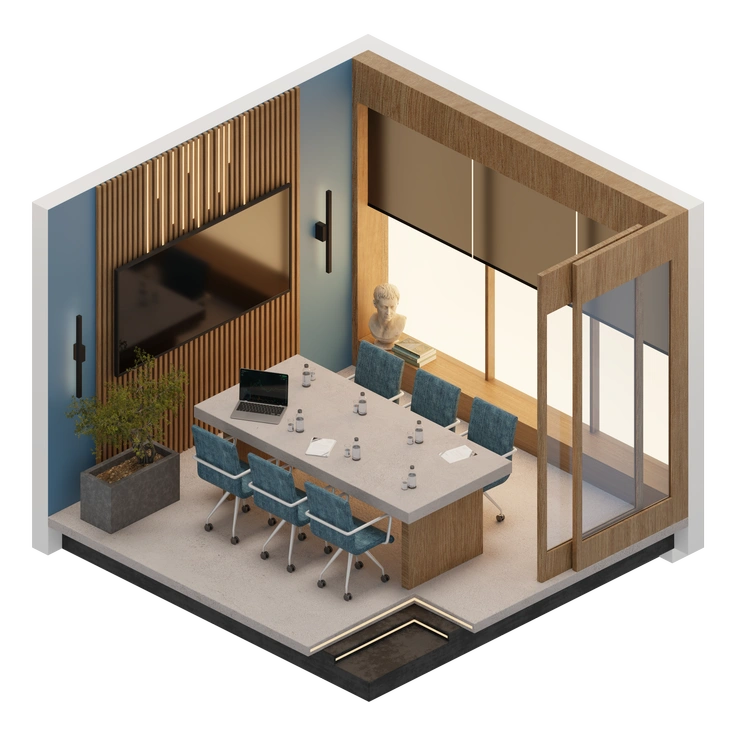
A modern conference room with a large table - 3D Rooms style illustration
3D Rooms

3D Rooms shows interior environments with furniture and people, where 3D Glare focuses on isolated tech objects and interfaces.

39+ illustrations
Colorful letters and shapes representing SEO concepts - 3D Incut style illustration
3D Incut

3D Incut uses stronger shadows and sliced shapes, giving bolder depth than the soft, evenly lit surfaces in 3D Glare.

5+ illustrations
Animated
Colorful geometric shapes floating in space - 3D Morphis style illustration
3D Morphis

3D Morphis leans into fluid, organic forms and richer color, while 3D Glare keeps strict geometry and muted technological palettes.
7+ illustrations
Animated
A green checkmark icon with reflective buttons - 3D Enterprise style illustration
3D Enterprise

3D Enterprise centers on business characters and office scenes, whereas 3D Glare concentrates on devices and infrastructure metaphors.

428+ illustrations
Animated
A coffee cup and a power button - 3D Modern style illustration
3D Modern

3D Modern brings brighter color and friendlier shapes, while 3D Glare stays cooler and more strictly technological.
46+ illustrations
Animated
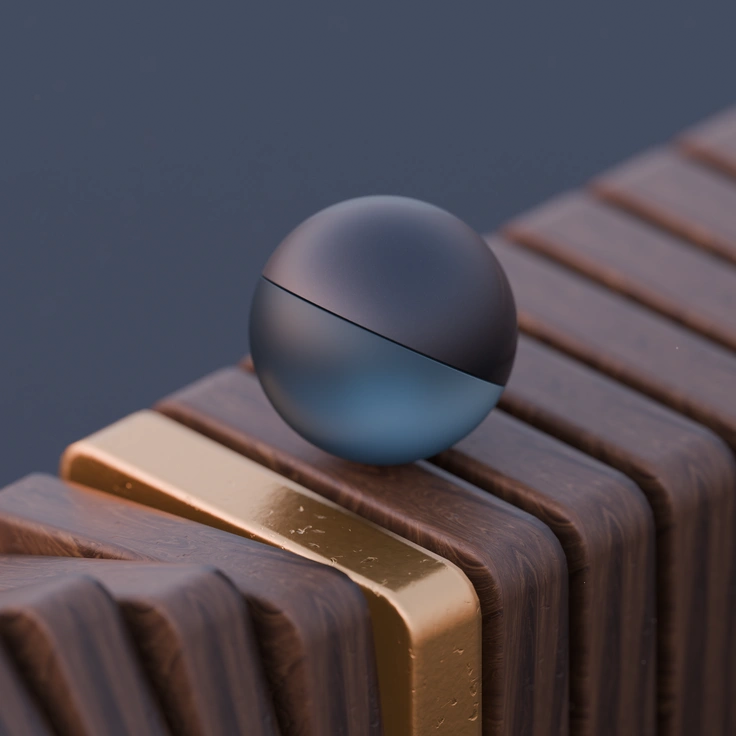
A glossy sphere resting on a wooden surface - 3D Luxe style illustration
3D Luxe

3D Luxe uses glossy reflections and premium materials that suit lifestyle branding, compared to 3D Glare’s restrained, minimal tech focus.
18+ illustrations
Animated
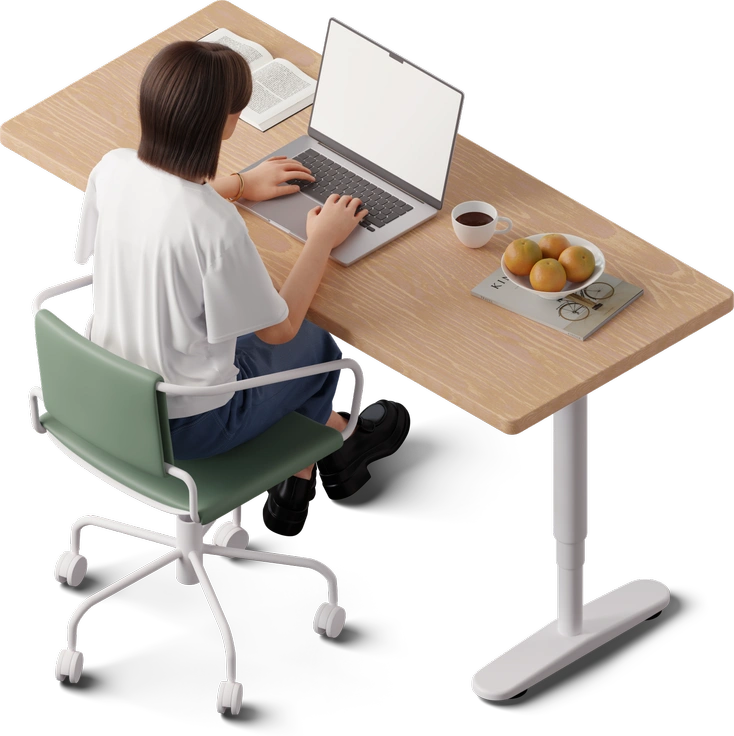
A person sitting at a desk with a laptop - 3D Hygge style illustration
3D Hygge

3D Hygge depicts cozy household objects and relaxed scenes, whereas 3D Glare depicts structured devices and abstract digital environments.
409+ illustrations
Animated
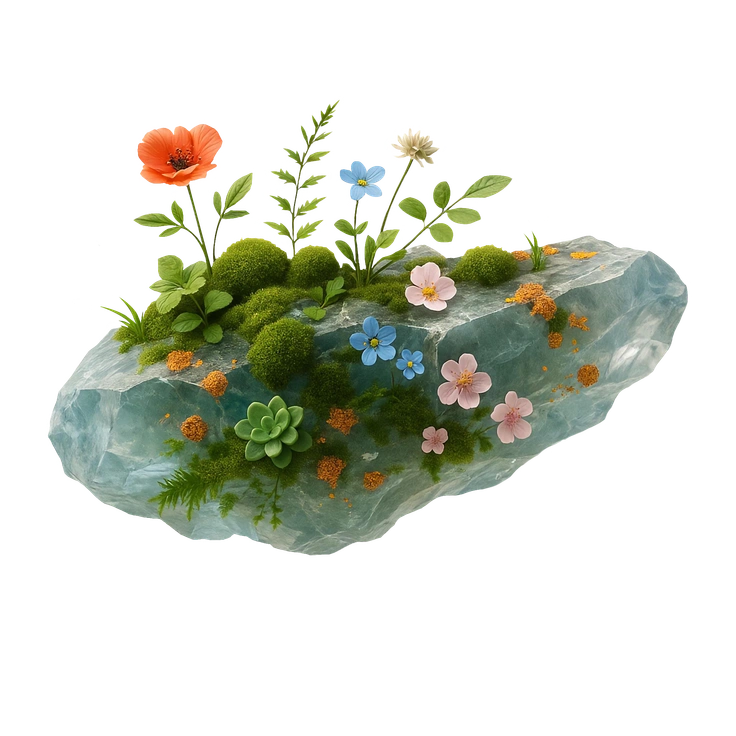
A crystal with flowers and moss - Biomorphic style illustration
Biomorphic

Biomorphic favors soft, cellular shapes and experimental gradients, while 3D Glare prefers rigid geometry and understated tech color.
71+ illustrations
Free
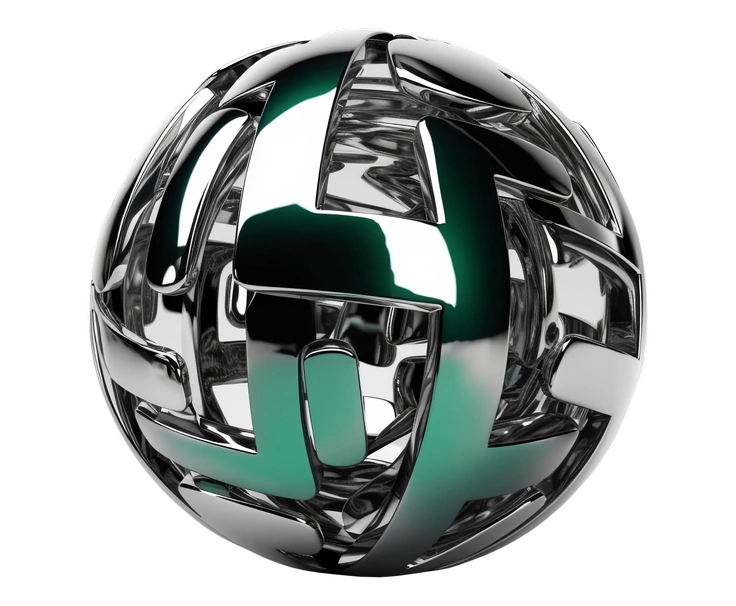
A spherical metallic structure with intricate patterns - Metallic style illustration
Metallic

Metallic pushes reflective metal surfaces and dramatic highlights far stronger than the controlled, softer glare used throughout 3D Glare.

84+ illustrations
Free
A person skateboarding while holding a smartphone - Dynamic style illustration
Dynamic

Dynamic introduces motion-focused compositions and energetic camera angles, while 3D Glare stays steadier with centered, diagram-like arrangements.

68+ illustrations
Animated
A data analytics dashboard with cubes - System style illustration
System

System emphasizes operating system interfaces and widgets, whereas 3D Glare leans toward conceptual servers and networked hardware.

270+ illustrations
A man coding on a laptop in a chair - Demure style illustration
Demure

Demure keeps tech scenes flatter and softer with pastel tones, while 3D Glare adds stronger structure and noticeable reflective highlights.

109+ illustrations

Frequently asked questions

On the free plan you should add a clickable Icons8 link near your work. Paid subscriptions remove attribution requirements, so you can ship client projects without credits.
Downloads come as PNGs on every plan and SVGs on paid plans. They work well for slide decks, large monitors and most standard brochure or poster sizes.
Icons8 offers free access with attribution and paid plans with SVG download and no credits. Check the pricing page for current illustration subscriptions and team options.
Yes, many designers combine 3D Glare with other Icons8 sets. Keep each style on separate sections so dashboards and marketing pages still feel coherent.
Right now 3D Glare includes 22+ illustrations. New scenes arrive when the Icons8 team expands tech-focused collections, so checking back occasionally or following updates is a good idea.
Abstract liquid sphere illustration 3D coins illustration 3D charts in metal box illustration

Start using 3D Glare illustrations today

Browse the 3D Glare library and drop PNGs into your design tool or SVGs from paid plans. Tweak colors in Mega Creator, then ship clearer tech stories across sites and dashboards.

Explore 3D Glare library