


















3D Airy Style Illustrations
3D Airy keeps interfaces light with simplified 3D characters in cool blue tones. Neutral faces and enlarged limbs keep attention on layout content, not drama, which helps product teams stay focused.
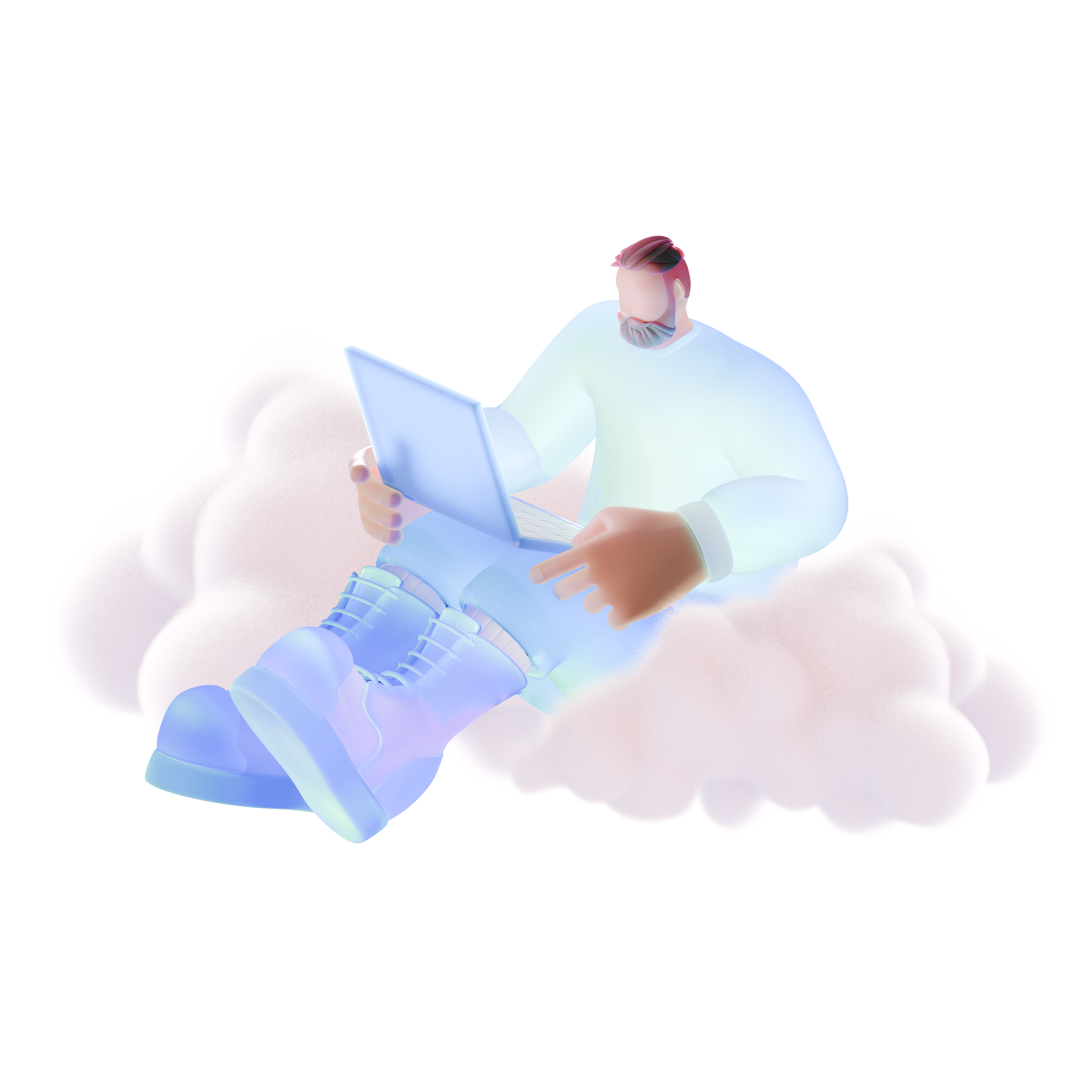


What is 3D Airy Style?
Built around clean volumetric shapes and soft gradients, 3D Airy uses a cool blue palette and minimal decoration. Characters show enlarged arms and legs with neutral faces that avoid emotional storytelling.
Product designers at SaaS companies reach for this look in onboarding and empty states plus account setup flows. Educators and presenters also use it for technology explainers and calm business slide visuals.
For SaaS and product UI


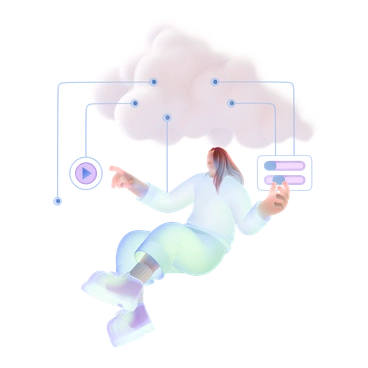
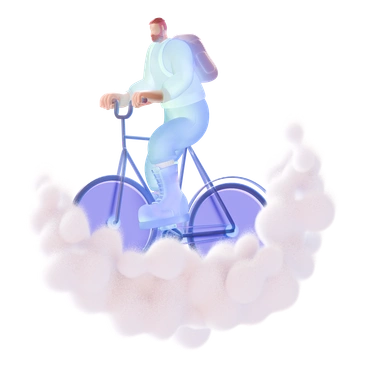
Scenes 3D Airy shows
Most scenes revolve around calm work moments and focused digital tasks plus abstract tech concepts shown from a friendly angle. Browse by tag to jump straight to the subjects you need.
Which 3D mood fits best
Comparing illustration styles helps you judge how playful or formal each option feels so your product visuals stay coherent.

3D Editorial focuses on narrative scenes with stronger posing and gestures. Airy keeps characters neutral so layouts emphasize interface content.

3D Sugary leans into candy shades and playful props. This blue set removes clutter for stripped scenes.

3D Casual Life uses warmer colors and fuller environments where characters meet furniture. Airy keeps backgrounds cleaner and cooler.

3D Cutie packs in kawaii faces and rounded props. This calmer approach keeps expressions minimal so scenes feel more corporate.
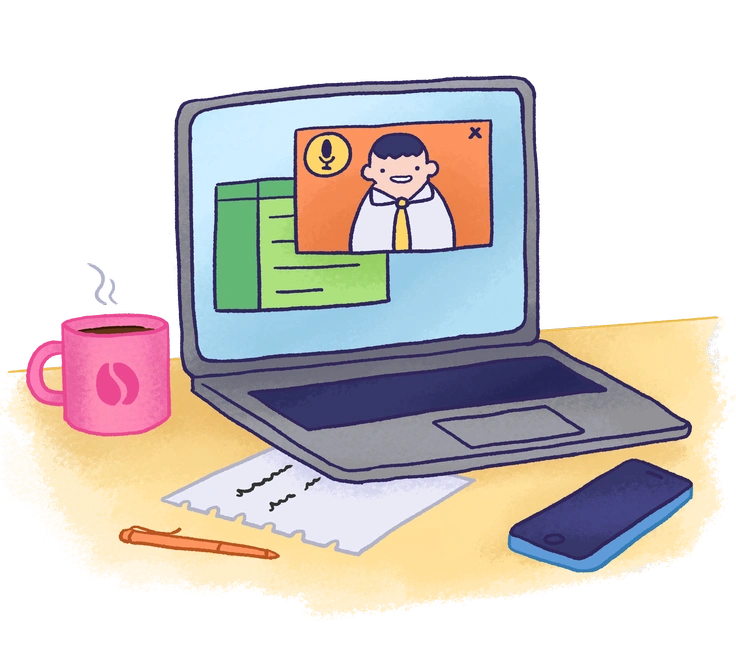
Hue focuses on bold gradients and abstract compositions. Airy keeps subjects recognizable with characters and objects built from basic geometry.
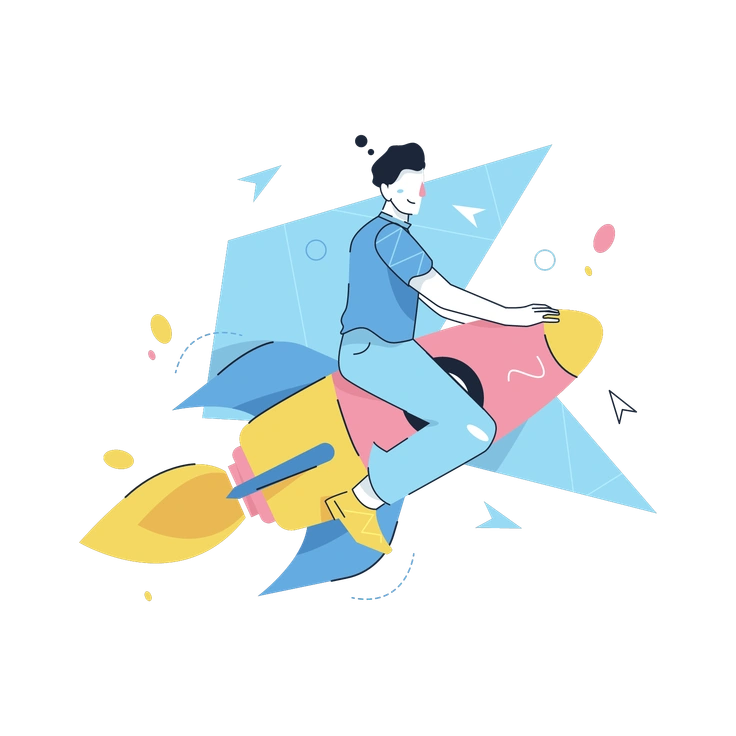
Work Hard leans into detailed office gear and busy desks. Airy strips detail back so the interface still leads.

Folks highlights diverse 2D characters and flat color fields. Airy shifts to 3D figures with softer shading for a quieter tone.
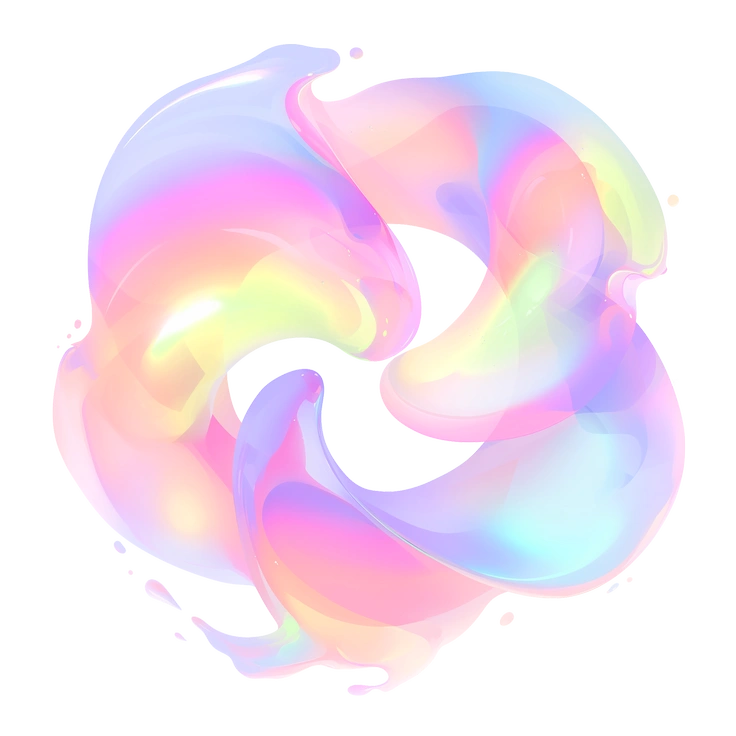
Fluid creates organic flowing shapes that feel more artistic. Airy uses clearer forms and reserved movement for structured product layouts.

Chalky mimics hand-drawn texture and sketchy strokes. Airy looks cleaner and more polished for software interfaces.
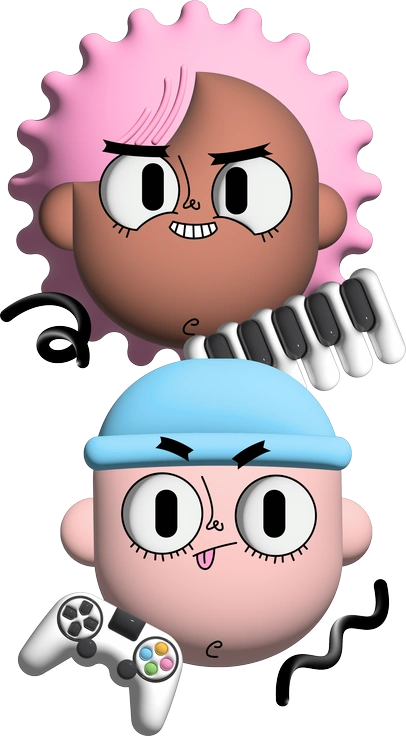
Cartoony plays up expressive faces and punchy colors. Airy reins emotion in so flows feel measured and focused.
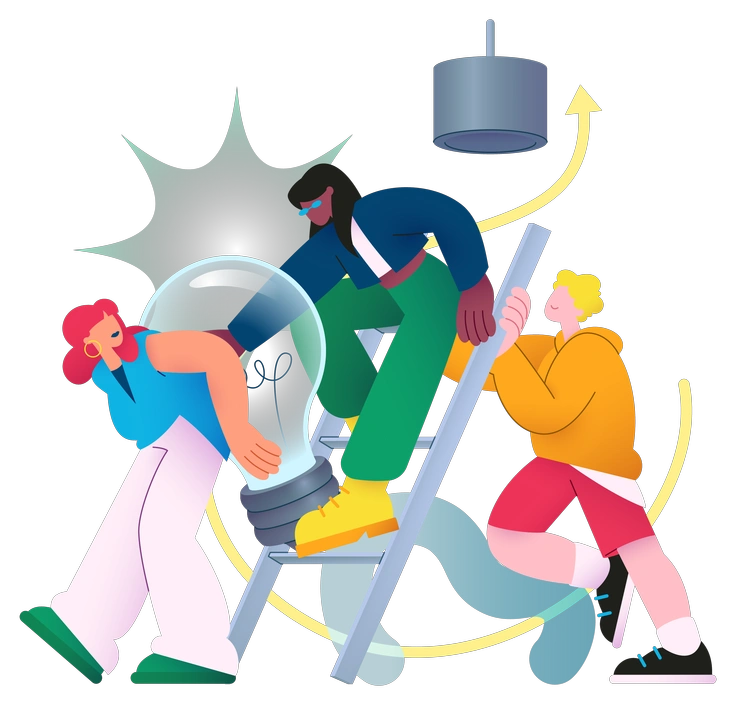
Colors pushes bright palettes and bold contrast. Airy stays in cool blues that sit quietly behind UI elements.

Lumiere aims for cinematic lighting and deeper shadows. Airy avoids dramatic contrast and keeps shading soft for UI backgrounds.
Frequently asked questions


Start using 3D Airy illustrations today
Grab ready-made scenes, drop them straight into Figma or your design tool, then tweak colors with SVG editing. Build consistent onboarding flows and dashboards plus slide decks without waiting on custom illustration work.