


















3D Surfaced Style Illustrations
3D Surfaced mixes volumetric objects with overlaid line icons for clear digital metaphors. Gradients create depth without heavy shading so app and web layouts stay bright and focused.
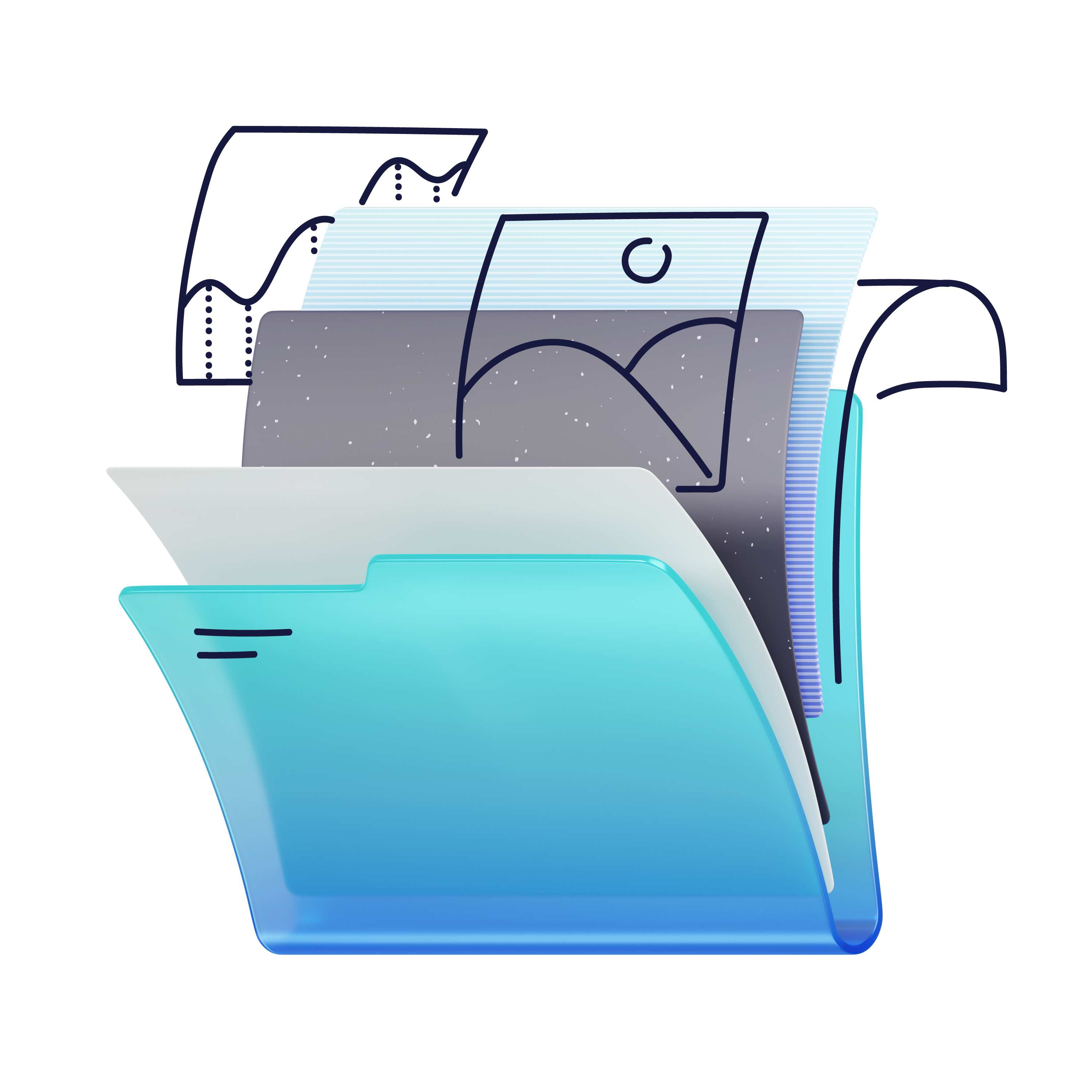


What is 3D Surfaced Style?
Each illustration in 3D Surfaced shows rounded geometric forms with smooth gradients applied to large surfaces. Thin 2D outlines and icons sit on top and suggest interfaces or data.
UI designers reach for 3D Surfaced when product tours need clear metaphors and consistent depth. SaaS teams place these scenes on hero sections and empty states. Dashboard highlight cards gain structure without visual noise.
For digital product teams


Browse 3D Surfaced packs



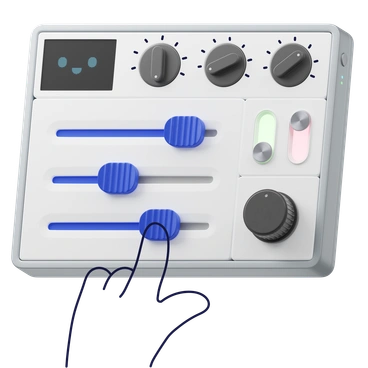
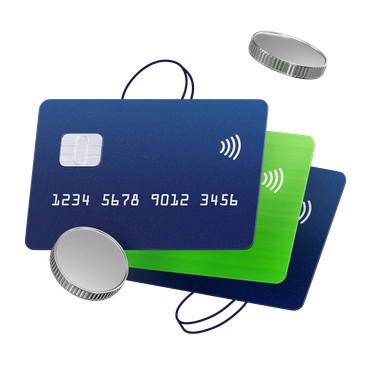
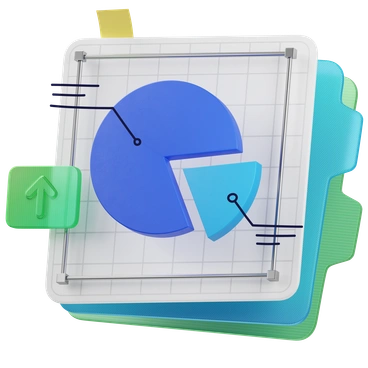


What 3D Surfaced shows
Technology devices sit beside simplified workstations and floating dashboards. Abstract geometric stacks often stand in for charts or data flows. Browse by tag.
Pick your layered gradient look
Comparing styles helps you match gradient intensity and depth with your product voice and interface complexity.
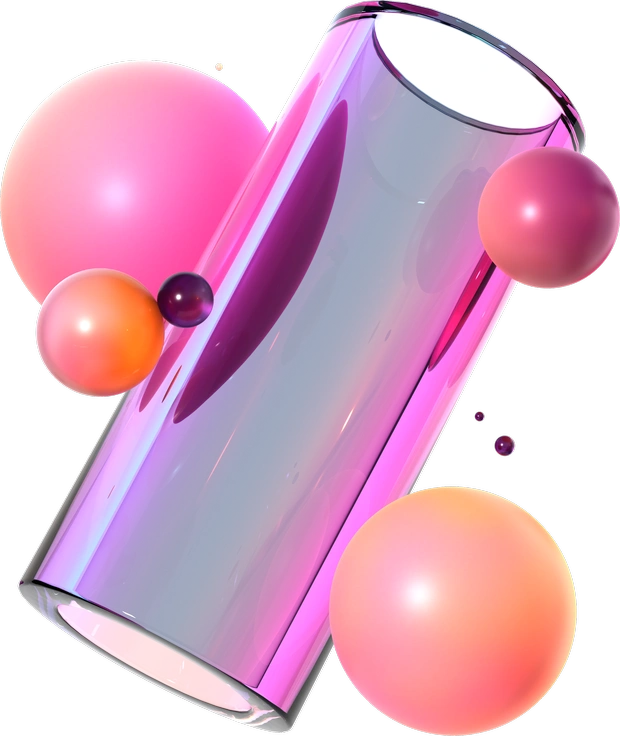
3D Glassy uses transparent shapes and reflective highlights, while 3D Surfaced relies on opaque gradients and flat line overlays.

3D Microsoft Fluent illustration feels more system-native with softer gradients and muted objects, whereas 3D Surfaced pushes higher saturation and stronger graphic contrast.

Amani focuses on playful flat scenes with character-driven stories, while 3D Surfaced emphasizes object metaphors and interface-inspired surfaces.
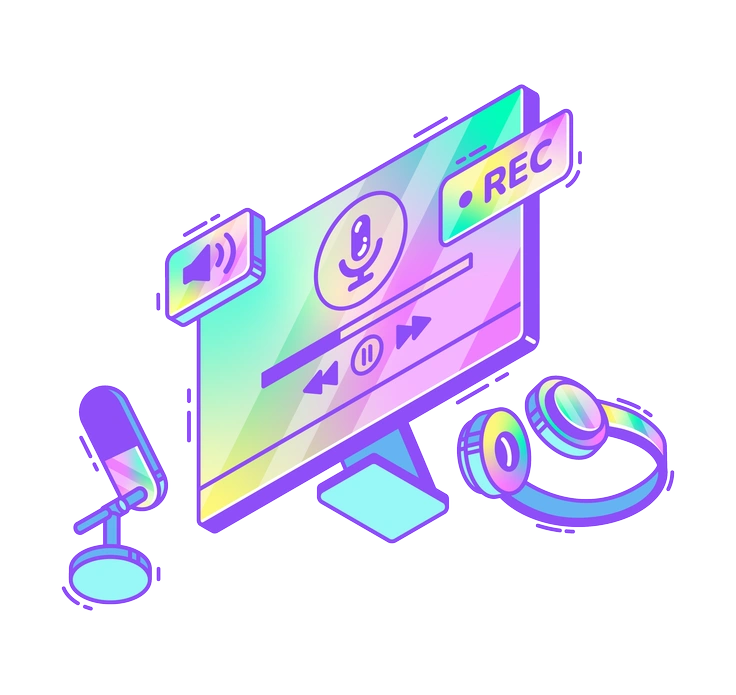
Holographic leans into iridescent color shifts and reflective textures. 3D Surfaced keeps surfaces solid and introduces structure through outlined icons.

Vitrum feels glass-like and airy, with blurred edges and refractions. 3D Surfaced favors sharp contours and grounded geometric blocks.

Bright delivers bold flat cartoons with thick strokes. 3D Surfaced instead combines simple volumes and fine lines for a more technical tone.

Silky highlights smooth plastic surfaces with gentle lighting gradients. 3D Surfaced uses gradients more graphically and overlays interface-like outlines.

Glossy emphasizes shiny reflections and specular spots on objects, while 3D Surfaced keeps lighting minimal and lets color transitions suggest depth.

Joy focuses on lively characters and narrative scenes. 3D Surfaced leans toward device metaphors and abstract data-friendly compositions.
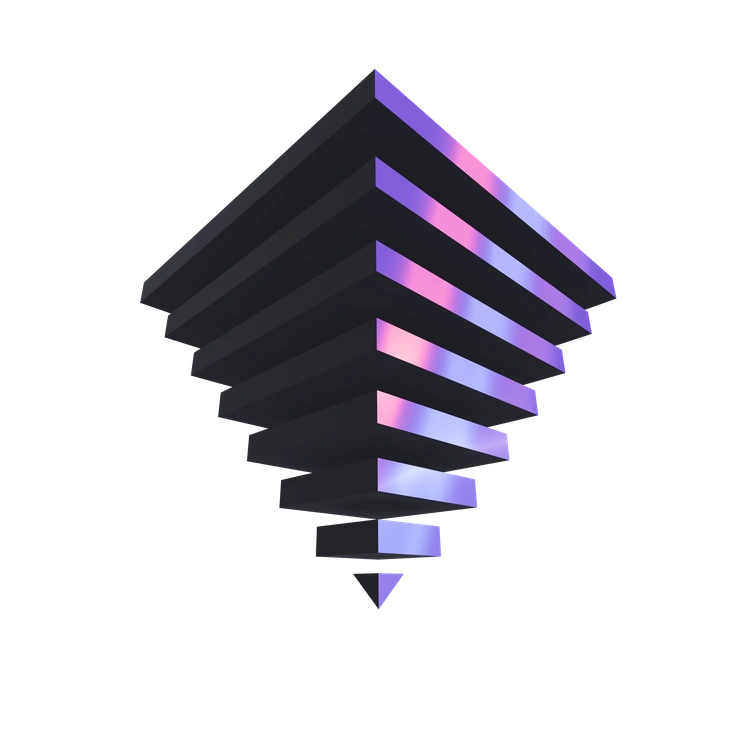
3D Illusion plays with impossible geometry and optical tricks. 3D Surfaced stays functional, built for UI contexts and straightforward storytelling.

Beam centers on soft light beams and atmospheric glow. 3D Surfaced instead prioritizes crisp edges and high-contrast gradients on surfaces.
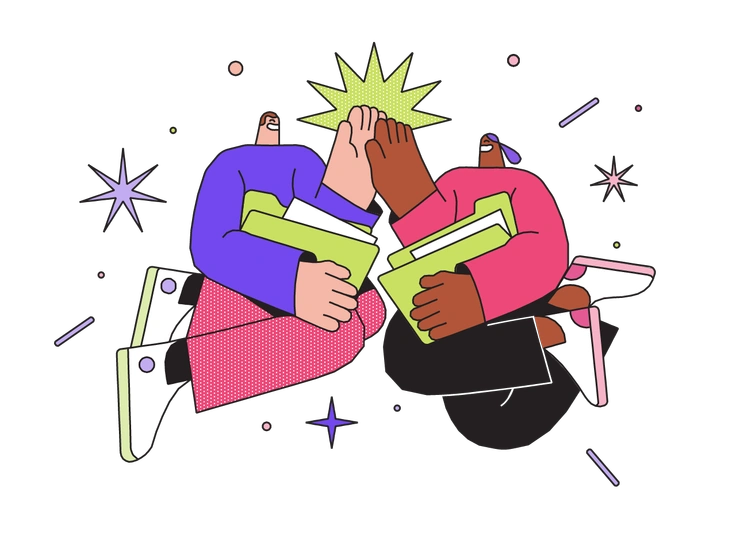
Dazzle packs scenes with sparkles and motion streaks, while 3D Surfaced keeps compositions cleaner and focuses attention on key interface objects.
Frequently asked questions


Start using 3D Surfaced illustrations today
Download PNGs or SVGs, drop them straight into Figma or Sketch, and adjust colors in your editor or Mega Creator. Ship polished dashboards and marketing pages without commissioning custom artwork.