


















Smart Style Illustrations
Smart illustrations use volumetric gradients, transparent rounded frames, and cool tones that feel digital yet natural. Product and marketing teams get atmospheric tech scenes that drop straight into real interfaces.



What is Smart Style?
Drawn with a cool gradient palette, Smart renders volumetric objects inside rounded transparent shapes. Subtle shadows create depth and atmospheric lighting. Naturalistic proportions keep laptops, dashboards, and devices grounded in real product contexts.
Product teams at SaaS companies reach for Smart when interfaces need polished yet approachable visuals. Digital agencies use it across onboarding flows, launch landing pages, and concept decks about data or innovation topics.
For tech UI and comms





What Smart artists draw
Scenes lean toward laptops, dashboards, and mobile devices in calm work environments. You will also see abstract data flows and network concepts around people collaborating. Browse by tag to find the right subject.
Finding your Smart style fit
Comparing nearby illustration moods helps you judge how much volume, contrast, and expression your product story really needs.
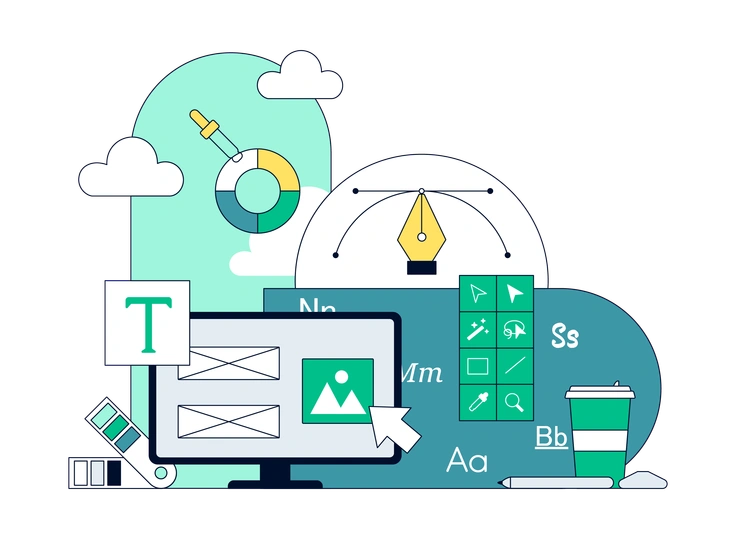
Teal keeps a flatter geometric look with bolder blocks of color, while Smart adds volumetric depth and transparent framing for softer tech scenes.

Cherry leans into warmer hues and more expressive characters. Smart stays cooler and more restrained for professional dashboards and product views.
Eyeful feels more editorial with stylized proportions and narrative scenes. Smart focuses on devices, data, and realistic work situations.

Journal mimics sketched notes and textured paper. Smart instead uses polished gradients and glassy panels suited to product UI.

Demure softens forms with pastel tones and gentle figures. Smart brings stronger tech references, clearer devices, and sharper interface details.

Ikigai highlights wellness and daily life. Smart centers on business workflows and digital products with cooler gradients and atmospheric tech framing.
Frequently asked questions


Start using Smart illustrations today
Grab Smart scenes as PNGs or SVGs and drop them straight into Figma, Sketch, or your slide deck. Build consistent tech visuals faster and keep every release looking aligned with your product.