


















3D Stickle Style Illustrations
3D Stickle turns gadgets and accessories into chunky, tactile characters. Bright colors and soft lighting keep them friendly, while detailed surfaces hint at real materials for tech and retail projects, plus playful lifestyle campaigns.
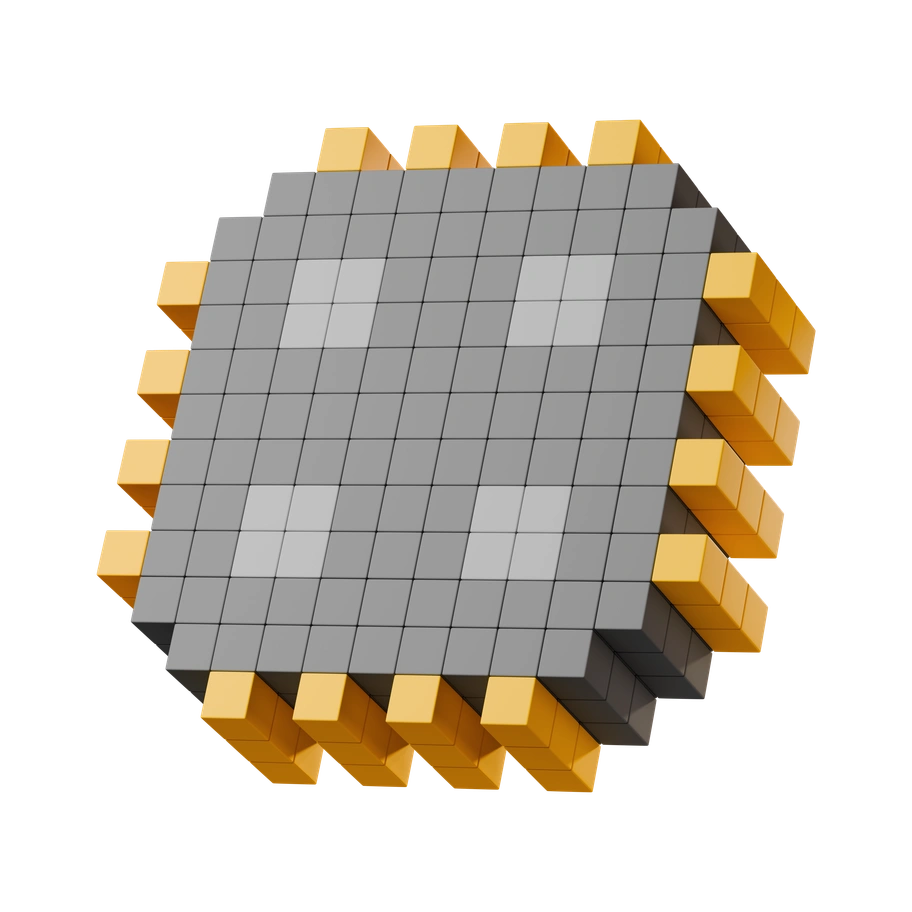


What is 3D Stickle Style?
Soft gradients and rounded silhouettes give each gadget a plump presence. Saturated blues and oranges sit beside glossy pinks and greens, with tiny buttons and seams carved into the surfaces.
You'll find them in gadget shops online and playful tech brands. E‑commerce teams and app designers use 3D Stickle to showcase products and accessories. Creative agencies highlight retro devices with personality across 219 plump objects.
For gadgets, fashion, and apps


Browse 3D Stickle packs

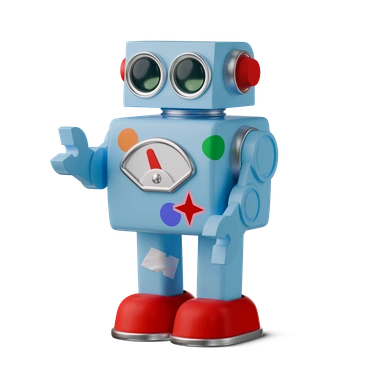
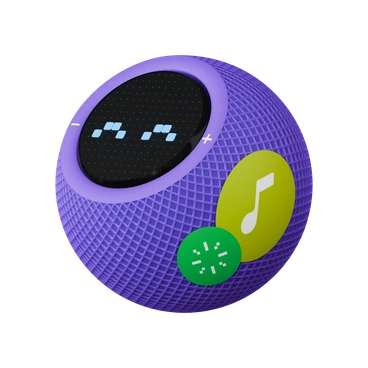
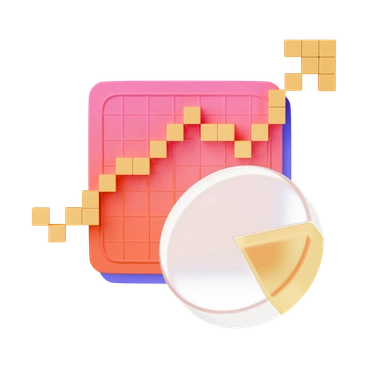
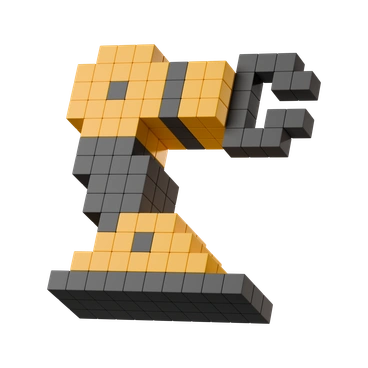

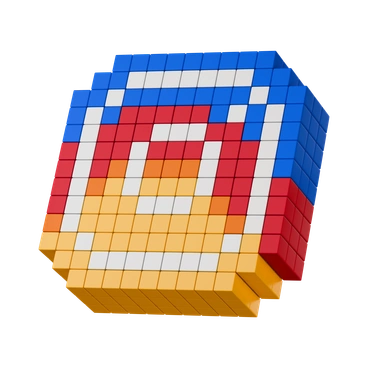
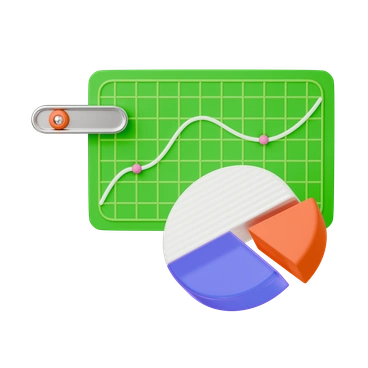
What Stickle artists stage
Retro cameras and chunky game consoles sit beside sneakers and glossy headphones. Fashion accessories and modern gadgets share the same plump energy, so you can jump into tags that match your product.
Narrowing down your 3D mood
Comparing nearby packs helps you decide whether your interface needs toy‑like objects or prefers more technical shapes for data.

3D Crystex shapes look faceted and glassy, with sharper edges and cooler light, while Stickle stays rounded and tactile.

Metallic leans into reflective metals and industrial finishes. Stickle focuses on soft plastics and fabric details with minimal reflections.
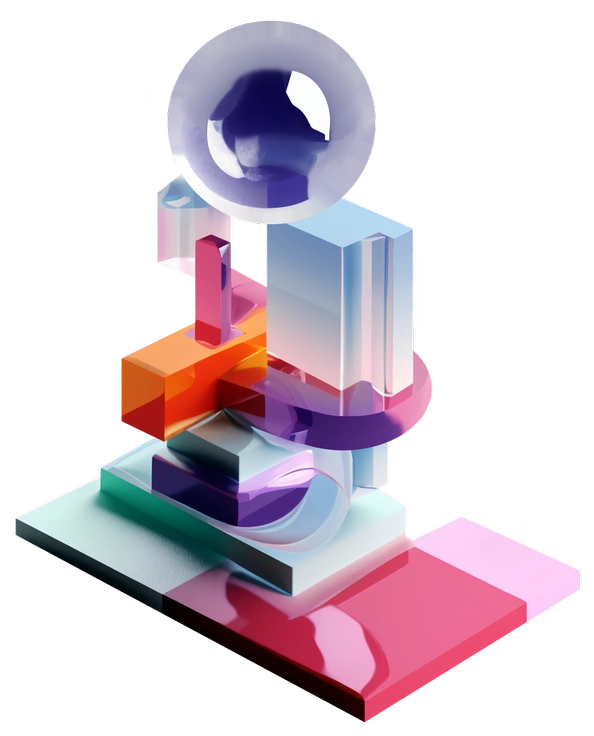
3D Construction centers on tools and heavy equipment with realistic scale, while Stickle shrinks gadgets into chunky props.

3D Playful often includes characters and scenes, whereas Stickle stays focused on close‑up gadgets and accessories as hero objects.
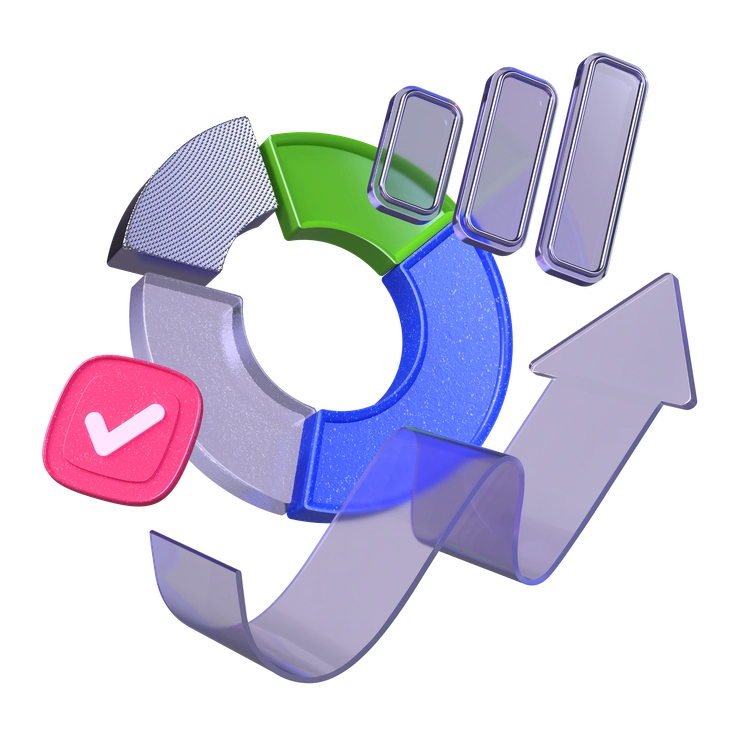
3D Boost pushes bright gradients and abstract shapes, while Stickle grounds its forms in recognizable tech and fashion items.

3D Grid organizes objects on isometric planes with precision. Stickle prefers looser arrangements and playful camera angles around items.

3D Isometric sticks to fixed angles and architectural layouts, while Stickle rotates gadgets freely and leans into close crop compositions.
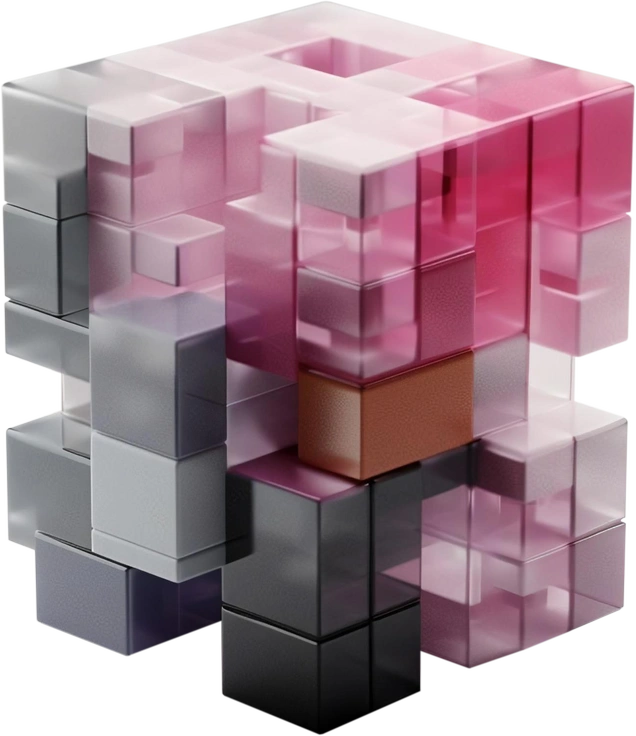
3D Blocks breaks scenes into minimal geometric pieces with fewer details, whereas Stickle adds buttons and textures everywhere.
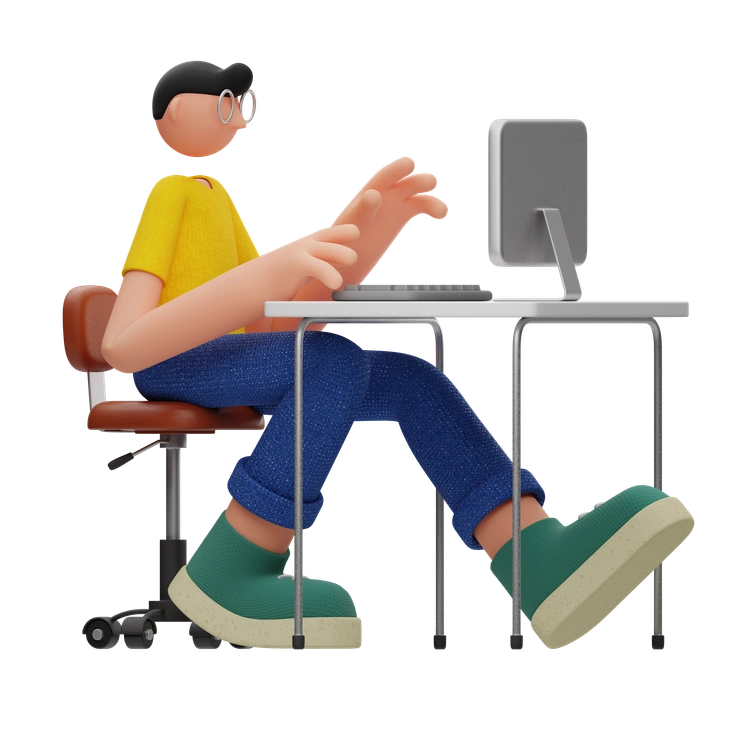
3D Rondi uses smooth, pill‑like shapes for abstract concepts. Stickle stays object‑centric with chunky gadgets and accessories styled like toys.
Frequently asked questions


Start using 3D Stickle illustrations today
Download a few gadgets, drop them into your layouts, and test how they feel beside your UI or product shots. Switch to SVG when you are ready for deeper color tweaks.