Products
Music Lunacy

3D Kit Style Illustrations

Clean 3D icons with bright universal colors slot neatly into modern interfaces. Use 3D Kit to unify navigation and feature highlights across onboarding flows and dashboards without commissioning illustration work.
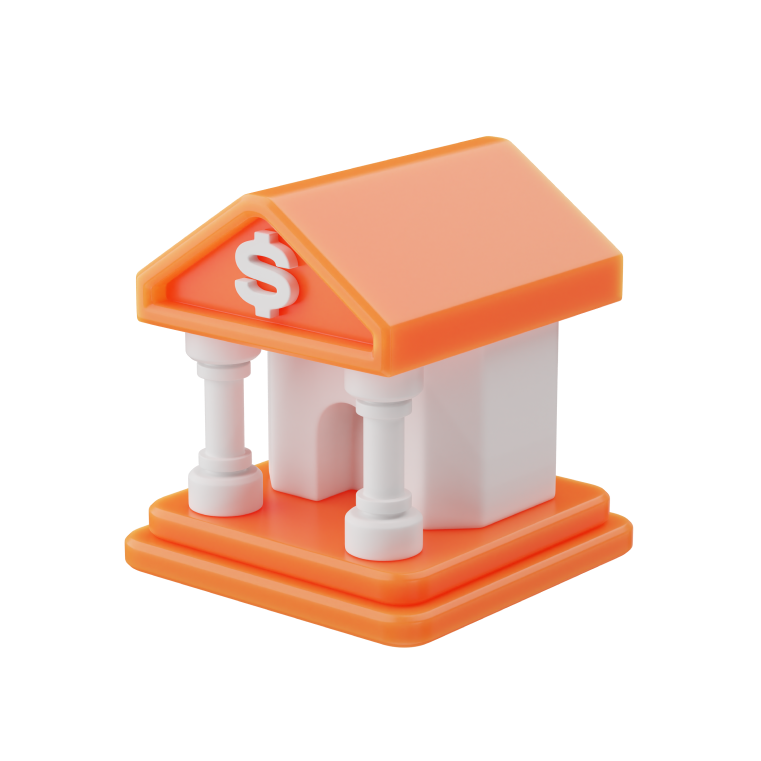
35+ illustrations SVG & PNG Editable colors Commercial license
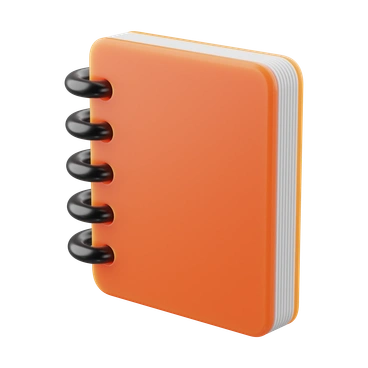
An orange notebook with black rings - 3D Kit style illustration
Bright Universal Colors
Saturated hues feel neutral enough for many brands and stay legible in dense interfaces.
Geometric Icon Shapes
Simplified cubes with spheres and rounded rectangles keep each pictogram clear at small sizes.
Soft 3D Depth
Subtle shading suggests volume without heavy shadows, so icons blend smoothly into flat layouts.
Consistent Materials
Unified glossy surfaces make mixed icon sets feel like one family across products and platforms.

What is 3D Kit Style?

Flat planes and rounded volumes form compact icons with soft shadows and gentle highlights. Bright saturated hues stay readable at small sizes. Smooth materials suggest plastic objects polished for screen use.

UI designers reach for 3D Kit when iconography must feel current across apps and dashboards. Product teams apply it to nav bars and onboarding steps. Feature callouts gain consistent treatment without extra illustration work.

In product UIs and content

Mobile apps
Use 3D Kit for tab bars and onboarding screens where icons must pop without distracting from content hierarchy.
Web platforms
Feature sections and pricing pages gain clear signposting when each benefit pairs with a distinct, recognizable 3D Kit icon.
Dashboards
Apply icons to navigation rails and metric cards so users scan dense data views faster and with less confusion.
Slide decks
Tech and business presentations gain visual anchors for sections and diagrams using consistent 3D Kit pictograms near key numbers.

What 3D Kit depicts

Technology devices appear often in 3D Kit, along with office stationery. Clean geometric signs round out the library. Browse by tag to find exactly the subject you need.

Pick your 3D icon mood

Comparing 3D icon styles shows which lighting and shapes match your product. The right tone keeps every screen feeling intentional.
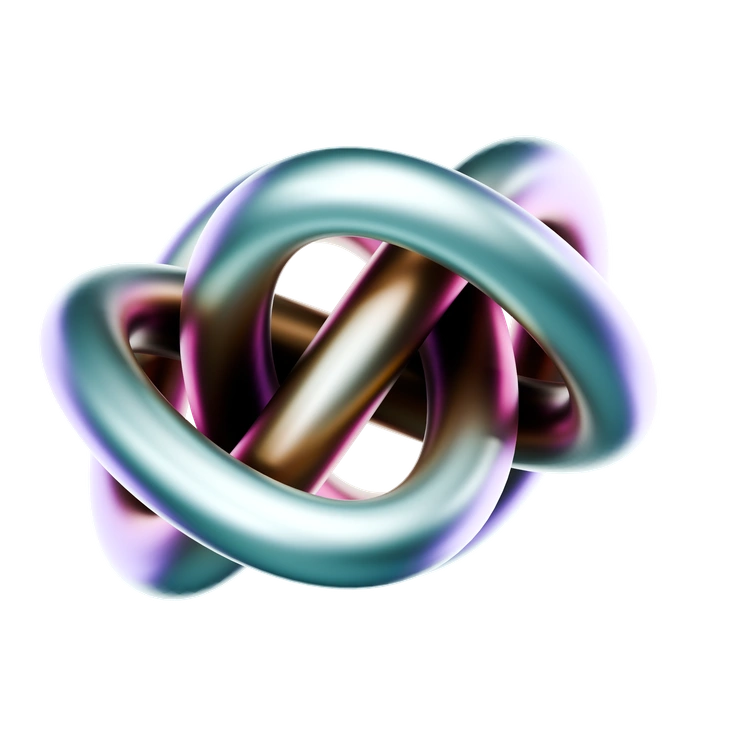
An intertwined, colorful abstract shape - 3D Crystex style illustration
3D Crystex

3D Crystex pushes faceted, glass-like forms and sharper lighting, while 3D Kit stays smoother with friendlier, rounded material finishes.
11+ illustrations
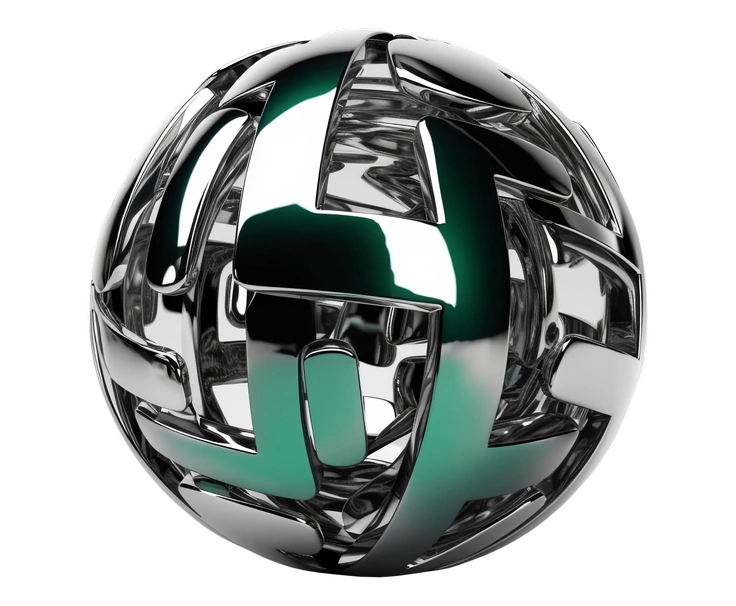
A spherical metallic structure with intricate patterns - Metallic style illustration
Metallic

Metallic icons emphasize reflective metal textures and stronger highlights, while 3D Kit favors softer plastic-like materials suited to friendly interfaces.
84+ illustrations
Free
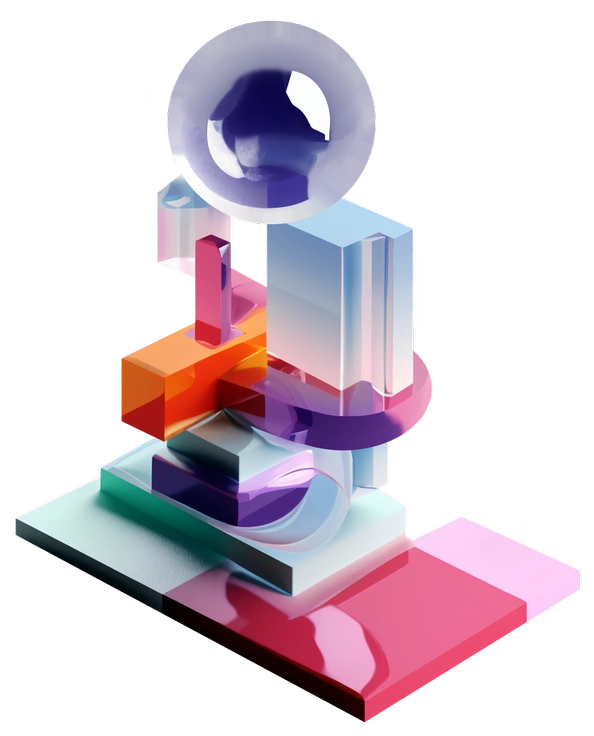
Colorful geometric shapes stacked together - 3D Construction style illustration
3D Construction

3D Construction centers on tools and machinery for industrial themes, while 3D Kit covers broader tech and office interfaces.

124+ illustrations
A blue notebook, notepad, and green pencil - 3D Playful style illustration
3D Playful

3D Playful leans into characters and exaggerated props, whereas 3D Kit keeps focus on simplified objects for neutral, system-level icons.
546+ illustrations
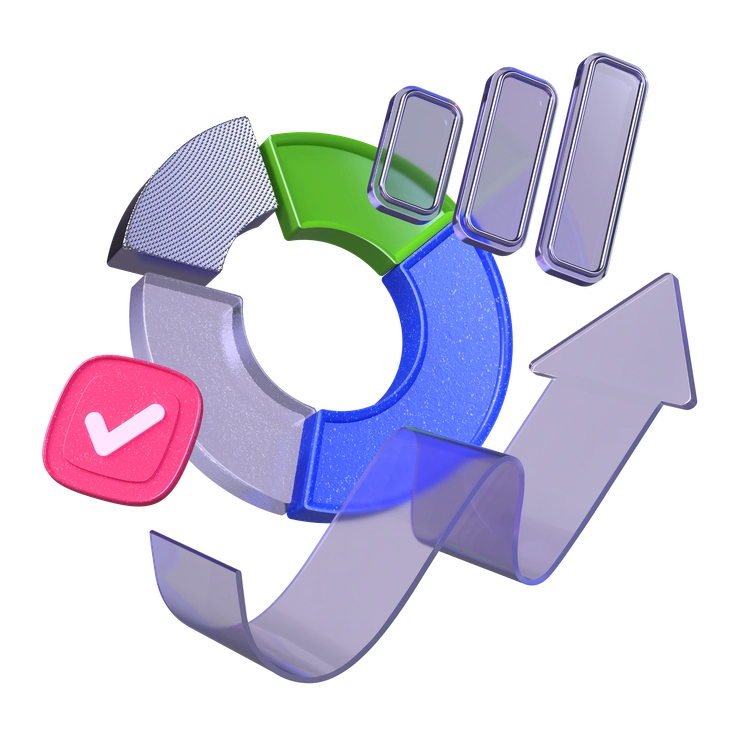
Colorful pie chart with checkmark and upward trend - 3D Boost style illustration
3D Boost

3D Boost uses gradients and dramatic lighting, while 3D Kit opts for steadier colors and gentler shading in interfaces.

602+ illustrations
A bar graph with an upward trend - 3D Grid style illustration
3D Grid

3D Grid adds structured backgrounds and wireframe planes around objects, whereas 3D Kit isolates icons on clean, minimal spaces.

76+ illustrations
A colorful geometric puzzle with keys and glasses - 3D Isometric style illustration
3D Isometric

3D Isometric arranges icons in angled perspective, giving scenes architectural depth, while 3D Kit uses straightforward front-facing views for clarity.
50+ illustrations
Animated
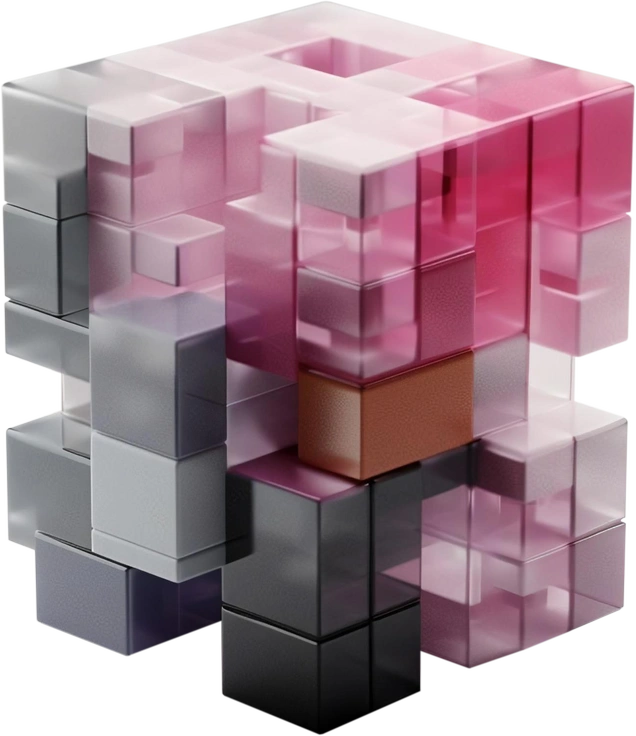
Colorful translucent blocks arranged in a complex structure - 3D Blocks style illustration
3D Blocks

3D Blocks prefers chunky, modular pieces that feel toy-like, while 3D Kit leans slimmer for more refined interface symbols.
40+ illustrations
Free
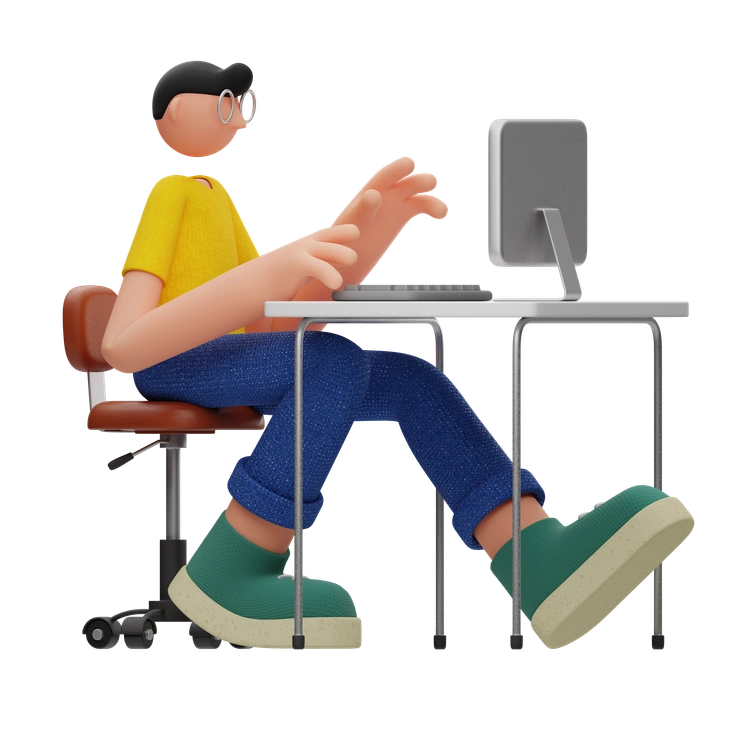
A person sitting at a desk using a computer - 3D Rondi style illustration
3D Rondi

3D Rondi sits icons on round pedestals and platforms, whereas 3D Kit usually presents objects alone for tighter spacing.
31+ illustrations
Animated
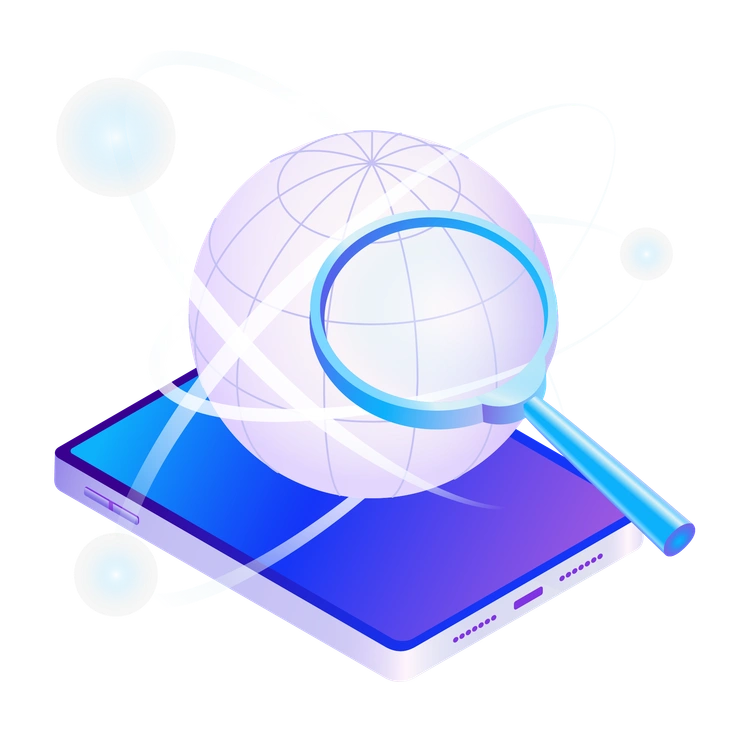
A magnifying glass over a globe on a phone - Hi-tech style illustration
Hi-tech

Hi-tech emphasizes neon glows and darker panels for futuristic moods, while 3D Kit stays brighter and neutral for everyday products.

326+ illustrations
A person sitting in a trophy cup - Journal style illustration
Journal

Journal mixes 3D shapes with notebook textures and expressive elements, whereas 3D Kit keeps surfaces smooth for cleaner system icons.
1002+ illustrations
Animated
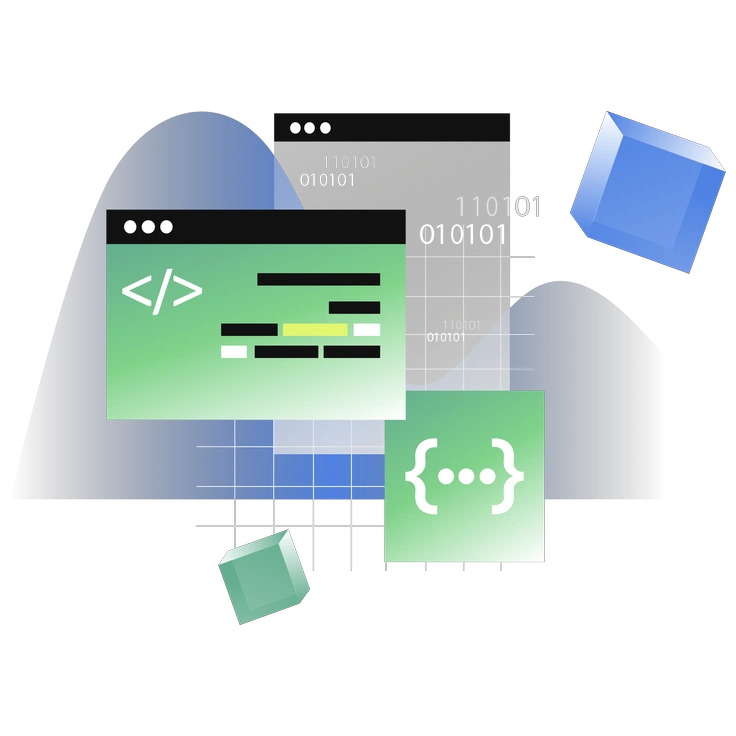
Abstract shapes and code snippets - Network style illustration
Network

Network visualizes nodes and connections for data flows, while 3D Kit focuses on single objects representing tools or interface elements.

234+ illustrations
Animated

Frequently asked questions

Right now 3D Kit includes 35+ illustrations in the Icons8 library. The overall platform grows regularly, and new pieces can be added over time.
Yes. Recolor 3D Kit icons by editing the SVG files in Figma or similar tools, or adjust hues online using Icons8 Mega Creator.
3D Kit works under Icons8 plans. You can download PNGs free with a credit link, or subscribe for SVG access and no attribution requirement.
Icons8 ships 3D Kit as ready-to-use PNG and SVG assets. There are no layered source files, but vectors remain editable in your design tools.
Icons8 refreshes illustration libraries frequently based on demand and roadmap. 3D Kit may receive new icons over time, alongside other 3D and flat styles.
Abstract liquid sphere illustration 3D coins illustration 3D charts in metal box illustration

Start using 3D Kit illustrations today

Download 3D Kit icons today, drag PNGs or SVGs into Figma or Sketch, and refine colors in Mega Creator or Pichon before shipping interfaces. Keep a consistent icon language across products without commissioning new artwork each time.

Explore 3D Kit library