


















Fuzzy Style Illustrations
Fuzzy turns everyday objects into plush, wooly characters with expressive eyes that feel instantly friendly. Use them to soften product flows and keep kid-facing interfaces approachable.



What is Fuzzy Style?
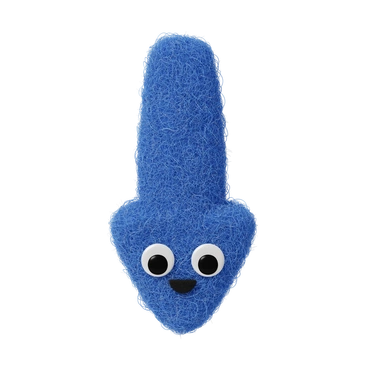
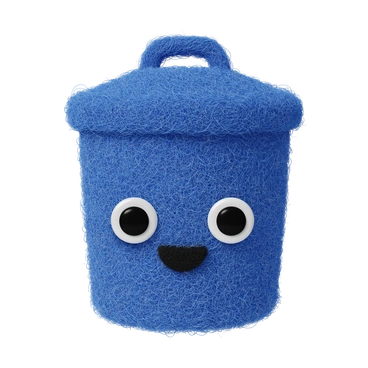
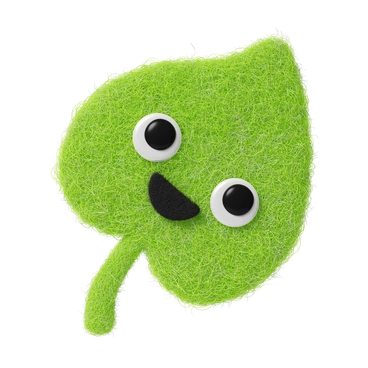
Soft wool fibers wrap rounded 3D shapes, while large cartoon eyes sit on neutral backgrounds. Volumetric lighting highlights every thread and creates plush forms that keep their tactile detail at high resolutions.
Most commonly used in children’s apps and gentle onboarding sequences, Fuzzy helps teams design warm error states and educational content. Toy brands and comfort product marketers also rely on its reassuring visual tone.
For gentle apps and flows


Explore Fuzzy packs
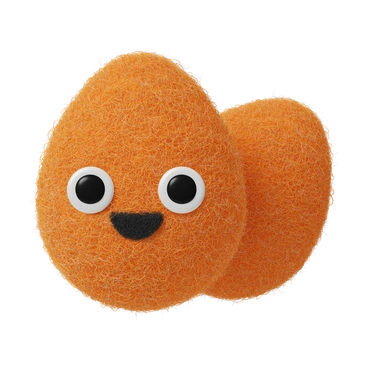
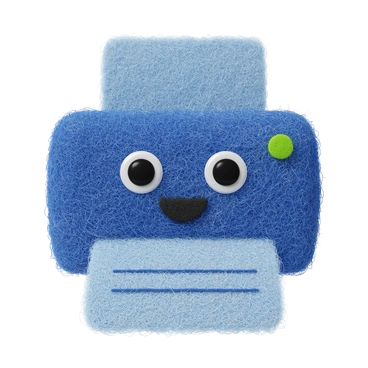
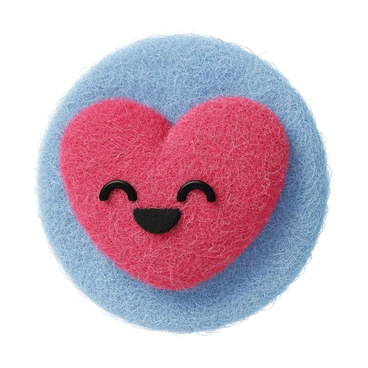

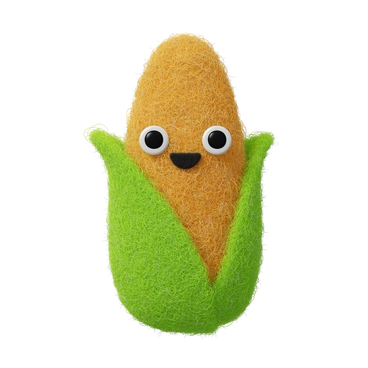
What Fuzzy artists draw
Most scenes show everyday objects turned into plush companions and simple shapes treated like soft toys. Household items gain faces and wool textures. Browse by tag to find the exact mood you need.
Pick your plush 3D mood
Comparing styles helps you choose how playful, textured, or minimal your 3D graphics should look for each project.
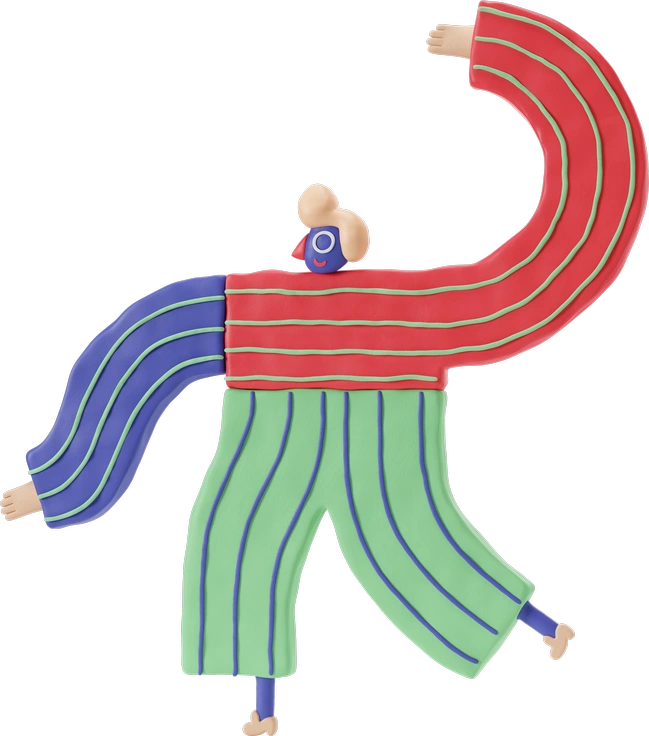
3D Stripy relies on painted stripes and smoother plastic surfaces, while Fuzzy focuses on wool fibers and stuffed toy volume.

Bloom feels airy and floral with soft gradients and petals. Fuzzy instead leans into plush objects and fuzzy household characters.

Karlsson keeps shapes flatter and more graphic with simple shading. Fuzzy adds deep fibers and plush volume for a toy-like feel.

Typography centers on 3D letters and phrases. Fuzzy emphasizes characterful icons and objects rather than word-based compositions.

3D Flame uses glossy materials and vivid lighting inspired by fire. Fuzzy favors matte fabric textures and lower contrast scenes.

3D Buddy depicts humanoid characters with smooth plastic skin. Fuzzy reimagines objects as stuffed figures with visible wool fibers.

Ikigai looks contemplative with sculpted forms and subtle gradients. Fuzzy is more playful, with plush geometry and caring expressions.
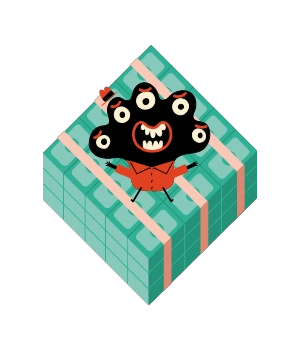
Jelly appears squishy and translucent, like soft candy or gel. Fuzzy trades translucency for dense fibers and textile-like surfaces.

3D Rooms builds full interior environments and furniture. Fuzzy concentrates on single plush objects and icons instead of full scenes.

Goofy exaggerates expressions and proportions with smooth cartoon surfaces. Fuzzy maintains calmer faces and highlights tactile wool texture.

3D Incut mixes cutout pieces and layered paper edges. Fuzzy prefers rounded stuffed shapes with continuous fabric textures.
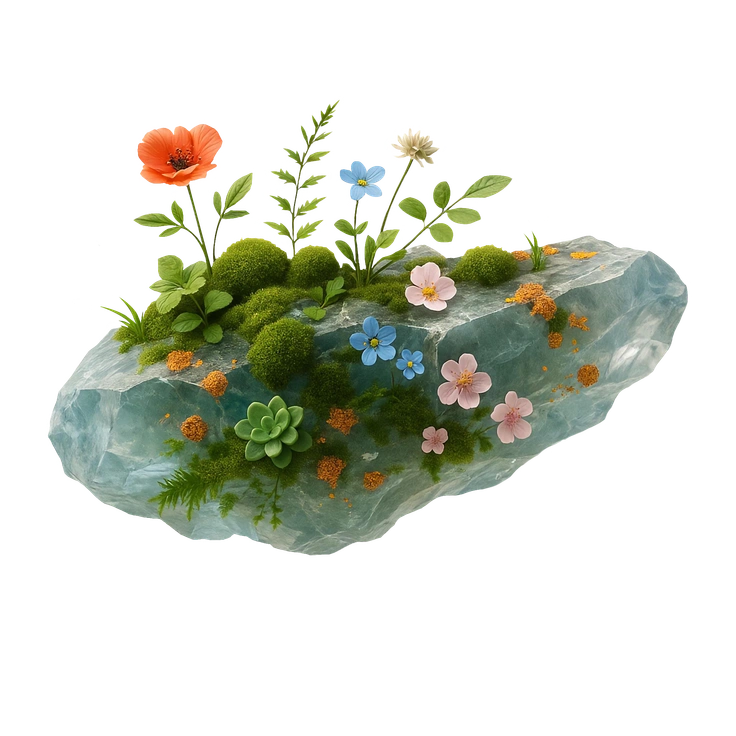
Biomorphic drifts toward abstract organic shapes and artful blobs. Fuzzy grounds its forms in recognizable, toy-like everyday objects.
Frequently asked questions


Start using Fuzzy illustrations today
Download plush 3D icons in seconds, drop them into Figma or your slide software, and ship friendlier interfaces without hiring an illustrator. Try PNG on the free plan or grab SVG with a subscription.