


















3D Buddy Style Illustrations
3D Buddy characters add humor to product interfaces with oversized heads, soft gradients and gentle lighting. Friendly scenes help UX teams calm tense moments like errors or empty states and guide people through tricky onboarding.



What is 3D Buddy Style?
Each illustration in 3D Buddy shows chunky characters with oversized heads and tiny bodies. Neutral beiges and muted pastels sit on smooth shapes with soft shadows and simple, readable expressions.
App developers and SaaS product teams use this collection for onboarding flows and empty states. Education platforms pick the characters for kid‑friendly lessons and slides where serious topics need a lighter approach.
For lighthearted digital products


Packs from the 3D Buddy collection


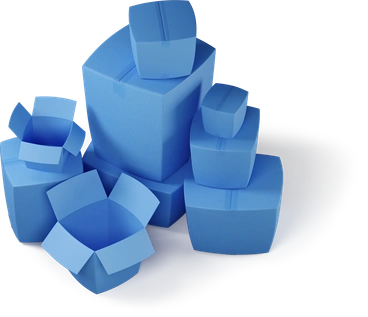
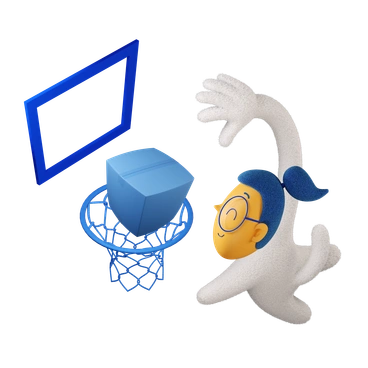




What 3D Buddy artists draw
Everyday app users, floating tools and upbeat helpers appear again and again in this character pack. You will also see playful error scenes. Browse by tag.
Comparing playful 3D moods
Comparing styles helps you sense which 3D mood fits your product, from silly mascots to restrained geometric scenes.
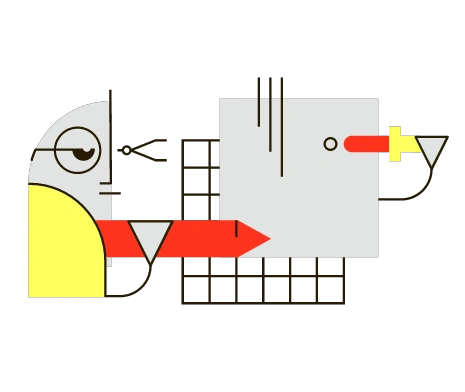
Geom feels flatter and more abstract. It uses sharp geometry and saturated colors where this style stays rounded and neutral.

Isometric focuses on structured environments and angled grids. The Buddy world prefers loose characters floating in space with minimal background detail.
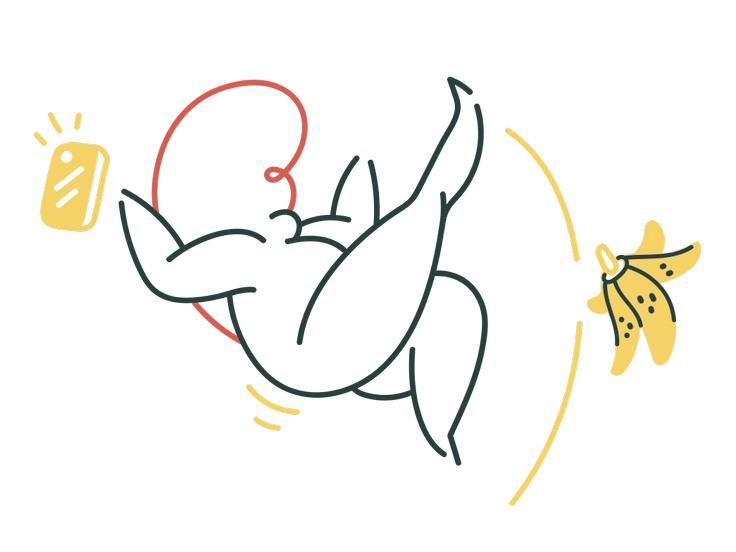
Macaroni bends limbs into tube shapes and bright hues. The characters here keep anatomy simple and rely on softer, more neutral color choices.
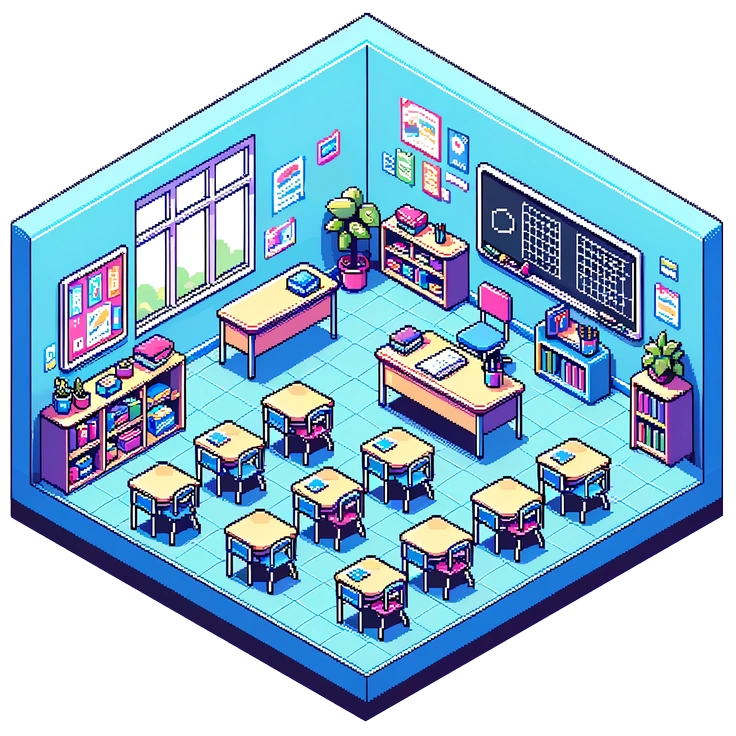
Rooms concentrates on detailed interiors and furniture setups. These scenes shift attention toward figures and props with almost no architectural context.

Stripy emphasizes flat stripes and graphic patterns. This collection instead builds smooth volumes and soft gradients with little surface texture.
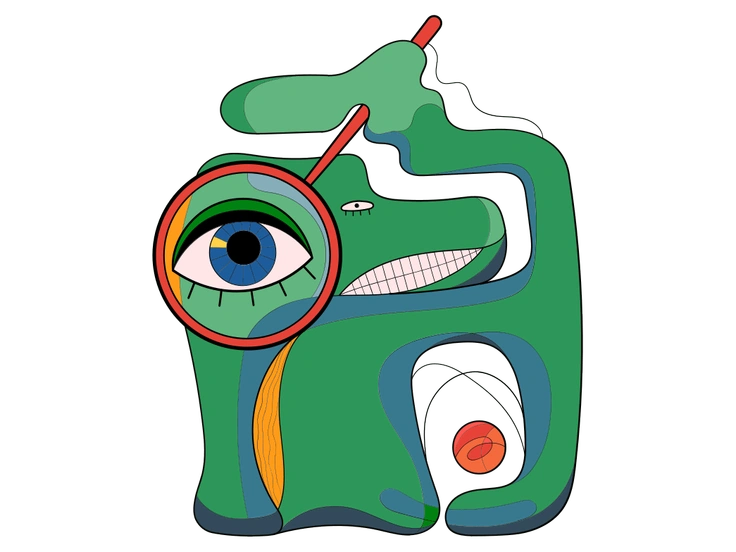
Surr leans into surreal compositions and unexpected object combinations. The Buddy universe stays closer to everyday situations and approachable comedy.

3D Flame pushes dramatic lighting and glossy reflections. These illustrations use gentler illumination so characters sit comfortably inside calm interfaces.

Fuzzy wraps objects in fluffy textures and visible fibers. This set keeps surfaces clean and plastic‑like with minimal material detail.
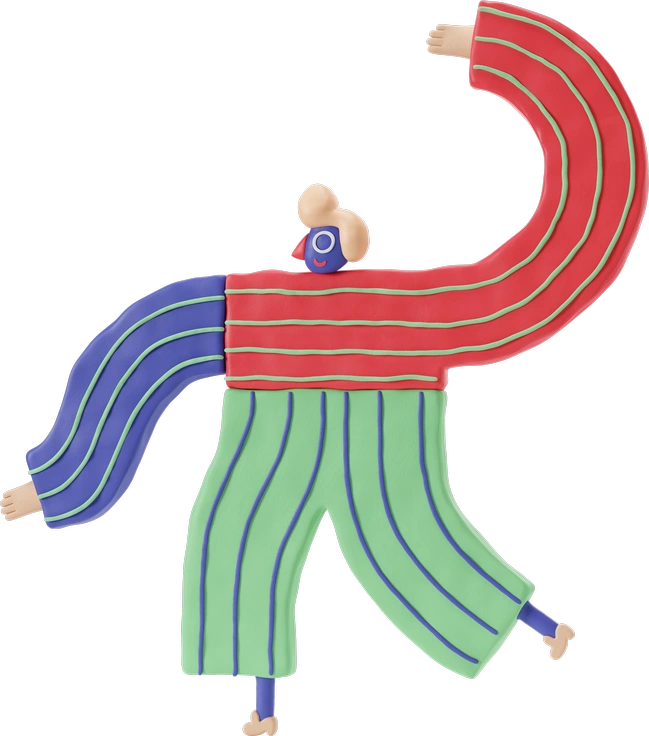
3D Stripy mixes volumetric shapes with bold striping. The Buddy approach avoids heavy pattern work and focuses on clear silhouettes and faces.

Ikigai aims for thoughtful, lifestyle‑driven scenes with subtle emotion. Here the tone leans more toward cartoon exaggeration and light humor.
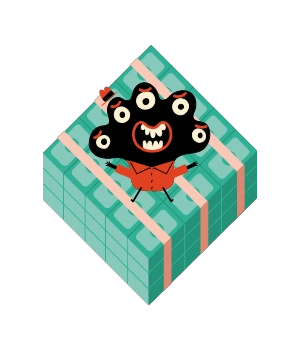
Jelly looks squishy and translucent with bouncy forms. These figures feel more solid and toy‑like with steadier proportions and opaque materials.
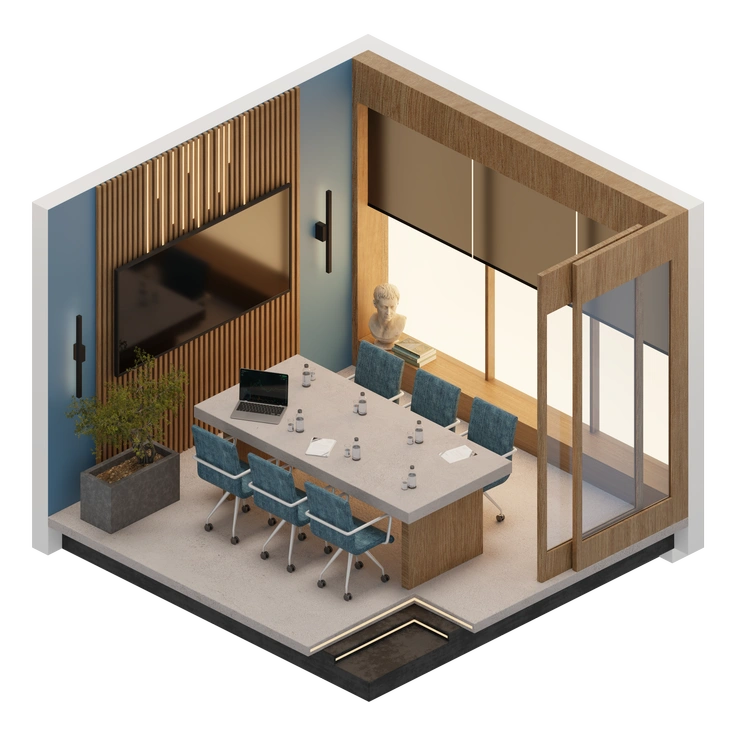
3D Rooms highlights spaces and furniture arrangements. This style brings the spotlight back to characters acting inside simplified, often background‑free environments.
Frequently asked questions


Start using 3D Buddy illustrations today
Grab PNGs for quick mockups or export SVGs for production screens. Drop the illustrations right into Figma and Sketch and Pichon from first wireframe to shipped release.