


















3D Incut Style Illustrations
3D Incut brings carved geometric forms and calm neutrals to business and technology projects, giving interfaces and pitch decks structured depth while diagrams stay clear and professional.



What is 3D Incut Style?
The collection leans on crisp geometric solids with recessed planes and cutout voids. Subtle shadows and controlled lighting emphasize structure while neutral grays and softened whites keep scenes stable against data-heavy layouts.
Marketing and product teams at SaaS companies use 3D Incut for process diagrams and integration overviews. Consultants and analysts drop these objects into feature highlight slides and executive reports without adding visual noise.
For structured digital products


Themes in 3D Incut


Structured 3D subjects
You will see many business dashboards and abstract data stacks, plus clean office setups in 3D Incut. Browse tags to jump straight into themes that match your product.
Comparing structured 3D moods
Comparing neighboring styles helps you decide whether your next interface or presentation needs stricter geometry or softer personality.
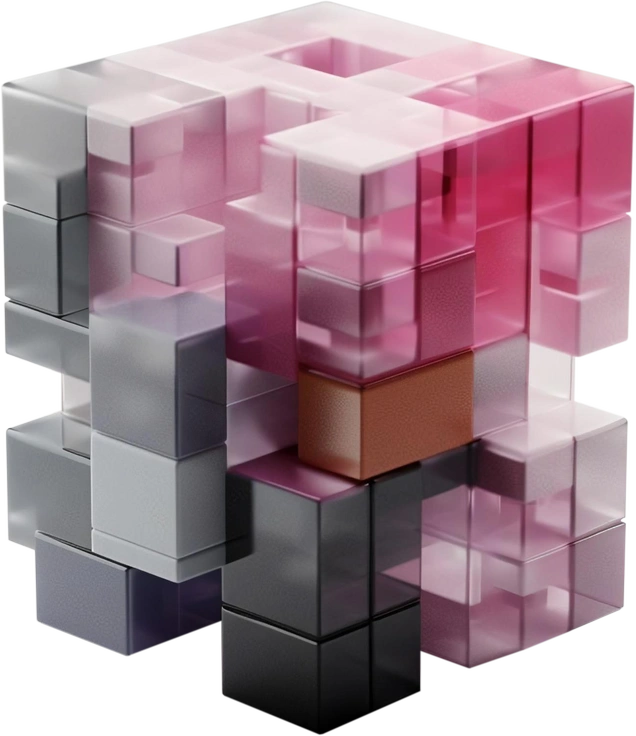
3D Blocks uses chunkier cubes and brighter colors, so layouts feel more playful than the restrained, architectural 3D Incut compositions.

3D Buddy centers expressive characters and gadgets, while 3D Incut focuses on abstract devices and structures for formal business storytelling.
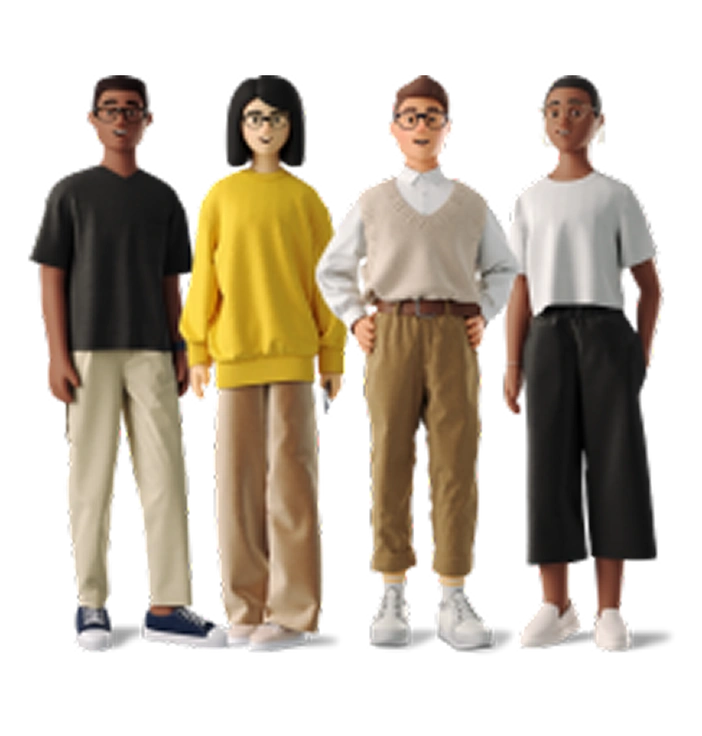
3D Business brings semi realistic people and office scenes, whereas 3D Incut concentrates on object diagrams and neutral geometric devices.
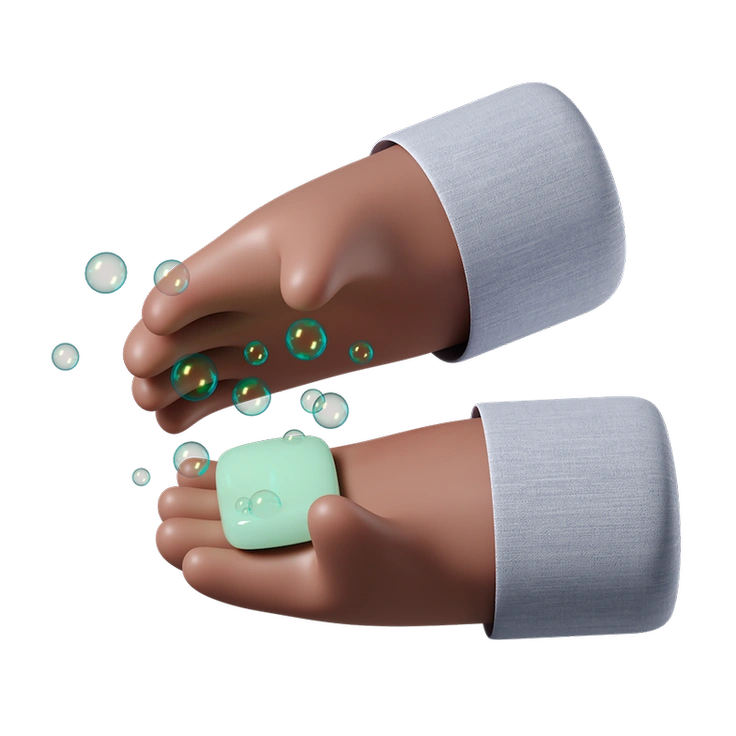
3D Hands Fun&Wild shows exaggerated hands with bold colors and props. 3D Incut keeps attention on muted structural objects instead.
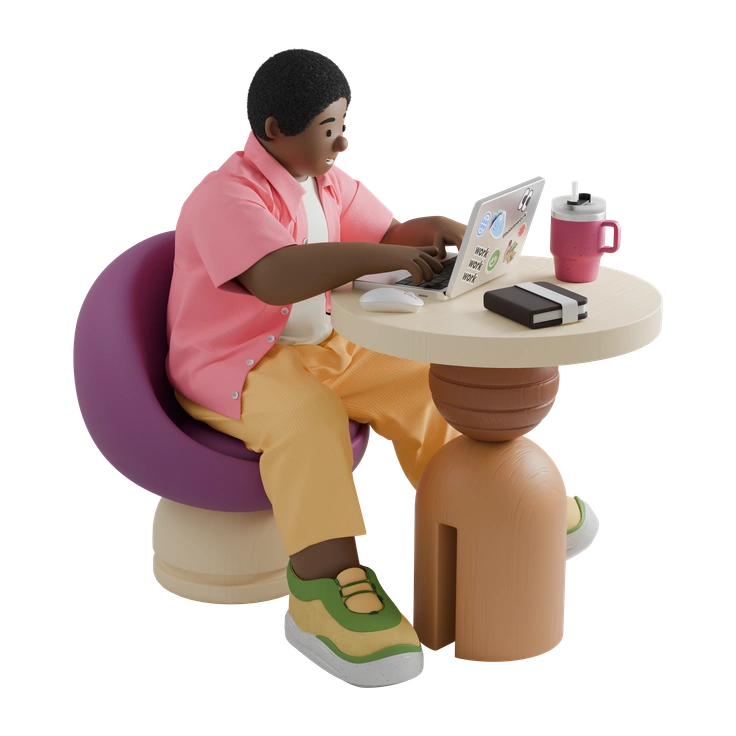
3D Kindy feels like educational toys with rounded edges and bright hues, unlike the sober geometry in 3D Incut.

3D Pack offers general purpose shapes and everyday items. 3D Incut concentrates on business interfaces and structured technology metaphors.
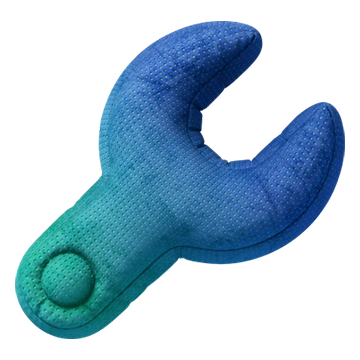
3D Plush icons use rounded forms and saturated gradients. 3D Incut favors harder edges and minimal shading for technical contexts.
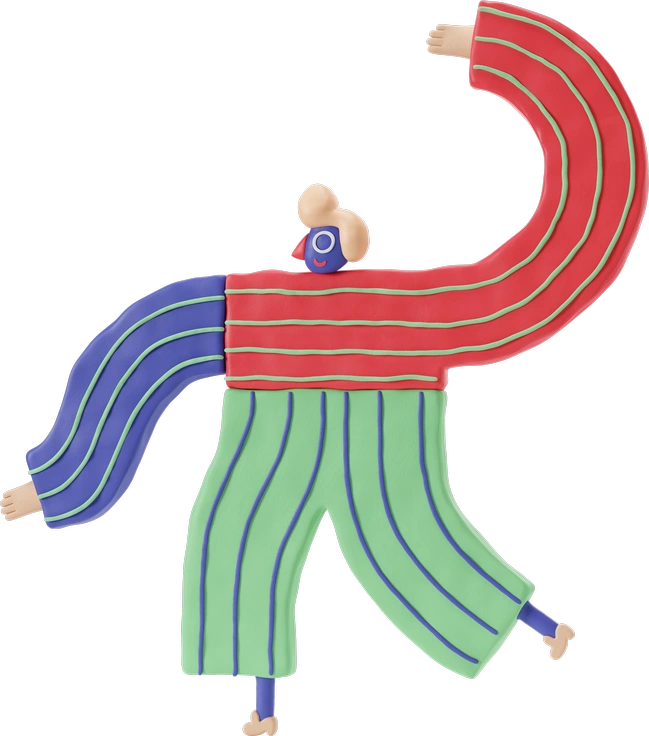
3D Stripy introduces bold stripe patterns wrapped around shapes, where 3D Incut keeps surfaces clean for clearer data alignment.

Demure uses soft flat illustrations with human figures and gentle gradients. 3D Incut stays fully three dimensional and object focused.

Fuzzy leans on textured edges and atmospheric blur, giving scenes, whereas 3D Incut prefers crisp silhouettes and clear negative space.

Haze wraps objects in diffused light and foggy gradients. 3D Incut sharpens contours and uses restrained lighting to highlight cuts.

System keeps everything flat and monochrome at icon scale. 3D Incut instead introduces depth and dimensional blocks for product storytelling.
Frequently asked questions


Start using 3D Incut illustrations today
Sign in, pick the 3D Incut scenes that match your product, and download them as PNG or SVG. Drop them straight into Figma or your slide software to keep visuals consistent.