


















3D Construction Style Illustrations
Bold 3D blocks, cranes, and tools give building projects a precise visual language. Use them to explain workflows, highlight services, and keep complex technical content approachable for clients.



What is 3D Construction Style?
Clean geometry and vivid materials define 3D Construction. Rounded blocks, beams, and scaffolds float on neutral backgrounds. Subtle shadows and reflections create depth without clutter, so every object reads clearly at small sizes.
Teams working on site‑planning software, BIM dashboards, and engineering services reach for 3D Construction. It communicates machinery, logistics, and modular systems in a way that feels precise yet still friendly to non‑experts.
For infrastructure and SaaS teams


Packs from the 3D Construction collection

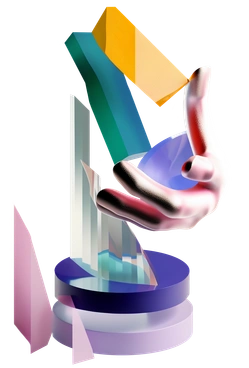


Common construction 3D scenes
Expect simplified machinery with stacked building blocks suggesting growth. Many compositions highlight architectural pieces like stairs and frames plus clear indications of workflow or safety. Browse tags to jump into the subjects you need.
Comparing construction-focused 3D moods
Side‑by‑side comparisons help you decide whether you need abstract building metaphors or more literal characters and environments.

3D Corporate focuses on office teams with neutral tones, while 3D Construction emphasizes machinery and bold structural metaphors.

3D Fluency uses soft gradients with rounded interface elements. 3D Construction leans on sharper geometry and heavier industrial motifs.

3D Holidays fills scenes with seasonal decor and characters. 3D Construction stays focused on tools with simplified building volumes.

3D Microsoft Fluent illustration mirrors Microsoft product visuals with calm gradients, while 3D Construction brings brighter colors and industrial subjects.

3D Plastic people spotlights expressive human characters. 3D Construction instead highlights anonymous equipment and simplified structural forms.
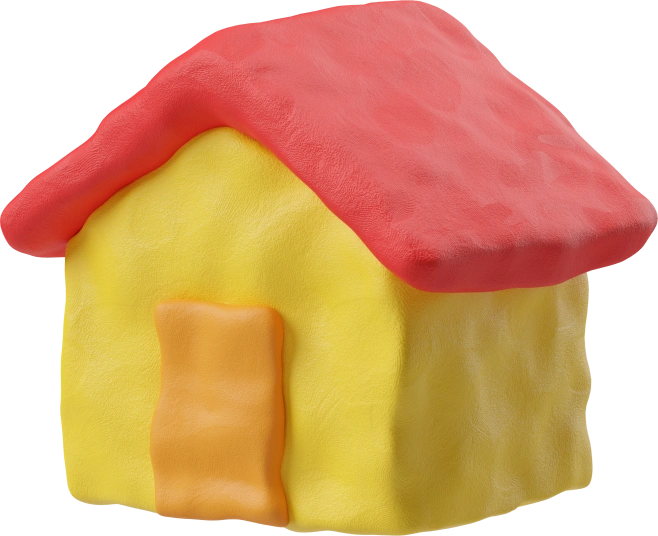
3D Plastilina looks like soft clay models with organic shapes. 3D Construction uses cleaner surfaces and more rigid, engineered geometry.

3D Platforms stacks podiums with abstract slabs. 3D Construction adds cranes and visible beams around similar bases.
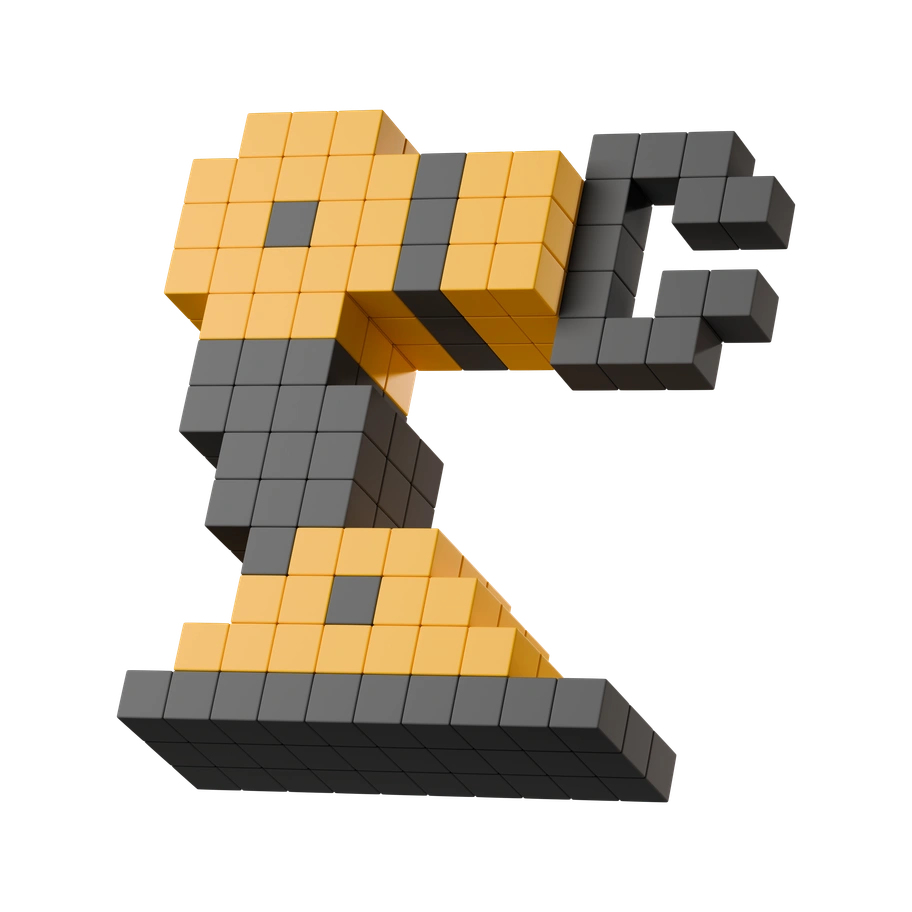
3D Stickle leans into cute characters and stickers, while 3D Construction remains more technical with machinery and modular architecture.

3D Wrap wraps objects in gradients and soft plastics, whereas 3D Construction keeps surfaces crisper with clearer industrial references.

Print feels flatter with ink‑style shading and limited depth. 3D Construction offers full volumetric forms suited to digital product interfaces.

3D Crystex uses translucent, crystalline materials and fantasy shapes, contrasting with 3D Construction's opaque blocks and grounded industrial metaphors.

Metallic leans on reflective metal textures and darker tones. 3D Construction mixes matte machinery with playful color for lighter scenes.
Frequently asked questions


Start using 3D Construction illustrations today
Grab ready‑made project scenes, drop them into Figma or Pichon, and ship clearer product screens and decks today. Download PNGs for quick experiments or upgrade for fully editable SVG assets.