


















Minimalistic Illustration Styles
Minimalistic illustration keeps lines clean and details focused so attention stays on what matters. These minimalistic visuals fit modern interfaces and presentations. They support clarity and a calm rhythm. Visual scanning stays quick and distraction free.






What is Minimalistic Style?
Minimalistic artwork uses simplified shapes and restrained geometry. Colors stay limited, often just one accent against neutral bases. Details appear only where needed. Empty space becomes a deliberate element that guides hierarchy and rhythm.
Designers pick minimalistic techniques for apps that need quick comprehension. Product dashboards feel lighter. Onboarding screens and fintech products gain clarity. Productivity tools benefit from neutral visuals. Pitch decks keep focus on key copy.
Where minimalism works best


29+ Minimalistic illustration styles
Each style has its own visual personality. Click to explore illustrations and download.

Amethyst carves scenes from sharp purple geometry and bold contrast.

Built with flexible curves and minimal detail, Bendy keeps product UI clear yet warm.

Bouncy sets give UI teams rounded characters and clear props that explain actions.

Buddy brings playful gradient characters to mobile screens so empty states and onboarding feel friendly.

Clap illustrations turn short phrases into bright vector stickers with cheering hands and simple accents.

Clipart illustrations bring bold color and simple shapes to everyday objects.

Cubes illustrations build scenes from bold isometric blocks and bright flats.

Cut illustrations strip interfaces down to essential shapes and signals.
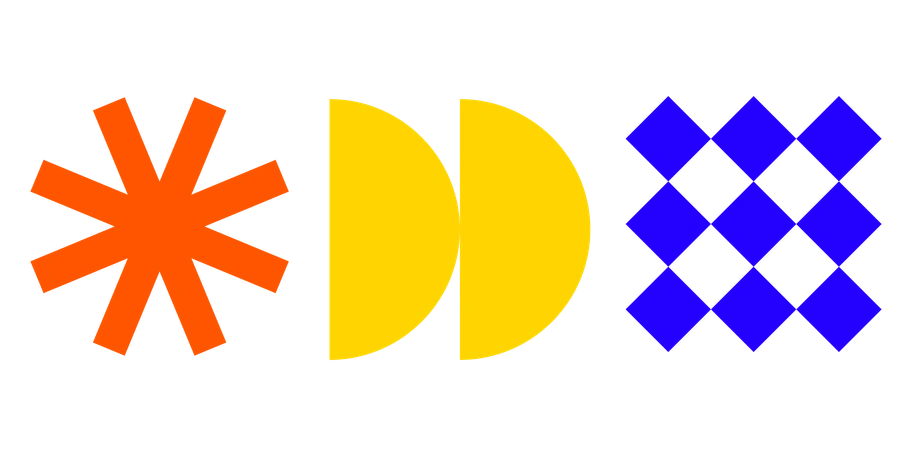
Framework illustrations bring sharp geometry and star icons to business visuals.

Soft Gummy scenes bring rounded shapes and neutral colors to product UIs.

Inverse illustrations frame data and devices in sharp monochrome.
Journal illustrations echo vintage newsroom engraving with sharp halftone textures and strict black and white contrast.

Line drawings keep interfaces quiet and readable while still guiding users.

Little strips icons to essential lines and shapes for clear interfaces.

Macaroni illustrations sit lightly on your UI with tubular lines and gentle quirks.

Notes sketches look like scribbles in notebook margins, giving writers and educators friendly visuals that feel personal and quick to grasp on any screen or page.

Outline illustrations keep interfaces simple with bold strokes and bright color fills.

Pocus sticker vectors bring retro energy into modern products.
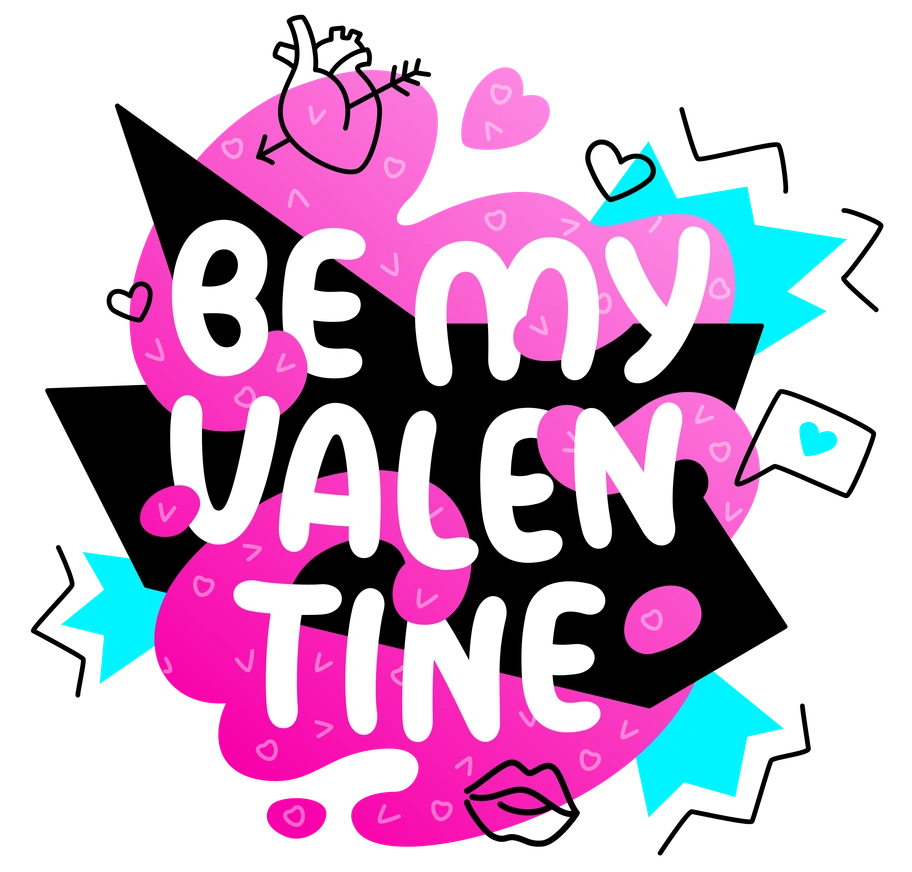
Rocky puts bold vector words front and center so messages read loud and clear.

Ruby keeps product screens clear with stripped down vector lines and ruby highlights.

Simplistic illustrations keep interfaces understandable with flat geometry and muted tones.

System sits between icon sets and full scenes, giving product teams geometric isometric blocks for architecture diagrams and dashboards.

Teams keeps everything stark and readable with strict black-and-white line art.

Tiny turns oversized objects into clear metaphors, with miniature people guiding the story.
Token brings a monochrome, tech-forward aesthetic to dashboards and decks.
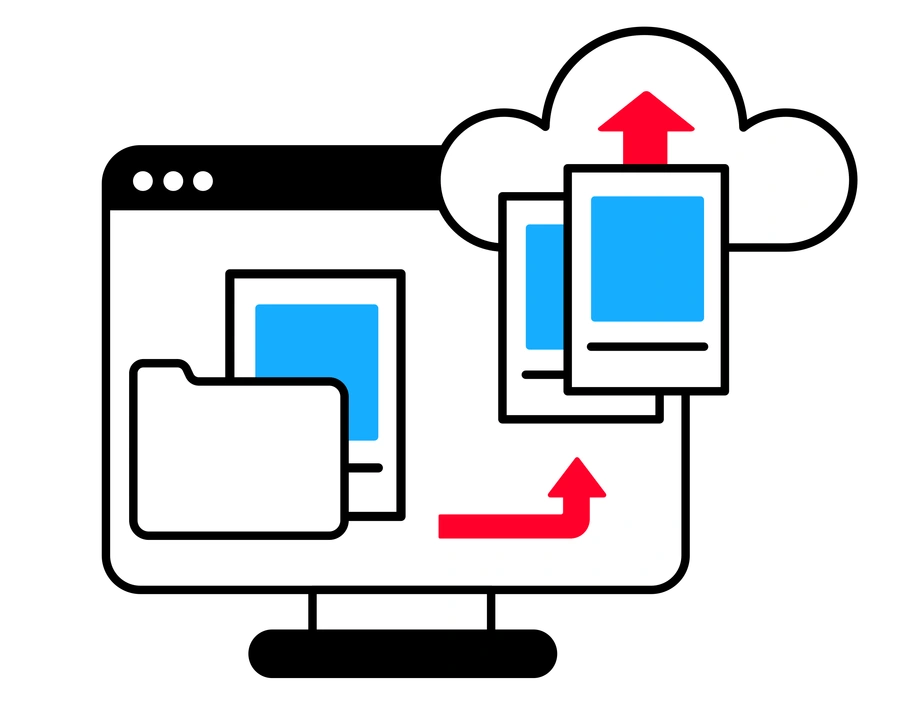
Transistor illustrations bring retro circuitry and mid-century tech into clean vector scenes.
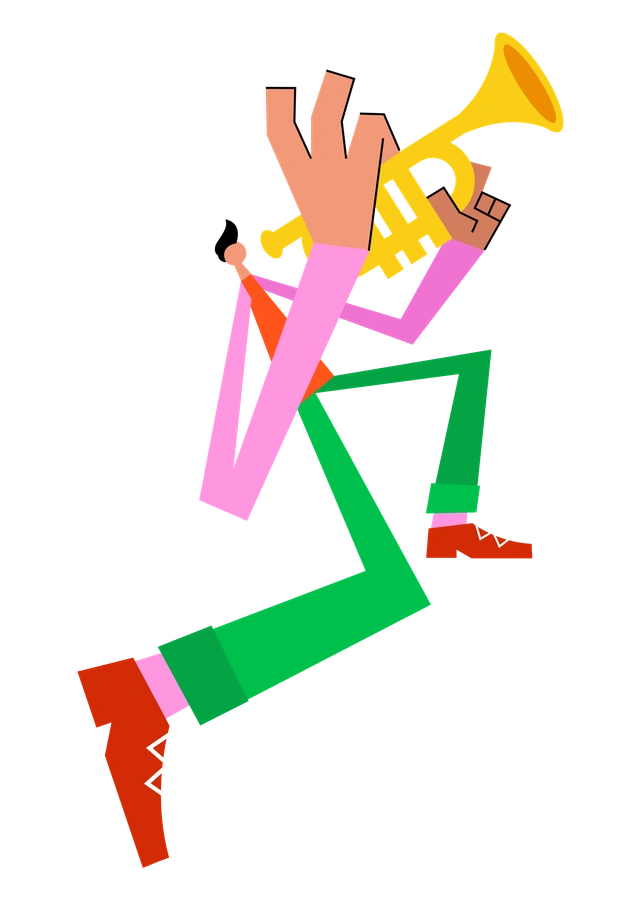
Warp bends clean geometry into exaggerated curves and stretched planes.
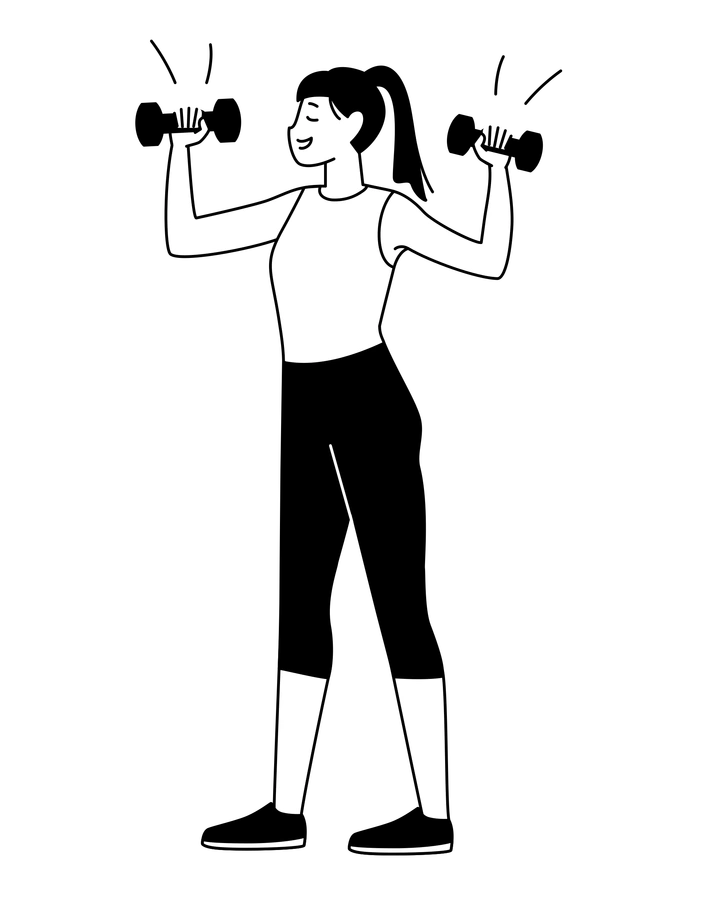
Weekday keeps interfaces honest with monochrome line scenes of real people and objects.

Wiggle illustrations bend simple shapes into wavy characters and objects that feel in motion.
Frequently asked questions


See all minimalistic illustration styles
View 29+ minimalistic styles with 10,104+ ready illustrations. Download PNGs for free with attribution or get SVGs on paid plans. Drag minimalistic graphics into Figma using Mega Creator or the Pichon desktop app.