


















Bouncy Style Illustrations
Bouncy sets give UI teams rounded characters and clear props that explain actions. Use them to soften error states and onboard new users without heavy custom illustration work.







What is Bouncy Style?
What makes Bouncy immediately recognizable are thick rounded limbs and oversized heads on simple bodies. Bright color blocks sit on plain backgrounds so characters and devices stay easy to read.
You'll find them in onboarding tours and contextual tips inside SaaS dashboards. Support centers pick Bouncy for help articles. Education platforms use it to explain features without intimidating new learners.
For friendly product surfaces


Themes in Bouncy






What Bouncy artists draw
Scenes often show people interacting with laptops or phones and moving through simple workflows. You will also see upbeat workplace moments and abstract shapes representing data. Browse by tag to narrow subjects.
Choosing between playful flat sets
Comparing styles helps you match illustration energy and detail to each project, from quiet dashboards to loud marketing pages.
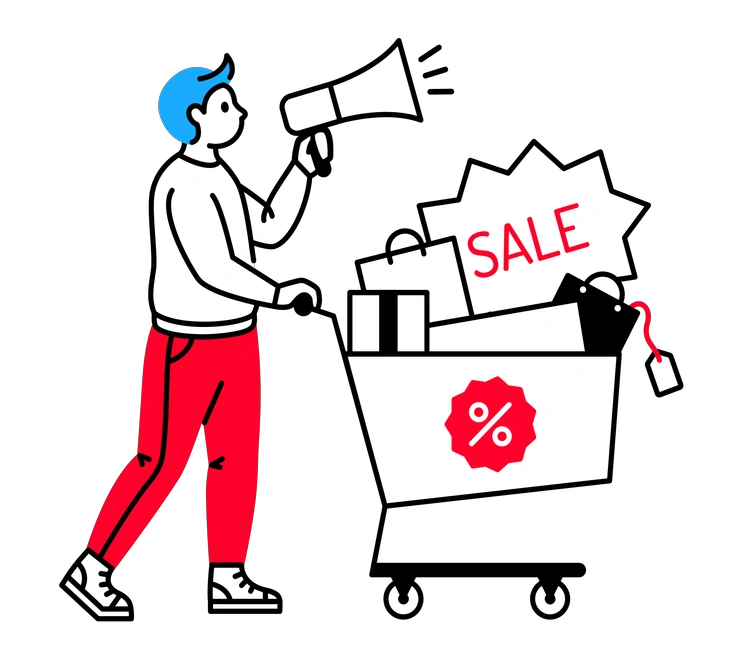
Transistor leans into sharper geometry and tighter grids, so it feels more technical than Bouncy and suits complex developer tooling.

Quirky pushes proportions into surreal territory and embraces odd details, while Bouncy keeps characters straightforward and reassuring for product education.

Rocky uses chunky angles and heavier outlines for stronger impact, while Bouncy favors softer curves that feel lighter in interfaces.

Wiggle introduces wobbling lines and sketchy motion, whereas Bouncy sticks to clean vector edges and calm, stable shapes.
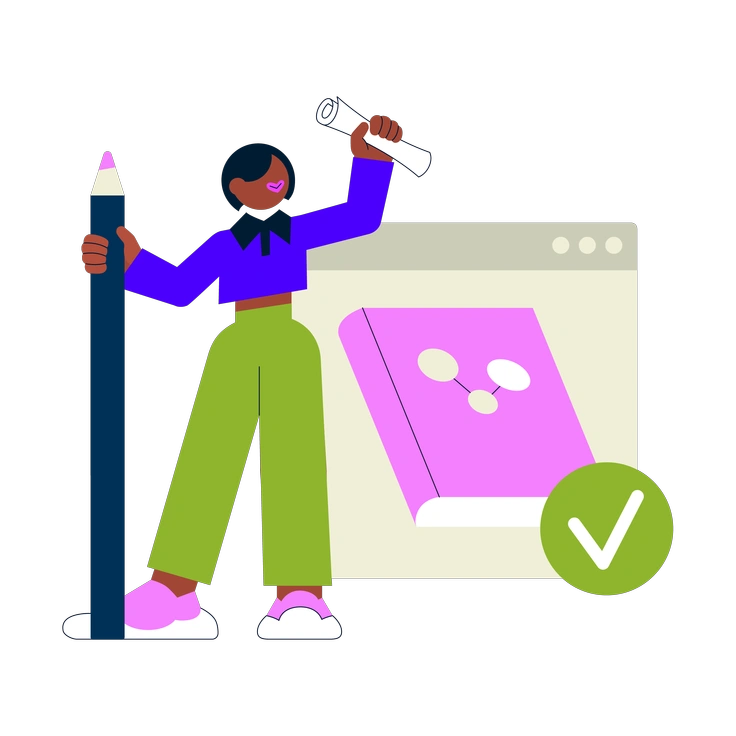
Cubes represents concepts as isometric blocks and stacked elements, while Bouncy focuses on flat, character-driven scenes for everyday product stories.

Outline relies on thin strokes with minimal fills for a sketch feel, while Bouncy favors solid shapes for stronger presence.

Vibrant pushes saturation and contrast harder than Bouncy and often packs scenes tighter, creating louder compositions for marketing moments.
Framework feels more structured with UI wireframes and grids, while Bouncy centers on characters and objects rather than interface chrome.

3D Fluency adds volume and soft lighting for dimensional scenes, while Bouncy remains flat and lighter for basic product flows.

Clap leans toward expressive poses and storytelling moments, whereas Bouncy keeps actions simple and centered on interface tasks.

Clipart draws from classic stock icons with clear symbols and fewer characters, while Bouncy emphasizes people and emotional context.

Puzzle breaks scenes into modular pieces that interlock visually. Bouncy offers straightforward compositions that drop into layouts without complex arrangements.
Frequently asked questions


Start using Bouncy illustrations today
Sign in and grab a few Bouncy scenes for your next onboarding flow or tooltip. Download PNG or SVG files, adjust colors in your editor, then ship updated interfaces quickly.