Products
Music Lunacy

Buddy Style Illustrations

Buddy brings playful gradient characters to mobile screens so empty states and onboarding feel friendly. Drop ready scenes into product UI without heavy illustration work.

225+ illustrations SVG & PNG Editable colors Commercial license
A person looking at a computer screen - Buddy style illustration
Soft Gradient Color
Bright gradient combinations keep elements eye-catching on small screens and modern mobile layouts.
Simplified Character Shapes
Characters rely on circles and rectangles so compositions feel clear and easy to recognize.
Open Layouts
Generous padding and simple backgrounds leave room for interface elements around each scene.
Unified Visual Logic
Shared proportions and color logic help mixed Buddy scenes look coherent across entire products.

What is Buddy Style?

At its core, Buddy uses rounded characters, blocky props and smooth gradients over flat backgrounds. Limbs bend with simple curves and details stay minimal so scenes remain readable on small phones.

Teams working on social products and casual games pick Buddy for avatars, rewards and onboarding stories. Education apps and kid-focused services use the style to keep flows upbeat.

For playful product teams

Social Apps
Use Buddy characters in empty chat states and friend suggestions. They keep community headers warm when content is missing.
Mobile Games
Introduce Buddy figures into achievement screens and daily rewards so progress feels playful and consistent with casual gameplay.
Onboarding Flows
Place Buddy scenes beside steps in registration and permission screens to guide attention and reduce friction for new users.
Education Products
Use Buddy characters for learning milestones and friendly mascots so dashboards feel approachable for children during quizzes.

What Buddy artists draw

Cartoon characters chat and play games. They complete everyday tasks. Abstract screens and tiny objects explain digital actions and app features. Use the tags to browse scenes by subject.

Comparing playful character styles

Comparisons show Buddy's gradient intensity and detail level. They also help you pick a mood that fits your product.
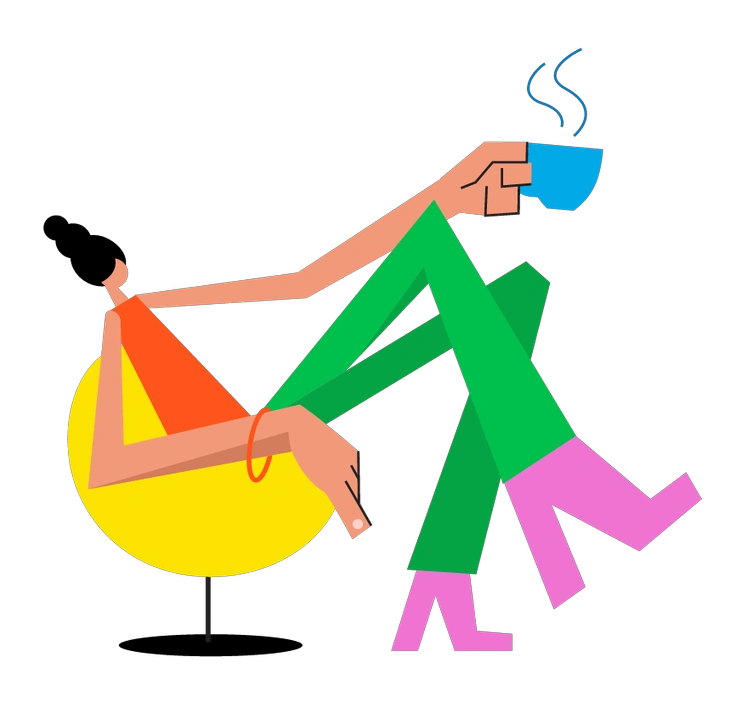
A person relaxing with a cup of coffee - Warp style illustration
Warp

Warp bends shapes into surreal poses and strong distortions. Buddy keeps characters grounded and readable for everyday app contexts.
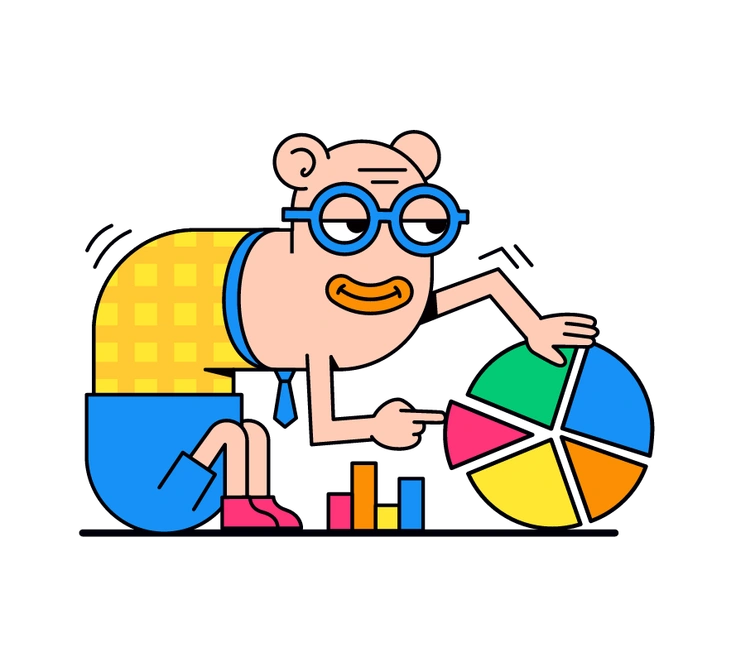
108+ illustrations
A cartoon character analyzing a colorful pie chart - Droll style illustration
Droll

Droll leans on sketchy outlines and muted flats, whereas Buddy focuses on bold gradients and clean geometric figures.
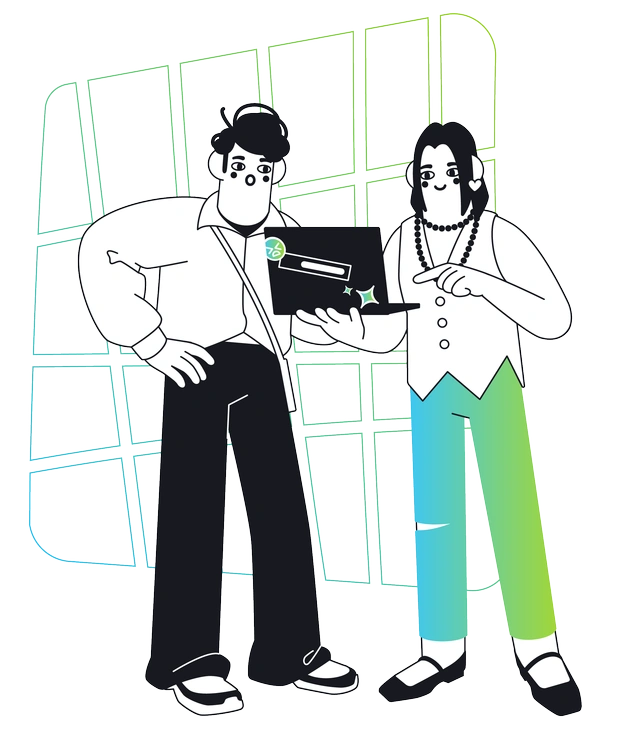
153+ illustrations
Two men looking at a laptop together - Breeze style illustration
Breeze

Breeze uses soft pastels and loose spacing. Buddy prefers saturated gradients and chunkier shapes that pop on dense screens.
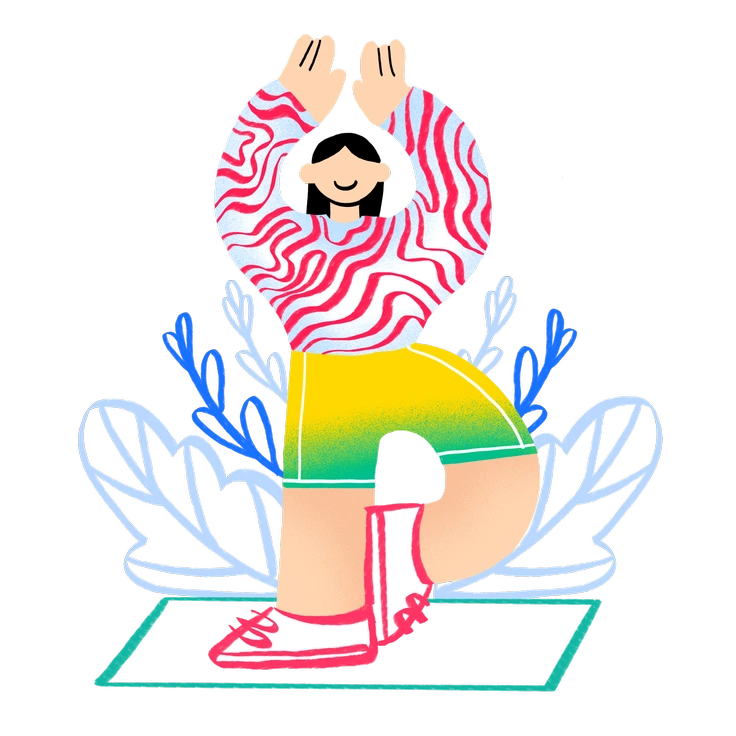
109+ illustrations
A person in a playful pose with plants - Bonny style illustration
Bonny

Bonny scenes lean into decorative details. Buddy strips elements down so characters and props stay clear at avatar sizes.

150+ illustrations
A mountain with a flag and eyes - Eyeful style illustration
Eyeful

Eyeful delivers more realistic anatomy and shading. Buddy exaggerates proportions slightly and keeps surfaces simple for friendly, approachable characters.
176+ illustrations
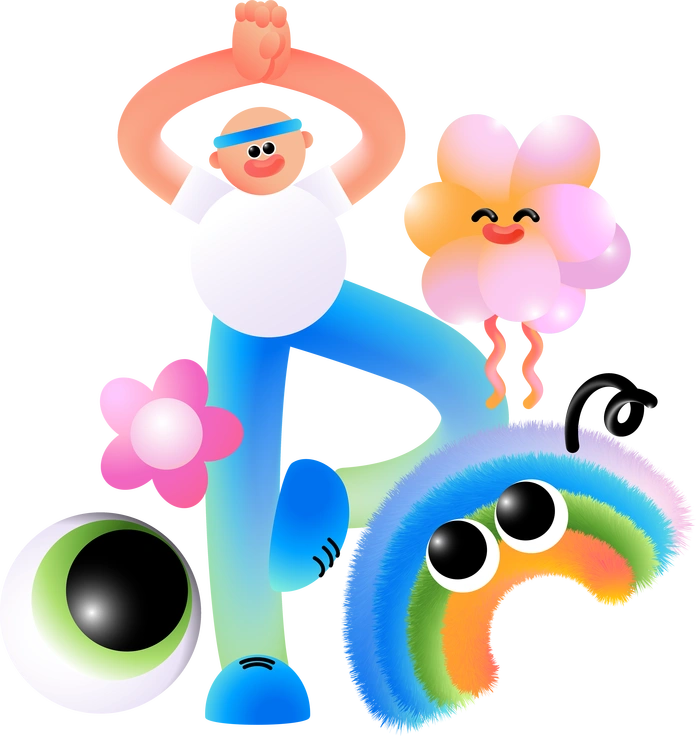
A colorful character with flowers and playful creatures - Puffy style illustration
Puffy

Puffy leans into inflated volumes and toy-like forms. Buddy feels flatter and relies on gradients instead of full 3D.

108+ illustrations
A brain connected to data and science elements - Glossy style illustration
Glossy

Glossy pushes reflections and shiny surfaces, while Buddy keeps finishes matte with smooth transitions between bright hues.

378+ illustrations
A woman holding a megaphone with social media icons - Joy style illustration
Joy

Joy favors big emotional expressions and dynamic poses. Buddy stays calmer and supports situational context inside screens and cards.

134+ illustrations
Colorful shapes including hearts, stars, and swirls - Vibrant style illustration
Vibrant

Vibrant leans into high-contrast palettes for marketing pages. Buddy is tuned for in-product UI with friendlier gradients and simplified environments.

191+ illustrations
A woman with headphones and a backpack - Notes style illustration
Notes

Notes focuses on flat sticky-note shapes and text. Buddy introduces rounded characters and symbolic props as interface stickers.

667+ illustrations
A teddy bear with a heart balloon and chocolates - Storyline style illustration
Storyline

Storyline emphasizes sequential panels and narrative flow. Buddy delivers single, punchy scenes that fit tight spaces in app layouts.

559+ illustrations
Animated
A rocket launching with people celebrating - Tiny style illustration
Tiny

Tiny works with very small, minimal icons. Buddy occupies more space with expressive bodies yet still stays readable on phones.

392+ illustrations
Animated

Frequently asked questions

Yes. You can use Buddy assets in client work and commercial products when you follow the Icons8 license terms for your chosen plan.
On the free plan you must add a clickable link to Icons8. Paid plans remove the attribution requirement for Buddy and other assets.
Buddy gradients sit well on both background types. For dark layouts you may tweak SVG colors or add subtle outlines to keep contrast strong.
The Buddy collection already includes 225+ illustrations. Icons8 expands illustration libraries over time, so you can expect occasional new scenes and refinements.
You get PNG files on the free plan and SVG files on paid plans. Edit SVGs in your design tools or with the online Mega Creator editor.
Abstract liquid sphere illustration 3D coins illustration 3D charts in metal box illustration

Start using Buddy illustrations today

Download Buddy scenes as PNG on the free plan or SVG with a subscription. Drag them from Pichon or Mega Creator straight into Figma and ship friendly interfaces faster today.

Explore Buddy library