


















Pocus Style Illustrations
Pocus sticker vectors bring retro energy into modern products. Saturated colors and bold outlines help buttons and badges stand out while keeping layouts simple enough for data and text.



What is Pocus Style?
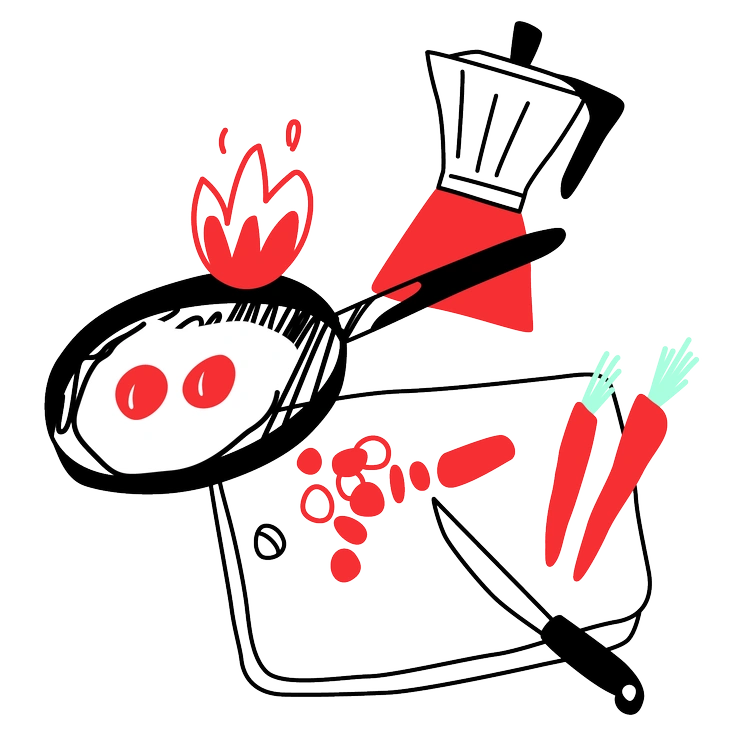
What makes Pocus recognizable is its sticker-like vector look. Flat fills and bright primary hues sit inside crisp outlines. Details stay minimal so shapes read clearly even at tiny sizes.
The style works across youth marketing campaigns and playful product interfaces. Creative agencies use Pocus for onboarding flows and promo banners. Portfolio pieces gain a nostalgic tone without heavy illustration detail.
For playful apps and campaigns




What Pocus artists draw
Scenes focus on simplified people in motion and iconic gadgets for everyday life. Expressive symbols work well for chat or reactions. Browse tags to jump into objects and characters.
Comparing playful vector stickers
Comparing Pocus with nearby styles helps you choose how bold or minimal your retro sticker graphics should feel.
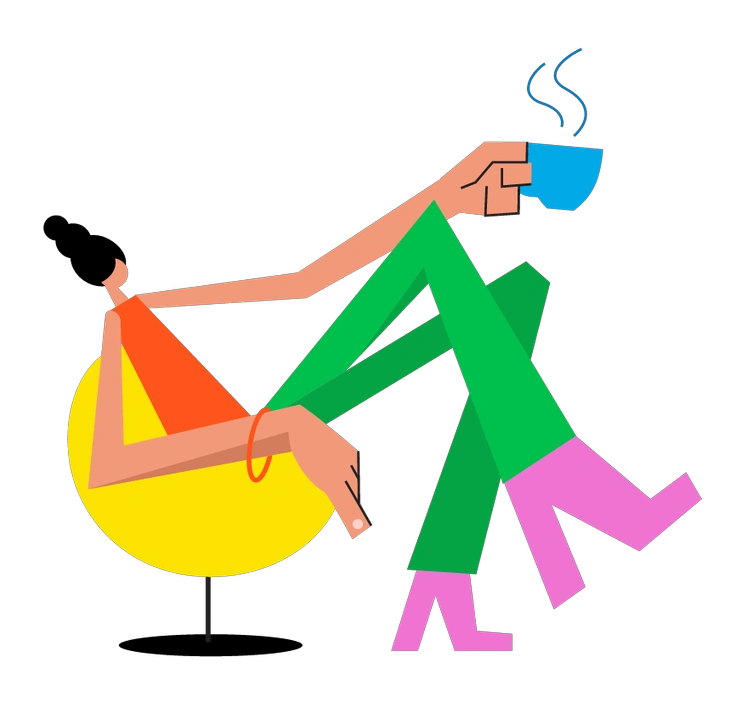
Warp bends shapes and perspectives more dramatically than Pocus. It feels glitchy and experimental where Pocus stays clean and straightforward.

Transistor pushes a techy circuit vibe with angular icons and screens. Pocus leans toward lifestyle subjects and softer sticker silhouettes instead.

Rondy Stickers look more rounded and plush. Pocus keeps sharper cuts and flatter shapes, which read crisply in compact interface elements.

Wiggle introduces wavy outlines and looser drawing. Pocus prefers controlled geometry, so compositions feel steadier in structured grids or card layouts.
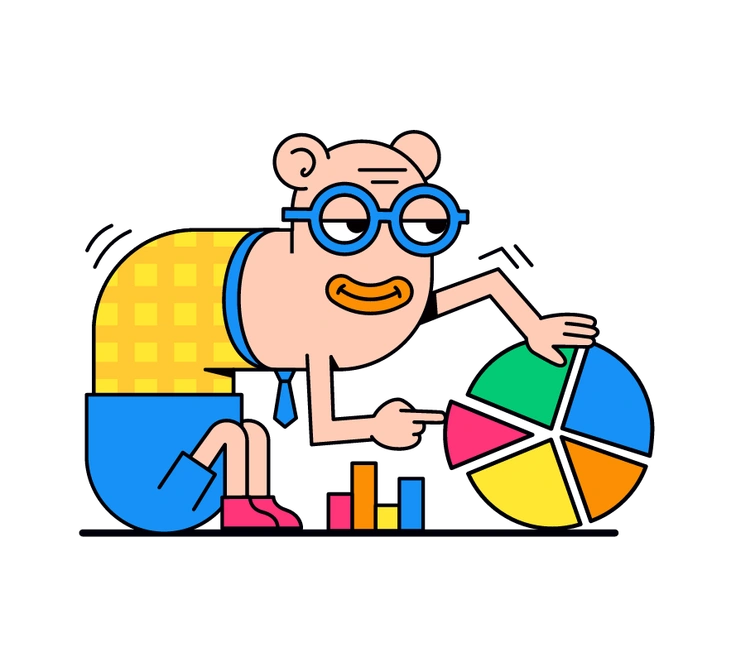
Droll exaggerates characters and expressions for comedic impact. Pocus tones faces down and focuses more on objects and simple gadget interactions.

Quirky pushes asymmetry and odd proportions to emphasize weird charm. Pocus stays more balanced, which helps support functional UI without distracting humor.
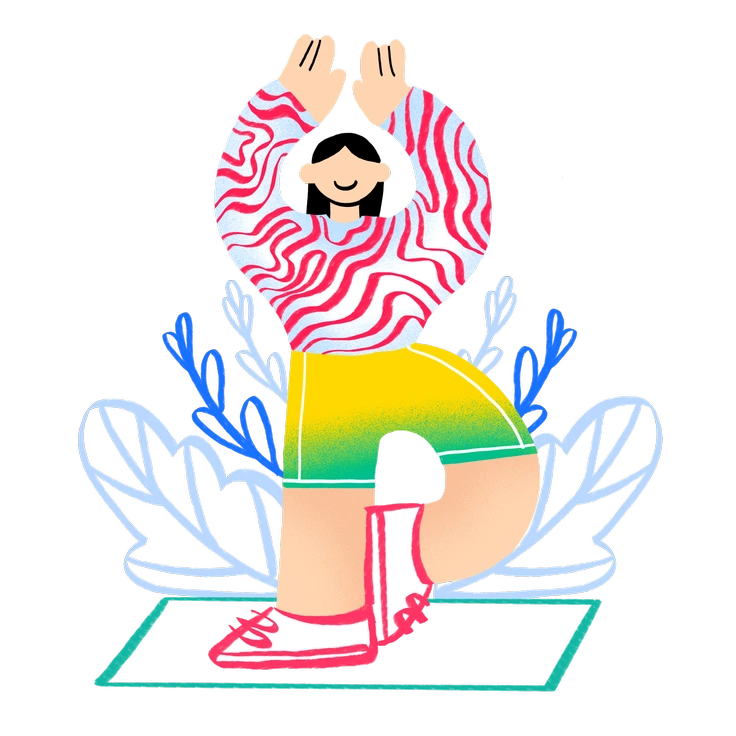
Bonny uses softer palettes and friendlier gradients. Pocus skips shading entirely and relies on saturated flat tones for that printed sticker feeling.

Rocky leans into chunky shapes with heavier outlines. Pocus looks lighter on screen, so it suits layouts needing more breathing room.
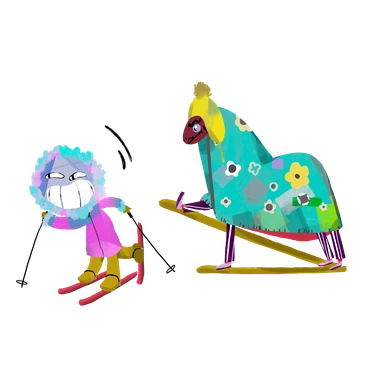
Atomic references mid‑century motifs and abstract bursts. Pocus feels more contemporary and icon driven, good for apps and current consumer brands.

Cyborg adds metallic textures and robotic elements for sci‑fi themes. Pocus avoids tech grit and supports everyday lifestyle or entertainment products instead.
Spicy cranks saturation even higher and pushes expressive faces. Pocus behaves slightly calmer, which works better for repeated badges or navigation icons.

Moji focuses on emoji‑style heads and reactions. Pocus includes more objects and scenes, making it useful beyond messaging interfaces.
Frequently asked questions


Start using Pocus illustrations today
Download a few Pocus stickers and test them in your next screen or slide. Drag assets from Icons8 or Pichon straight into Figma or Sketch or presentation tools for quick layout experiments.