


















Macaroni Style Illustrations
Macaroni illustrations sit lightly on your UI with tubular lines and gentle quirks. They add clarity to empty states and onboarding flows. Feature screens stay informative without pulling attention from content.



What is Macaroni Style?
Soft angles and thin continuous strokes form objects that twist like pasta. Neutral grays mix with beige highlights. Sparse flat fills and wide negative space keep each drawing readable on dense layouts.
Whether you're designing fintech dashboards or lifestyle apps, Macaroni slots into modern systems easily. Product squads use it for onboarding flows and feature tours. It also supports subtle marketing graphics around product benefits.
For interfaces and product sites






What Macaroni artists draw
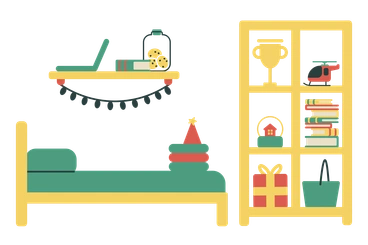
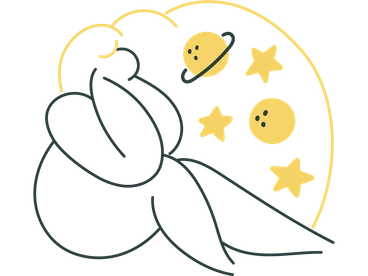
Expect illustrations of desks and household objects with tubular twists, plus abstract decorative frames around content blocks. Many scenes show everyday tools from digital life. Browse topics by tag.
Pick your Macaroni line vibe
Comparing Macaroni with nearby styles helps you decide how minimal or characterful your interface illustrations should feel.

Jelly uses glossy 3D blobs and bold shading, while Macaroni stays flat with thin outlines and restrained color accents.

Gummy feels chunkier and more toy like, with filled shapes and volume instead of Macaroni's airy linear constructions.

Scandi focuses on blocky geometry and muted fills, whereas Macaroni emphasizes flowing tubular contours and sparse areas of color.

3D Flame brings sculpted depth and dramatic lighting, while Macaroni offers understated single-weight lines that sit quietly inside interfaces.

Kitekat leans into quirky characters and busier scenes, whereas Macaroni keeps compositions minimal with simple objects and gentle abstractions.
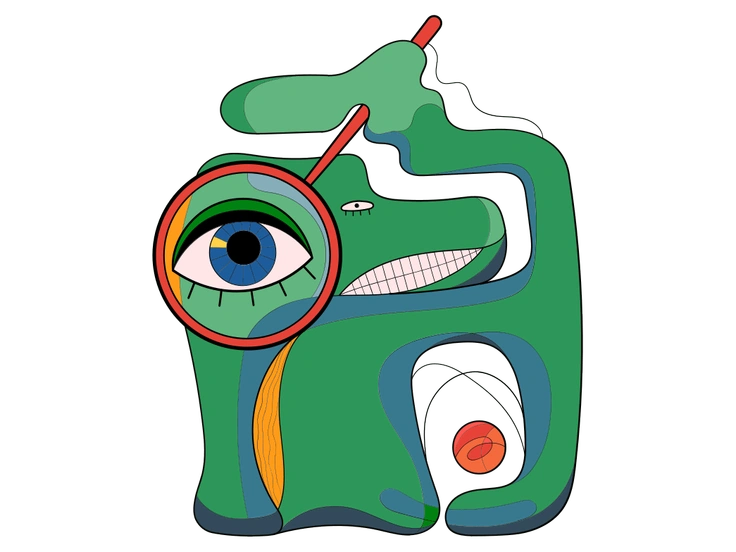
Surr twists reality with surreal distortions and rich storytelling, while Macaroni suggests whimsy using modest warps inside recognizable everyday setups.

3D Buddy illustrates characters with volumetric shading and presence, contrasting Macaroni's outline driven figures that blend quietly into UI layouts.

3D Fluency delivers glossy objects and icons in perspective, whereas Macaroni relies on flat linear constructions with occasional fills.
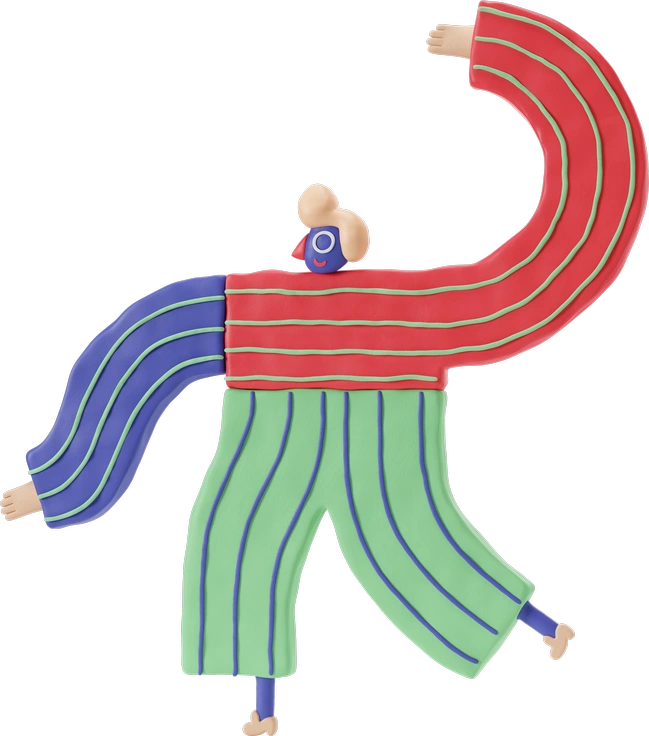
3D Stripy combines dimensional forms with striped textures, while Macaroni removes volume entirely and builds scenes from clean continuous strokes.

Bubble gum goes bright and chunky with saturated shapes, compared to Macaroni's lean lines and controlled, mostly neutral color accents.
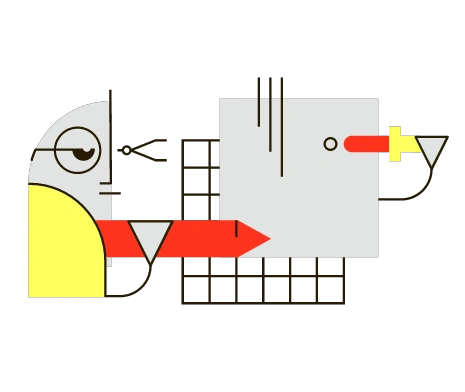
Geom centers on strict geometric grids and solid blocks, while Macaroni favors looser tubular contours and open white space.

Simplistic offers filled icons with bold outlines, whereas Macaroni keeps strokes thinner and adds gentle distortions for a softer presence.
Frequently asked questions


Start using Macaroni illustrations today
Download Macaroni scenes, drop them straight into Figma or Sketch and adjust colors to match your system. Build onboarding flows and dashboards faster. Marketing pages benefit too without commissioning custom illustration work.