


















Framework Style Illustrations
Framework illustrations bring sharp geometry and star icons to business visuals. They keep decks and product screens clear while adding just enough color for modern SaaS and internal tools.


What is Framework Style?
Flat blocks of bold blue and orange sit inside strict geometric grids. Circles pair with rectangles to frame star symbols and charts on bright backgrounds with generous white space.
It fits especially well in B2B pitch decks and onboarding flows. Product marketers and internal comms teams use Framework when they need simple visuals that still feel organized and corporate.
For decks and product UI


Framework packs by subject
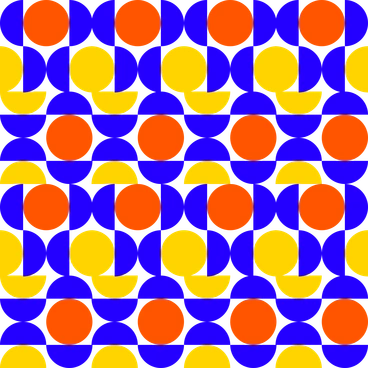
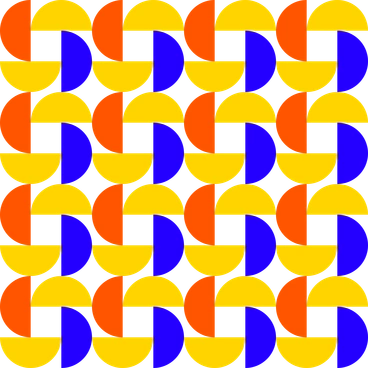

What Framework artists draw
Scenes revolve around office teams with charts on large screens that visualize planning and reporting. You will also find abstract workflows and process blocks. Browse by topic tags.
Between clean business moods
Comparing nearby styles helps you pick visuals that match product tone and audience expectations across all your brand materials.

Bouncy introduces rounded characters and fluid poses, while Framework keeps focus on abstract shapes and business structure.

Clap uses expressive gestures and scenes about teamwork. Framework instead reduces people and props to simplified diagrams and icon-like forms.

Clipart feels more generic and decorative. Framework uses tighter grids and business themes suitable for structured dashboards and documentation.

Cubes relies on isometric 3D blocks with volume. Framework stays completely flat and graphic for lighter-weight presentations and UI elements.

Outline focuses on thin strokes and open shapes. Framework emphasizes filled geometry and color blocks for quick scanning.
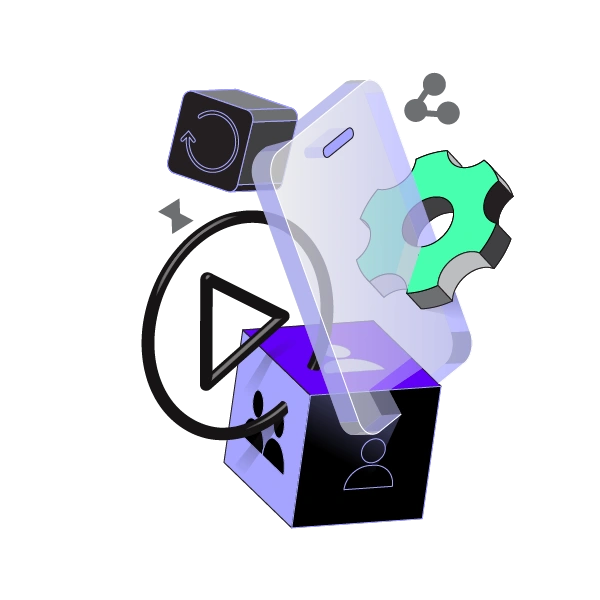
Incut brings collage textures and overlapping paper pieces. Framework removes texture entirely and leans on strict alignment and solid backgrounds.

Transistor looks techy with circuitry motifs and darker palettes. Framework keeps colors brighter and focuses on general business processes.

Quirky exaggerates proportions and facial expressions. Framework avoids character drama and instead highlights charts with documents under simple star accents.
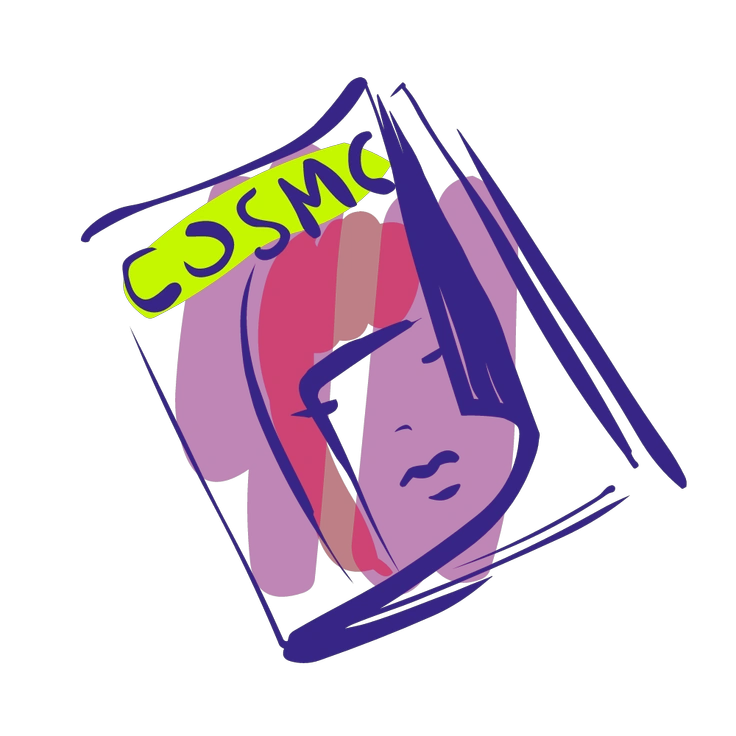
Glam leans into fashion aesthetics and glossy detailing. Framework feels tailored to corporate environments with flatter icons and structured layouts.
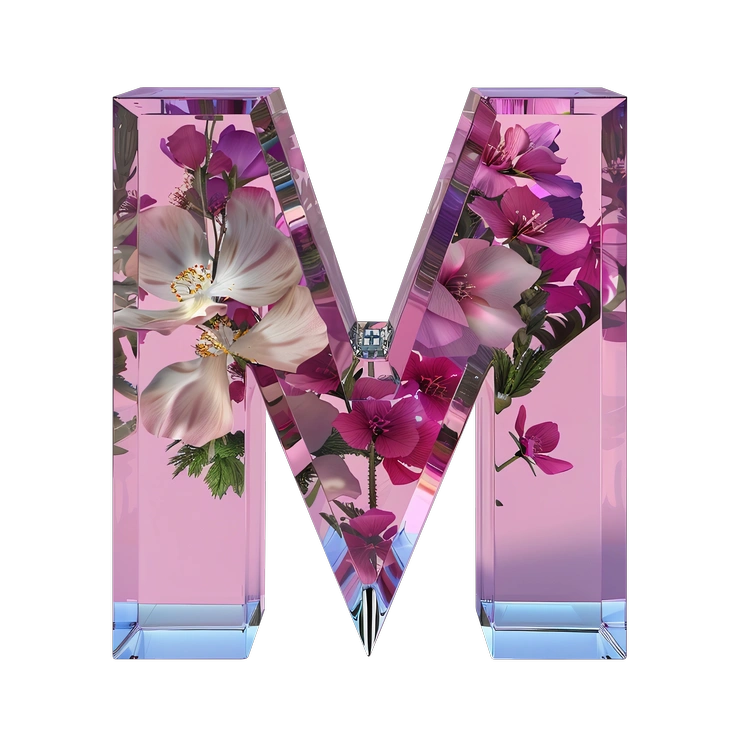
Initial centers around monogram letters and branding marks. Framework concentrates on diagrams and flow arrows for software dashboards.

3D Boost offers scenes with lighting and shadows. Framework strips away depth and suits flatter UI where loading speed matters.

Rocky uses irregular shapes and rougher edges. Framework instead prefers precise geometry and simple star markers for business narratives.
Frequently asked questions


Start using Framework illustrations today
Browse the Framework library and download PNGs for quick mockups. Grab SVG files on a paid plan. Drop scenes straight into Figma and refine compositions in Mega Creator. Keep your next deck and product UI consistent.