


















Tiny Style Illustrations
Tiny turns oversized objects into clear metaphors, with miniature people guiding the story. Use it to explain features and growth without heavy visuals crowding product layouts.



What is Tiny Style?
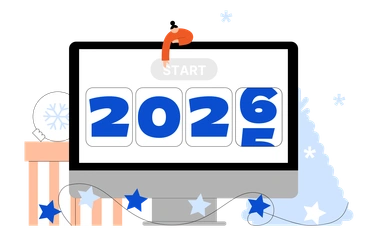
The defining quality of Tiny is exaggerated scale between people and objects. Clean vector shapes and soft gradients sit on spacious backgrounds that keep each metaphor easy to scan.
Product teams at SaaS companies use Tiny when they need concept visuals for onboarding flows and feature tours. Marketing managers also drop it into pitch decks and landing pages to show scale and collaboration.
For product stories and UI







What Tiny artists draw
Scenes often feature miniature workers handling oversized dashboards and devices to represent analytics and collaboration. You will also find user journeys shown as pathways among large icons. Browse by tag.
Choosing between minimalist metaphor styles
Comparing Tiny with nearby styles helps you decide how playful or structured your product storytelling should feel in context.
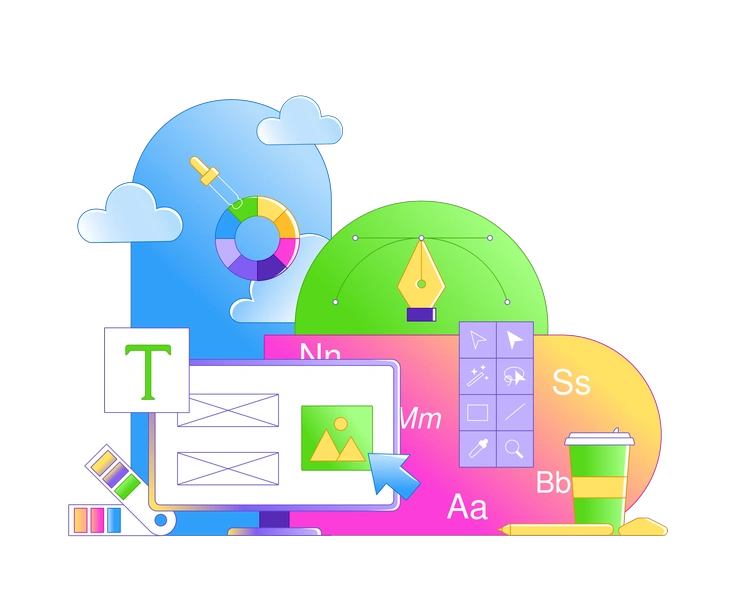
Rainbow uses bolder gradients and fuller scenes, fitting expressive marketing pages where rich color matters more than precise scale jokes.

Clip feels flatter and more geometric, with people closer to object scale, so it blends tightly into UI components.

Lounge emphasizes relaxed characters and softer environments rather than stark scale contrast, which suits lifestyle products and calm brand voices.

Buddy characters are larger and more expressive, creating friendly narrative scenes instead of conceptual diagrams built around giant objects.

Karlsson leans into detailed isometric spaces with normal proportions, ideal when you need systems overviews instead of symbolic scale exaggeration.

Sammy Line keeps everything outlined and light, so it works when you prefer sketchy process diagrams over filled metaphoric scenes.
Frequently asked questions


Start using Tiny illustrations today
Sign in, pick a Tiny scene and download it as PNG or SVG. Drop illustrations straight into Figma or your slide deck and keep product visuals consistent across channels over time.