


















Transistor Style Illustrations
Transistor illustrations bring retro circuitry and mid‑century tech into clean vector scenes. A strict three‑color palette keeps every screen focused, memorable, and easy to align with modern layouts.


What is Transistor Style?
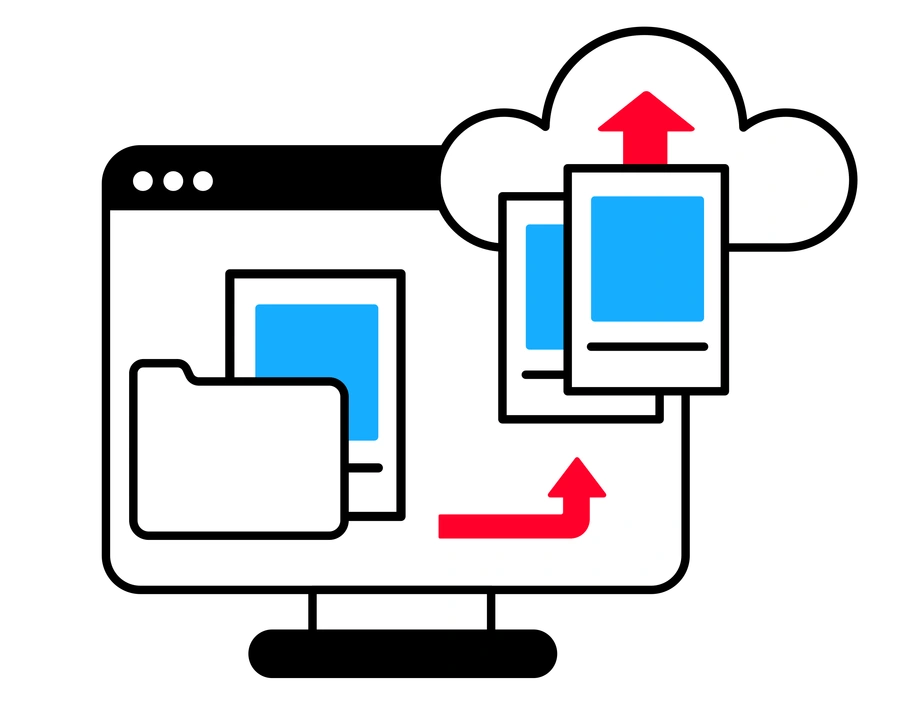
Three‑color but minimal, Transistor uses flat fills, precise outlines, and angular geometry. Vintage monitors, boards, and panels appear as simplified silhouettes that still read as technical and engineered rather than playful.
App developers and hardware marketers pick Transistor for timelines of computing history and product diagrams. Presentation designers use it when talking about infrastructure, cloud migrations, or digital transformation without photo realism.
For tech stories and products


Packs from the Transistor collection




What Transistor artists draw
Common scenes show workstations with monitors, circuit boards, and networking gear, plus abstract diagrams of data moving between nodes. You will also see office teammates around consoles and dashboards. Browse topics by tag to narrow subjects.
Comparing retro tech moods
Comparing illustration styles helps you pick how nostalgic, playful, or technical your product should look before committing assets.

3D Fluency uses rounded plastic objects and soft lighting. Transistor stays completely flat and sharper, with strict tricolor blocks and technical angles.

Clap focuses on expressive characters with loose outlines. Transistor favors hardware, panels, and geometric devices built from precise straight segments.

Clipart feels like classic office diagrams with broader subjects. Transistor leans into electronics and retro computing using a much tighter three‑color rule.

Doobry is sketchy and hand‑drawn with irregular contours. Transistor looks engineered, prioritizing hard angles and clean vector edges without wobble.

Flare introduces gradients and vivid color transitions. Transistor rejects gradients and sticks to flat, evenly filled shapes and a limited palette.
Framework centers on abstract UI frames and neutral blocks. Transistor puts electronic components and vintage machines front and center in every composition.
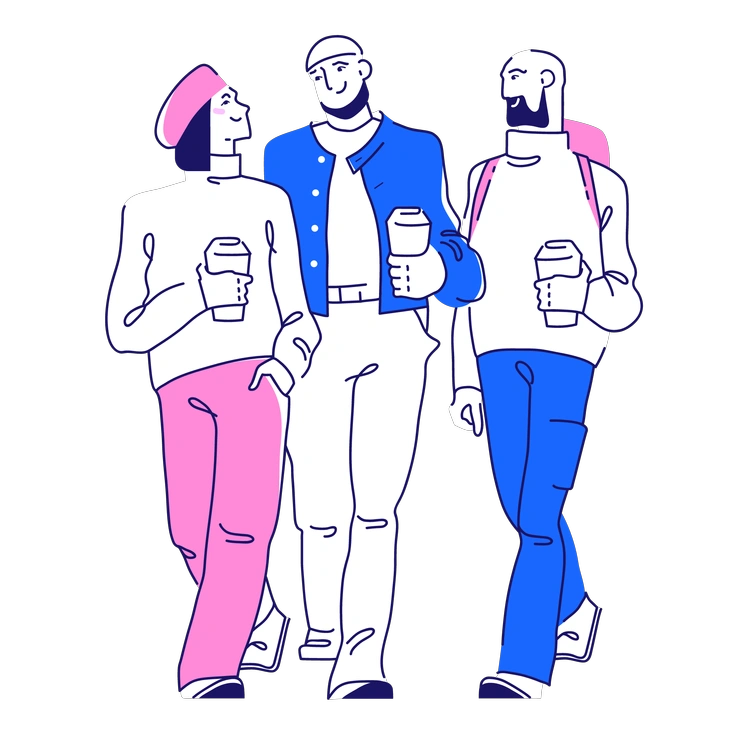
Matey brings friendly characters and rounded corners to interface scenes. Transistor feels more mechanical, highlighting devices, ports, and circuitry instead.

Puzzle arranges interlocking pieces for conceptual metaphors. Transistor illustrates actual hardware layouts and schematic‑like structures in a more literal way.

Warp distorts shapes and perspectives for a dynamic feel. Transistor keeps orthogonal views and rigid grids that recall technical drawings.

Quirky plays with exaggerated proportions and whimsical props. Transistor stays grounded in recognizable tech objects and stable mid‑century inspired geometry.

Pocus leans toward magical themes and surreal energy. Transistor remains rooted in consoles, wires, and concrete technology metaphors.

Rocky uses textured shading and rugged forms. Transistor remains smooth, flat, and clean, optimized for crisp rendering at any scale.
Frequently asked questions


Start using Transistor illustrations today
Download ready‑made Transistor scenes for your next release. Drop PNGs into slides and docs, or pull SVGs into Figma and code handoff tools to keep interfaces consistently retro and readable.