


















Wiggle Style Illustrations
Wiggle illustrations bend simple shapes into wavy characters and objects that feel in motion. Use them to energize kid-focused products and social feeds. They also brighten playful onboarding screens.



What is Wiggle Style?
The collection leans on wavy silhouettes and bright blocks of flat color that twist standard geometry. Bold outlines hug stretched limbs and bent objects so every pose reads clearly.
Creative studios building kids’ games and playful landing pages reach for Wiggle when they need movement without animation. Social teams drop these characters into meme templates and announcement posts.
For playful products and brands


Wiggle collections

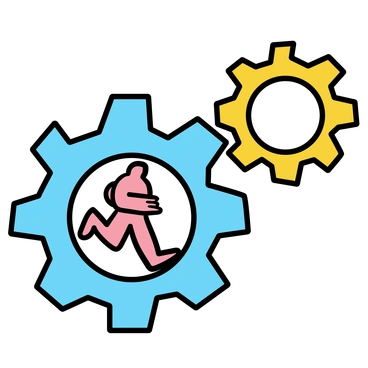
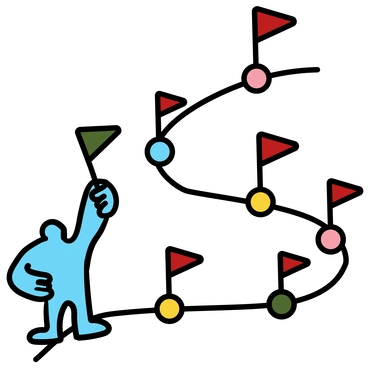
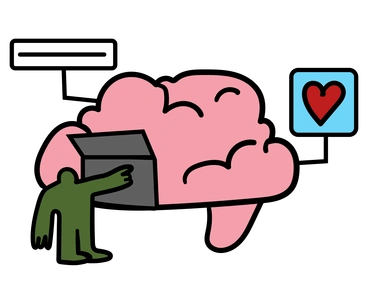
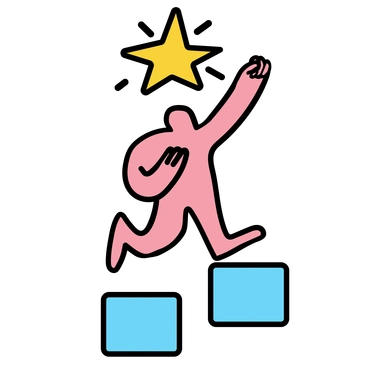
What Wiggle artists draw
Scenes focus on stretchy cartoon people and playful abstract shapes that bend like rubber. Everyday devices and furniture appear warped yet readable. Browse tags to jump straight into topics you need.
Narrowing down your Wiggle mood
Comparing playful styles helps you match character energy and line work to your audience so every screen feels intentional.

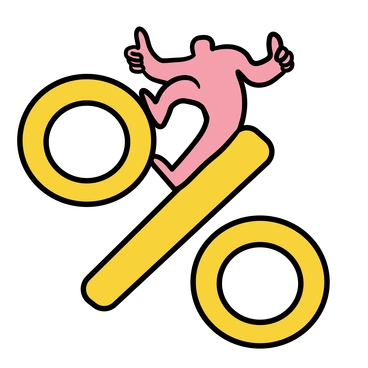
Bouncy keeps characters rounded and inflated while Wiggle stretches forms into wobblier shapes with sharper angles and louder contrast.
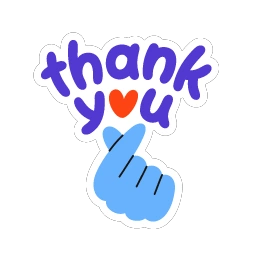
Clap feels like flat posters with punchy blocks and tidy geometry, whereas Wiggle leans into distortion and looping curves.
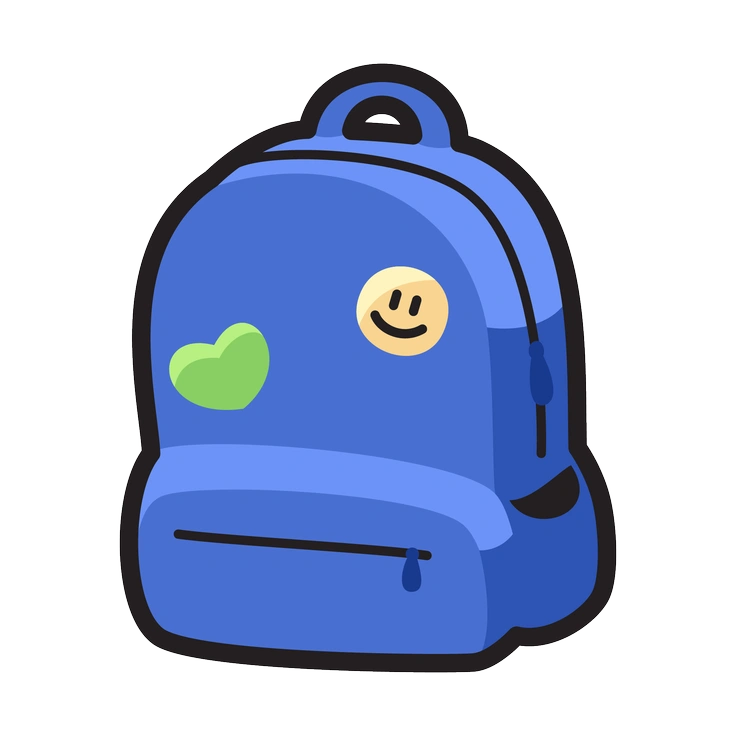
Clipart sticks to simple icons with clear silhouettes, while Wiggle adds bendy limbs and exaggerated poses that suggest motion.
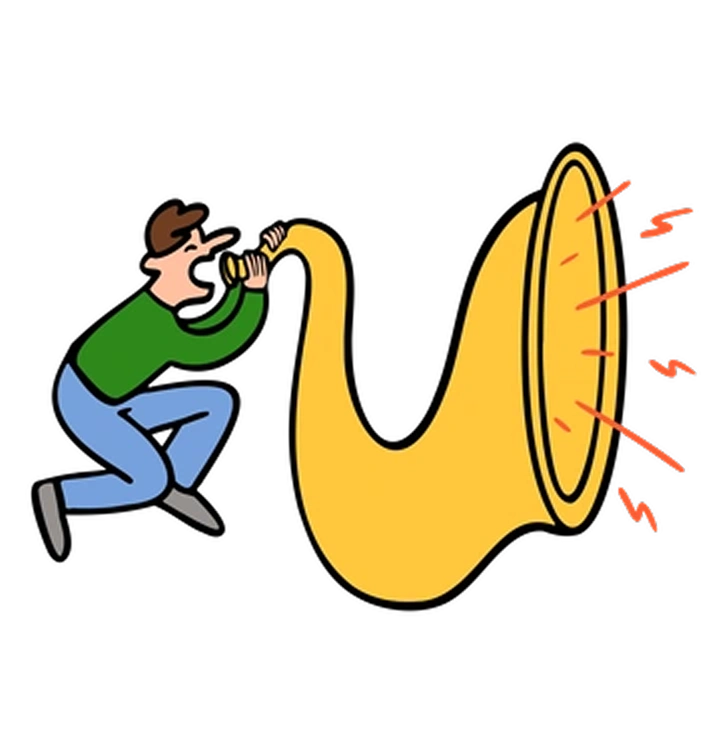
Comic introduces panels and speech balloons for narrative beats, whereas Wiggle focuses on single playful scenes without sequential storytelling.
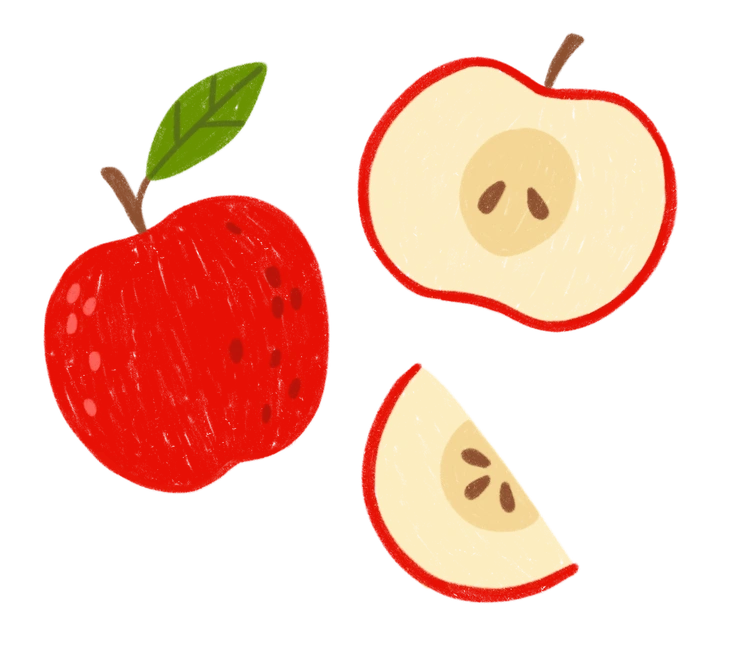
Cozy leans into warm muted tones and gentle household scenes while Wiggle uses hotter colors and more exaggerated character motion.
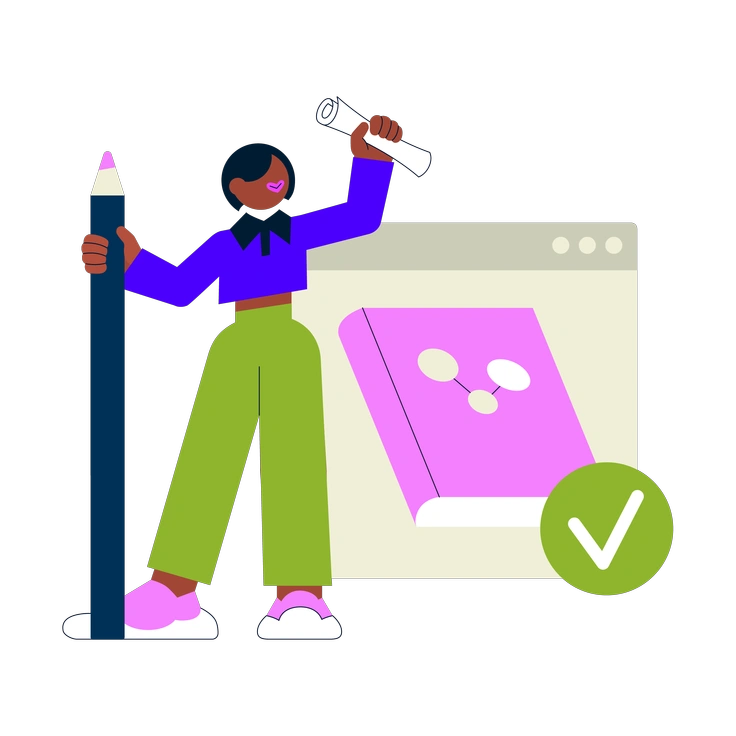
Cubes builds everything from blocky isometric forms. Wiggle skips perspective grids and instead bends flat shapes into cartoon waves.
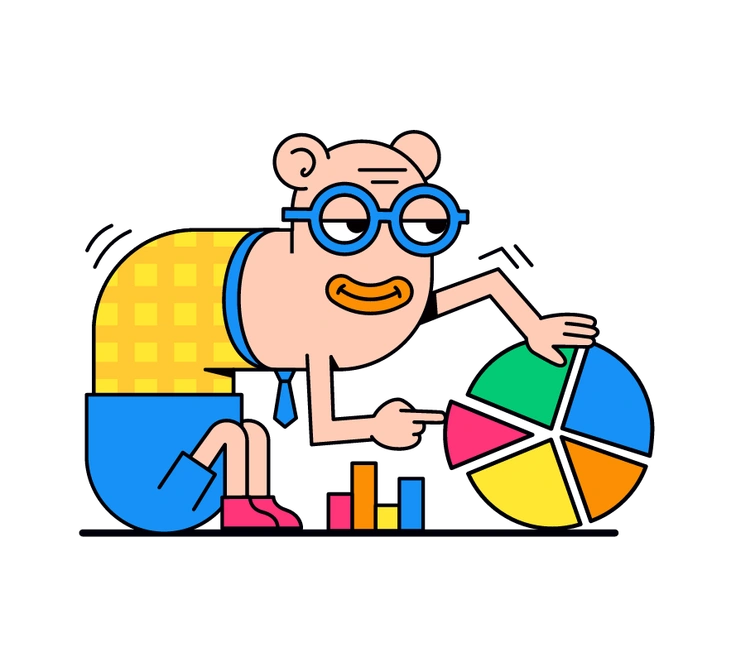
Droll relies on dry humor and awkward character proportions, where Wiggle reads more bouncy and distorted rather than deliberately clumsy.
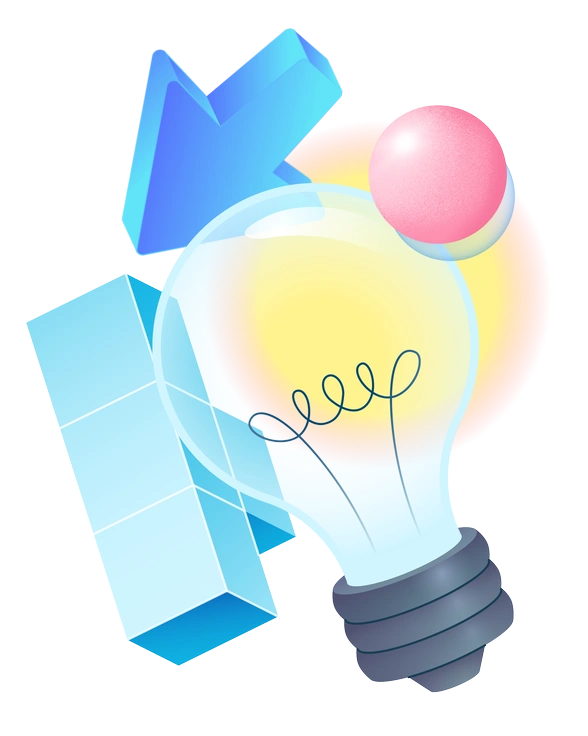
Experimental pushes abstractions further, often hiding characters inside wild forms, while Wiggle keeps figures readable and grounded in familiar objects.
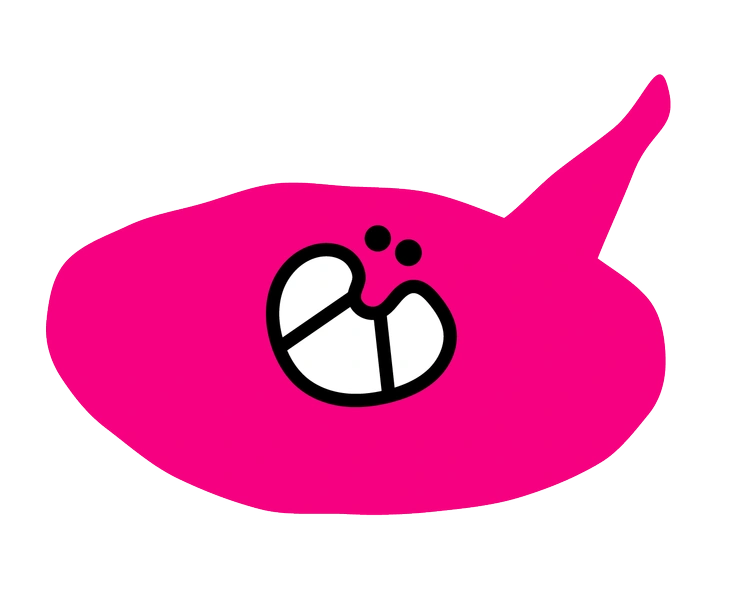
Giggle favors softer shapes and a gentler mood, whereas Wiggle hits louder color notes and more elastic poses.
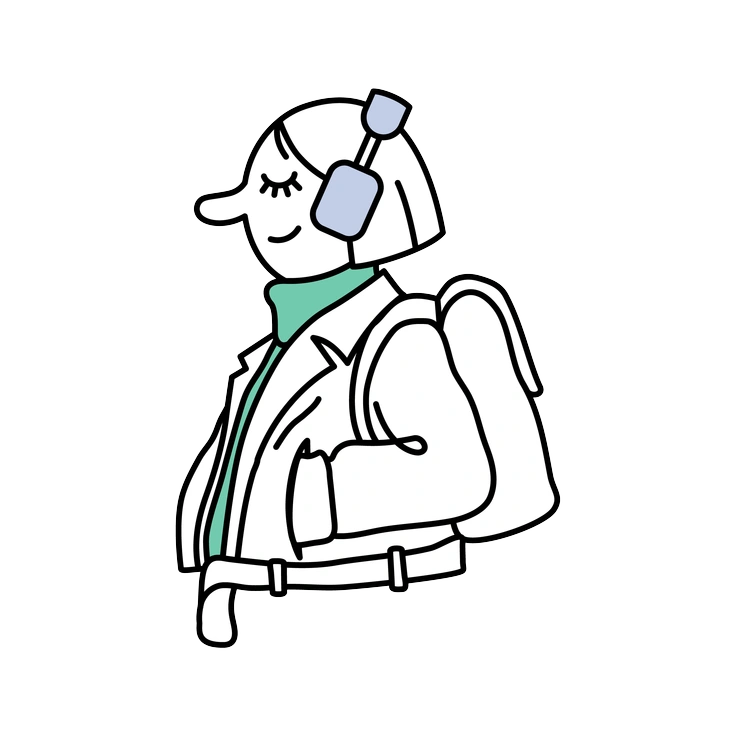
Notes uses sketchy scribbles and hand-drawn lines on minimal backgrounds. Wiggle swaps that roughness for solid fills and thicker outlines.

Outline keeps everything in monochrome strokes with no fills, while Wiggle floods each shape with confident color blocks.

Puzzle assembles scenes from interlocking pieces that feel modular. Wiggle instead stretches characters freely so poses flow without visible segments.
Frequently asked questions


Start using Wiggle illustrations today
Download a few PNGs for your next mockup or pull the whole Wiggle pack into Pichon or Figma. Drop illustrations straight into layouts, then upgrade for SVG access when the style fits your roadmap.