


















Textured Illustration Styles
Rich surfaces, grainy gradients, and tactile patterns give textured illustrations a physical feel on screen. Many designers choose these illustrations for emotional storytelling, retro moods, and digital products that shouldn’t look too polished.




What is Textured Style?
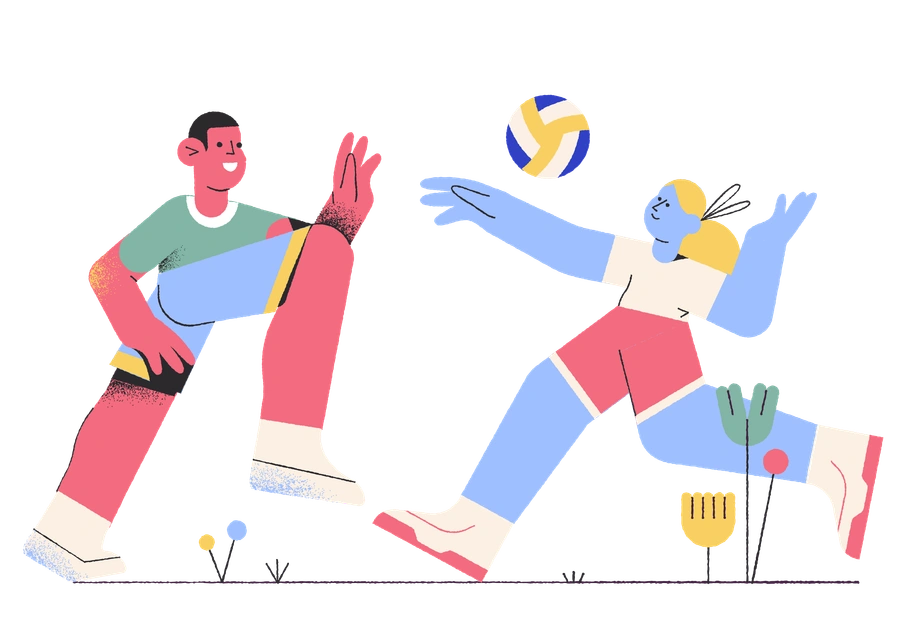
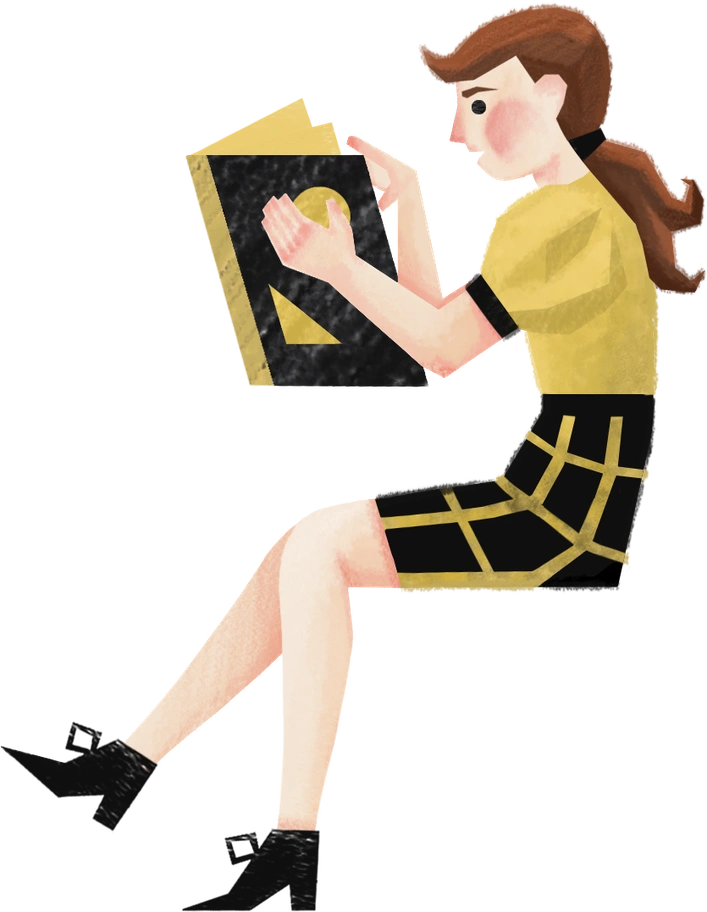
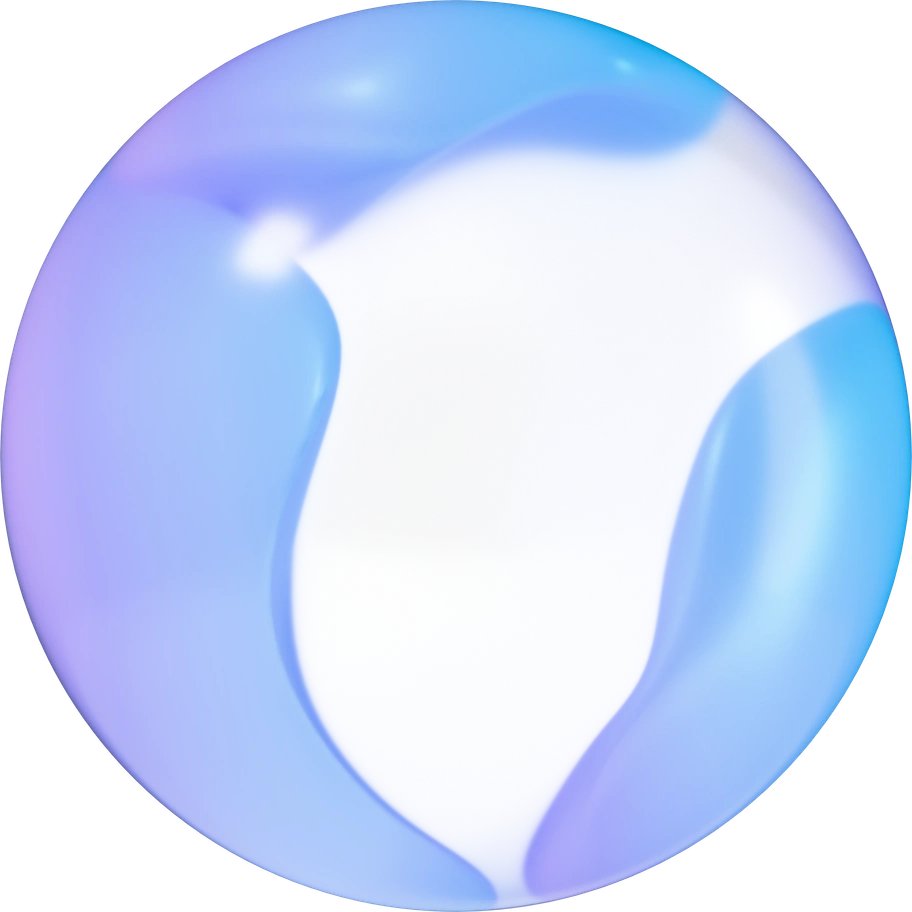
Textured illustrations rely on visible grain, halftone dots, fabric scans, or paper edges. Colors in these illustrations feel layered rather than flat. Shadows blend softly. Surfaces mimic print, collage, embroidery, glass, or fuzzy bitmap screens.
Designers reach for textured work in editorial layouts, landing pages, and onboarding flows. These illustrations soften strict grids. The style suits educational products, kids' apps, brand storytelling, and any interface that wants warmth without strict realism.
Where textured art works best


23+ Textured illustration styles
Each style has its own visual personality. Click to explore illustrations and download.
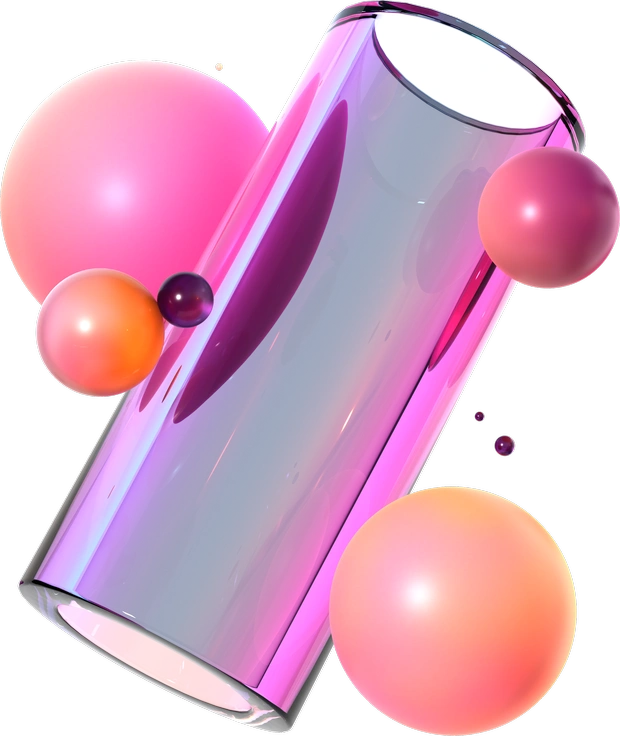
3D Glassy turns simple geometry into luminous glass objects with bold gradients and sharp reflections.
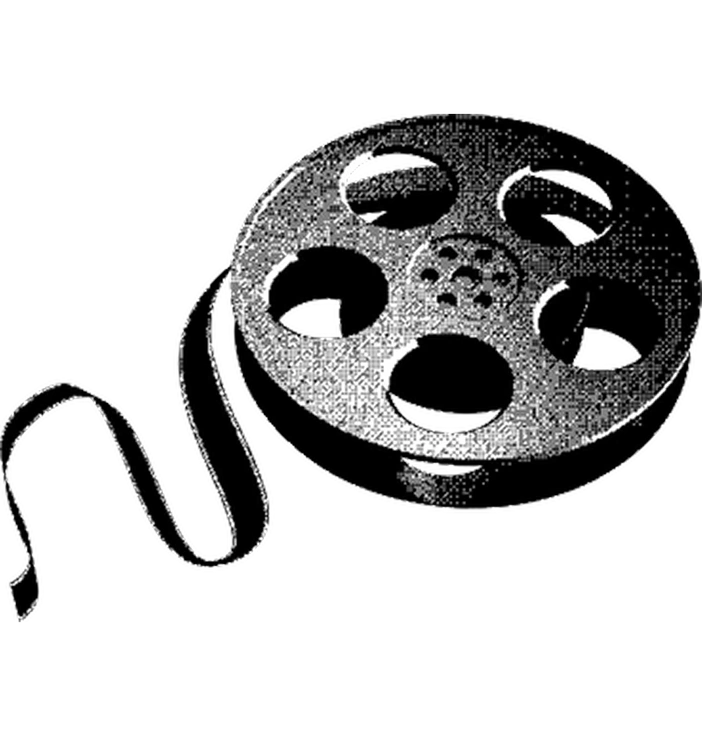
Bitmap illustrations bring early computer graphics into modern layouts.
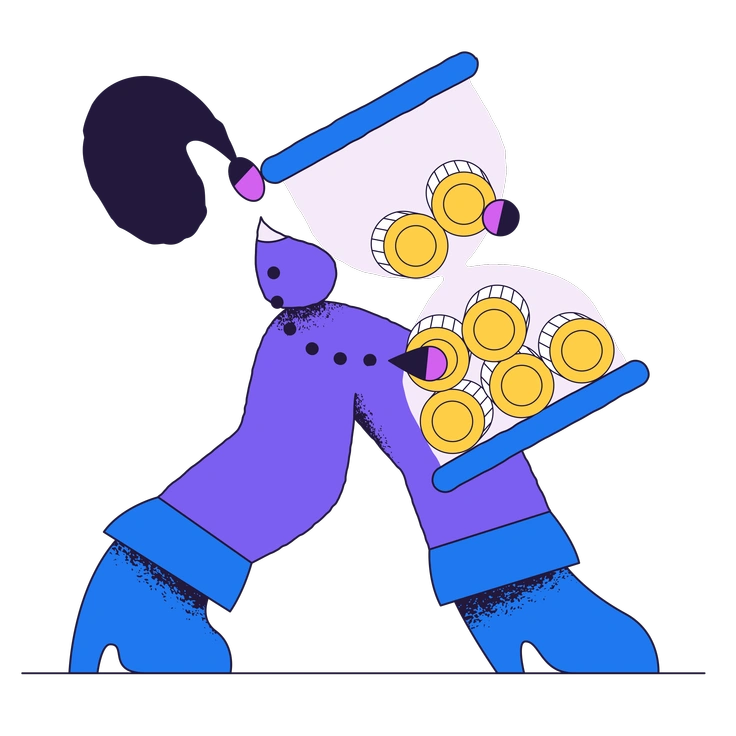
Conifer pours saturated color, grainy texture and organic shapes into your layouts.
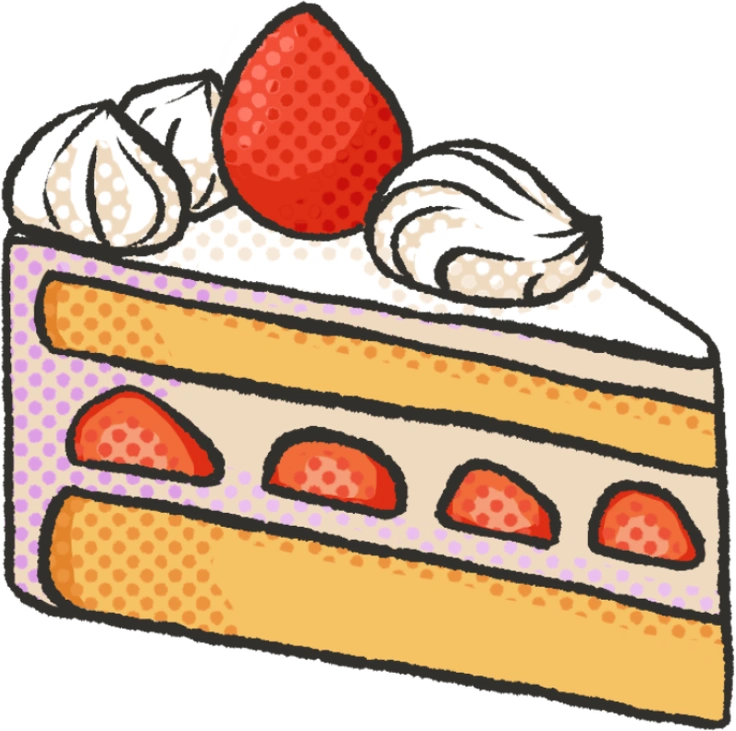
Dots illustrations channel bold comic energy with halftone shading and bright color blocks.
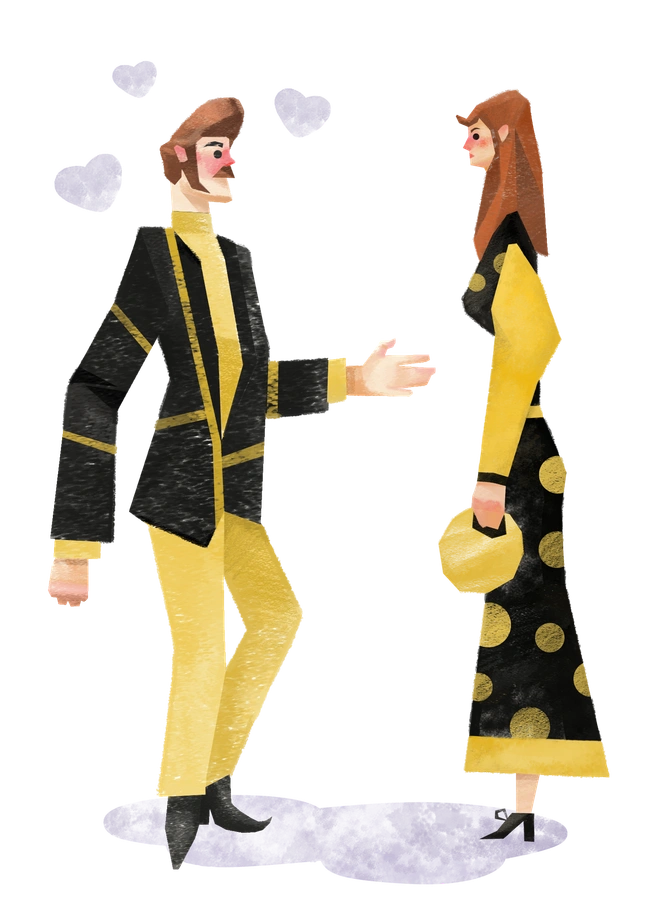
Family illustrations mix muted colors and textured lines with rounded characters that feel familiar.

Fauna illustrations bring quirky animal characters into vector form with bold colors and textured shading.
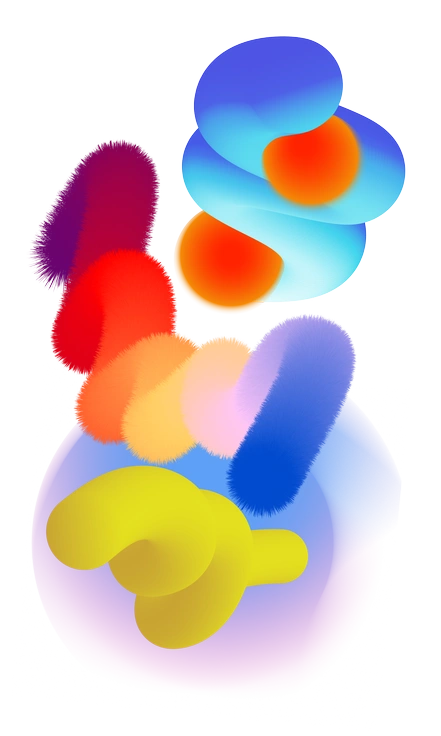
Forms brings grainy gradients and playful shapes together for bold decorative surfaces.
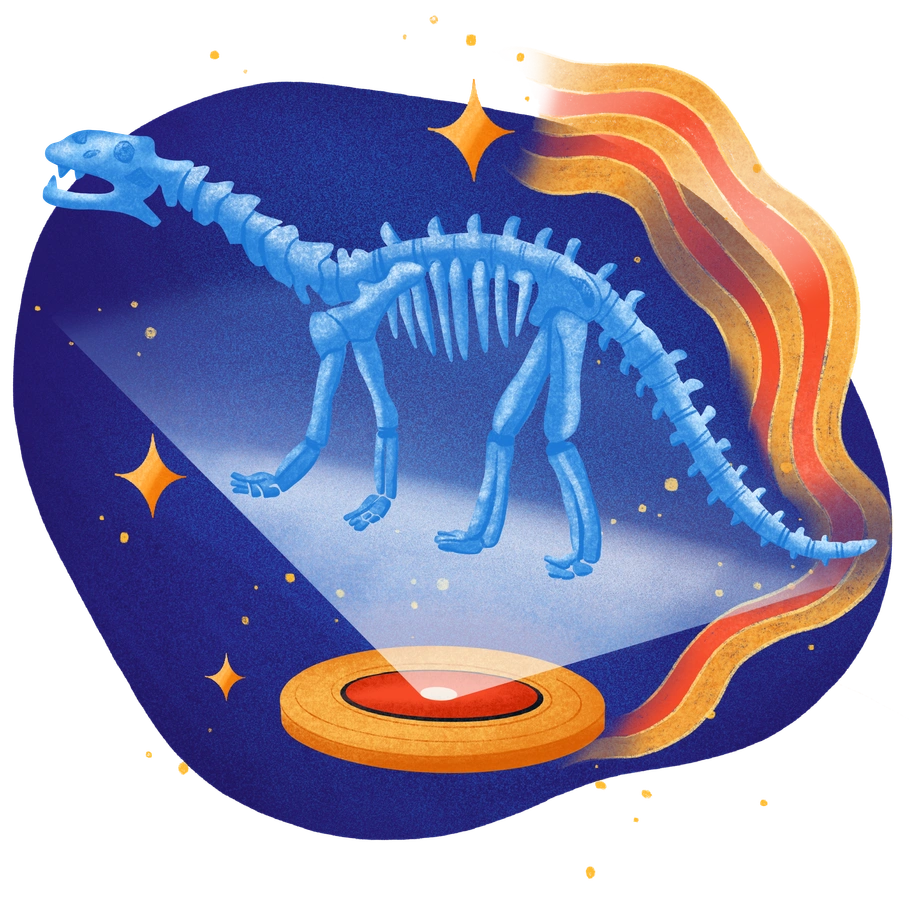
Gleam surrounds kids' learning moments with radiant color and gentle light.
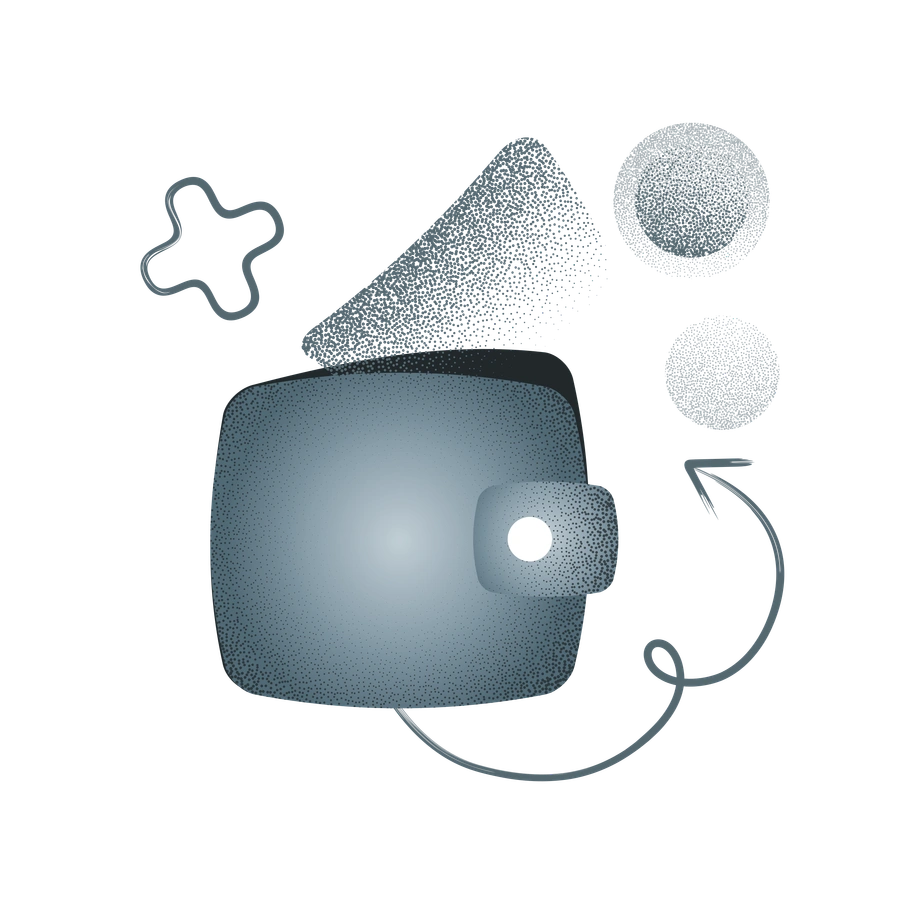
Grain brings textured, hand-drawn scenes with muted earth tones and organic lines.
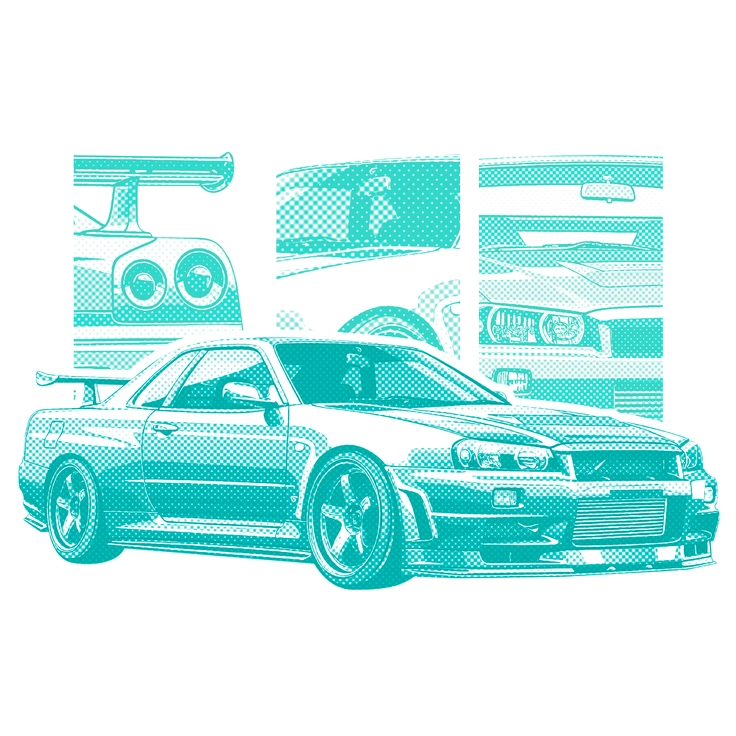
Halftone illustrations mix punchy color and dotted shading for layouts that feel printed yet crisp.
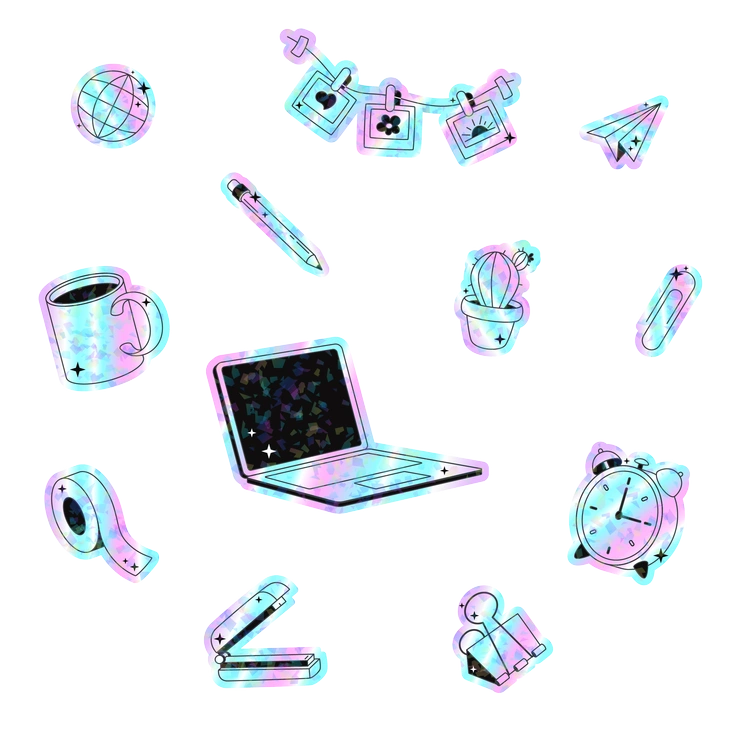
Holostickers brings holographic shimmer into sticker-like vectors that jump off the screen.
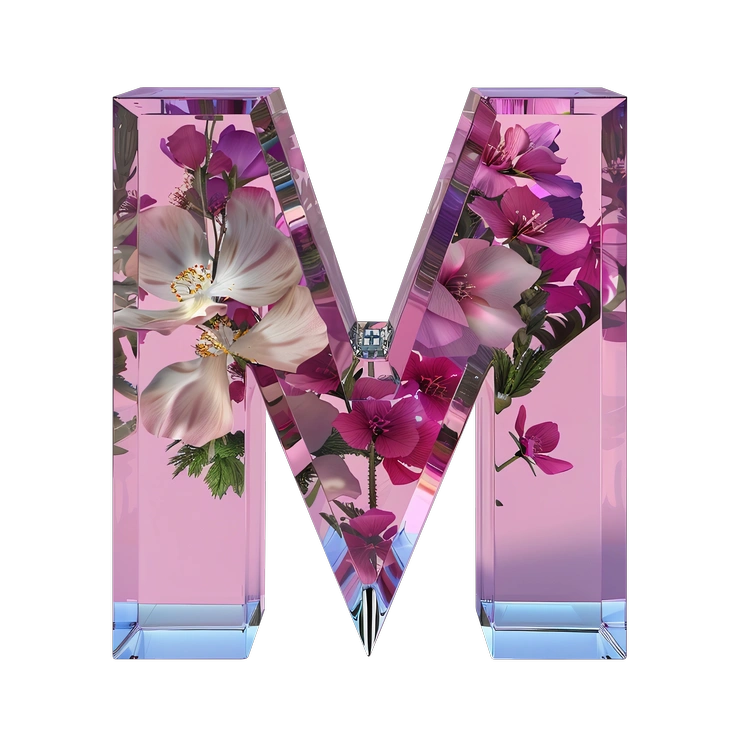
Initial turns letters and numbers into tactile 3D objects that feel carved from real materials.
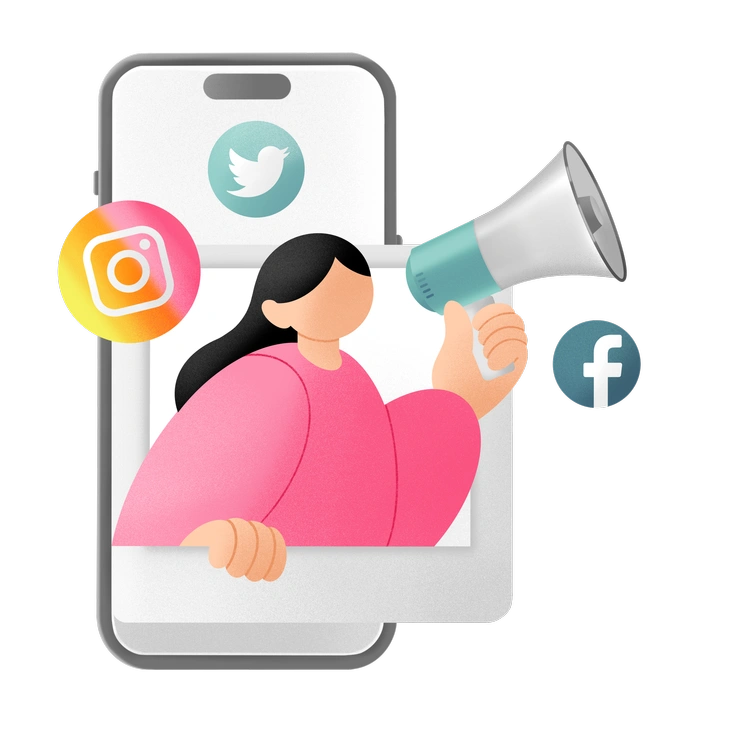
Joy brings young characters and modern objects into bright everyday scenes.

Memphis throws bold geometry and loud color into your layouts.
Pablo brings bold color blocking and textured flat shapes to modern web layouts.
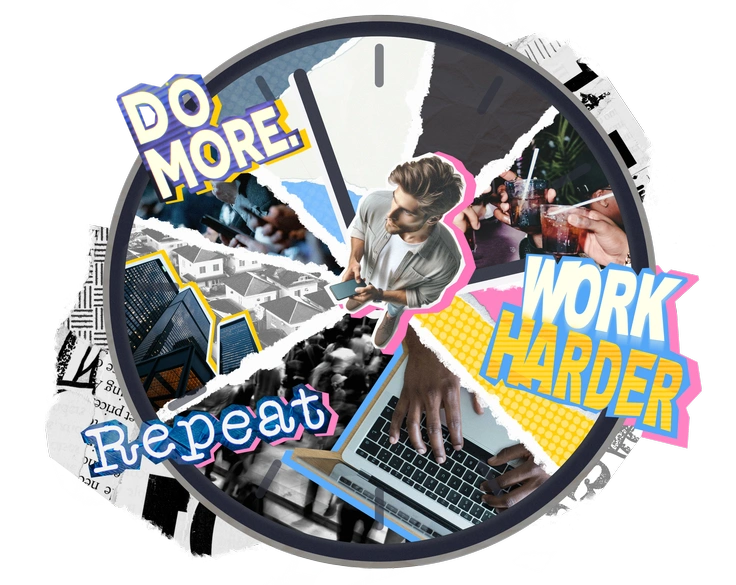
Paper Cut illustrations drop layered photography and graphic fragments into collage-style scenes.
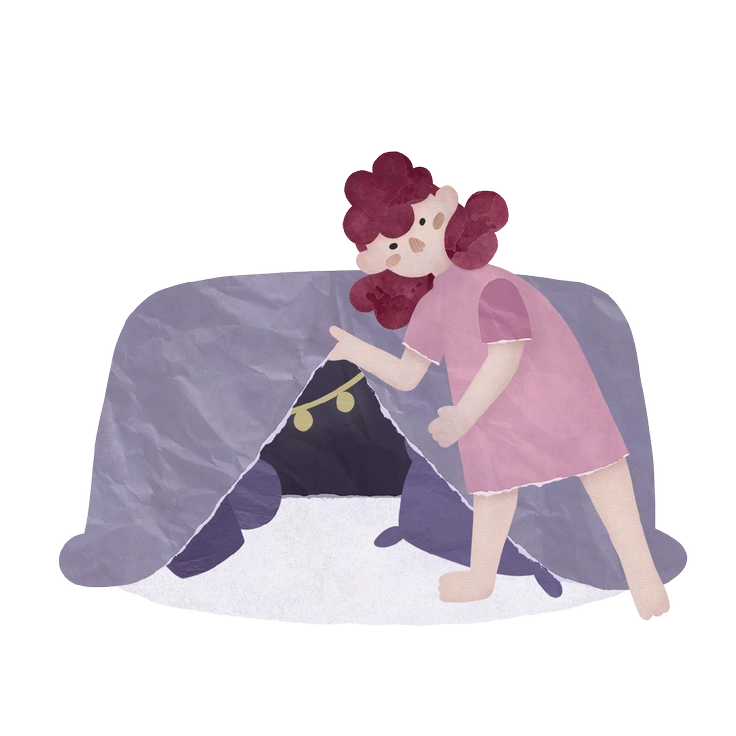
Papery drops bitmap textures and muted colors into cutout-style scenes.
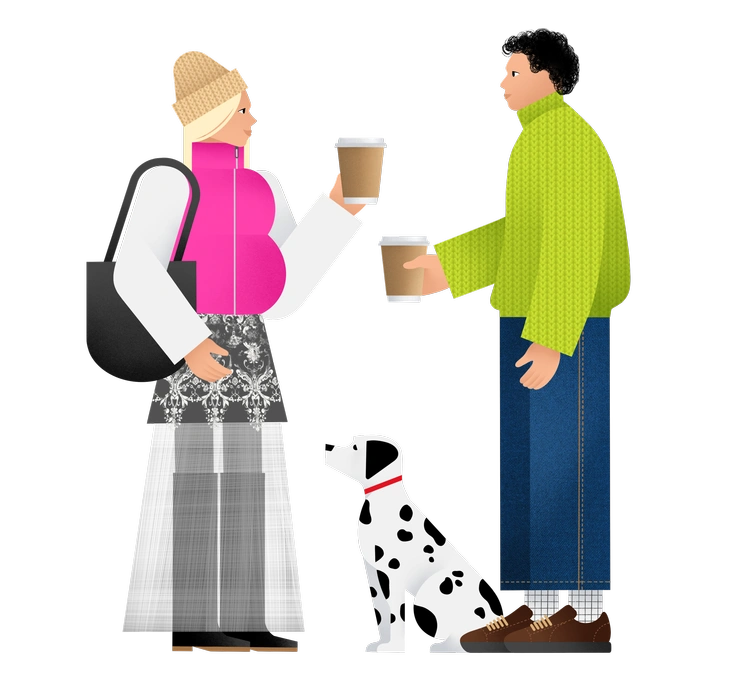
Patchwork brings quilted fabrics and visible seams into digital layouts.
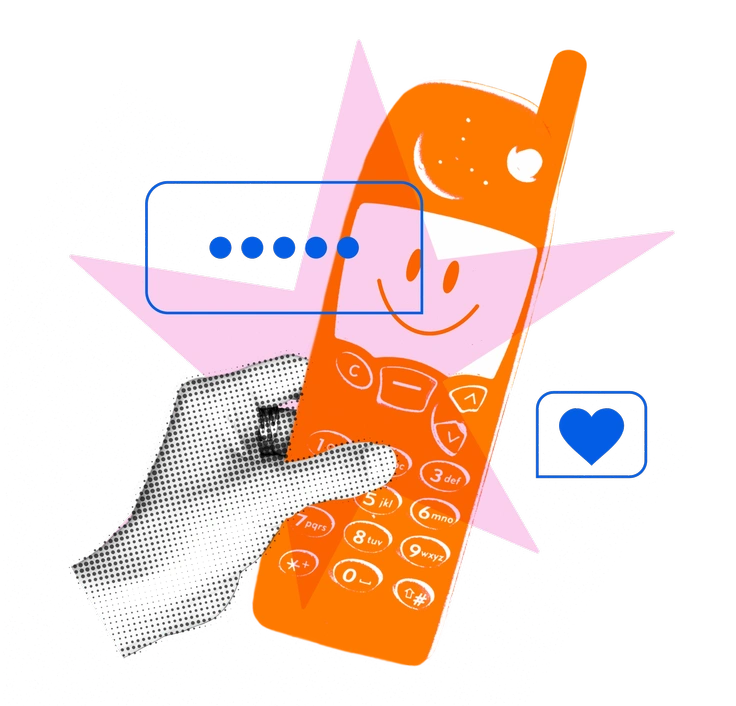
Print illustrations bring risograph-inspired grit to digital layouts.
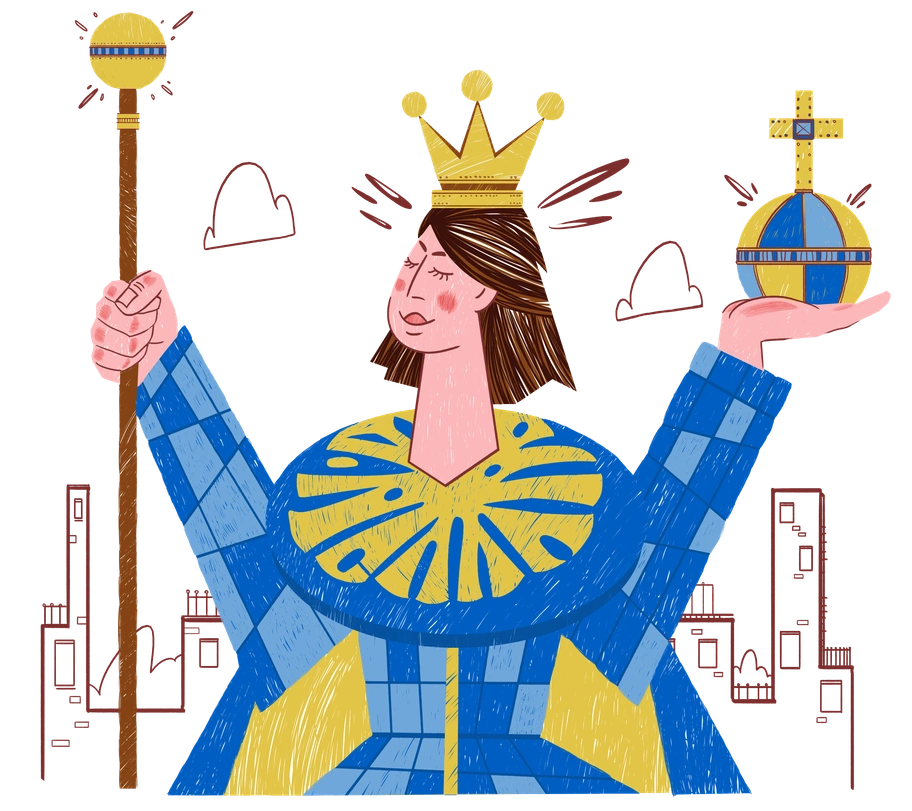
Sleepy uses raspy bitmap grain and bold retro colors to bring everyday objects to life in lifestyle apps and mobile games.
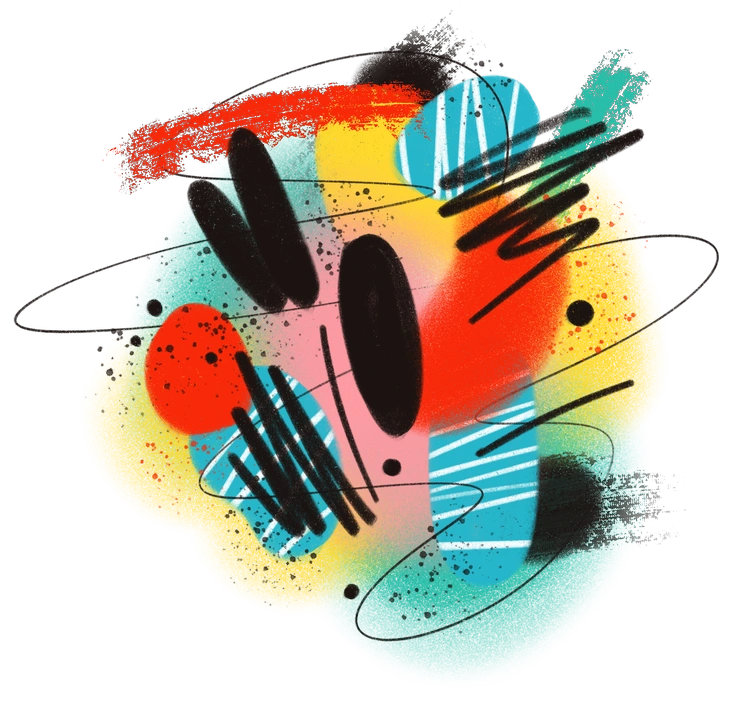
Textures illustrations layer bold color blocks with tactile patterns and expressive strokes.
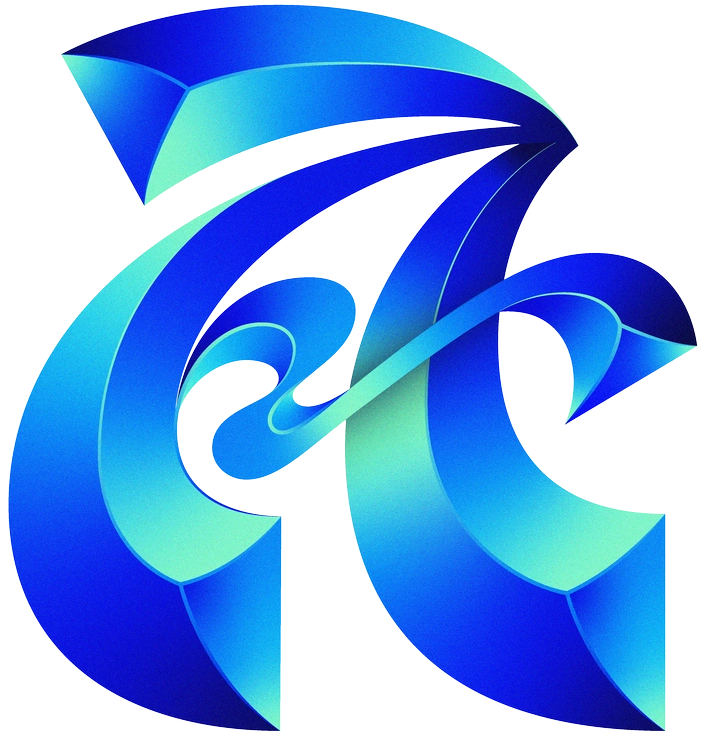
Type letters and numbers turn gradient-rich letterforms into focal graphics for headers and logos.
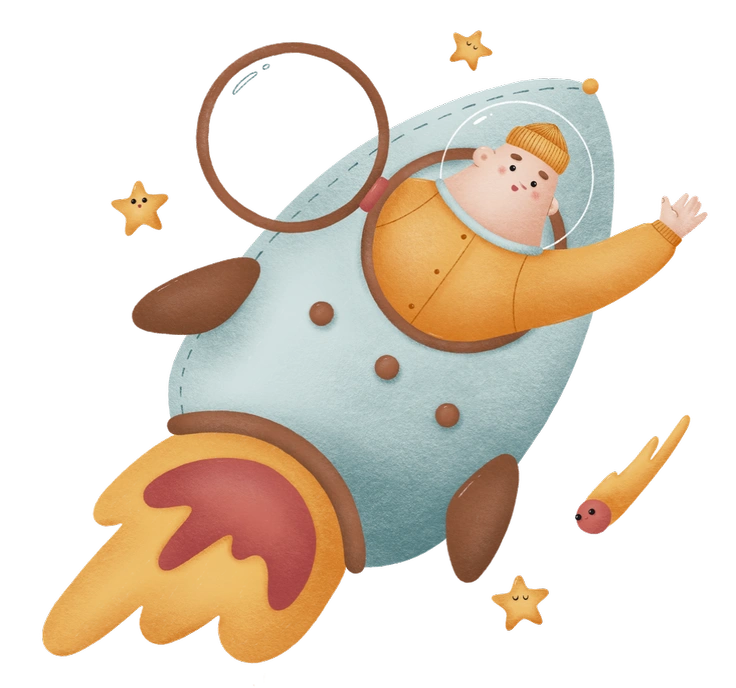
Woolly turns interfaces into gentle spaces with fuzzy bitmap textures and pastel volume.
Frequently asked questions


See all textured illustration styles now
Browse 23+ textured illustration styles packed with grain, paper, and fabric effects. Download PNGs, grab SVGs for editing, or drop assets straight into Figma, Sketch, or Pichon for fast visual experiments.