


















Bitmap Style Illustrations
Bitmap illustrations bring early computer graphics into modern layouts. Visible pixels and monochrome tones signal retro intent and support products that reference command lines or low-resolution gaming.
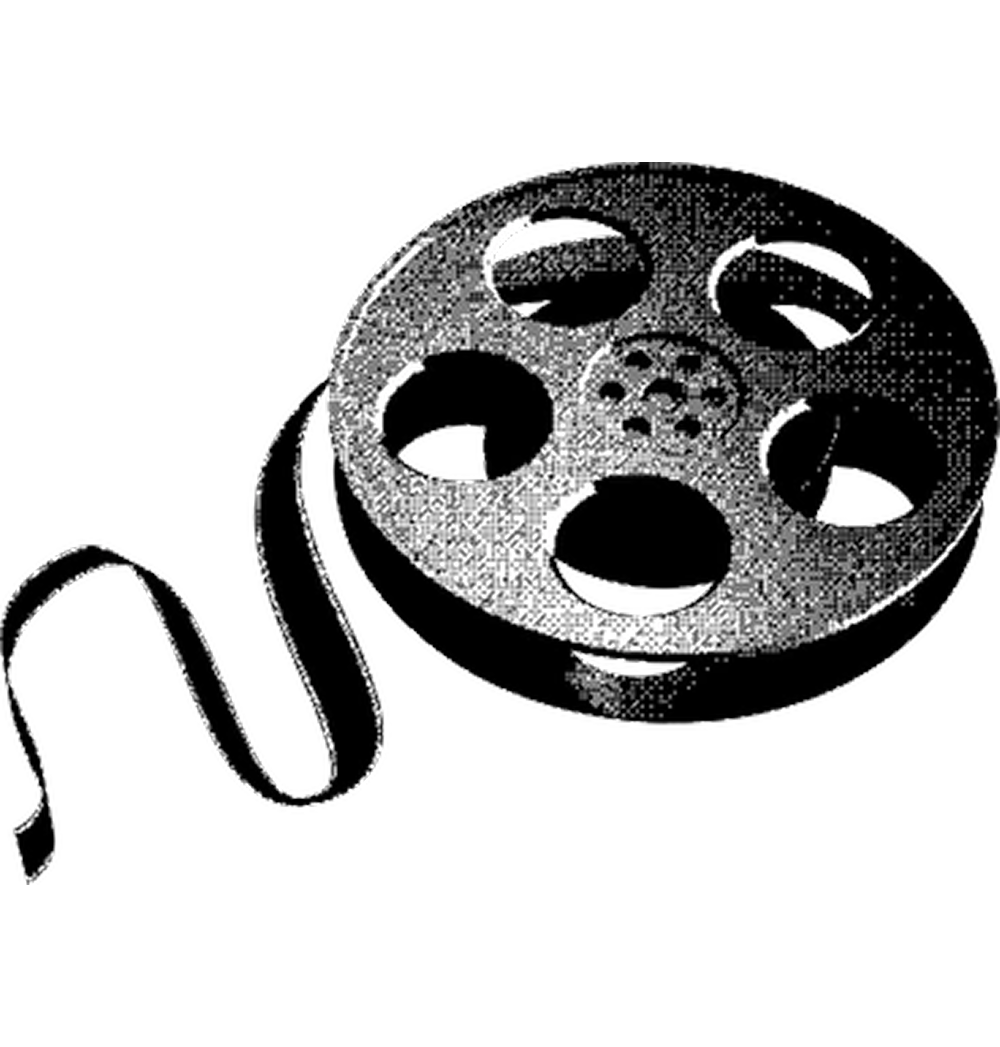


What is Bitmap Style?
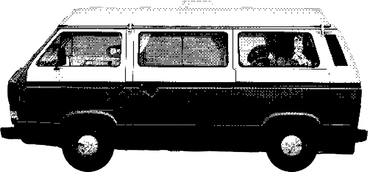
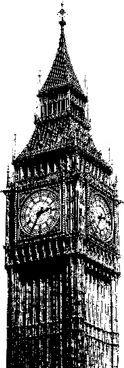
At its core, Bitmap uses strict black and white rendering with deliberate pixel blocks and dithering. Sharp edges echo terminal screens while granular texture makes everyday objects feel like artifacts from early digital interfaces.
Teams working on retro games and dev tools often reach for Bitmap. Computing museums and education projects also use it when vector art feels too clean for vintage storytelling.
Retro-focused digital products



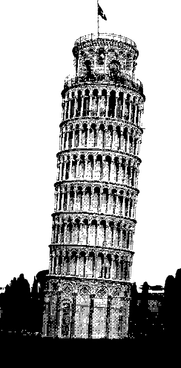
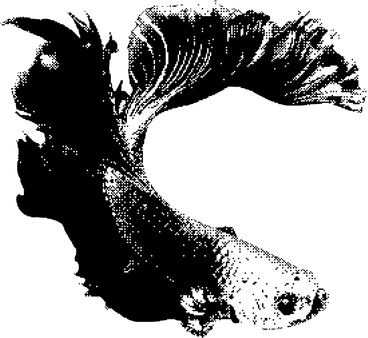
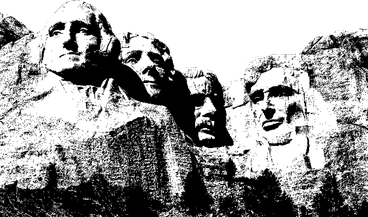


What bitmap artists draw
Technology hardware and office desks appear frequently in Bitmap scenes. Simple human silhouettes and household objects get a digital twist. Browse topics and filter scenes by tag.
Which retro mood fits
Comparing Bitmap with other styles helps you decide how gritty or clean your retro inspired visuals should feel.
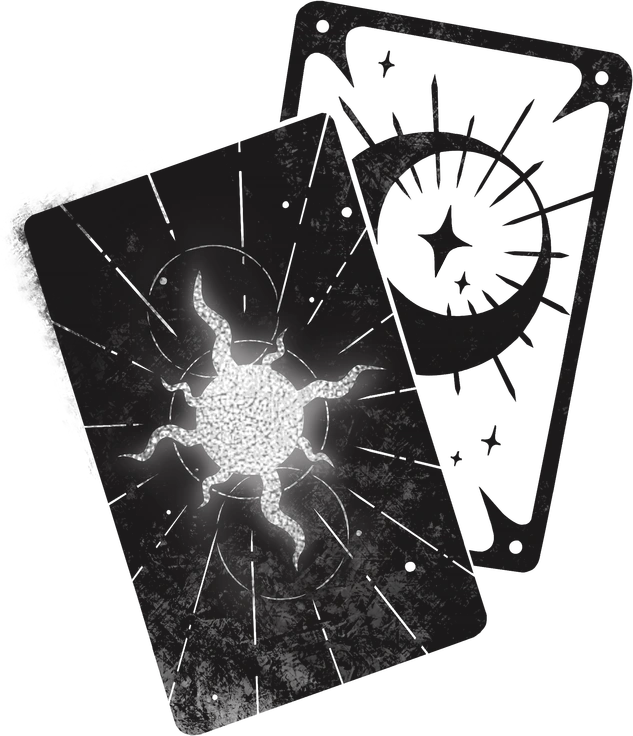
Mystery uses atmospheric shading and narrative scenes, while Bitmap stays graphic with flat pixels and strong monochrome contrast.

Urban Line relies on smooth outlines and sparse color accents. Bitmap feels rougher and closer to low-resolution system graphics.
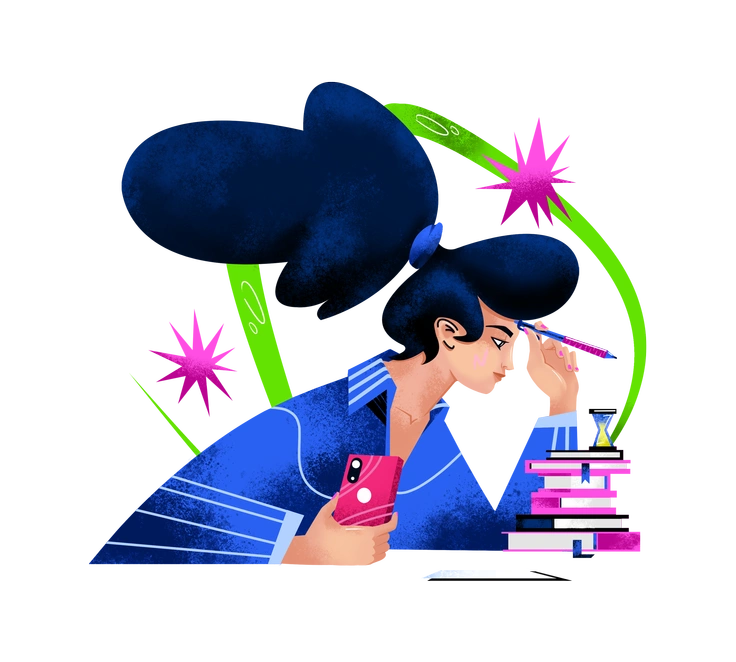
Flare introduces gradients and soft lighting for modern UI. Bitmap instead embraces hard edges and nostalgic terminal inspired geometry.

Floral focuses on organic shapes and decorative plant motifs. Bitmap keeps subjects utilitarian and technology oriented with strict monochrome rendering.

3D Techny Line offers volumetric forms and light outlines. Bitmap flattens everything into pixel grids that echo early engineering software.

Bonbon Line appears friendly through rounded strokes and gentle accents. Bitmap communicates stricter nostalgia through rigid pixels and monochrome contrast.
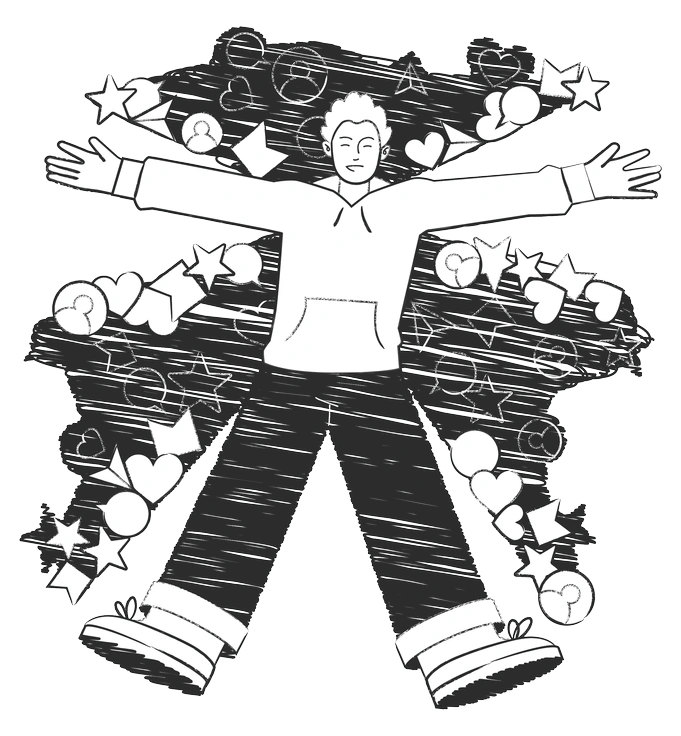
Graphite simulates pencil sketches with gray tones. Bitmap trades that softness for mechanical pixels and strict black and white.

Company uses clean geometry and friendly business scenes. Bitmap instead favors utilitarian objects and interfaces that echo early corporate computing.

3D Isometric builds depth with perspective and shading. Bitmap instead leans into flat pixel blocks and stark monochrome outlines.

Scenes focuses on colorful environments and characters. Bitmap instead highlights objects and minimal figures with stark black and white pixels.
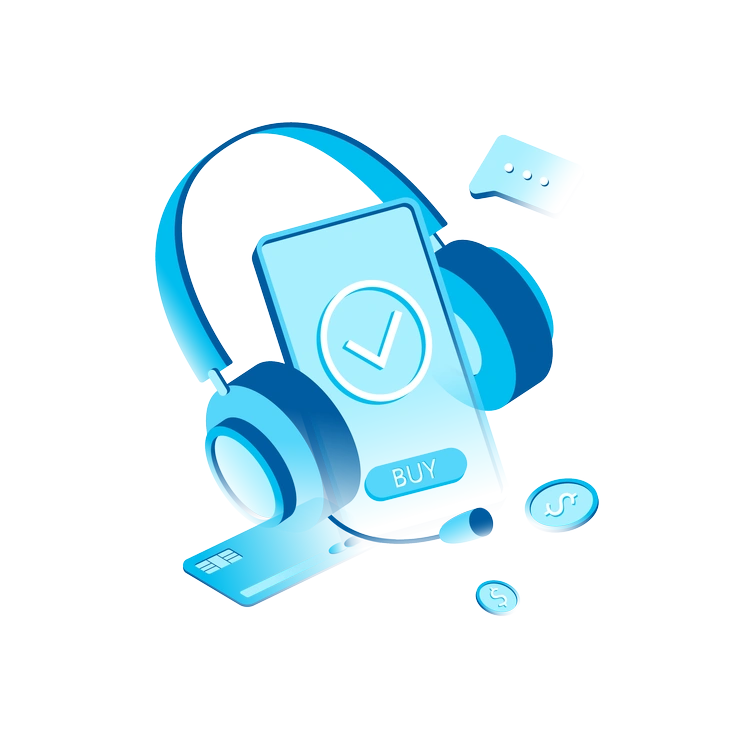
Icy uses soft gradients and blue tones for futuristic dashboards. Bitmap prefers harsh monochrome contrast without any glowing effects.

Sky feels light with airy characters and soft gradients. Bitmap strips color and concentrates on technical forms and nostalgic pixels.
Frequently asked questions


Start using Bitmap illustrations today
Download Bitmap PNGs for quick mockups or grab SVGs for precise edits in Figma. You can drag assets from Pichon, adjust pixels to your needs, and ship retro themed interfaces faster.