Products
Music Lunacy

Conifer Style Illustrations

Conifer pours saturated color, grainy texture and organic shapes into your layouts. Use it when interfaces feel too rigid and need expressive, abstract surfaces that still respect clean structure.

945+ illustrations SVG & PNG Editable colors Commercial license
A person thinking with an envelope and papers - Conifer style illustration
Saturated Color Fields
Bright hues collide with unexpected pairings. Bold blocks of color anchor minimal layouts and draw attention.
Tactile Textures
Rough, grainy surfaces mimic fabric or paper and keep abstract shapes feeling grounded rather than purely digital.
Organic Geometry
Blob-like silhouettes bend geometric rules. Edges stay irregular so compositions feel alive and slightly unpredictable.
Interface-Friendly Crops
Many scenes are cropped for headers and cards. They drop into dashboards and landing pages without heavy adjustments.

What is Conifer Style?

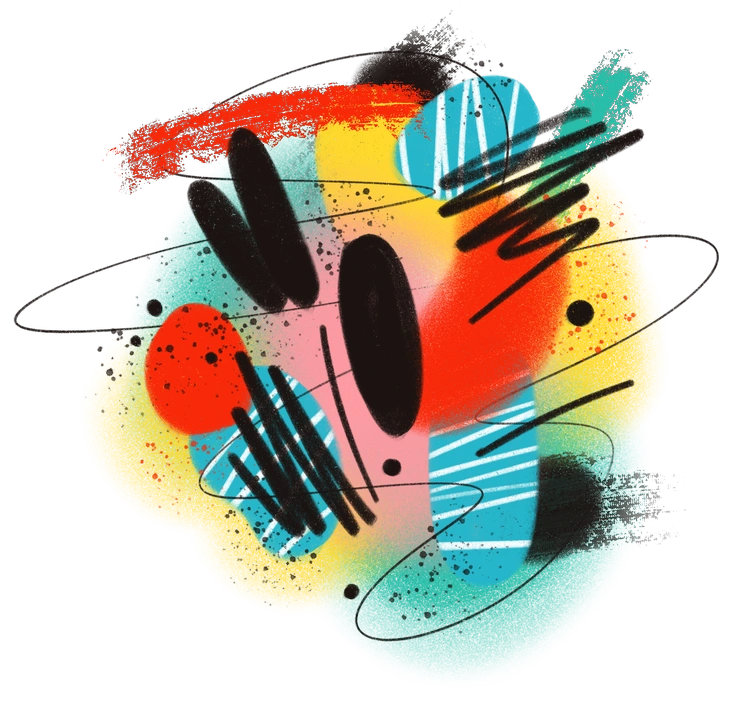
The defining quality of Conifer is its bright, saturated blobs with rough edges and paper-like grain. Color blocks overlap and bleed, and textures suggest woven fabric or weathered paint.

Interface designers building art tools or creative dashboards pick Conifer for abstract panels and hero sections. Brand teams for studios and galleries use it to avoid literal imagery.

For experimental product surfaces

SaaS Products
Use Conifer as abstract sidebars or empty states in creative SaaS dashboards where literal scenes would distract from tooling.
Mobile Apps
Design-focused mobile apps can frame onboarding, paywalls and profile screens with soft organic panels instead of stock photography.
Marketing Sites
Art platforms and creative agencies wrap hero headlines in textured blobs and background bands that hold typography and calls to action.
Presentations
Pitch decks for design studios and digital products gain expressive cover slides and section dividers that stay abstract and on-brand.

What Conifer artists draw

Most scenes center on drifting geometric clusters, soft organic blobs and layered color bands that hint at natural processes. Browse by tag to find matching abstractions for your product or campaign.

Narrowing down your abstract look

Comparing abstract styles clarifies whether you need geometric order or organic chaos beside your product screens.

A stylized yellow star with textured patterns - Doobry style illustration
Doobry

Doobry leans into quirky objects and playful characters, while Conifer stays non-representational with textured shapes that never resolve into recognizable things.
116+ illustrations
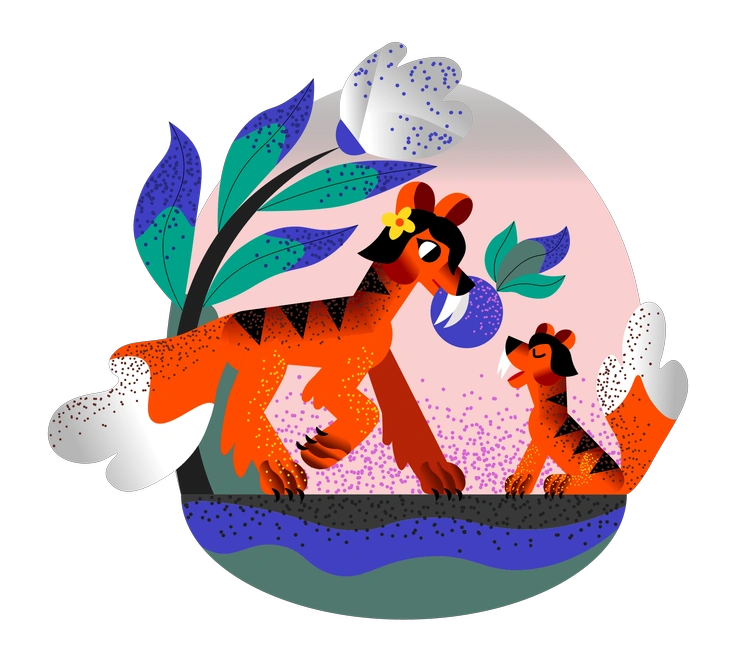
Two tigers amidst colorful foliage - Fauna style illustration
Fauna

Fauna builds abstracted plants and animals with softer storytelling. Conifer skips recognizable subjects and focuses purely on color, grain and movement.

13+ illustrations
A person relaxing with a cup of coffee - Warp style illustration
Warp

Warp bends grids and perspective lines around interfaces. Conifer removes structure almost completely and replaces it with fluid blobs and overlapping stains.

108+ illustrations
An intertwined, colorful abstract shape - 3D Crystex style illustration
3D Crystex

3D Crystex uses faceted crystals and depth. Conifer is flat, textile-like and grainy, which blends more easily into minimal layouts.
11+ illustrations
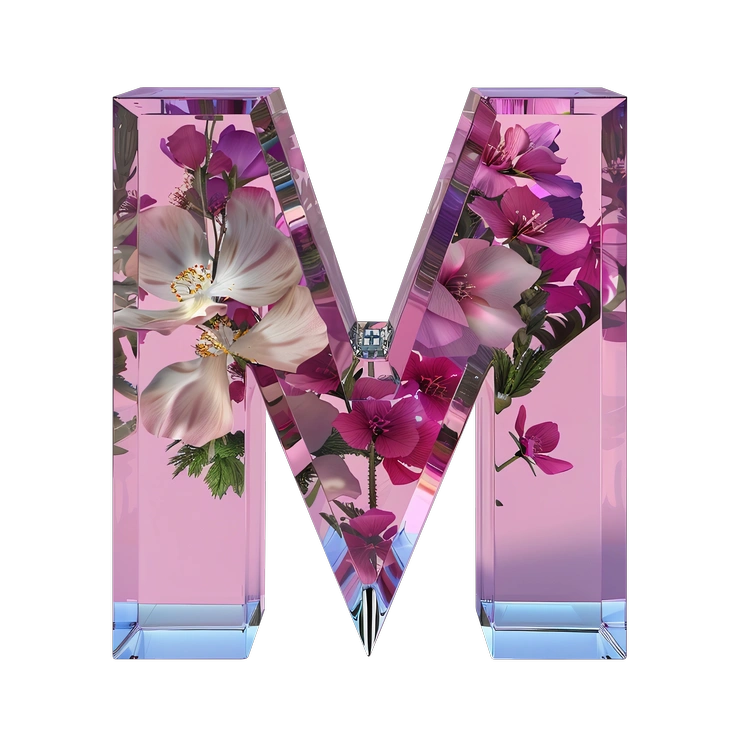
A large, floral letter M with a glossy finish - Initial style illustration
Initial

Initial focuses on typographic monograms with graphic ornament. Conifer avoids letters and works as freeform backgrounds behind existing brand type.
36+ illustrations
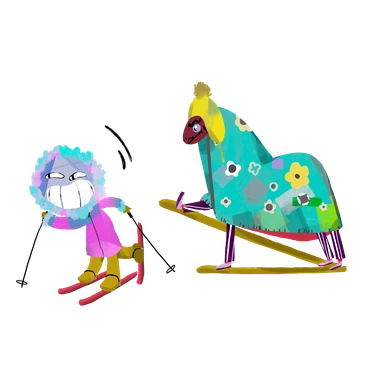
A colorful lion and a horse on skis - Atomic style illustration
Atomic

Atomic emphasizes clear geometric modules and crisp edges. Conifer embraces irregular silhouettes and rough textures that feel more organic.

381+ illustrations
A person hugging a rocket - Elastic style illustration
Elastic

Elastic stretches shapes with smooth gradients and polished vector surfaces. Conifer prefers chalky grain, saturated blocks and softer, fabric-like edges.
157+ illustrations
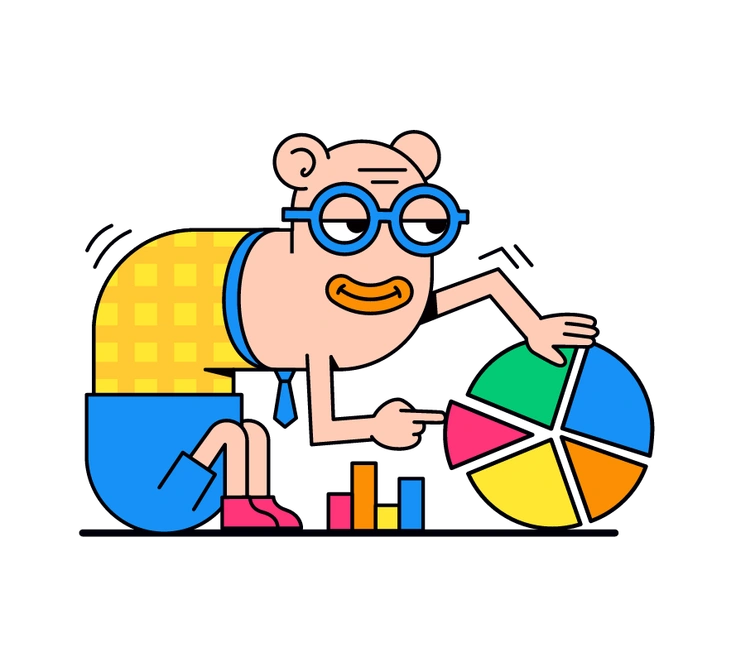
A cartoon character analyzing a colorful pie chart - Droll style illustration
Droll

Droll introduces characters and humorous micro-scenes. Conifer removes narrative elements and instead supports content through abstract rhythm and color.

153+ illustrations
Two figures carrying creative tools and objects - Willowy style illustration
Willowy

Willowy features elongated figures and delicate lines. Conifer abandons figurative drawing and replaces people with shifting color masses.

171+ illustrations
A pink suitcase with a lock and megaphone - 3D Mini style illustration
3D Mini

3D Mini offers tiny isometric objects with clear volume. Conifer has no shading or depth and reads more like painted collage.
76+ illustrations
Colorful abstract shapes and lines - Textures style illustration
Textures

Textures focuses on standalone surfaces for overlays. Conifer combines texture with composed shapes designed as finished illustrations for interfaces.

21+ illustrations
Free
A translucent cylinder surrounded by colorful spheres - 3D Glassy style illustration
3D Glassy

3D Glassy gleams with transparent objects and light reflections. Conifer keeps everything matte, saturated and flat, which suits bold graphic layouts.

800+ illustrations
Animated

Frequently asked questions

Yes. On paid plans you can download SVG files and recolor shapes in your design tool or Mega Creator. PNGs stay fixed.
No layered source files are included. Conifer assets arrive as ready-to-use PNG or SVG exports without underlying construction layers.
Many teams combine Conifer backgrounds with more figurative styles for characters. Test combinations on key screens to keep hierarchy and contrast consistent.
Icons8 updates illustration libraries regularly. Conifer already includes 945+ illustrations and may grow as new interface needs appear.
You can start on the free plan with PNG and attribution. Paid subscriptions unlock SVG, remove attribution and are listed on the Icons8 pricing page.
Abstract liquid sphere illustration 3D coins illustration 3D charts in metal box illustration

Start using Conifer illustrations today

Download Conifer abstractions in seconds, drop them into Figma or your favorite editor, then adjust scale and placement. Build expressive interfaces without commissioning illustration work or breaking your layout grid.

Explore Conifer library