


















Patchwork Style Illustrations
Patchwork brings quilted fabrics and visible seams into digital layouts. Designers get collage-style scenes that feel handcrafted yet stay consistent across product pages and craft tutorials. Educational content benefits from the tactile mood.


What is Patchwork Style?
The defining quality of Patchwork lies in layered fabric swatches and stitched edges that mimic quilting. Textured shadows hint at soft padding while irregular cuts and frayed contours keep shapes organic.
These illustrations show up in craft tutorial hubs and maker blogs that celebrate process. Sustainable fashion labels use Patchwork for lookbooks and packaging. Community spaces apply it to posters and workshop signage.
For craft-first and educational work


Browse Patchwork packs
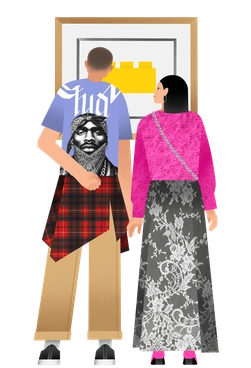

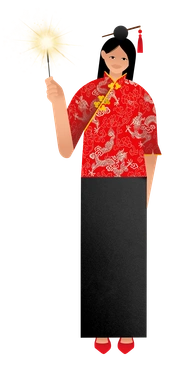
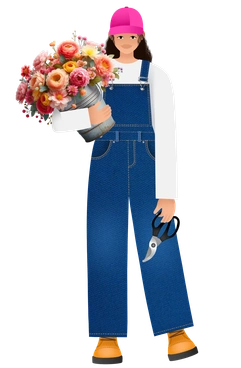
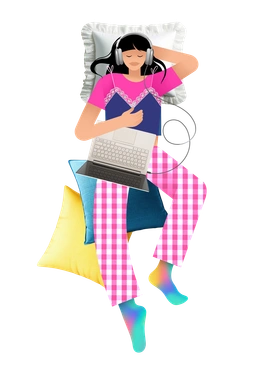

What Patchwork artists sew
Quilted bags and home accessories appear beside geometric fabric grids that feel like sample boards. Scissors and spools sit beside scattered pins in neat arrangements. Browse by tag to focus on any subject.
Pick your tactile illustration mood
Comparing Patchwork with other sets helps you judge how much texture and whimsy your project really needs.
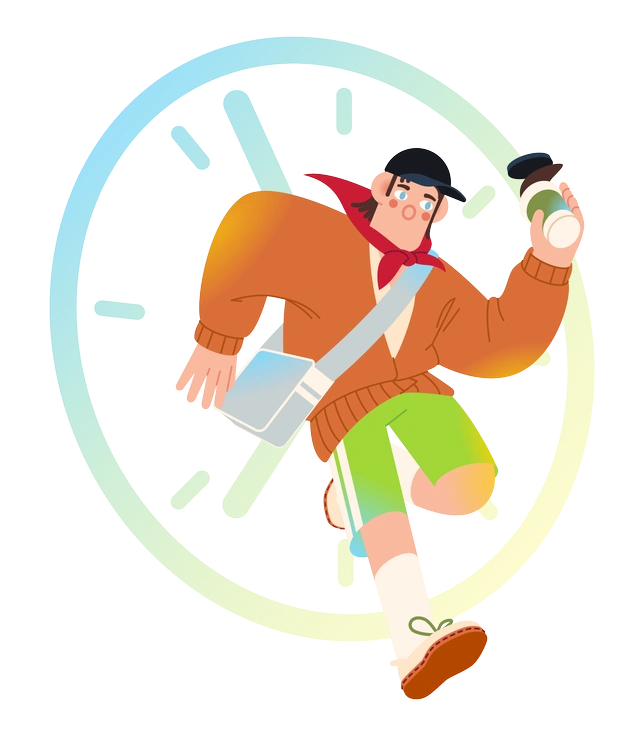
Fizzy uses smooth vector blobs and bold gradients, while Patchwork feels tactile with stitched seams and patterned fabrics.

Space leans into cosmic scenes with floating astronauts and planets, whereas Patchwork focuses on grounded textile objects and craft tables.

Vitrum looks polished with glassy shapes and light refractions, while Patchwork has matte surfaces and visible fiber grain.

Festicon pushes bright party icons and playful characters, but Patchwork leans toward cozy craft supplies and textile compositions.

Santa Camp centers on winter cabins and holiday props, whereas Patchwork stays season-neutral with fabrics and everyday quilted objects.
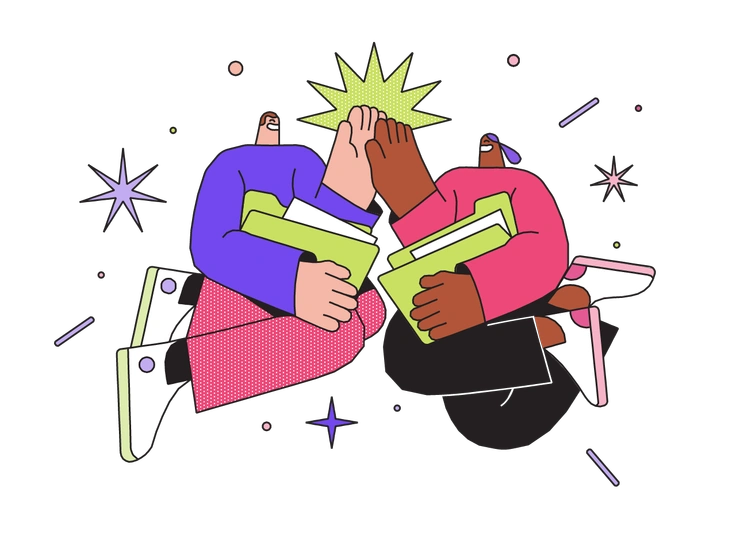
Dazzle favours sharp neon forms and high-contrast lighting, while Patchwork prefers soft edges and muted, fabric-inspired palettes.
Frequently asked questions


Start using Patchwork illustrations today
Start by downloading Patchwork scenes. Then drop them into Figma or Pichon and build craft-focused layouts quickly. Adjust SVG colors and export crisp assets for web banners and printed pieces.