


















Textures Style Illustrations
Textures illustrations layer bold color blocks with tactile patterns and expressive strokes. They turn simple layouts into artful surfaces that feel handcrafted yet ready for contemporary digital and print projects.
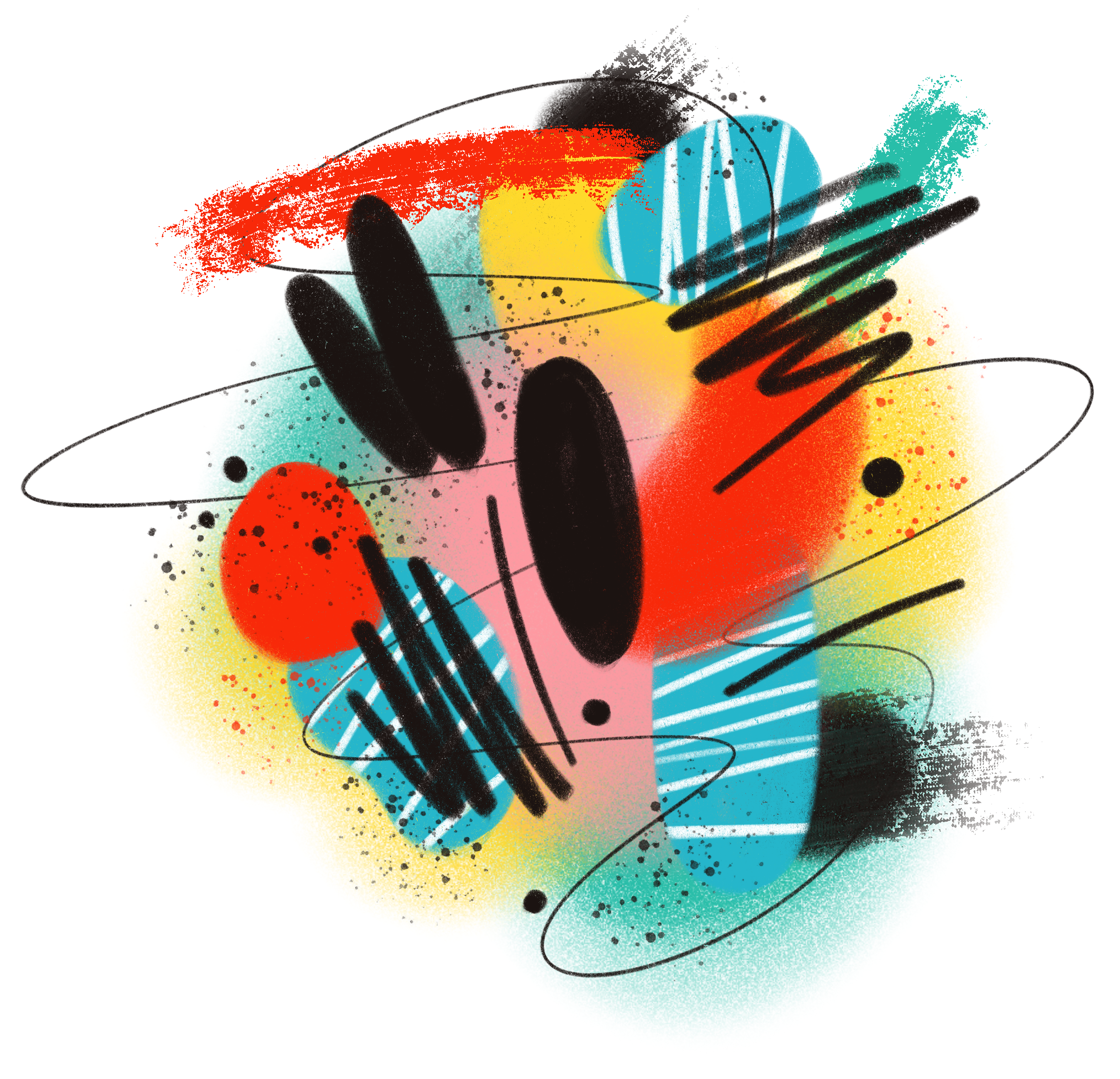


What is Textures Style?
Clean geometry and loose abstract strokes collide in Textures. Bold saturated colors stack into layered planes, while rough grain and painted marks create a tactile surface that feels almost physical.
Most commonly used in creative portfolios and experimental brand sites, Textures also supports music covers and event posters where pattern carries emotion and rhythm without relying on literal scenes or characters.
For artistic brands and UI


Browse Textures packs
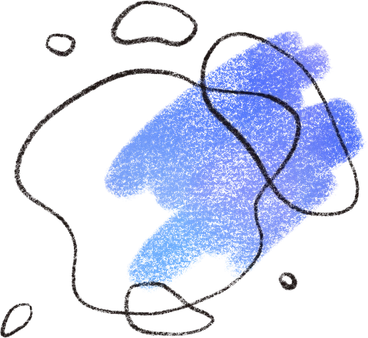

What Textures artists draw
Abstract geometric fields appear again and again, alongside textural surfaces that feel like fabric or paint. Patterned interpretations of objects slip in too. Browse by tag.
Finding your textured mood
Comparing styles helps you decide whether you need pure pattern energy or character-focused scenes beside your content.
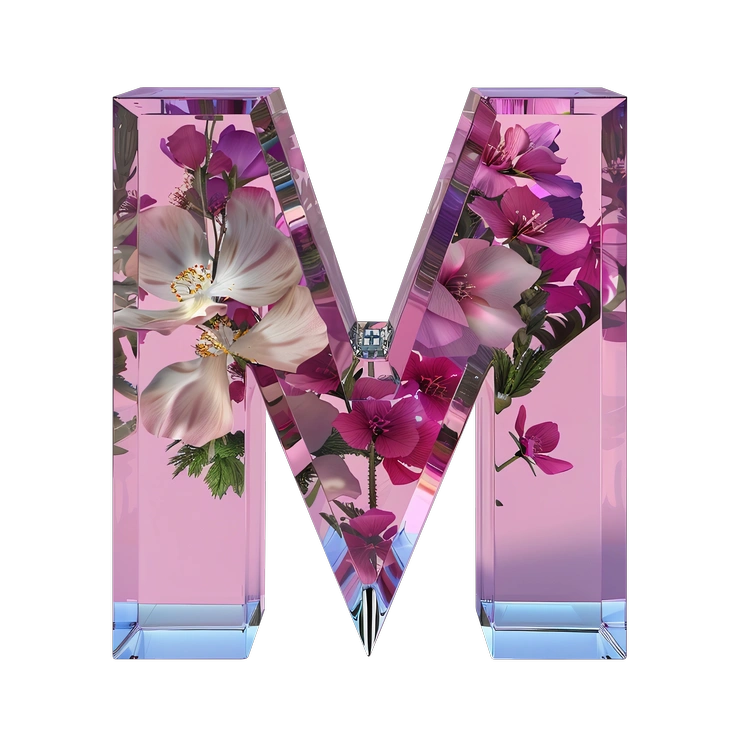
Initial reduces everything to simple monoline initials and icons, while Textures leans into dense surfaces and abstract pattern fields.
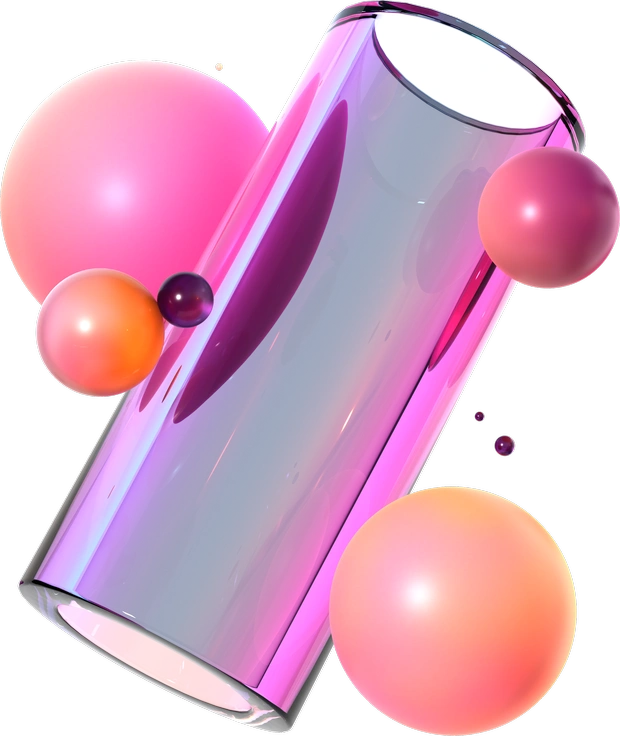
3D Glassy builds glossy objects and floating UI elements, whereas Textures stays flat and painterly with no volumetric lighting.
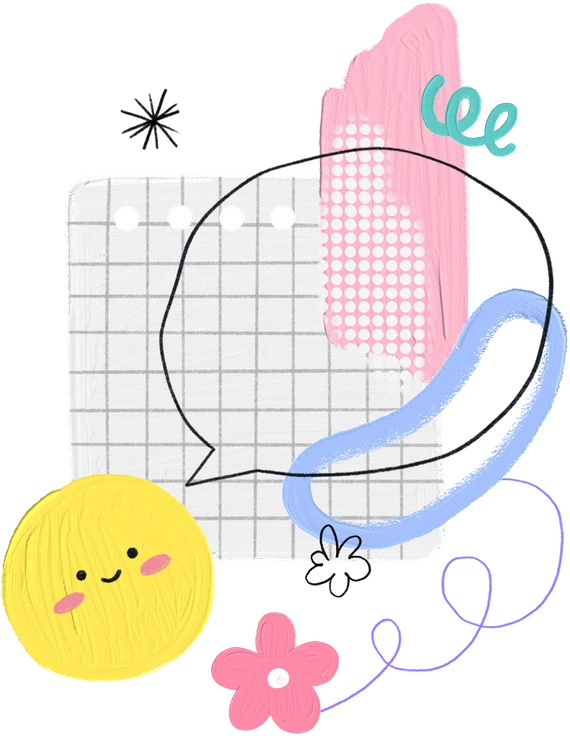
Scrapbooking uses paper cutouts and tape-like details. Textures prefers brushstroke grit and repeating shapes that feel more digital.
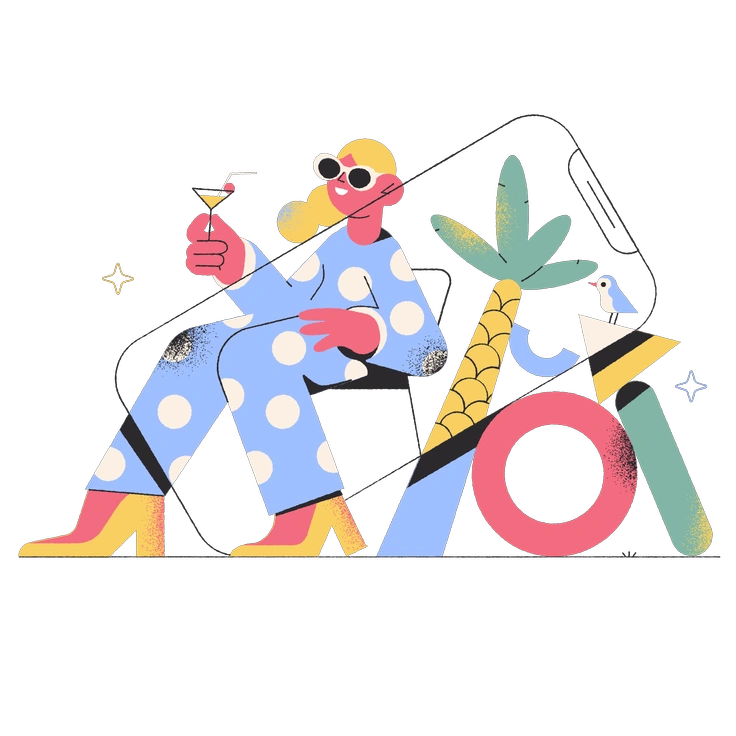
Pablo introduces quirky characters and objects with playful geometry. Textures omits figures and focuses on nonrepresentational surfaces and patterns.
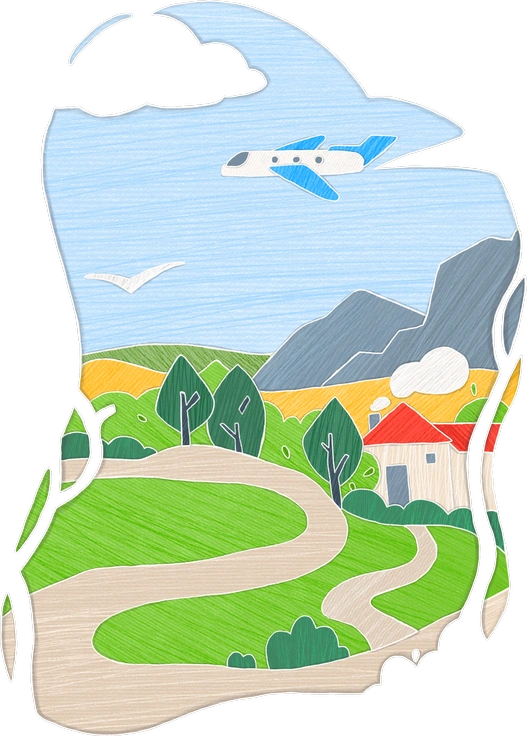
Crafty feels handmade with scissors and glue. Textures mimics paint and ink textures without explicit craft tools on display.

Joy centers on expressive characters and scenes with soft shading, while Textures remains abstract and pattern-driven without narrative moments.

Memphis shares bright color and geometry but keeps shapes cleaner. Textures adds rough strokes and grain for stronger material feel.
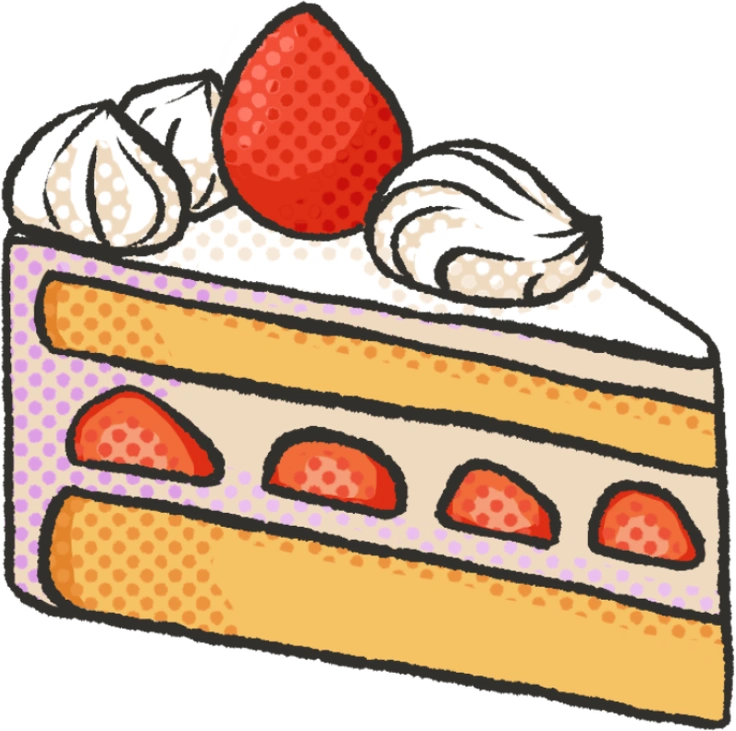
Dots relies on halftone spots and minimal forms. Textures relies on broader brush marks and bolder blocks of saturated color.

Gleam emphasizes smooth gradients and light beams. Textures emphasizes gritty strokes and patterned repetition that feel more tactile.
Frequently asked questions


Start using Textures illustrations today
Download a few backgrounds to try in your next layout or drop whole patterns into Figma. Swap colors with SVG files and ship textured branding or presentation decks today quickly.