Products
Music Lunacy

Pablo Style Illustrations

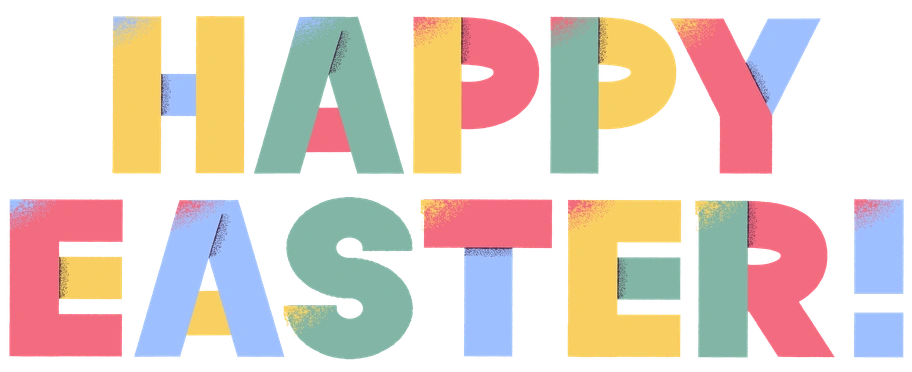
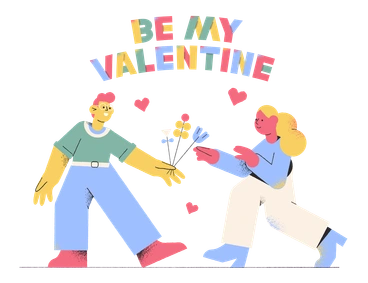
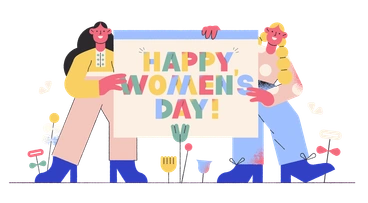
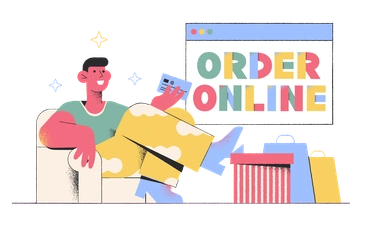
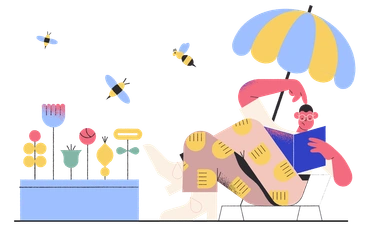
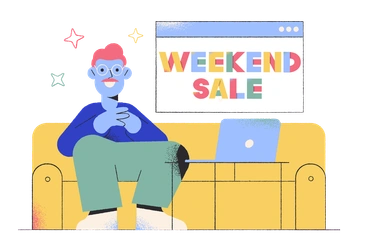
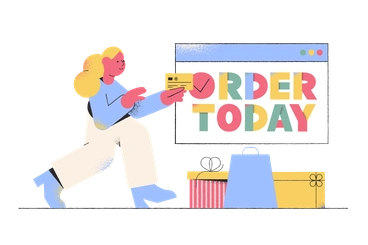
Pablo brings bold color blocking and textured flat shapes to modern web layouts. Use it to highlight sections and support storytelling in interfaces that need a distinctive artistic edge.
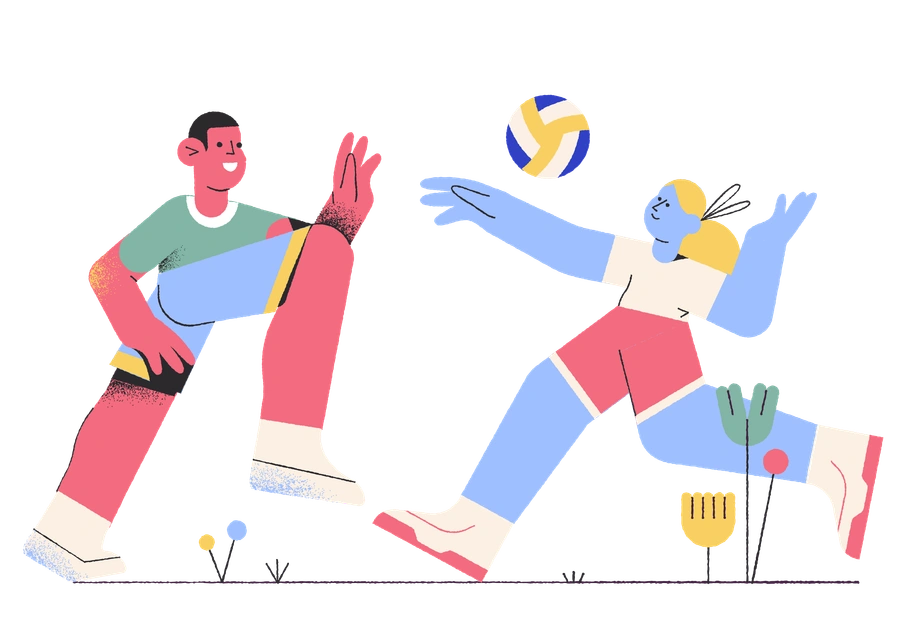
1129+ illustrations SVG & PNG Editable colors Commercial license
Bold Color Blocking
Bright shades with strong contrast keep interfaces lively and hold attention on key content areas.
Geometric Characters
People and objects use basic geometric forms, so scenes read clearly even at smaller sizes.
Textured Flat Rendering
Subtle grain and shading add depth to flat shapes without clashing with minimalist interface components.
Web‑Ready Composition
Layouts frame copy blocks and UI elements so scenes drop cleanly into headers.

What is Pablo Style?

Drawn with a bold hand, Pablo uses saturated blocks of color and subtle grainy textures. Clean geometric figures and loose details create a contemporary look that feels artistic yet readable.

Marketing and product teams choose Pablo for creative agency sites and design tools. Early‑stage startups and lifestyle brands also adopt it to signal experimentation and attract younger digital audiences.

For creative web products

SaaS Products
Feature pages and onboarding flows gain hero scenes that show product use and modern teams while hinting at digital collaboration.
Mobile Apps
Landing screens and account setup views benefit from bold narrative moments. Empty states also gain art‑driven explanations for complex tools.
Marketing Sites
Hero banners and feature grids use Pablo scenes to anchor messaging for agencies or lifestyle products aimed at creative audiences.
Presentations
Pitch decks for creative startups and product roadmaps gain consistent illustrations that connect timelines with feature highlights across slides.

What Pablo artists draw

Scenes often show relaxed teams working with laptops and phones. Many illustrations focus on abstract geometric arrangements or digital lifestyle concepts. Browse by tag to jump straight to relevant topics.

Finding your Pablo mood

Comparing related illustration styles helps you match texture and color intensity to each project's brand voice and overall mood.
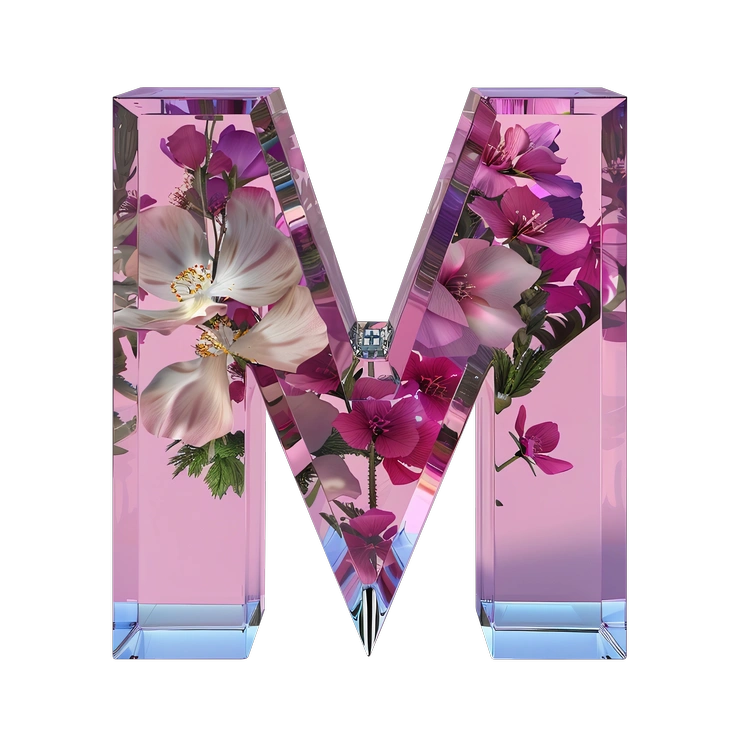
A large, floral letter M with a glossy finish - Initial style illustration
Initial

Initial stays flatter and more minimal, with softer palettes that suit neutral dashboards where Pablo might feel too expressive.

36+ illustrations
A light bulb surrounded by geometric shapes - Grainy style illustration
Grainy

Grainy leans into stronger texture and muted tones, creating moodier scenes where Pablo favors bright blocks and sharper contrasts.

122+ illustrations
A stylized doorway with stairs and an arrow - Bright style illustration
Bright

Bright pushes saturation further and removes much texture, so compositions feel cleaner and closer to pure flat design.
445+ illustrations
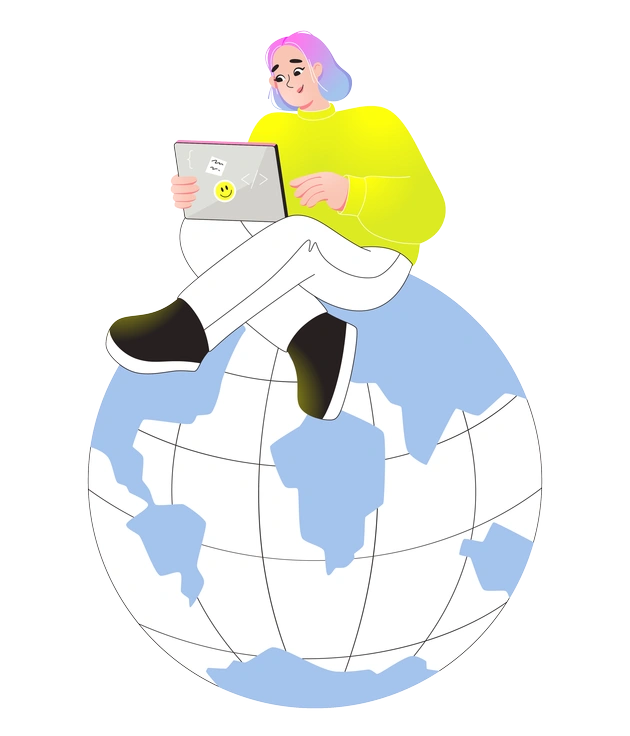
A person sitting on a globe with a laptop - Like style illustration
Like

Like uses friendlier shapes and softer outlines, giving scenes a warmer tone where Pablo appears more graphic and edgy.
111+ illustrations
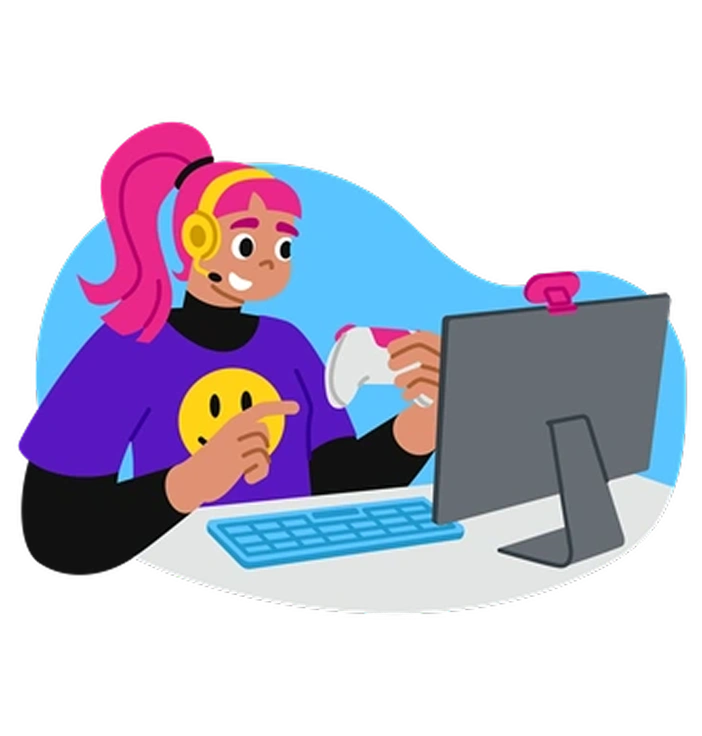
A person gaming at a computer - Active style illustration
Active

Active focuses on dynamic poses and sports themes, while Pablo centers more on casual work scenes and creative digital routines.

289+ illustrations
Animated
A brain connected to data and science elements - Glossy style illustration
Glossy

Glossy introduces reflections and shiny surfaces, so characters and objects feel more polished compared with Pablo’s matte textured finish.

378+ illustrations
A brain surrounded by abstract digital elements - Chromed style illustration
Chromed

Chromed favors metallic gradients and futuristic highlights, whereas Pablo keeps flat color blocks with texture for web layouts.
123+ illustrations
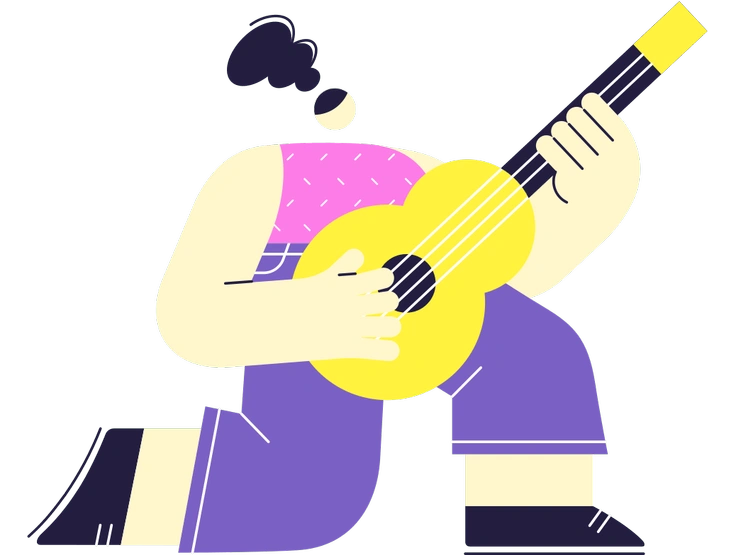
A person playing a yellow guitar - Mellow style illustration
Mellow

Mellow softens contrast and lightens saturation, giving scenes a calmer, soothing presence where Pablo feels punchier and more attention‑grabbing.
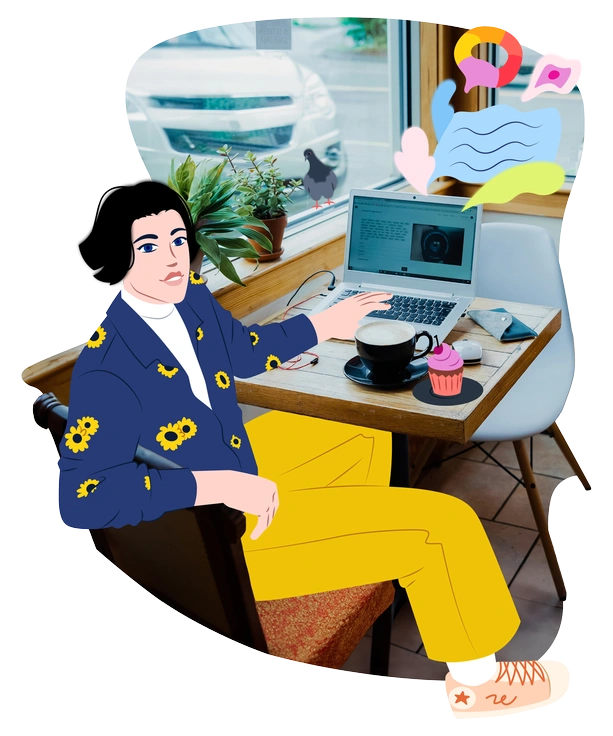
594+ illustrations
A person sitting at a café table - Everyday style illustration
Everyday

Everyday depicts routine office and home tasks with understated styling, while Pablo leans toward artistic composition and stronger visual experimentation.
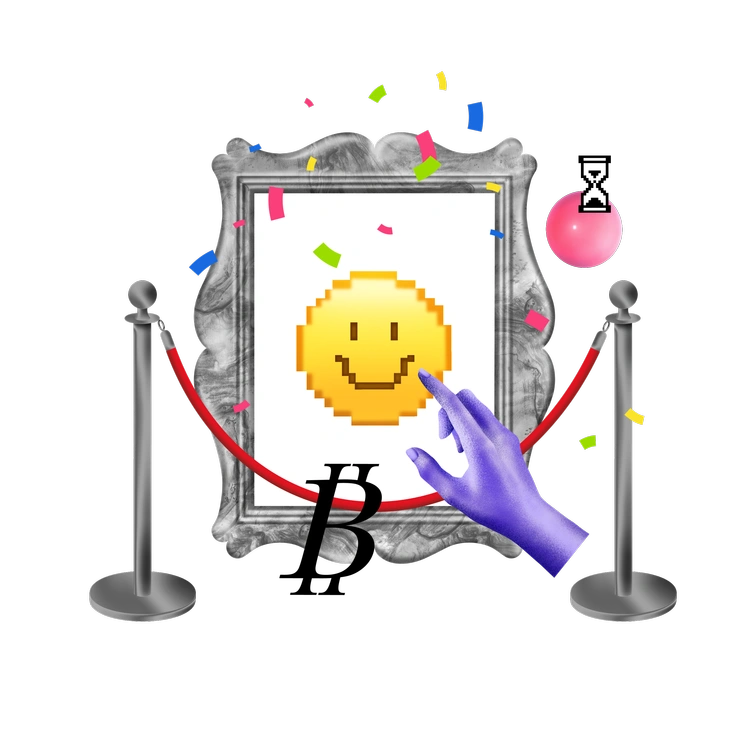
163+ illustrations
A smiling emoji in a framed artwork - Jumble style illustration
Jumble

Jumble packs more overlapping elements and irregular shapes, whereas Pablo usually keeps cleaner silhouettes and clearer negative space.

204+ illustrations
Abstract shapes and a bust figure - Morphis style illustration
Morphis

Morphis bends forms into surreal abstractions and fluid transitions, while Pablo keeps readable characters and structured compositions for interfaces.
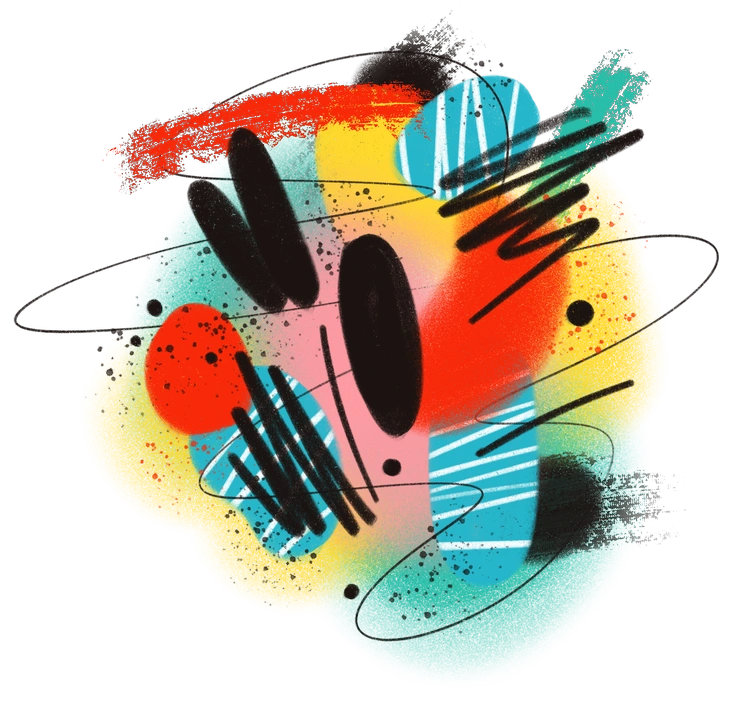
209+ illustrations
Colorful abstract shapes and lines - Textures style illustration
Textures

Textures emphasizes surface detail and grain variation, whereas Pablo balances texture with bold color blocking and simpler geometry.

21+ illustrations
Free

Frequently asked questions

Yes. You can use Pablo artwork in client and commercial projects. Free plans require a clickable Icons8 credit, while paid subscriptions remove the attribution requirement.
All Pablo illustrations are downloadable as PNG files on the free plan and as SVG vectors on paid plans. Source design files are not included.
The Pablo library currently includes 1,129+ illustrations and keeps growing. New scenes and subjects are added over time as Icons8 updates the style.
Icons8 offers free access with attribution and several paid subscription options. Check the pricing page for current plans and download limits, plus any team features that match your workflow.
Most Pablo scenes ship with strong color contrast, so they sit well on light backgrounds. On dark layouts, you may need subtle background shapes or outlines for separation.
Abstract liquid sphere illustration 3D coins illustration 3D charts in metal box illustration

Start using Pablo illustrations today

Download Pablo illustrations as PNG or SVG and drop them straight into Figma or Sketch. Use Mega Creator or your design tool to recolor elements and assemble custom scenes quickly.

Explore Pablo library