Products
Music Lunacy

Marks Style Illustrations

Marks sketches bring loose, one-color doodles to lifestyle projects. Use them when you need something friendly for blogs and social posts, or informal slides and process notes.
284+ illustrations SVG & PNG Editable colors Commercial license
Three utensils: fork, spoon, and knife - Marks style illustration
Soft Monochrome Lines
Single-hue drawings keep layouts calm and readable without competing against brand colors.
Organic Hand Strokes
Visible wobble and pen pressure give each scene a spontaneous, notebook-style feeling.
Minimal Detailing
Sparse shading and simplified forms leave space for copy and interface controls.
Consistent Doodle Look
Every illustration shares line weight and tone, so mixed scenes still feel coherent together.

What is Marks Style?

Each illustration in Marks uses loose, single-color linework with wobbling outlines and visible pen pressure. Minimal shading and unfinished edges keep scenes feeling like quick notebook sketches rather than polished artwork.

App developers and content writers pick Marks when they want honest, informal visuals for lifestyle blogs and community updates, plus onboarding guides and workshop materials that feel sketched during a meeting.

For relaxed visual storytelling

Lifestyle Blogs
Frame recipe posts, daily routines and travel stories with quick sketches that match personal writing and casual photography.
Social Graphics
Add drawn accents to quote cards and announcement posts so feeds feel human without heavy branded illustration systems.
Workshops & Events
Use Marks scenes on agendas and handouts to signal informal sessions, creative meetups and community gatherings.
Internal Docs
Lighten process docs, retro notes and product updates with sketches that feel like whiteboard drawings saved to slides.

What Marks artists sketch

Scenes focus on coffee breaks, everyday tools and relaxed people at home or work. Simple icons for feelings and ideas appear too. Browse by tag to jump into specific themes.

Narrowing down your sketch style

Comparing sketch-focused packs helps you choose the mood that fits your product voice and brand tone.
Two women engaged in conversation - Company style illustration
Company

Company uses cleaner lines and structured business scenes, while Marks stays loose and lifestyle-focused with more casual situations.
302+ illustrations
An orange donut with a black line - Hand-drawn animation style illustration
Hand-drawn animation

Hand-drawn animation adds motion-ready frames and expressive poses. Marks instead concentrates on static sketches suited for quiet content moments.

135+ illustrations
Animated
A cat sitting on a windowsill - Scribbles style illustration
Scribbles

Scribbles feels more abstract and chaotic, while Marks stays readable with recognizable objects and people in everyday scenes.
99+ illustrations
Animated Free
A happy cloud next to a sad cloud - Whimsy style illustration
Whimsy

Whimsy leans into playful characters and decorative flourishes. Marks keeps strokes simpler for notes, documentation and stripped-down lifestyle storytelling.

156+ illustrations
A mountain with a flag and sparkles - Blink style illustration
Blink

Blink offers cleaner vector curves and strong graphic shapes. Marks embraces wobble and pen texture for an unfinished notebook feel.
175+ illustrations
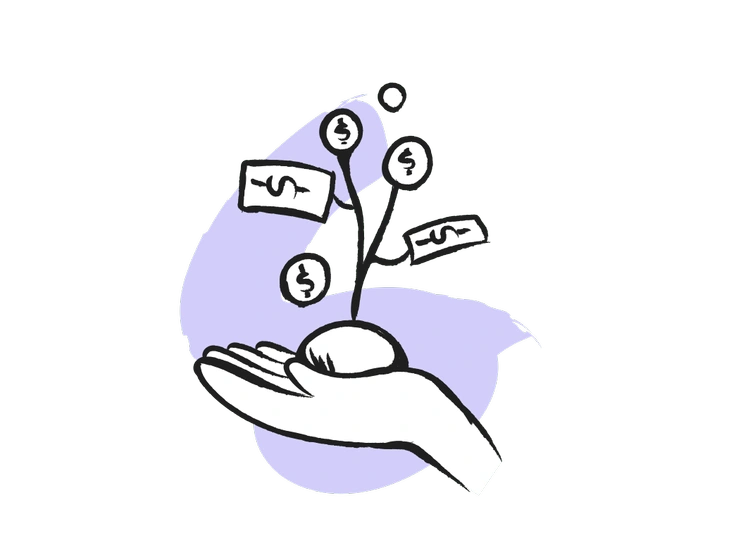
A hand nurturing a growing money plant - Pixeltrue icons style illustration
Pixeltrue icons

Pixeltrue icons are crisp and flat with color fills. Marks replaces filled shapes with sketch outlines for a lifestyle feel.
57+ illustrations
Free
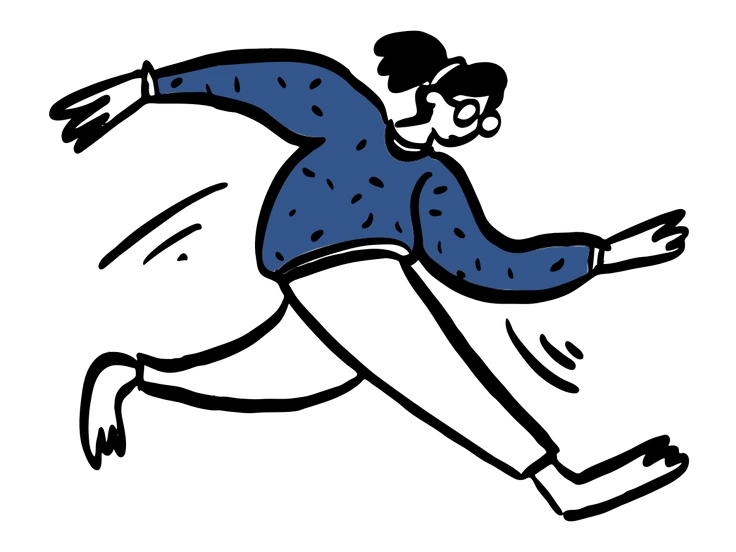
A person running with a dynamic pose - Open Doodles style illustration
Open Doodles

Open Doodles uses playful characters and flowing shapes with color. Marks stays monochrome and focuses on tools and relaxed figures.

37+ illustrations
Animated Free
A cat sitting on a crescent moon - Twirl style illustration
Twirl

Twirl leans into exaggerated proportions and whimsical motion. Marks presents steadier compositions suited to notes, blog headers and lifestyle moments.
202+ illustrations
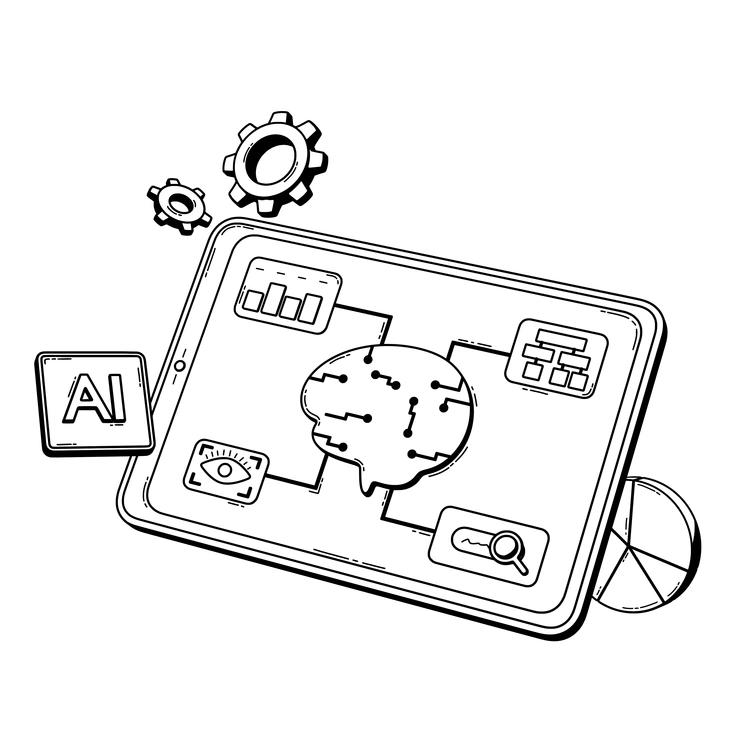
A tablet displaying AI concepts and data visualization - 3D Techny Line style illustration
3D Techny Line

3D Techny Line combines isometric structure and shading. Marks remains flat and sketchy, aligned with notebooks, zines and informal documentation.
47+ illustrations
Animated
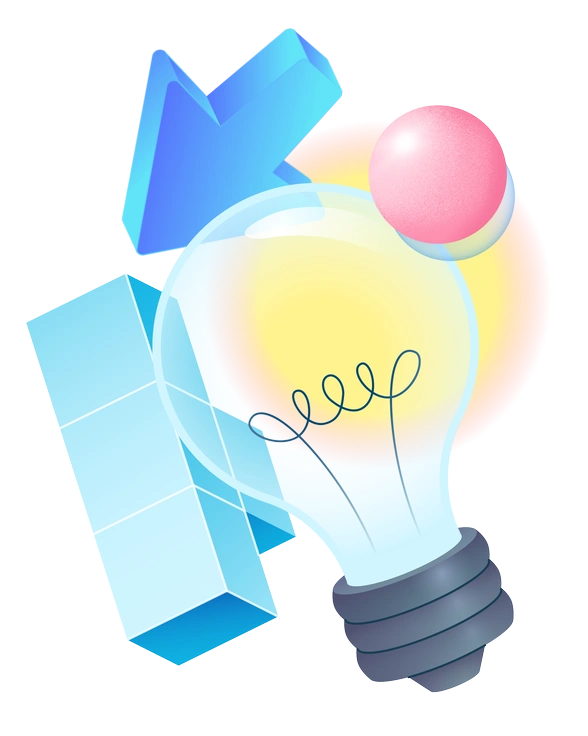
A light bulb surrounded by geometric shapes - Experimental style illustration
Experimental

Experimental pushes abstraction and unusual compositions. Marks keeps scenes legible and calm, better suited to everyday content than avant-garde layouts.
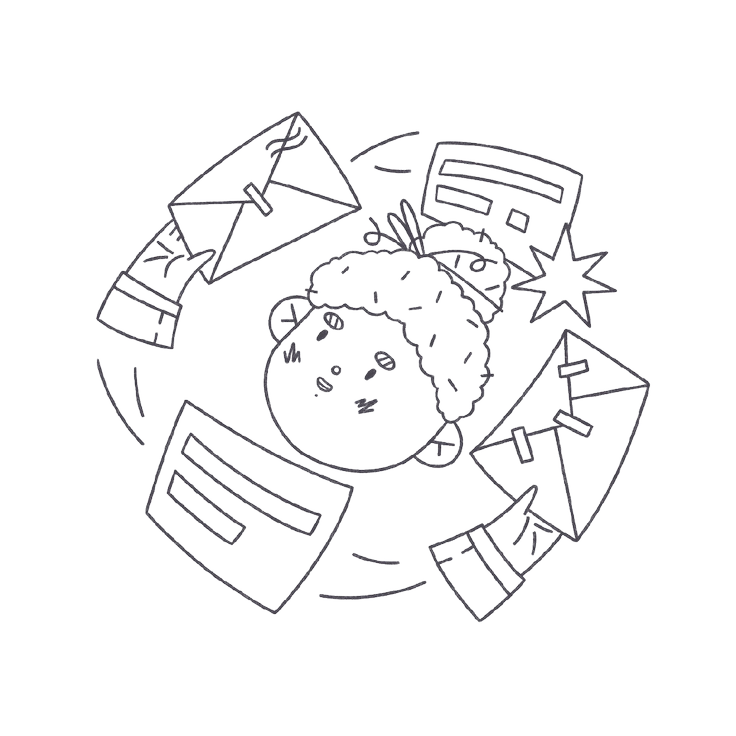
689+ illustrations
A child surrounded by flying envelopes - Bonbon Line style illustration
Bonbon Line

Bonbon Line uses cleaner strokes and polished character work. Marks accepts roughness and stray lines, echoing doodles on a notepad.
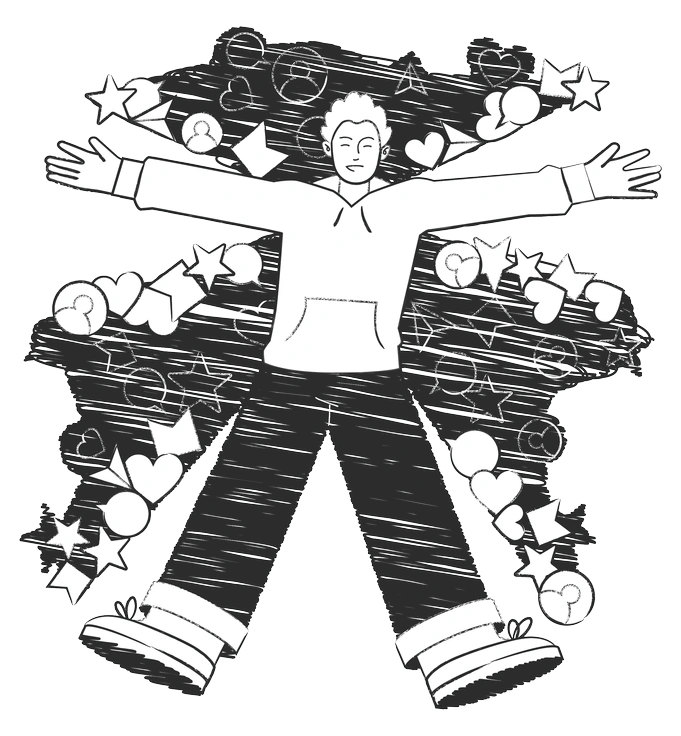
457+ illustrations
Free
A person with arms outstretched surrounded by shapes - Graphite style illustration
Graphite

Graphite mimics pencil shading and tonal variation. Marks relies on cleaner single-weight lines for a lighter, less textured diary-page look.

321+ illustrations

Frequently asked questions

Yes. Keep the single-color look or change hues by editing SVG files in your design tool or using Mega Creator. PNG downloads remain fixed color.
Marks assets ship as ready-to-use PNG or SVG exports, without layered source files. Rearrange elements and adjust sizes by editing the SVG versions.
Marks illustrations are monochrome, so they usually sit best on light backgrounds. For dark layouts, change stroke color in SVG or add light containers behind PNGs.
SVG files scale cleanly to any size, so Marks works for posters and handouts. PNG exports suit smaller prints where you do not need huge dimensions.
Icons8 expands illustration packs regularly, and Marks is part of that rotation. New sketches appear over time, so check back or sync through the Pichon app.
Abstract liquid sphere illustration 3D coins illustration 3D charts in metal box illustration

Start using Marks illustrations today

Grab a few Marks sketches, drop PNGs straight into slides or edit SVG colors in Figma. You can also drag assets from Pichon or tweak compositions in Mega Creator today.

Explore Marks library