


















Jumble Style Illustrations
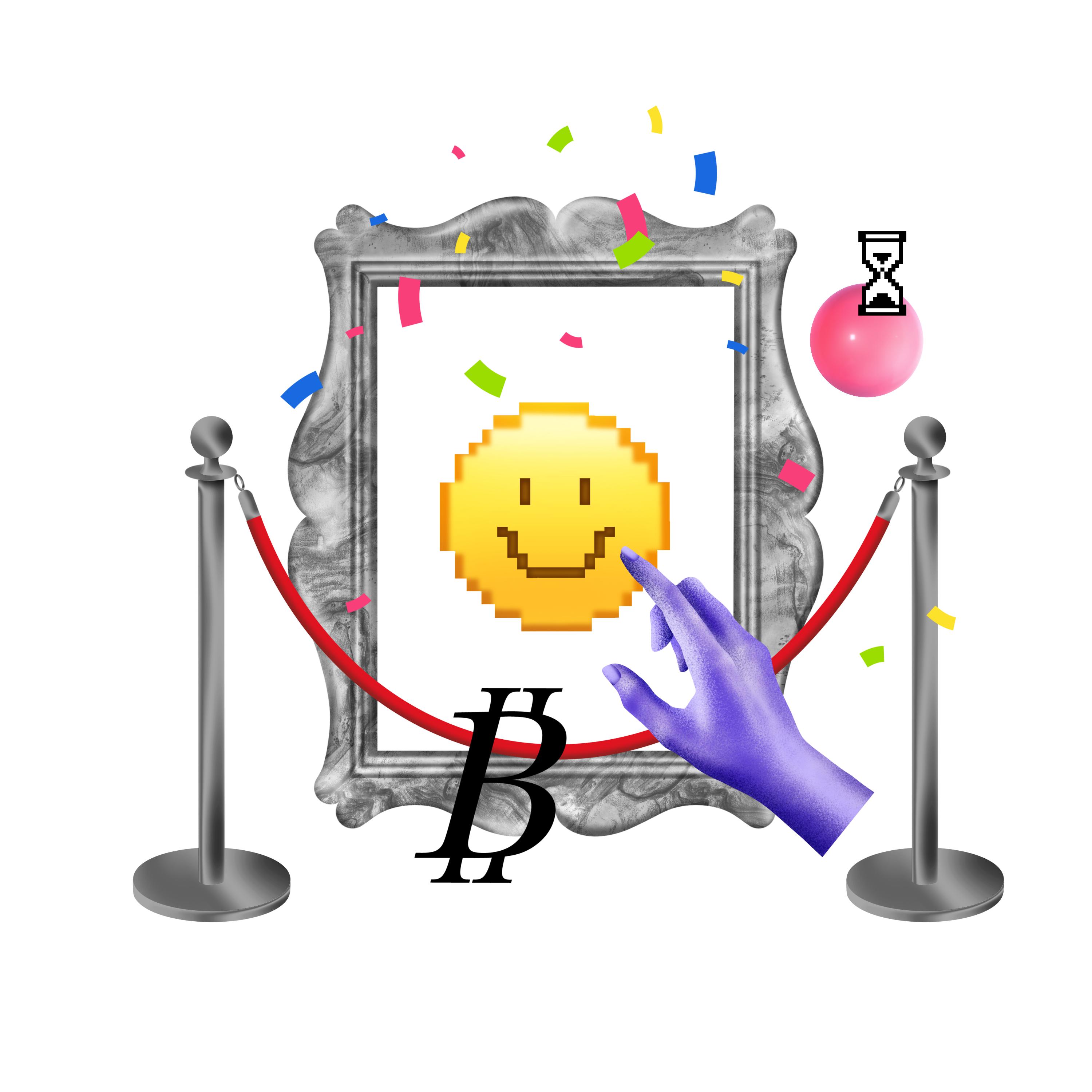
Jumble smashes together photos, doodles, icons and bold type into loud collage scenes that grab attention fast. The style fits youth-focused brands, campaigns and unconventional product storytelling.


What is Jumble Style?
Rounded forms and sharp cutouts sit side by side in Jumble scenes. Vivid color blocks collide with clipped photographs and scribbled graphics. Overlapping layers intersect and form dense collage arrangements with purposeful tension.
Teams working on festival branding and edgy campaigns choose this collage look when safer illustration styles feel flat. Creative studios and indie makers use it for portfolio sites that signal experimentation and youth culture energy.
For bold creative campaigns


Themes in Jumble
What Jumble artists stage
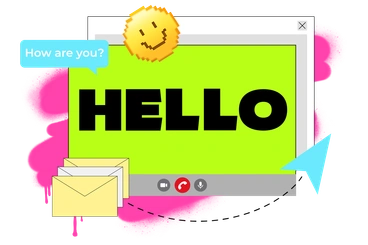
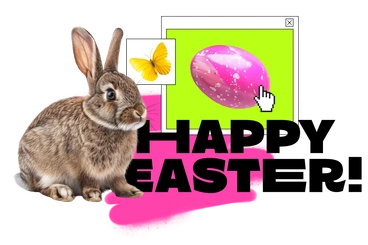
Creative workspaces and crowded party scenes appear again and again in Jumble. Abstract shape collages surround music gear and art tools. Browse by tag to narrow the subjects.
Narrowing down your Jumble vibe
Seeing this collage style beside other options helps you judge how much chaos or clarity suits your brand story.

Blink focuses on clean gradients and simplified vectors. The collage option throws in photographs with rough textures and embraces unexpected overlaps.
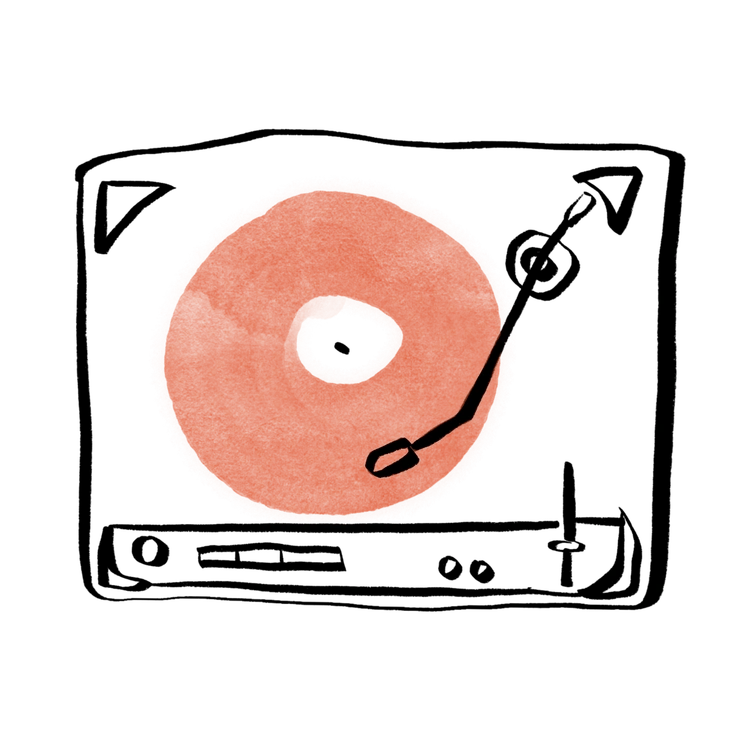
Hand-drawn animation feels sketchy and sequential, whereas Jumble uses frozen collage moments with bolder color blocking and photographic pieces.
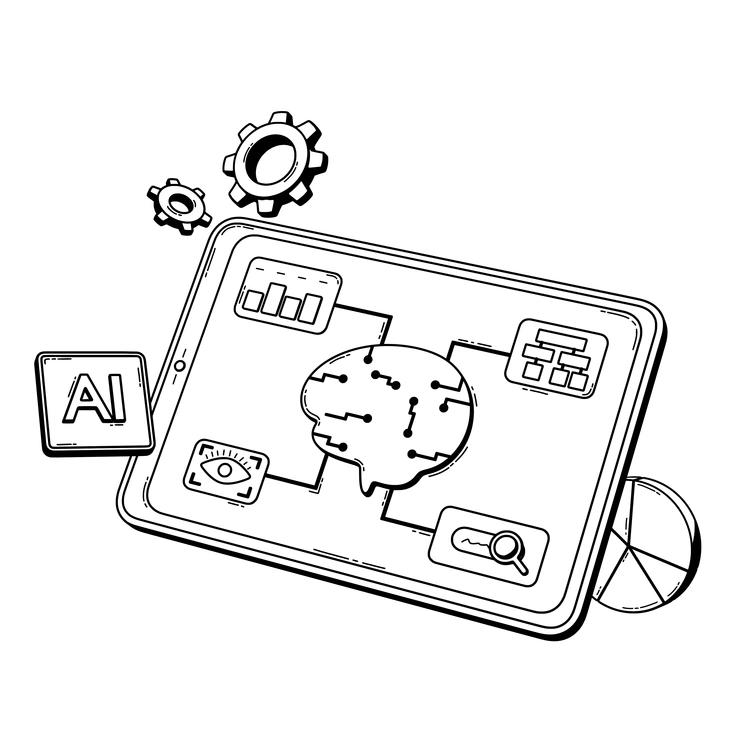
3D Techny Line builds depth using wireframe objects and perspective. The collage approach stays flat and noisy with cutouts layered over photographs.
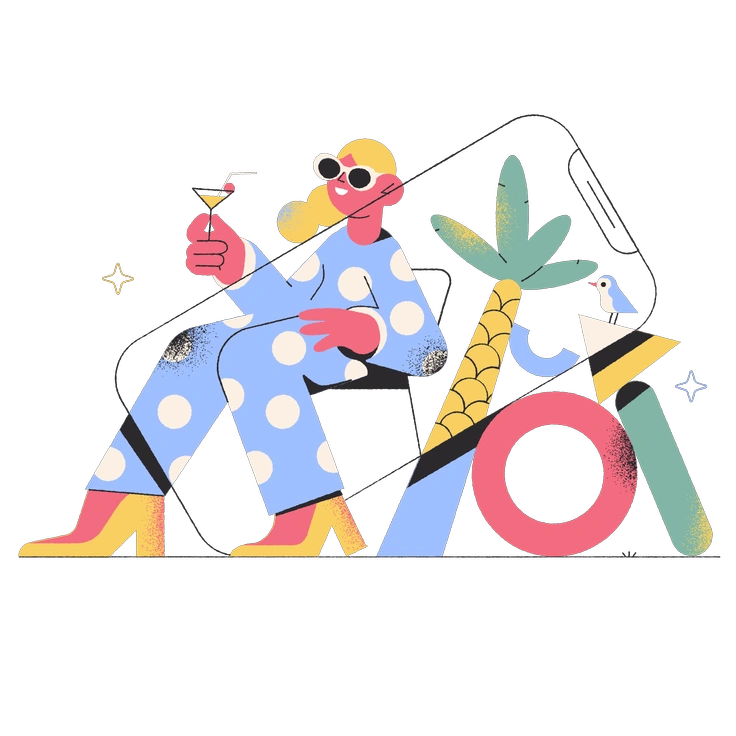
Pablo keeps designs geometric with color fields. Jumble breaks structure and jams together doodles with photography and chunky type.
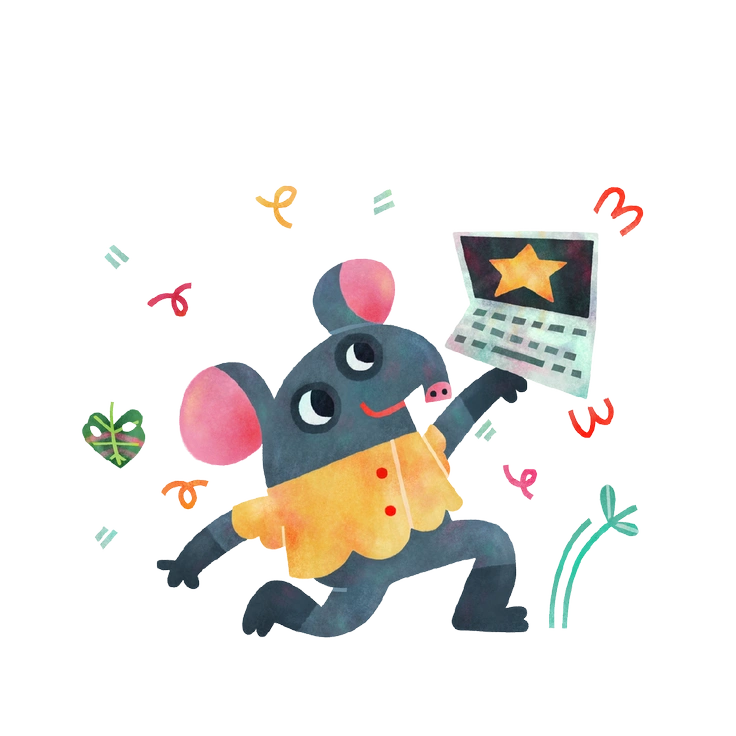
Jungle dives into nature characters and leaf shapes. Jumble leans into city culture with abstract geometry and harsher color clashes.
Marginalia delivers loose notebook doodles with white space. Jumble packs pages with photographs and painted textures with integrated type fragments.
Frequently asked questions


Start using Jumble illustrations today
Browse 200+ collage scenes, download PNGs or SVGs, and drop them straight into Figma or Sketch. Tweak colors in Mega Creator and ship campaigns that actually look different for your next launch.