


















Shade Style Illustrations
Shade illustrations bring monochrome structure to interfaces and slides. Clean geometry and subtle star accents work with firm outlines so dashboards and documents stay readable without stealing attention.


What is Shade Style?
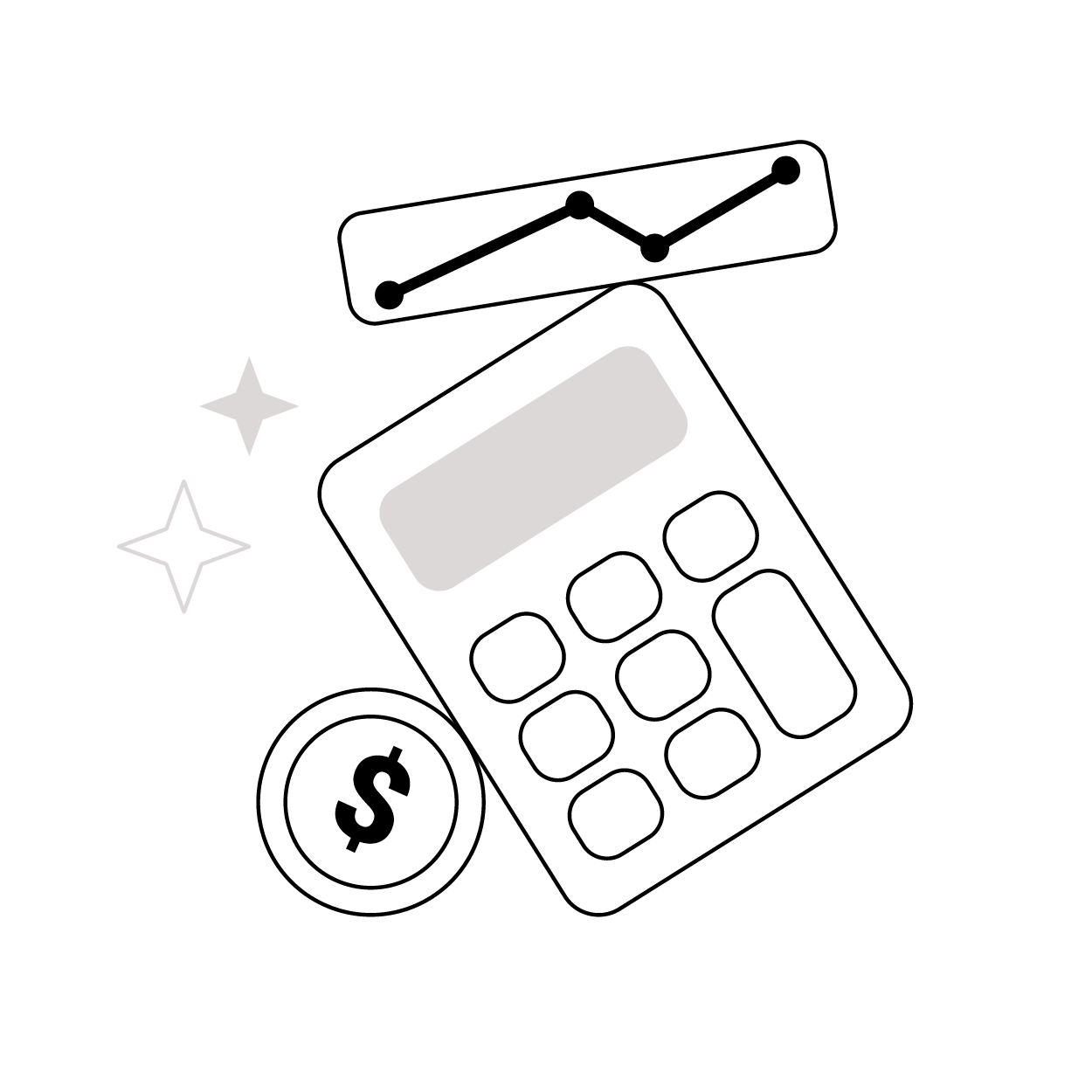
Clean geometry and tight black outlines define Shade. Solid gray fills sit on flat backgrounds. Occasional star accents mark key actions or data without breaking the restrained, technical mood.
Teams working on corporate decks and internal tools pick Shade for clear iconography. Product managers and trainers explain complex flows. Analysts present metrics while keeping visuals neutral for diverse audiences.
Best in business UI and docs


Shade illustration packs




What Shade artists draw
Business workstations and laptops appear often in Shade icons. Interface elements and finance symbols repeat across sets. Training pictograms round out the library. Pick a tag to narrow subjects.
Which minimal line look fits
Comparing monochrome Shade with other packs clarifies whether you need playful color or softer outlines or stricter geometry.
Blueberry uses bold blues and rounded silhouettes, while Shade stays monochrome with tighter geometry for serious dashboards and reports.

Indigo leans on soft gradients and friendly scenes. Shade keeps flat fills and icon-focused compositions for documentation and admin tools.

Lounge feels casual with loose characters and relaxed props. Shade removes characters and focuses on symbols suited to structured content.

Midnight favors dark backgrounds and glowing lines, ideal for moody tech branding. Shade works best on light interfaces and restrained corporate materials.

Pablita offers colorful scenes with simplified people and big shapes. Shade strips scenes down to icons so information design stays dominant.

Plain shares minimal outlines but supports more color variation. Shade sticks to neutral gray fills for stricter, system-level icon work.

Taxi sketches urban scenes and transport details with looser strokes. Shade reduces movement and environment, focusing on static business symbols and interface metaphors.

Icy introduces light blues and soft edges that feel colder and more playful. Shade remains flat gray with sharper corners for formal contexts.
Strict icons use very technical line work and dense detail. Shade keeps similar seriousness but simplifies shapes for faster scanning on small screens.

Concept focuses on idea metaphors with expressive compositions and varied strokes. Shade applies ideas through uniform geometry that matches rigid grid systems.

Urban Line leans into city life and crowded layouts. Shade avoids narrative scenes and concentrates on generic business pictograms plus tech and finance icons.

3D Techny Line adds depth and subtle shadows around outlines. Shade stays completely flat with no volume, which keeps printing and export simpler.
Frequently asked questions


Start using Shade illustrations today
Grab the Shade pack and drop monochrome icons straight into Figma, Sketch or slides. Download PNG or SVG files, adjust colors if needed and keep your product copy in focus.