Products
Music Lunacy

Vibrant Style Illustrations

Vibrant illustrations mix bold gradients with textured fills and minimal doodles to keep interfaces playful. Marketing teams and app designers drop them in when layouts need instant color and movement.
191+ illustrations SVG & PNG Editable colors Commercial license
Three downward arrows in gradient colors - Vibrant style illustration
Textured Color Palette
Bright gradients and soft grain overlays add depth while keeping graphics light and readable.
Minimal Vector Shapes
Simple circles and rectangles build characters and objects that sit cleanly beside modern UI components.
Playful Doodle Lines
Loose outlines suggest motion and personality without crowding layouts or distracting from copy.
Style Consistency
Every illustration repeats similar proportions and textures so flows across screens feel unified.

What is Vibrant Style?

Drawn with a bright vector palette, Vibrant uses simple shapes and doodle lines with grainy textures. Gradients push color from edge to edge so figures and objects feel energetic on clean backgrounds.

UI designers reach for Vibrant when onboarding flows feel flat and static. Social media managers and content studios use it for thumbnails and campaign visuals, while lifestyle brands drop it into playful internal presentations.

For casual products and campaigns

SaaS Products
Product marketers use Vibrant on pricing pages and feature tours where screenshots feel too dry and friendly scenes communicate benefits.
Mobile Apps
Onboarding carousels and empty states gain clear focal points. Success screens pick up extra color without heavy illustration work.
Marketing Sites
Landing pages for lifestyle brands use Vibrant for hero scenes and supporting spots that echo social content and ads.
Presentations
Creative teams drop Vibrant into pitch decks and internal talks so numbers feel lighter without custom illustration budgets.

What Vibrant artists draw

Everyday social interactions and playful lifestyle objects sit beside abstract geometric accents in many Vibrant scenes. Find people topics and tech visuals. Browse tags to reach home decor scenes quickly.

Between bright vectors and doodles

Comparing Vibrant with nearby styles helps you decide how textured the surfaces feel and how geometric the compositions stay.
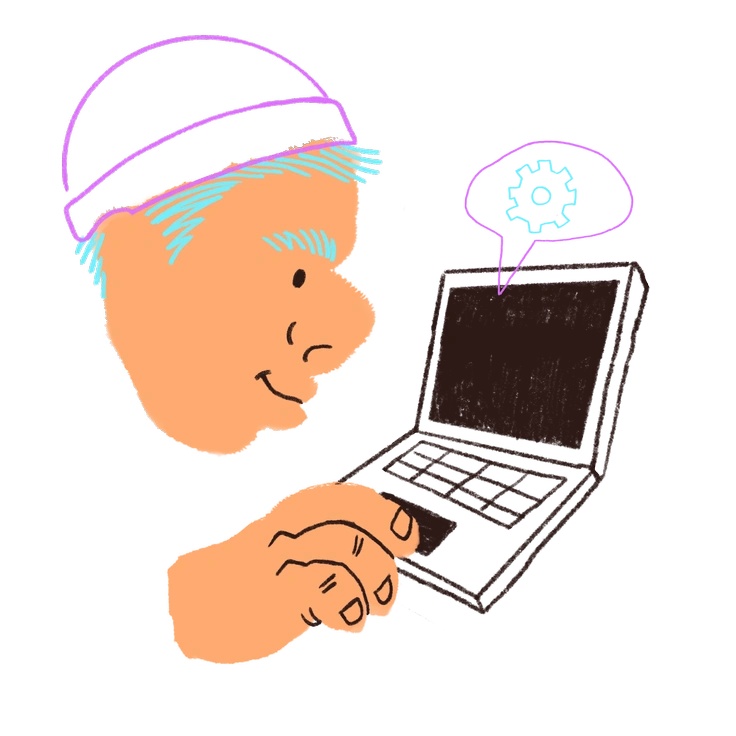
A person using a laptop with a thought bubble - Blobby style illustration
Blobby

Blobby leans into soft, amorphous shapes and flatter fills, while Vibrant stays sharper with doodled contours and grainy gradients.

99+ illustrations
A resume with a magnifying glass - Bouncy style illustration
Bouncy

Bouncy exaggerates character poses and squashy proportions, whereas Vibrant keeps bodies simpler and focuses more on textured color transitions.

285+ illustrations
Animated Free
A character holding a dollar sign - Buddy style illustration
Buddy

Buddy feels more character-driven with narrative scenes, while Vibrant balances people with objects and abstract decorative forms.

225+ illustrations
A blue hand making a heart gesture - Clap style illustration
Clap

Clap uses flat, poster-like blocks and less line work, compared to Vibrant’s doodled contours and visible texture grain.

22+ illustrations
Animated
A blue backpack with stickers - Clipart style illustration
Clipart

Clipart stays cleaner and icon-focused with almost no texture, while Vibrant embraces grainy shading and small hand-drawn quirks.
100+ illustrations
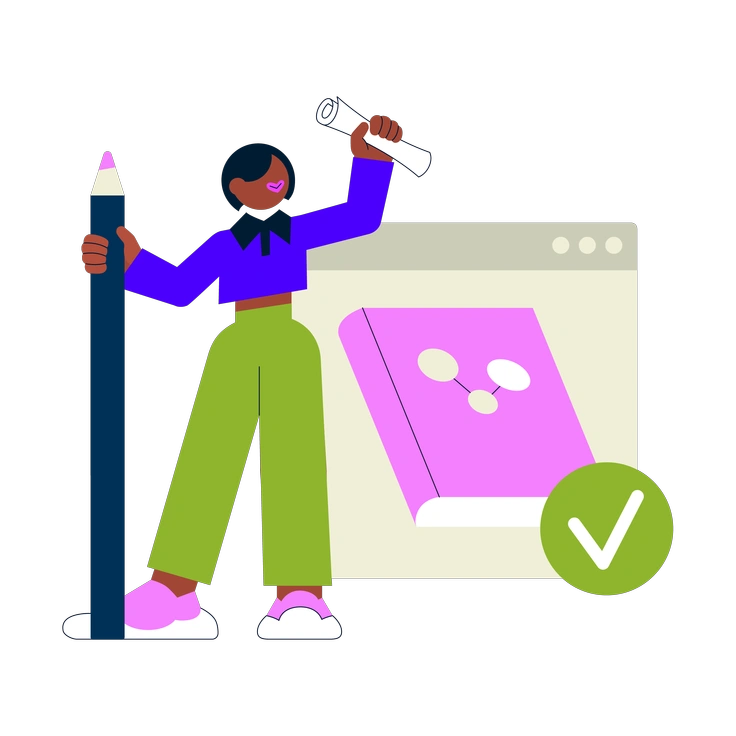
A person holding a pencil and scroll - Cubes style illustration
Cubes

Cubes relies on isometric geometry and structured environments. Vibrant instead uses flat perspectives with loose doodles and more casual compositions.
368+ illustrations
Animated
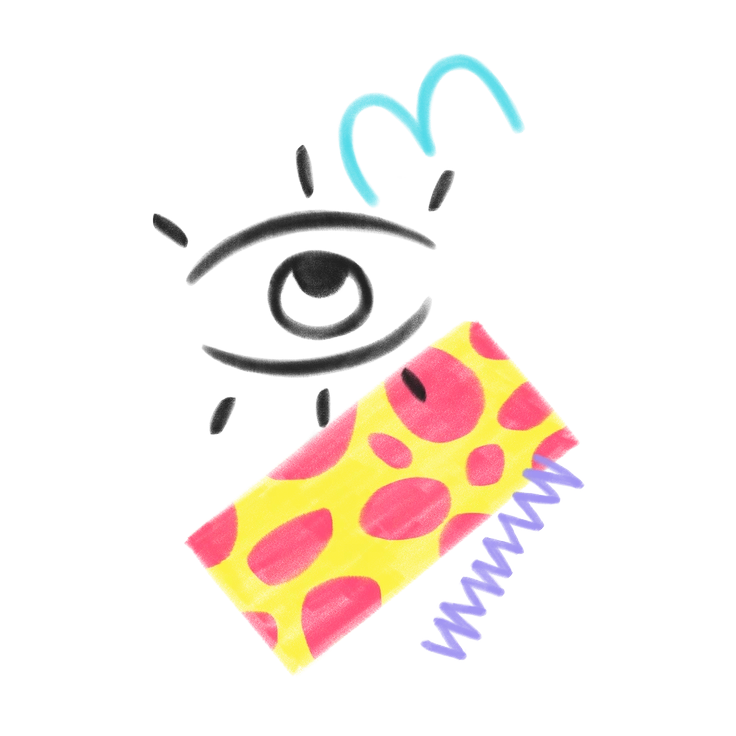
An eye with colorful patterns and lines - Doodle style illustration
Doodle

Doodle keeps lines rougher and backgrounds simpler, whereas Vibrant pairs clean geometry with bold gradients and subtle texture overlays.
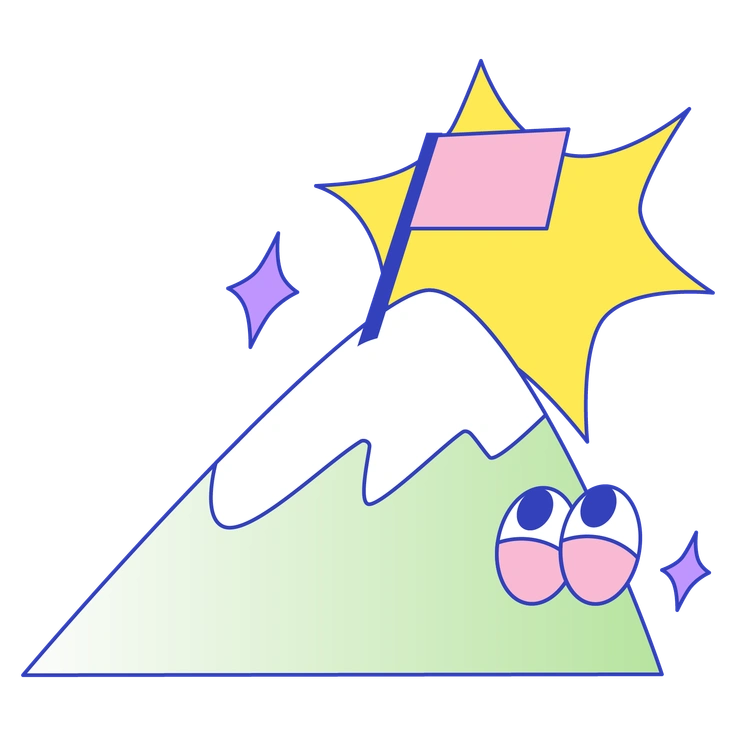
276+ illustrations
A mountain with a flag and eyes - Eyeful style illustration
Eyeful

Eyeful leans into detailed scenes and storytelling moments. Vibrant feels lighter, with abstract elements and quicker read for small placements.
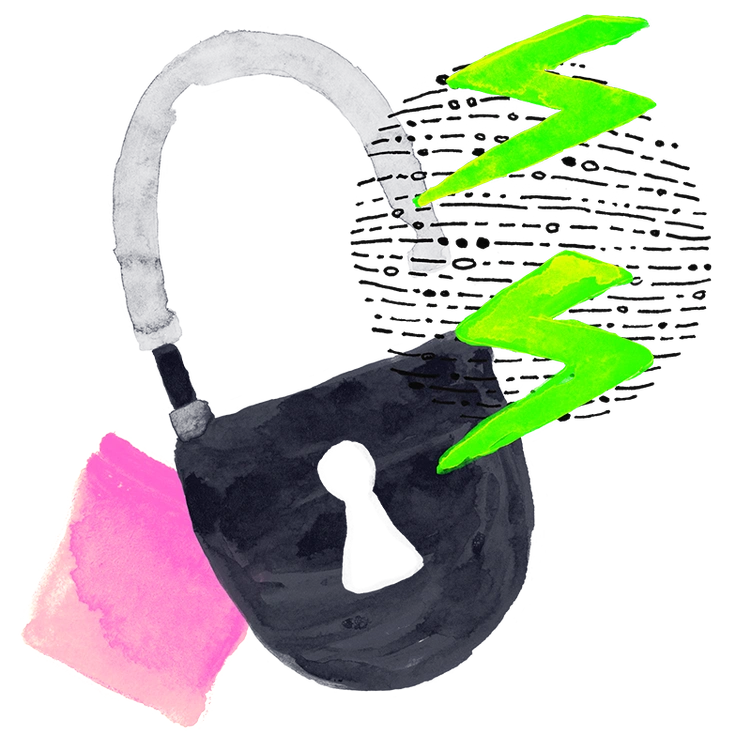
176+ illustrations
A black bag with lightning bolts - Inky style illustration
Inky

Inky mimics brush strokes and ink textures, while Vibrant keeps lines crisper and adds grain inside colored areas instead.

404+ illustrations
Two people exchanging a letter with hearts - Lime style illustration
Lime

Lime focuses on minimal flat vectors with fresh color accents. Vibrant pushes gradients and surface texture for extra energy.

711+ illustrations
A smartphone with a rising graph and coins - Memphis style illustration
Memphis

Memphis highlights geometric patterns and decorative layouts. Vibrant borrows some geometry but centers more on characters and lifestyle objects.

411+ illustrations
Animated
A computer with a search bar and target - Outline style illustration
Outline

Outline strips illustration down to strokes with almost no filling. Vibrant relies on bold color blocks and textured interiors instead.

374+ illustrations
Animated

Frequently asked questions

Yes. You can use Vibrant assets in commercial and client projects. On free plans you just need a clickable Icons8 link, while paid plans remove attribution.
You can absolutely combine Vibrant with other Icons8+ styles. Many teams pair Vibrant accents with calmer sets to separate marketing content from product UI.
Vibrant illustrations are available as PNG files on the free plan and as SVG on paid plans. You can also access them through the Pichon desktop app.
Layered source files are not included. Vibrant assets arrive as ready-to-use exports, but you can edit SVG versions in your design tools or in Mega Creator.
You can recolor shapes and gradients freely in SVG format. Keeping contrast high and maintaining textured overlays will help edited Vibrant illustrations stay consistent with the original set.
Abstract liquid sphere illustration 3D coins illustration 3D charts in metal box illustration

Start using Vibrant illustrations today

Download PNGs for quick mockups or grab SVGs for production layouts. Drop Vibrant scenes into Figma or Sketch, adjust colors in Mega Creator and pull assets straight from Pichon into slides.

Explore Vibrant library