Products
Music Lunacy

Strict Style Illustrations

Strict uses clean linework, monochrome surfaces and a single orange accent to map complex business workflows. It keeps dashboards, fintech flows and corporate pages clear without pulling focus from data.
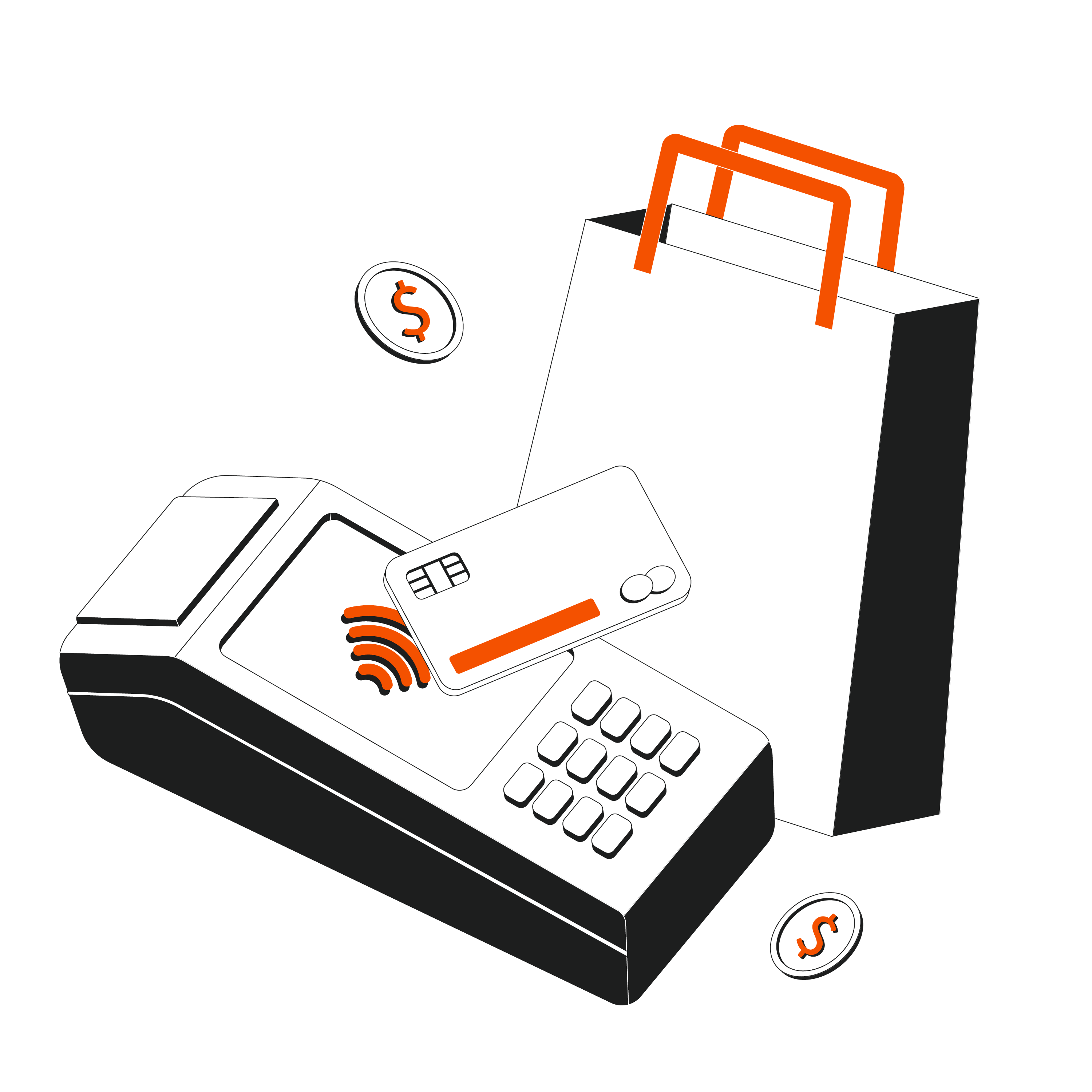
274+ illustrations SVG & PNG Editable colors Commercial license
Money being attracted by a magnet - Strict style illustration
Restrained Palette
Neutral grays dominate and orange accents highlight actions or alerts without distraction.
Geometric Linework
Crisp outlines follow grids so diagrams and dashboards read cleanly in complex interfaces.
Minimal Detailing
Only essential elements are drawn, so screens stay readable beside dense text and data.
System Friendly
Consistent stroke widths and proportions sit comfortably inside modern design systems and UI kits.

What is Strict Style?

Flat planes and tight strokes define Strict. Neutral grays form the base. Orange accents signal clicks and actions. Scenes feel ordered because objects align with invisible grids and simple geometry.

Product teams at SaaS companies reach for Strict when interfaces must look serious. UX writers mark up flows, and technical marketers illustrate processes and integration diagrams for sales decks and support docs.

Where Strict works best

SaaS Dashboards
Use Strict charts and workflow scenes in admin panels where clarity stays high and visual noise stays low.
Fintech Products
Illustrate payment flows and account features in onboarding screens and pricing pages without softening the serious financial tone.
Corporate Sites
Add process diagrams and team scenes to corporate homepages or careers sections where simple illustration supports copy about structure and stability.
Presentations
Drop Strict scenes into board updates and investor decks so charts stay readable and key risks feel supported.

What Strict artists draw

Business environments and digital devices appear often, with many abstract process diagrams in Strict. Many scenes cover dashboards and office teams. Browse tags to narrow subjects quickly.

Finding your precise line look

Comparing linear and 3D styles shows how much weight and mood your product UI or brand storytelling really needs.

A blue fish with an online sign - 3D Blueprint style illustration
3D Blueprint

3D Blueprint uses volumetric wireframes and technical shading, while Strict stays completely flat with simple outlines and sparse orange accents.
73+ illustrations
Animated
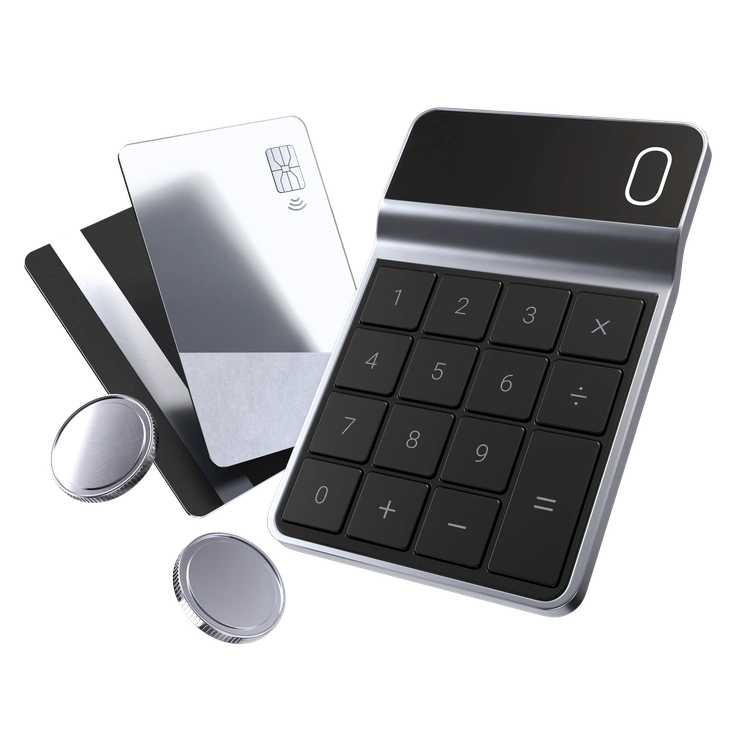
A payment device with cards and buttons - 3D Pro style illustration
3D Pro

3D Pro feels photo-real with soft lighting and depth. Strict removes volume so complex business diagrams remain abstract and schematic.

278+ illustrations
A dashboard with graphs and settings icons - 3D Techny style illustration
3D Techny

3D Techny shows playful gadgets and rounded characters in plastic. Strict replaces them with linear devices and faceless professionals.
84+ illustrations
Animated
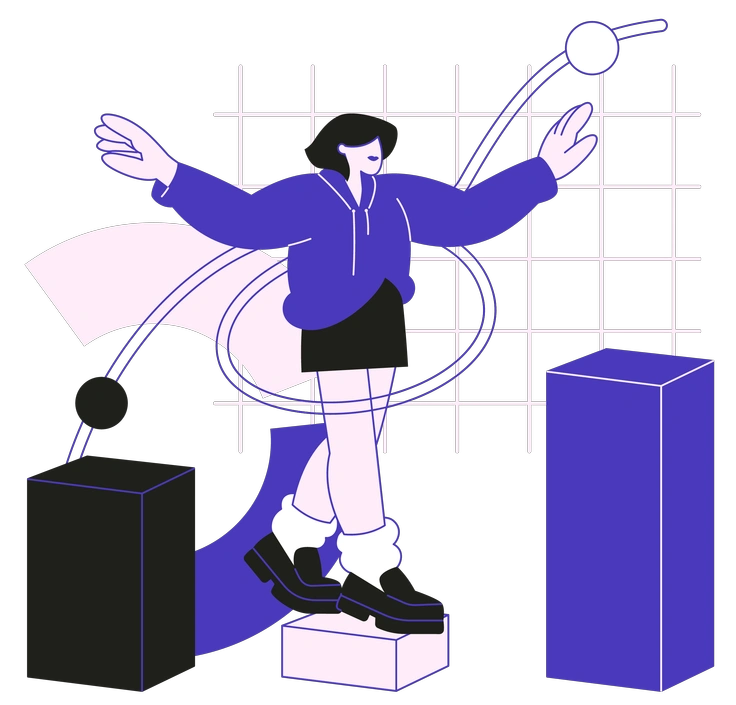
A person balancing on geometric shapes - Blueberry style illustration
Blueberry

Blueberry leans on bright color fills and friendly faces. Strict keeps monochrome structures and avoids expressive characters for corporate contexts.

105+ illustrations
Animated
A person holding a megaphone and icons - Indigo style illustration
Indigo

Indigo introduces soft gradients and atmospheric lighting around figures. Strict relies on hard-edged linework and flat backgrounds without atmospheric effects.
261+ illustrations
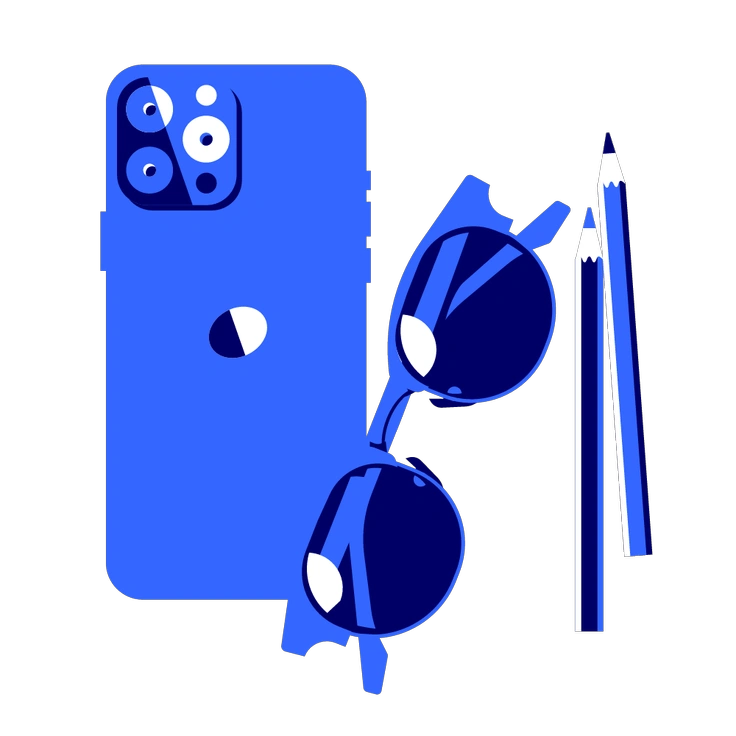
A blue smartphone, sunglasses, and pencils - Lounge style illustration
Lounge

Lounge illustrations feel relaxed with curvy shapes and casual poses. Strict favors rigid geometry and upright stances for business communication.

623+ illustrations
Animated
An abstract shape with waves and steps - Midnight style illustration
Midnight

Midnight runs dark with deep backgrounds and neon accents. Strict uses light canvases and a single orange highlight for emphasis.

455+ illustrations
Two musicians playing guitar and drums - Pablita style illustration
Pablita

Pablita is flat and colorful with simplified humans in quirky poses. Strict switches to monochrome outlines and avoids playful gestures.

1041+ illustrations
Animated
A person pushing a shopping cart with a dog - Plain style illustration
Plain

Plain uses minimal flat shapes and softer curves with colors. Strict focuses on sharp geometry and a single accent tone.

463+ illustrations
Animated
A computer displaying graphs and data analysis - Taxi style illustration
Taxi

Taxi feels bright with naive drawing and yellows. Strict replaces sketchiness with controlled linework and gray plus orange.
1682+ illustrations
Animated
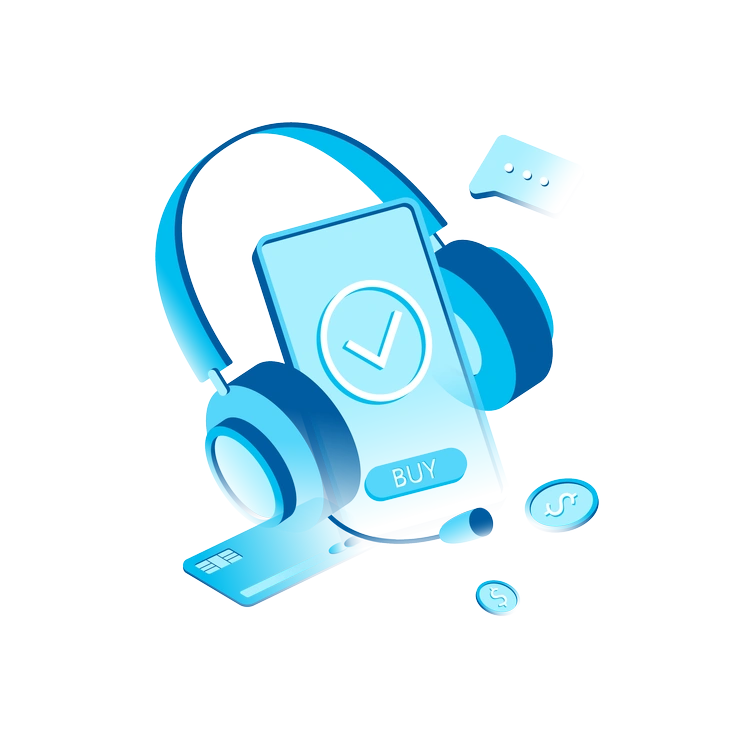
A smartphone with headphones and payment icons - Icy style illustration
Icy

Icy holds a cool blue palette and subtle gradients. Strict trades color richness for monochrome layouts with sparing orange notes.

267+ illustrations
An upward trending graph with 3D bars - Concept style illustration
Concept

Concept focuses on abstract symbolism and surreal compositions. Strict stays grounded in interfaces and concrete office scenes for straightforward communication.

230+ illustrations

Frequently asked questions

You can mix Strict with other Icons8+ styles if it matches your system. Edit SVG colors so different sets still feel cohesive.
Strict files are PNG on the free plan and SVG on paid plans. They work in Figma, Sketch, Pichon and Mega Creator, with no layered source files.
Our team expands illustration packs regularly, and Strict is part of that roadmap. Check back occasionally or watch Icons8 updates for fresh business and technology scenes.
Pricing for SVG downloads and no-attribution use lives on the Icons8 subscription page. Choose a plan that matches your team size and expected download volume.
Free usage requires a clickable link back to Icons8 wherever the illustration appears. Paid subscribers do not need attribution and can embed assets directly.
Abstract liquid sphere illustration 3D coins illustration 3D charts in metal box illustration

Start using Strict illustrations today

Sign in and download Strict scenes in PNG or SVG, then paste them straight into Figma. Use them in decks and docs to explain dashboards and flows plus critical integrations consistently.

Explore Strict library