


















Matey Style Illustrations
Matey illustrations bring bright vector characters and objects to modern products. Use them to make interfaces friendlier, explain flows visually and support campaigns without commissioning custom artwork.



What is Matey Style?
Each illustration in Matey uses saturated colors and clean vector silhouettes with smooth curves. Faces keep natural proportions and simplified features so characters feel grounded inside modern digital layouts.
App developers and product marketers turn to Matey when visuals must feel relatable without heavy realism. The style works across onboarding and pricing pages. Educational content benefits when friendly people and tech scenes support explanations.
For apps and campaigns






What Matey artists draw
Many Matey scenes show everyday people in relaxed workspaces with familiar tech devices nearby. Browse tags to jump into education topics or business scenarios.
Pick your Matey mood
Comparing Matey with nearby styles helps you judge realism and color intensity. That way visuals match each product tone accurately.

Amani leans into softer tones and more minimal scenes, while Matey stays brighter and busier for consumer web interfaces.
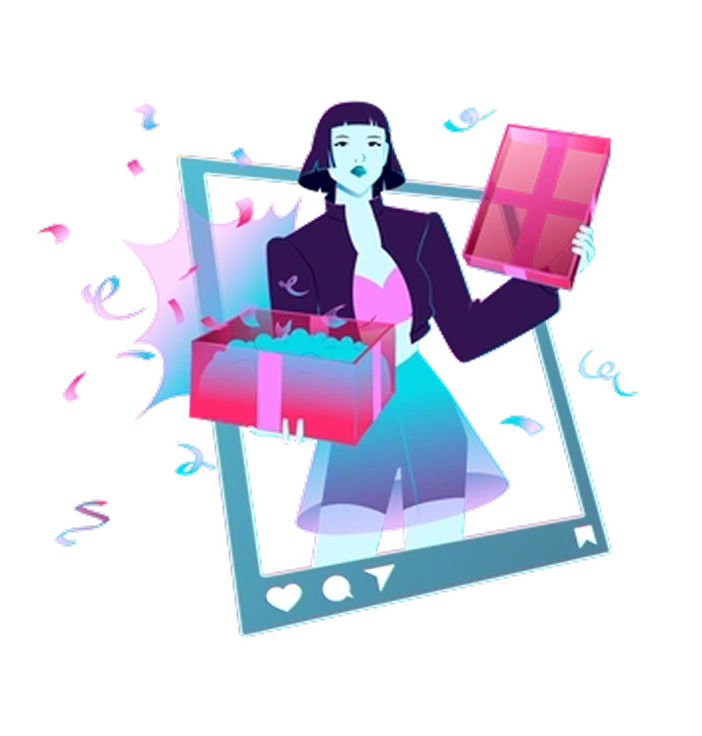
Neon uses dark backdrops and glowing accents, so compositions feel more dramatic compared with Matey’s flatter daylight look.

3D Plastic people adds depth and gloss with full modeling, whereas Matey keeps flat shading and line‑free silhouettes.
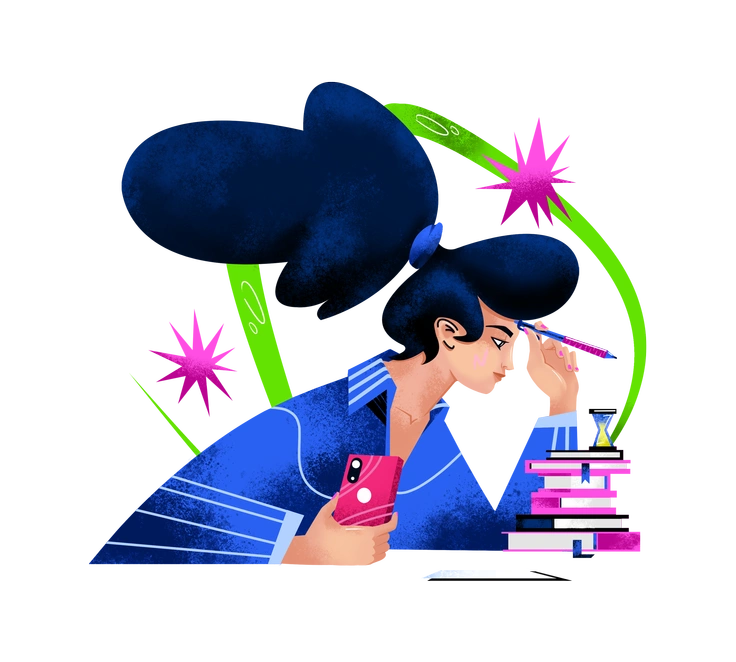
Flare relies on soft gradients and atmospheric lighting. Matey skips texture and stays closer to crisp poster‑style vector artwork.
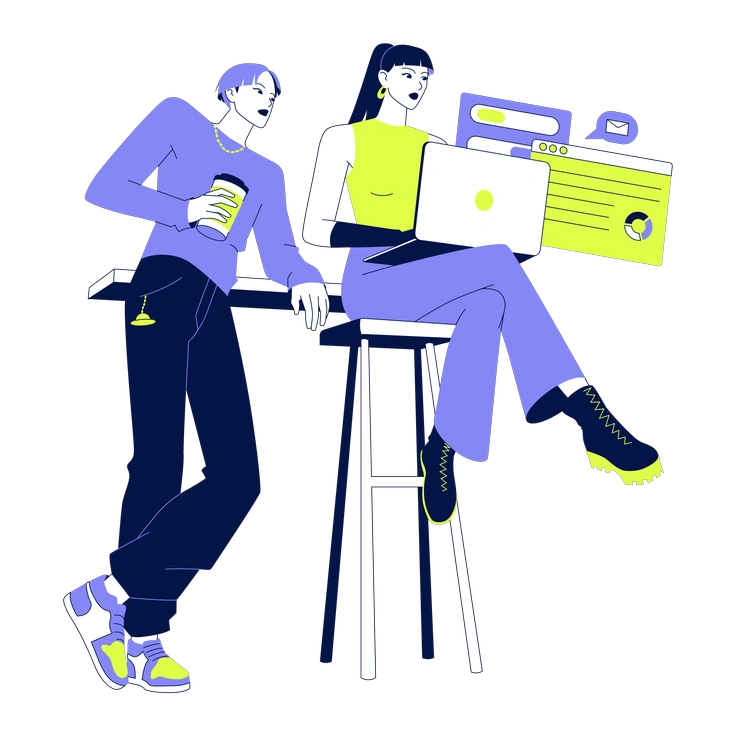
Glow surrounds objects with luminous halos, giving stronger contrast on dark UI. Matey suits lighter backgrounds and standard brand palettes.

Floral centers plants and decorative motifs, with fewer people and devices, while Matey focuses on human stories and technology.
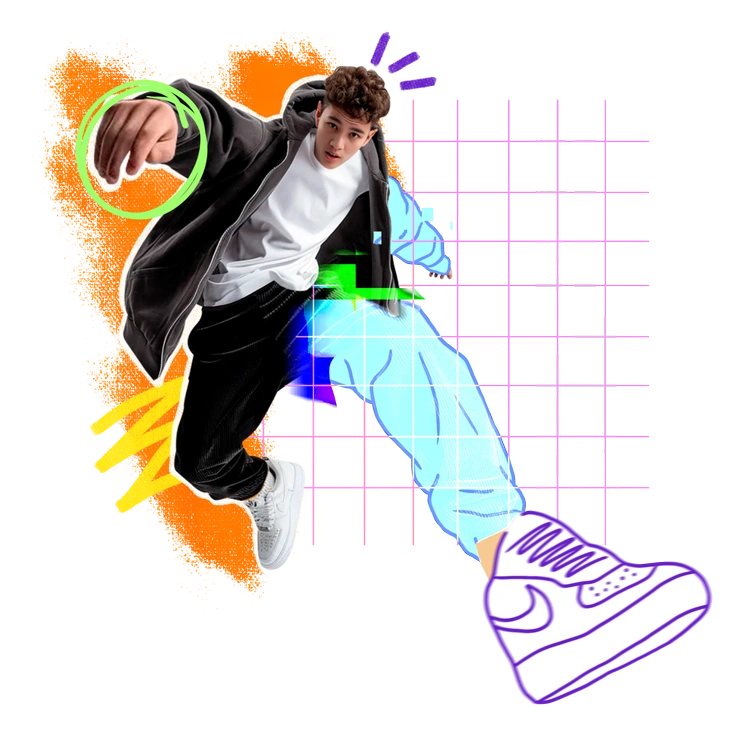
Energy exaggerates motion and body shapes for dynamic scenes. Matey keeps proportions realistic for calmer product walkthroughs and marketing sections.
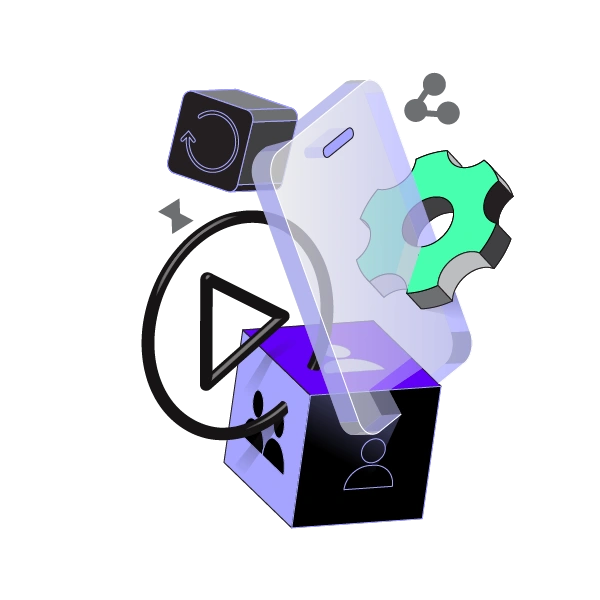
Incut mixes cut‑paper textures and rough edges, whereas Matey presents smooth vectors that align neatly with clean UI layouts.
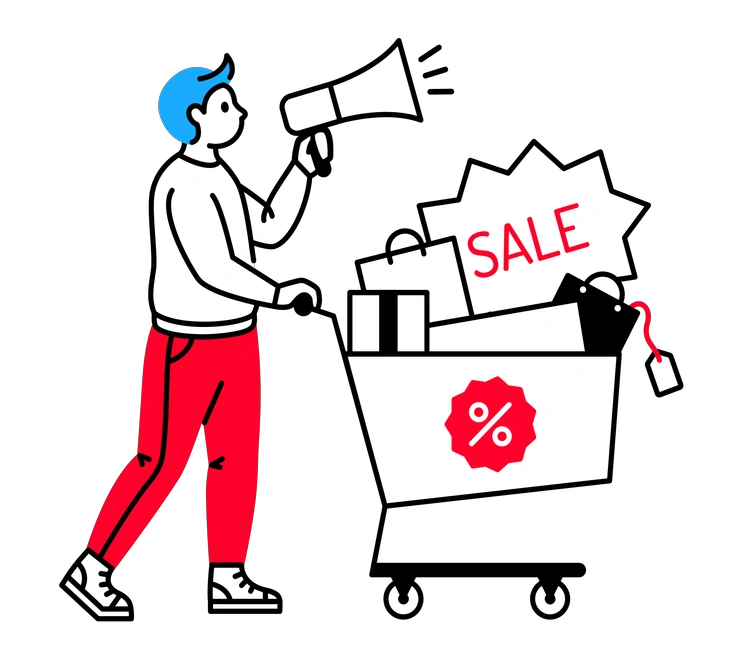
Transistor skews toward sci‑fi hardware and neon user interfaces. Matey depicts everyday laptops and phones in casual environments.
Frequently asked questions


Start using Matey illustrations today
Download Matey scenes in PNG or SVG and drop them straight into Figma. You can also pull them from the Pichon app and ship friendlier interfaces today for web and mobile products.