


















Incut Style Illustrations
Incut illustrations use precise geometric planes and glass textures with bold plastic surfaces to frame product concepts. They keep SaaS dashboards and landing pages focused. App onboarding flows gain a crisp, technical mood.


What is Incut Style?
Flat planes and translucent geometry intersect in Incut scenes. Glassy panels sit beside solid plastic blocks and frosted slabs. Gradients show depth and soft shadows separate each clean vector edge.
It fits especially well in SaaS feature sections and pricing pages where abstract geometry explains structure. Product marketers and agency designers use Incut for tech campaigns. Internal comms teams apply it to diagrams and corporate slides.
For structured digital visuals


Incut packs by subject

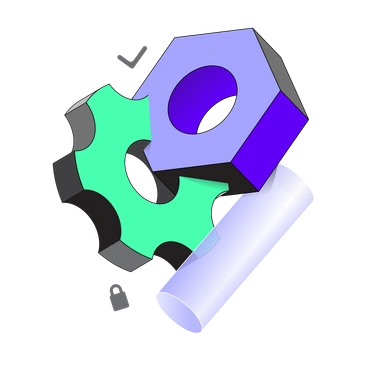

What Incut shapes depict
Abstract shape studies reference modules and cards that resemble dashboards. Many scenes hint at devices and productivity workflows using only intersecting geometry. Browse tags to jump into business themes and modern tech interfaces.
Pick your geometric mood
Comparing styles helps you decide whether your geometry should feel abstract or grounded. The right mood keeps product stories readable.

8bit uses pixelated blocks and game nostalgia. Incut keeps vectors smooth and relies on material textures for interest.
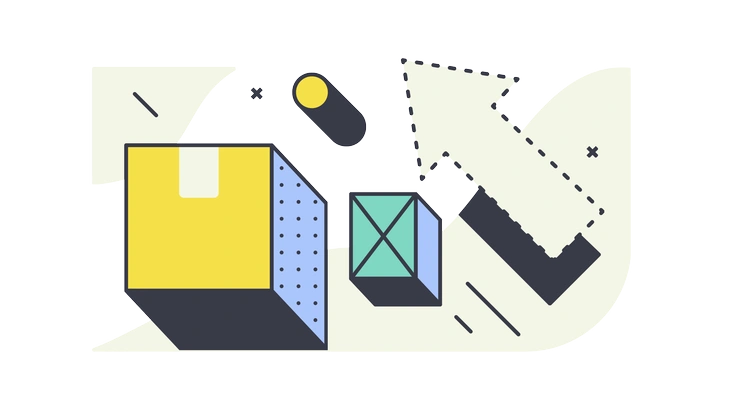
Abstract focuses on freeform color clouds and loose shapes, while Incut sticks to strict geometry and clear material cues.
Framework leans into line diagrams and connection nodes. Incut replaces wires with planes and panels that feel structural.

Hugo brings character scenes and soft gradients. Incut removes people and focuses purely on intersecting shapes and implied systems.

Matey favours playful objects and icons. Incut looks more technical, using glass panels to suggest tooling and platforms.

Mix shifts between many illustration languages and moods. Incut stays cohesive by repeating geometric vocabularies and consistent material effects.
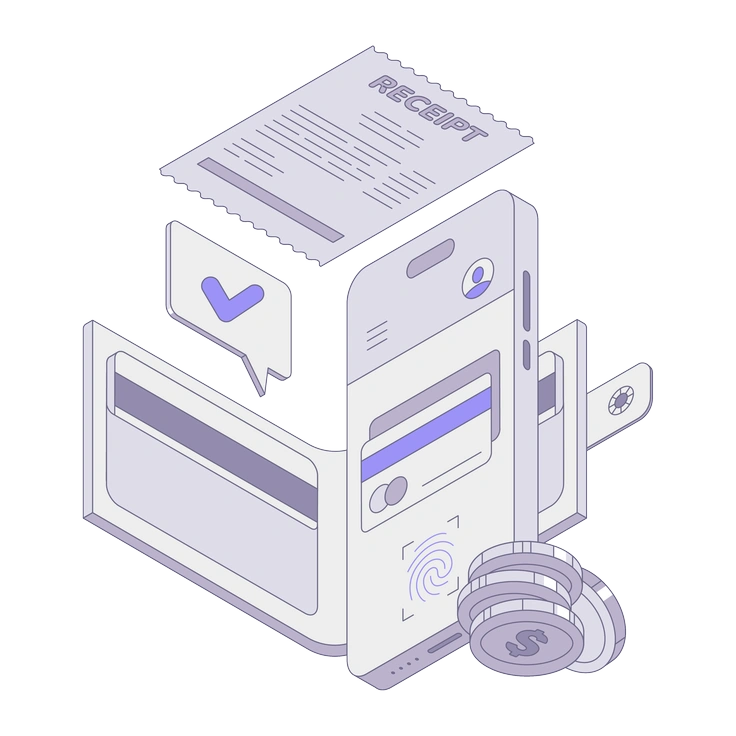
Modul uses chunky modular blocks around characters and devices. Incut prefers flatter planes and subtler intersections without representational figures.

Neat highlights clean line icons and UI snippets. Incut avoids outlines and builds depth through overlapping color fields instead.

Pop pushes bright, almost candy surfaces with playful objects. Incut stays more reserved and channels that energy into abstract diagrams.
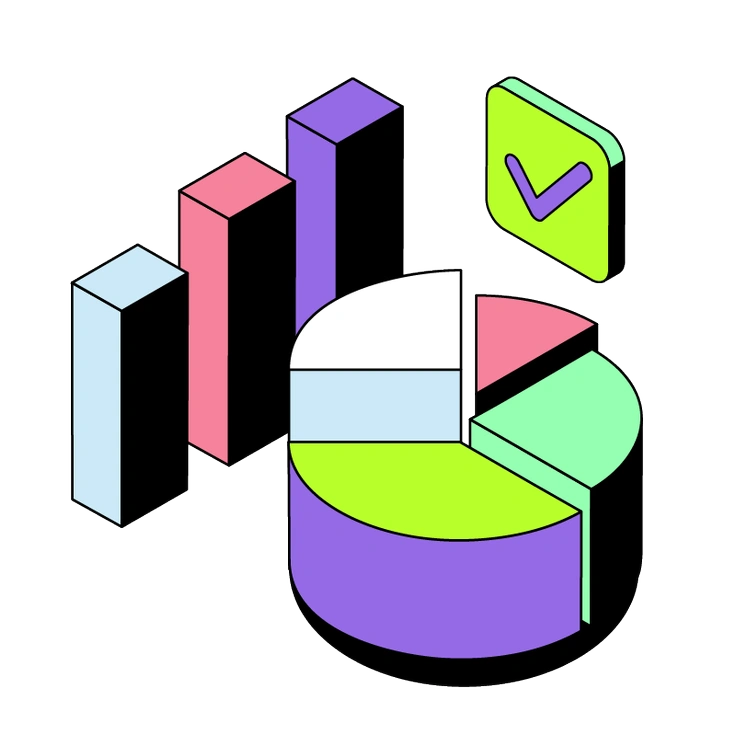
Project scenes revolve around office characters and hardware. Incut strips context away and represents workflows as intersecting colored planes.

Willowy uses tall organic shapes and fluid silhouettes. Incut remains rectilinear with harder edges and crisp intersections between planes.

3D Isometric builds depth with perspective and volume. Incut stays flat, using overlapping transparencies to suggest layering instead.
Frequently asked questions


Start using Incut illustrations today
Sign in to download Incut as PNG or SVG, then drop scenes straight into Figma or Sketch. Build dashboards and onboarding flows. Ship pitch decks and marketing pages with unified geometric language.