


















Dazzle Style Illustrations
Crisp flat vectors keep interfaces light and readable across any screen size. Dazzle gives product teams focused scenes that explain ideas fast without crowding layouts or overpowering typography.


What is Dazzle Style?
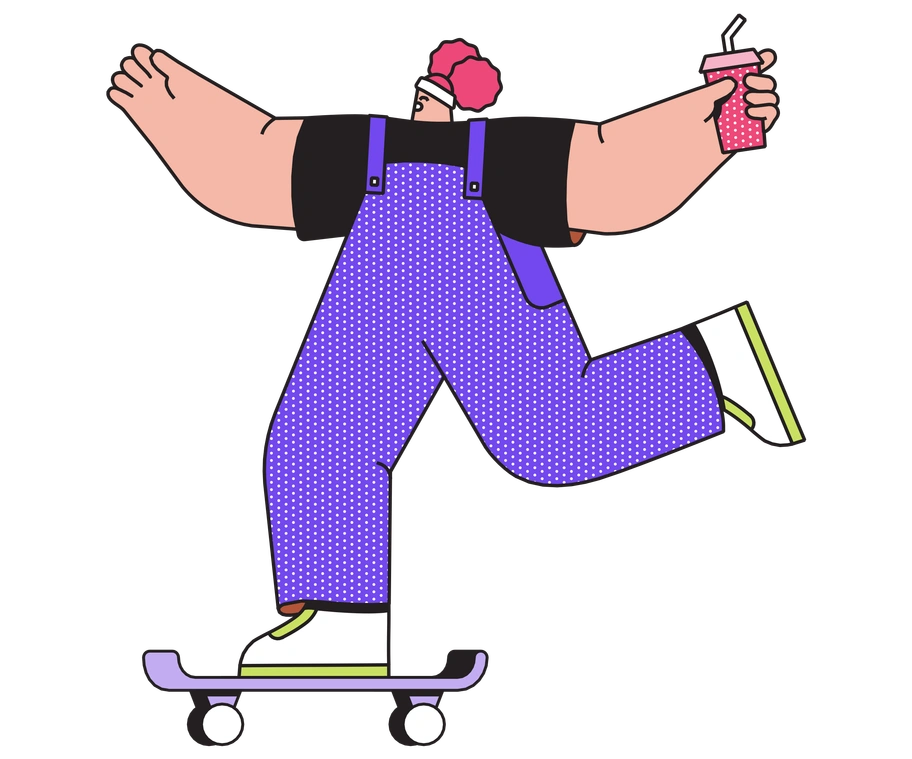
The collection leans on geometric bodies and solid fills to describe people and objects. Edges stay sharp and line work remains sparse, so compositions feel direct and highly legible.
Designers building SaaS dashboards or onboarding flows pick Dazzle for lightweight vector scenes. Web agencies and internal teams reuse the same look across landing pages and product tours and internal presentations.
For clear digital products


Dazzle packs by subject








What Dazzle artists draw
Business workflows and teamwork scenes appear often, along with abstract data flows and simple device metaphors. Browse by tag to jump into specific themes.
Which flat look fits
Comparing flat and 3D moods helps you match illustration depth to your product voice and interface density.

Outline keeps only strokes with hollow interiors, while Dazzle fills shapes with solid color for stronger blocks of information.
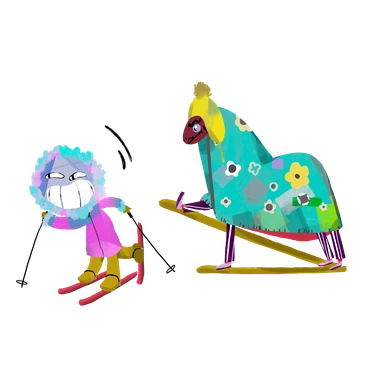
Atomic leans into playful rounded modules and brighter palettes. Dazzle stays more restrained with simpler geometry and fewer decorative details.

3D Rooms builds deep scenes with lighting and perspective. Dazzle remains strictly flat and suits interfaces that avoid dimensional elements.

3D Surfaced uses soft volume and shadows for tactile objects, whereas Dazzle focuses on planar vectors that integrate cleanly with flat UI.

Gleam relies on gradients and shine effects to feel polished. Dazzle skips lighting tricks and instead emphasizes shape clarity and strong silhouettes.

Cherry favors soft characters and playful compositions suited to friendly brands, while Dazzle presents more neutral scenes that fit utilitarian dashboards.

Dudes centers on expressive people with sketchy energy. Dazzle depicts simplified figures with reduced emotion, supporting information design rather than storytelling moments.

Fizzy introduces quirky shapes and dynamic movement lines. Dazzle keeps compositions calmer so they sit comfortably beside dense interface components.

Patchwork uses overlapping cutout pieces that feel collage inspired. Dazzle relies on clean separations between shapes for sharper diagrams and structured layouts.
Frequently asked questions


Start using Dazzle illustrations today
Download flat vectors as PNG or SVG, drop them into Figma or Slides, and keep every screen consistent. Try a few Dazzle scenes now and refine colors later inside your editor today.