


















Holographic Style Illustrations
Holographic gradients meet precise isometric geometry to visualize complex tech products and data workflows. Ideal for digital brands that want futuristic color without heavy 3D rendering overhead.
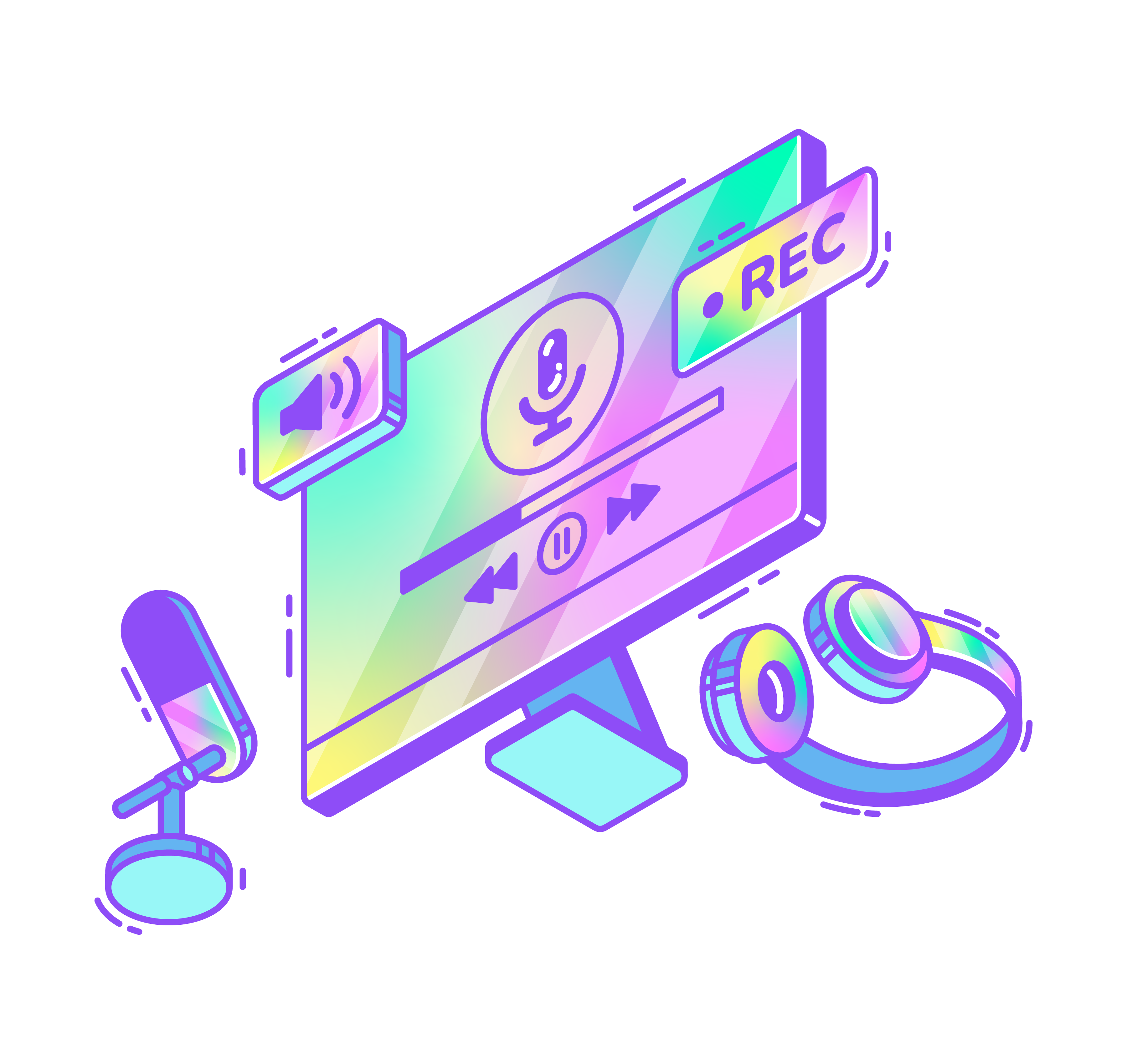


What is Holographic Style?
Soft gradients and sharp isometric lines create hologram‑like surfaces on devices and data blocks. Saturated rainbow hues slide across planes while flat shading keeps forms crisp against light or dark backgrounds.
Marketing and product teams reach for Holographic when explaining infrastructure diagrams and dashboards. SaaS startups use it across onboarding, feature pages and investor decks to signal bold, future‑leaning technology.
For tech UI and decks


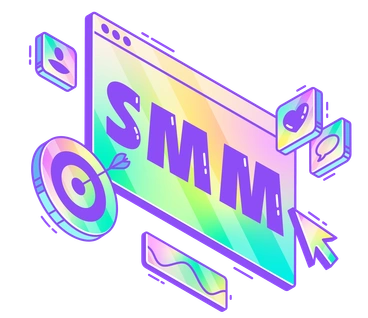
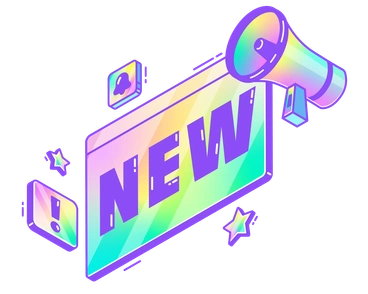


Frequent holographic subjects
Servers in isometric stacks, glowing dashboards and abstract data streams appear throughout Holographic. Web3 tokens and futuristic devices also show up often. Browse by tag to jump straight into your niche.
Choosing between bright tech moods
Comparing styles clarifies whether you need flat geometry or softer depth for your product story.

3D Surfaced adds real depth with shaded volumes and soft lighting while Holographic stays flat and purely gradient based.
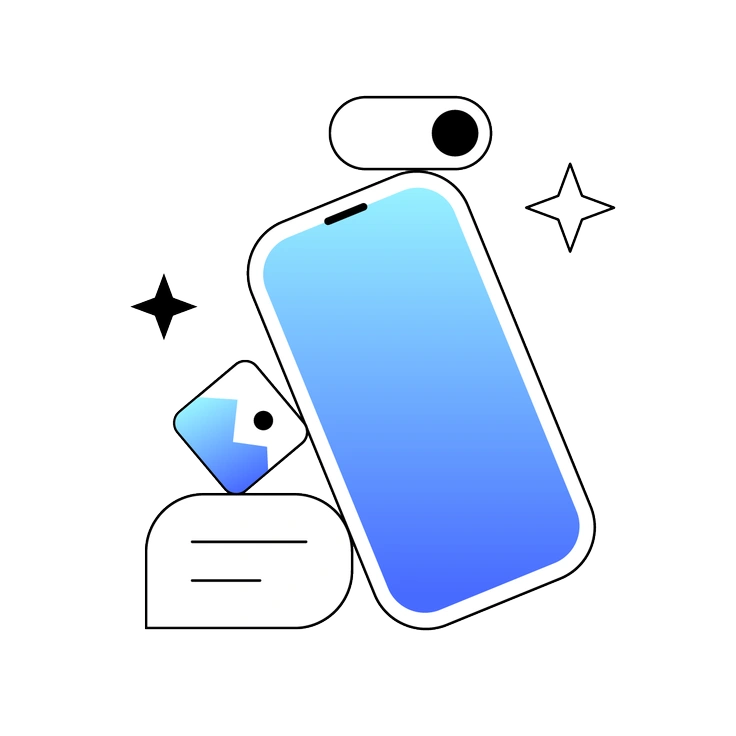
Azure favors cooler blues and structured UI components. Holographic pushes saturated rainbows and more experimental tech subjects.
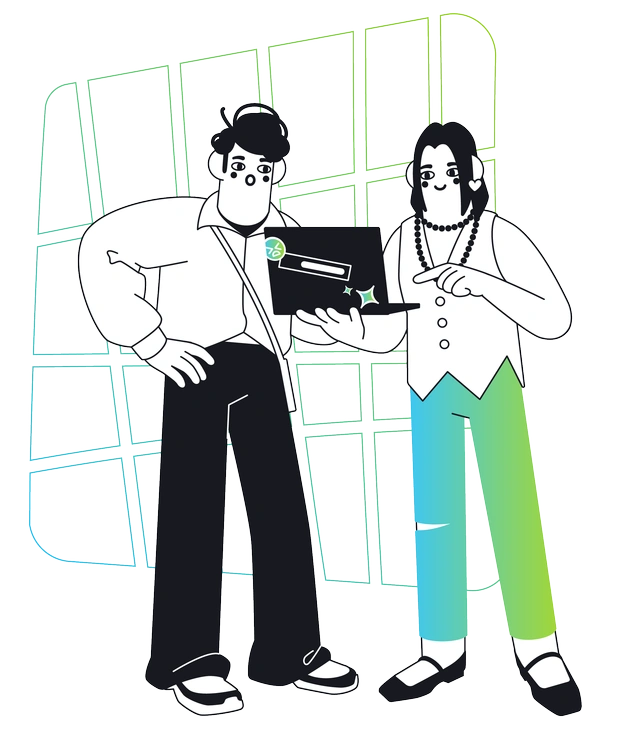
Breeze feels lighter with pastel tones and minimal detail. Holographic hits harder with saturated gradients and denser technical objects.

Delight focuses on friendly characters and rounded UI cards. Holographic leans into hardware, servers and abstract data machines.
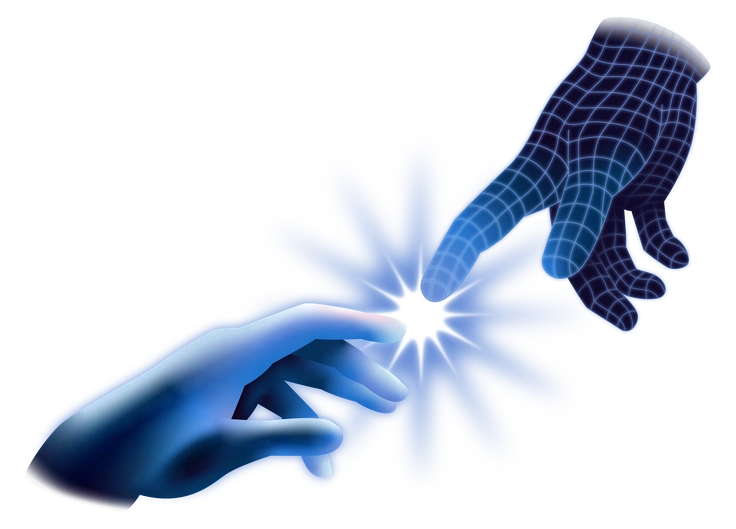
Dimension uses realistic depth and lighting on 3D objects. Holographic keeps surfaces flat so gradients dominate the scene.

Glare emphasizes glossy reflections on simple shapes. Holographic uses iridescent color shifts on complex isometric tech setups.

Isotech sticks to restrained tech palettes and clean diagrams. Holographic amplifies color intensity and leans into futuristic vibes.

Joy centers on playful scenes and approachable characters. Holographic concentrates on infrastructure, dashboards and advanced digital concepts.

Marginalia is hand‑drawn and sketchy around UI. Holographic is crisp, geometric and strictly aligned to an isometric grid.

Node focuses on node‑link data networks with calmer colors. Holographic broadens subjects and turns gradients into the main focus.

Pure champions minimal shapes with solid fills. Holographic introduces complex gradients and more visually dense compositions.

Vitrum mimics glass panels and translucent layers. Holographic suggests iridescent foil applied to hard‑edged devices and blocks.
Frequently asked questions


Start using Holographic illustrations today
Download Holographic scenes, drop PNGs or SVGs straight into Figma or Sketch, and adjust colors in Mega Creator. Build product tours, dashboards and pitch decks without commissioning custom artwork.