


















Silky Style Illustrations
Silky gradients flow across clean vector shapes, giving product teams friendly scenes for interfaces and onboarding flows plus campaign visuals. Drag ready-made graphics into layouts without breaking modern minimalist systems.
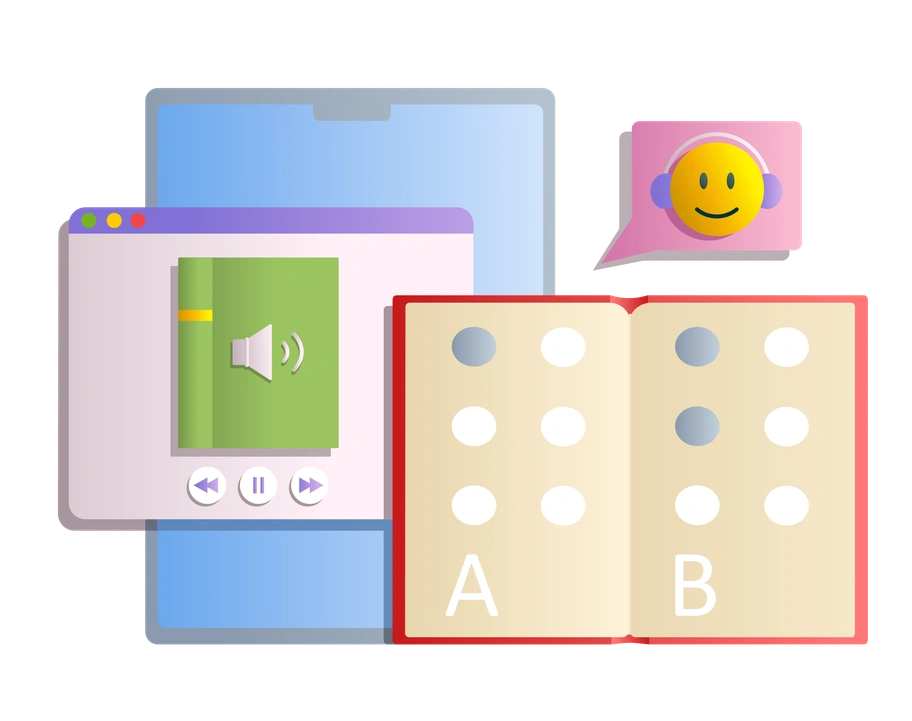


What is Silky Style?
The defining quality of Silky is its bright gradient surfaces over strict geometry. Smooth edges and minimal lines keep vectors sharp while color transitions add subtle depth inside flat compositions.
App developers and marketing teams reach for Silky when products need contemporary illustration without heavy 3D. It suits onboarding flows and landing hero sections plus pricing pages and pitch decks that rely on crisp layouts.
For product UI and decks


Browse Silky packs



What Silky artists draw
Scenes focus on relaxed teammates and everyday tools with interface mockups that echo real product layouts. Abstract shapes and devices appear often too. Browse by tag.
Pick your gradient-forward look
Comparing nearby styles highlights how saturation and depth or line work shift the tone so layouts match product personality.

3D Surfaced uses sculpted volumes and realistic lighting, while Silky stays fully vector with flat geometry and gradient-only depth.
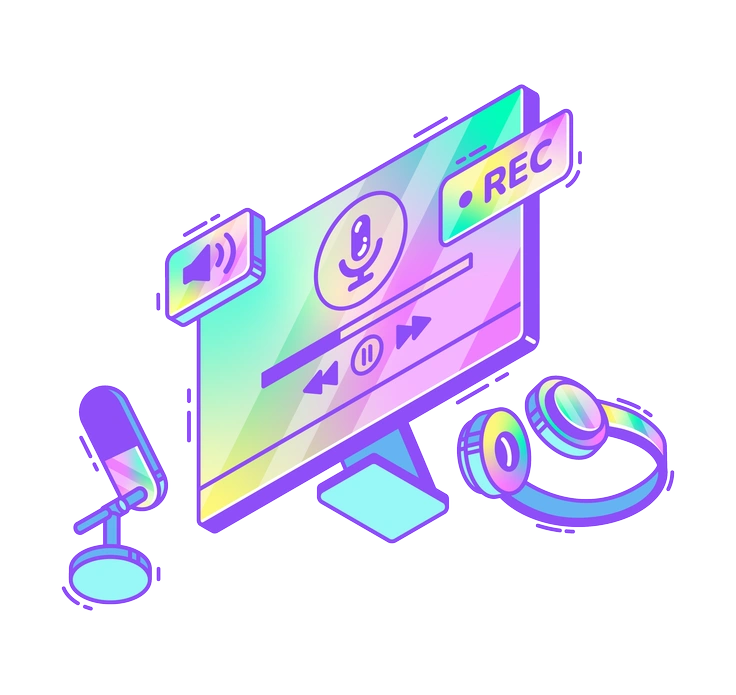
Holographic leans into iridescent shines and metallic reflections. Silky keeps gradients soft and matte for cleaner interface integration.
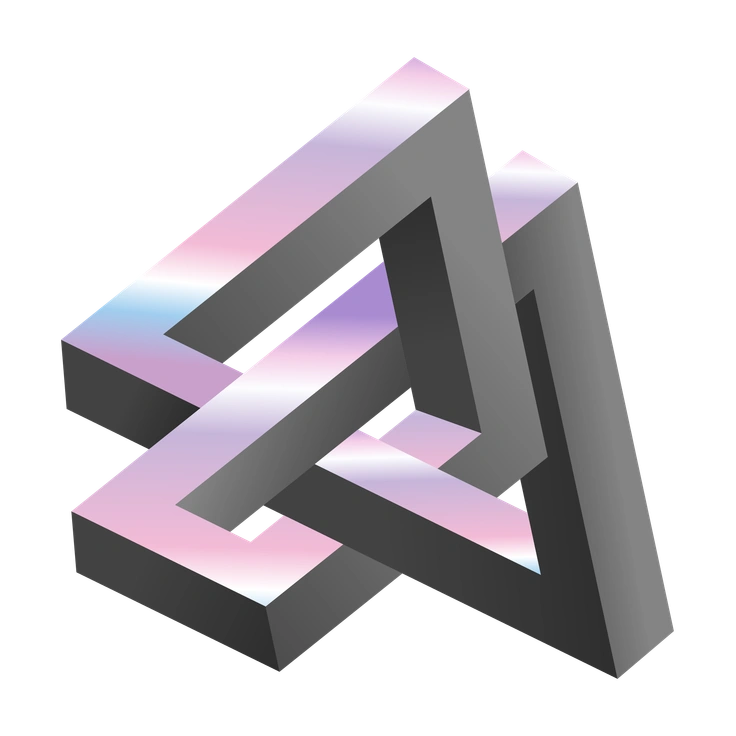
Illusion bends perspective and builds surreal spaces. Silky focuses on straightforward compositions and readable scenes for everyday product contexts.

Memphis embraces loud patterns and playful clutter. Silky favors controlled gradients and centered compositions that support structured layouts.

Network illustrates complex data flows and connected nodes, whereas Silky shows simpler device scenes and human interactions within products.
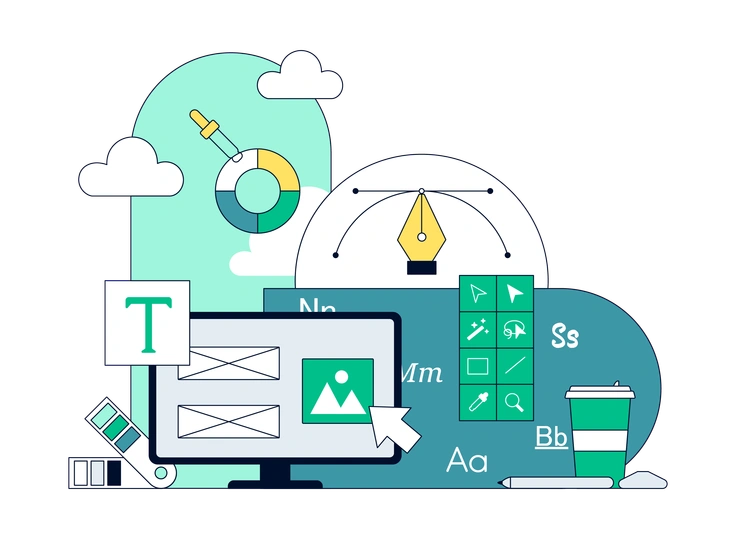
Teal sticks to a cool monochrome palette. Silky spans broader hues and warmer gradients that adapt to many brand systems.

Willowy relies on thin strokes and elongated figures. Silky minimizes outlines and builds characters from filled geometric forms instead.

Bright goes for solid blocks of color without gradient shading. Silky adds subtle transitions that create light depth while staying flat.

Hugo feels more character-driven with expressive poses and narrative scenes. Silky balances characters with interfaces and abstract geometric elements.
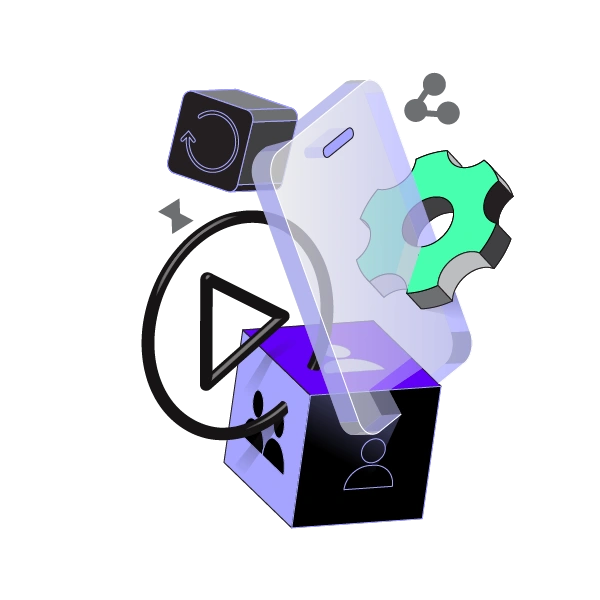
Incut mimics layered paper cutouts and tangible edges. Silky remains purely digital with crisp vectors and smooth gradient surfaces.

Amani uses muted tones and editorial proportions for calm storytelling. Silky leans brighter and fits bolder tech brand personalities.

Glossy pushes high reflections and near-plastic textures. Silky sticks to softer gradients and avoids heavy specular highlights.
Frequently asked questions


Start using Silky illustrations today
Browse the Silky library, pick scenes that match your product, and download in seconds. Drop PNGs or SVGs into Figma or Pichon and ship cleaner, gradient-driven layouts across platforms quickly.