


















Beam Style Illustrations
Beam illustrations use bold flat vectors and bright geometry to keep digital products lively. Designers drop them into dashboards, onboarding flows and marketing pages when interfaces need focused narrative scenes.



What is Beam Style?
What makes Beam recognizable is its bright saturated palette, rounded geometric shapes and flat vector rendering. Foregrounds and backgrounds separate cleanly through color blocks and simple overlaps without gradients or texture.
These illustrations show up in SaaS dashboards, onboarding sequences and marketing reports. Product teams, content marketers and educators reach for Beam when they need consistent business scenes that feel structured yet approachable.
In product UI and decks


Explore Beam packs



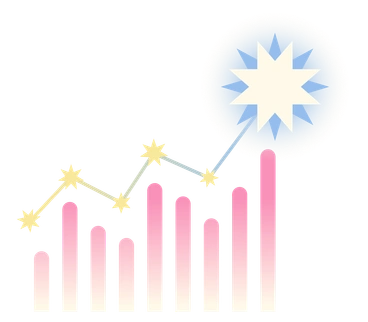


What Beam artists draw
Business meetings, analytics dashboards and abstract productivity concepts appear again and again in Beam. You will also find devices and web layouts, so browse by tag to narrow subjects.
Finding your bright vector fit
Comparing Beam with nearby styles helps you judge how much abstraction, depth and texture your product or campaign needs.

Coworking centers on collaborative office scenes with softer colors and character detail, while Beam prefers punchy geometry and clean abstractions.
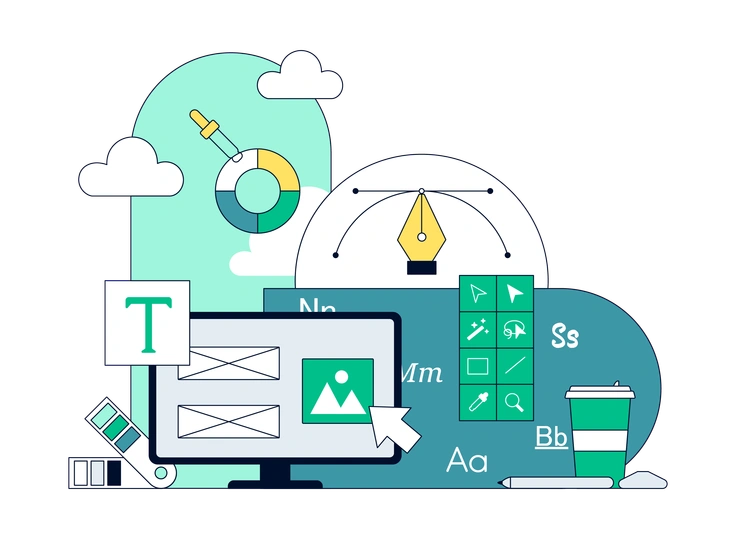
Teal uses a restricted blue‑green palette and calmer compositions, whereas Beam embraces high saturation and stronger contrast for louder interfaces.

Glazy introduces soft gradients and lighting on rounded forms, while Beam stays flat with crisp edges and straightforward color blocking.

Open Doodles feels loose and hand‑drawn with sketchy lines, while Beam delivers polished vector geometry and more structured business subjects.

3D Surfaced offers volumetric forms with shadows and depth, whereas Beam stays flat and graphic for lightweight, data‑centric layouts.

Glow leans on dark backgrounds, neon gradients and luminous accents, while Beam prefers solid light backdrops and non‑luminescent color fields.
Frequently asked questions


Start using Beam illustrations today
Grab PNGs for quick mockups or switch to SVG for production interfaces. Drop Beam scenes straight into Figma or Pichon, adjust colors, then ship dashboards and decks while keeping visuals consistent.