


















Haze Style Illustrations
Haze brings grainy textures and photorealistic objects together under atmospheric light. Use it for editorial articles and creative portfolios when layouts need moodier art direction than flat graphics.



What is Haze Style?
Rendered with heavy grain and subtle monochrome color, Haze shows everyday objects with photographic depth. Soft edges bleed into dark backgrounds so shapes feel suspended in a quiet atmosphere.
App developers and editorial designers reach for Haze when screens must feel contemplative. Agencies drop these scenes into hero headers and social posts. Portfolio covers use them to signal artistic intent without literal storytelling.
For editorial and branding




What Haze artists draw
Everyday devices and furniture appear under moody light, often framed by urban facades or abstract backdrops. Architectural silhouettes and floating objects repeat across scenes, so browse tags to follow each theme.
Finding your atmospheric visual language
Comparing styles helps you decide whether your project needs hazy realism or clean structure so tone stays consistent.

Urban uses sharper lines and clearer city scenes, while Haze leans into blurred edges and moodier, grain-heavy compositions.

Demure focuses on soft characters and pastel palettes. Haze instead highlights realistic objects and darker monochrome environments.

Office illustrates teams and tidy interiors with brighter lighting, whereas Haze favors solitary objects and subdued workplaces wrapped in texture.
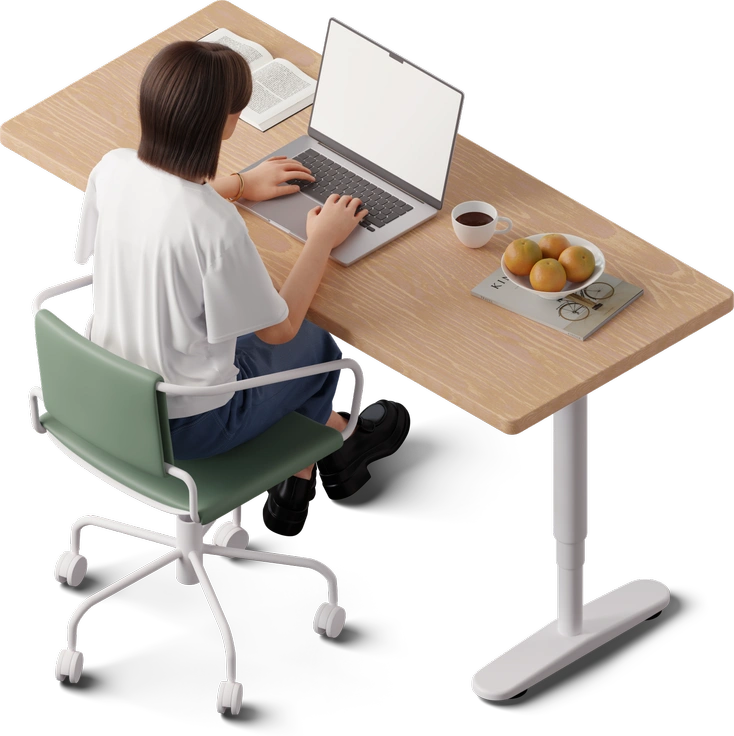
3D Hygge builds cozy volumetric rooms with warm light. Haze stays flat and photographic, using grain to suggest distance.

Lounge emphasizes relaxed characters in stylized interiors. Haze removes people and turns furniture into contemplative still lifes under hazy illumination.
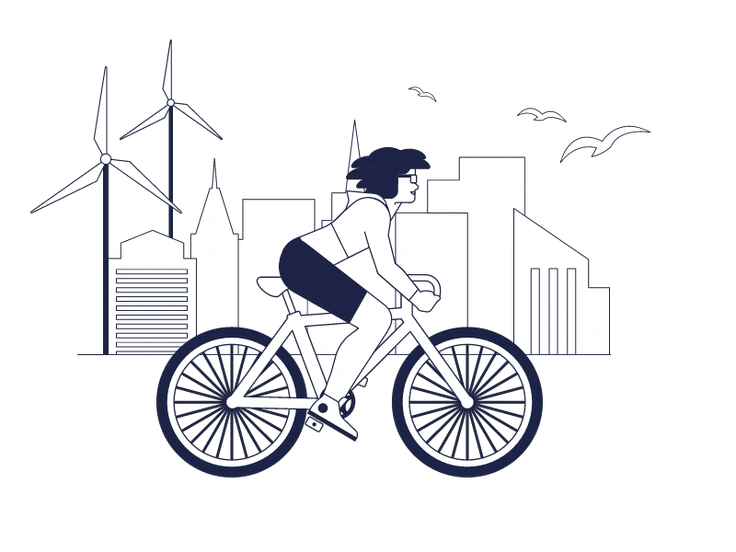
Urban Line reduces cities to outlines with minimal shading. Haze relies on dense grain and deep shadows for its atmosphere.
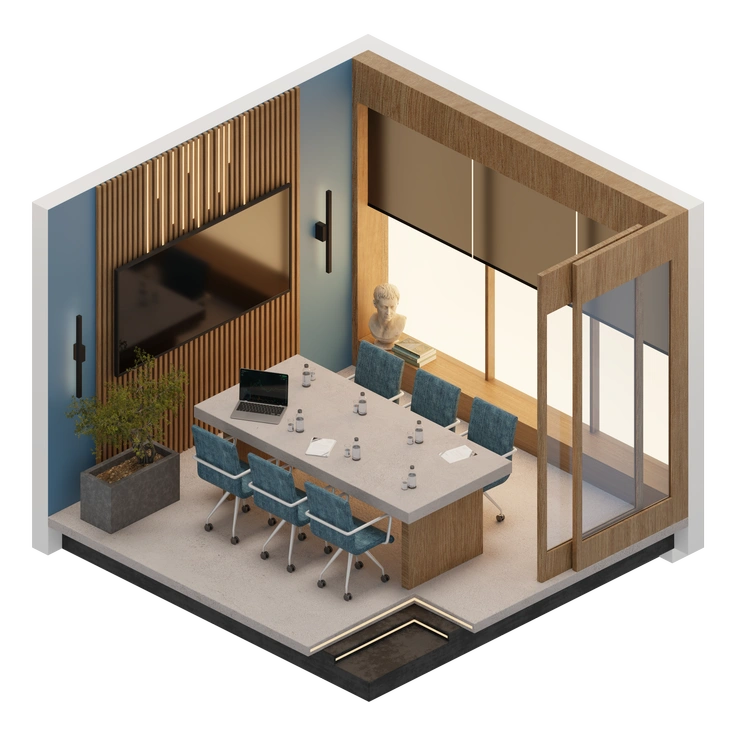
3D Rooms showcases interiors with clear geometry and smooth gradients. Haze renders spaces flatter, with darkness and noise swallowing edges.

3D Incut mixes characters and devices in bright isometric scenes. Haze trades volume for raster grain and slower contemplative compositions.

Lifestyle highlights people in optimistic settings and clean color. Haze pulls back to objects and architecture, letting grain carry emotion.

3D Mini uses cute characters and props with solid colors. Haze chooses life-sized subjects and restrained tones with heavier atmosphere.
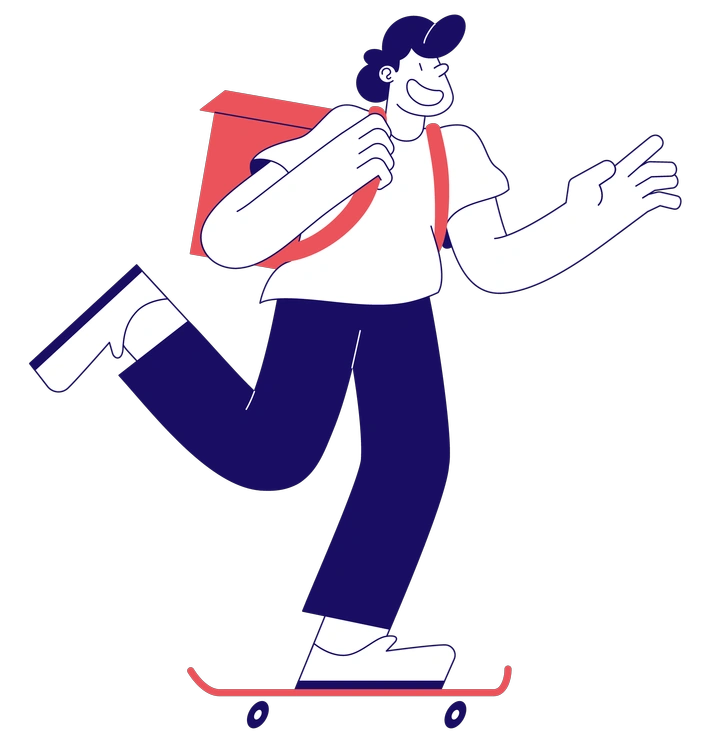
Bendy bends bodies and objects into exaggerated poses with flat shading. Haze stays realistic, using light shifts for drama.

3D Morphis shapes abstract blobs into glossy sculptures. Haze keeps recognizable objects but veils them in grain and smoke-like gradients.
Frequently asked questions


Start using Haze illustrations today
Download atmospheric Haze scenes as PNG or SVG and drop them straight into Figma or Sketch. Pichon and Mega Creator help you keep editorial and branding projects visually consistent today.