


















Plain Style Illustrations
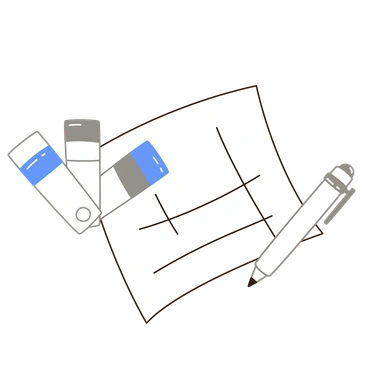
Plain illustrations use single-color vector lines and simple doodle characters that never overpower content. They slip into minimalist UIs and technical docs where clarity matters more than decorative detail.



What is Plain Style?
Plain relies on single-tone strokes and flat vector fills. Simple circles and rectangles build doodle characters, while straight lines define limbs. Consistent stroke weight keeps every symbol quiet beside dense text.
Designers building admin panels and internal dashboards reach for Plain when icons must stay subtle. Technical writers and educators use the monochrome graphics in documentation and worksheets. Quick-start guides benefit from the simple shapes.
For minimalist UI and docs







What Plain artists draw
Common scenes feature simplified tools and everyday objects with tiny doodle faces. You will also find holiday decorations and relaxed human figures in motion. Browse tags to follow each theme.
Between Plain and bolder lines
Comparing line styles helps you decide how loud icons should feel beside text and charts in your layouts.
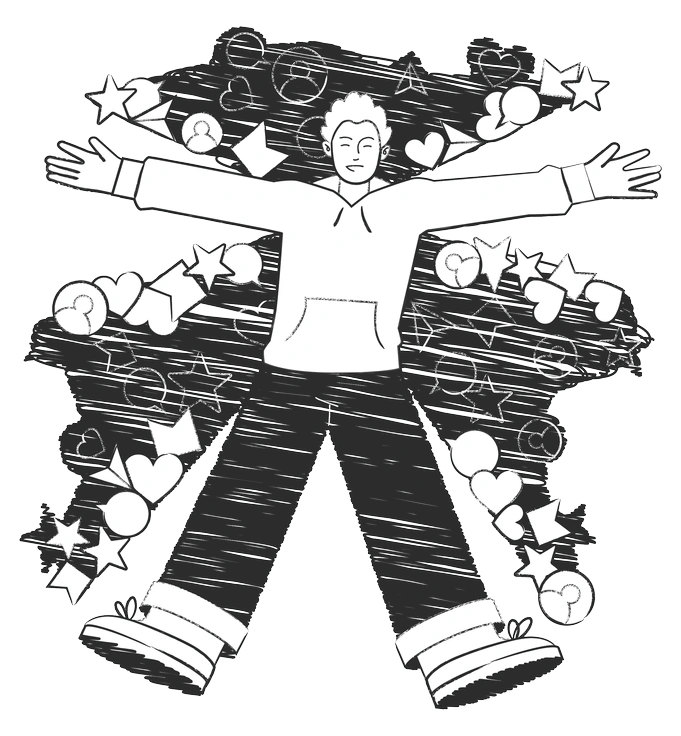
Graphite uses textured pencil strokes and shading, giving a sketchbook feel. Plain stays crisp and flat with purely geometric figures.

Icy introduces cool gradients and soft volume that feel more dimensional. Plain keeps a single tone and strict flat rendering.

Natty focuses on friendly characters with richer detail and expressive features. Plain simplifies bodies and faces into restrained doodle silhouettes.

Strict delivers rigid geometry and stronger visual hierarchy for interface systems. Plain feels looser and more casual while remaining carefully minimal.

Pablita brings colorful abstract shapes and playful compositions. Plain limits each drawing to one hue and a straightforward, schematic layout.

Concept emphasizes metaphorical scenes and narrative ideas with more complexity. Plain focuses on direct symbols and tiny characters that explain actions quickly.

Shade uses tonal variation and depth hints to model forms. Plain avoids shading completely and relies on outlines with solid fills.

Taxi adds bold colors and energetic city themes. Plain removes environmental context and keeps icons neutral for dashboards and documents.

Midnight prefers dark backgrounds and glowing accents. Plain is built for light or tinted canvases with clean, single-color lines.
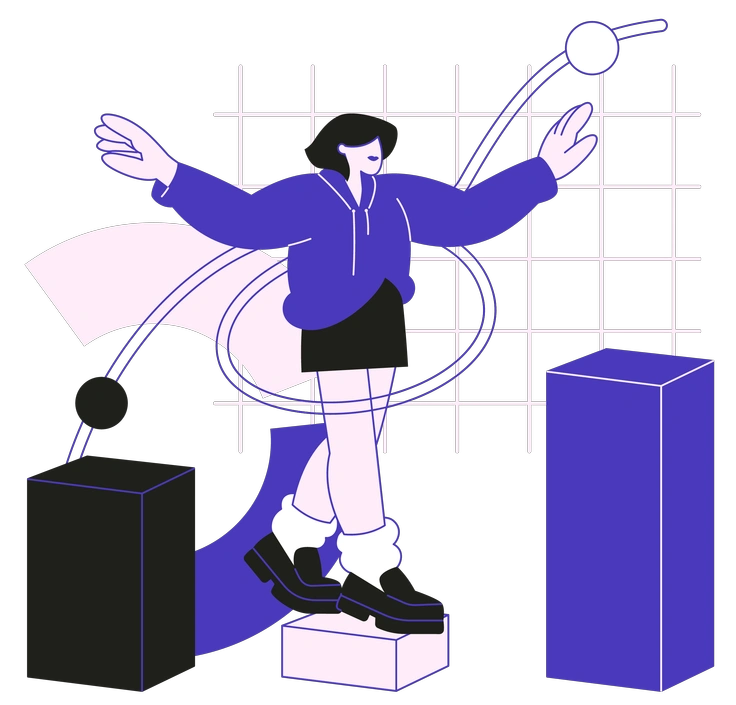
Blueberry leans into saturated blue gradients and soft 3D hints. Plain sticks to uniform color and flat, diagram-like shapes.

Indigo features moody palettes and richer shading. Plain maintains a calm monochrome presence that supports typography without competing.

Urban Line explores dense city scenes and longer story moments. Plain stays focused on compact symbols and tiny characters for interface elements.
Frequently asked questions


Start using Plain illustrations today
Browse hundreds of Plain icons and doodle characters, then drop PNGs into mockups or drag SVGs into Figma and other tools. Refine colors to match your system and ship cleaner layouts faster.