Products
Music Lunacy

Midnight Style Illustrations

Midnight keeps products looking sharp in dark mode with monochrome geometry and abstract forms. Use it when interface chrome should recede and conceptual icons need clarity.
455+ illustrations SVG & PNG Editable colors Commercial license
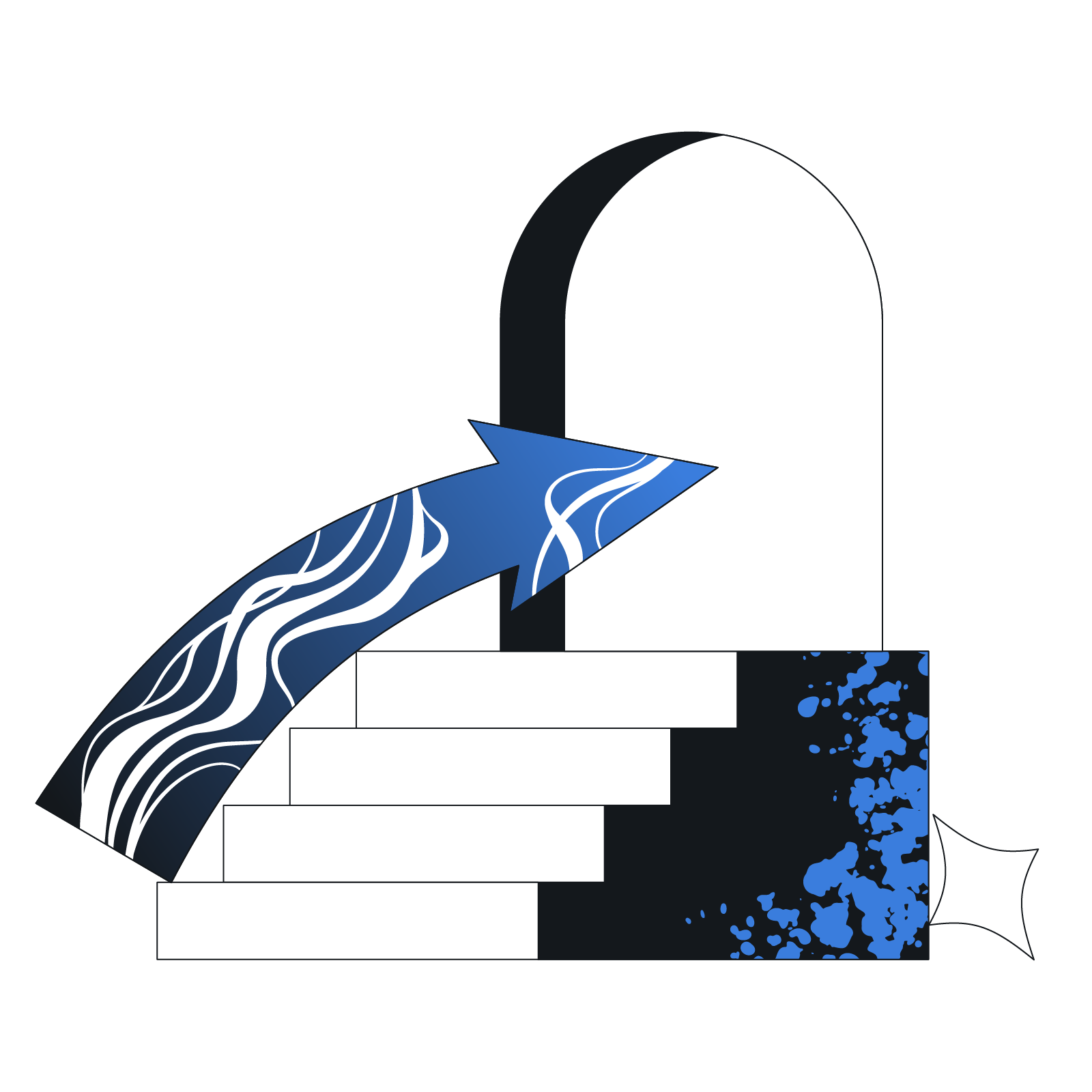
Abstract shapes with checkmark and blue lines - Midnight style illustration
Monochrome Palette
Single dark hue with restrained accents keeps layouts calm and readable in dark environments.
Geometric Abstraction
Circles and rectangles combine into simplified devices and objects that feel technical yet approachable.
Subtle Textures
Fine patterns add depth to flat shapes so monochrome scenes avoid feeling empty or unfinished.
Clean Silhouettes
High-contrast outlines separate elements from the background and support clear storytelling in tiny spaces.

What is Midnight Style?

Flat planes and sharp angles build each Midnight scene. A single deep tone fills geometric shapes while subtle hatch textures and dotted overlays carve objects out of the darkness.

Most commonly used in dark SaaS dashboards and documentation, Midnight gives product teams diagram-like visuals. Brand designers also adapt it for monochrome posters and editorial-style hero sections on minimalist sites.

For dark UI and decks

Product Dashboards
Use Midnight for metrics overviews and admin panels where icons and diagrams stay unobtrusive yet legible.
Empty States
Fill onboarding gaps and no-data screens with abstract metaphors so layouts remain consistent with your dark-mode interface.
Pitch Decks
Choose monochrome scenes for technology slides where you present architecture and workflows without distracting from charts.
Technical Docs
Pair Midnight diagrams with API guides or onboarding manuals so abstract concepts read clearly beside dense code snippets.

What Midnight artists draw

Scenes often reduce dashboards and devices into bold geometry while workplace tools become simplified symbols. Abstract data flows appear as structured patterns and icons; browse by tag to jump into specific subjects.

Between monochrome illustration moods

Comparing styles here helps you decide if your project needs strict geometry or a softer and more colorful approach.
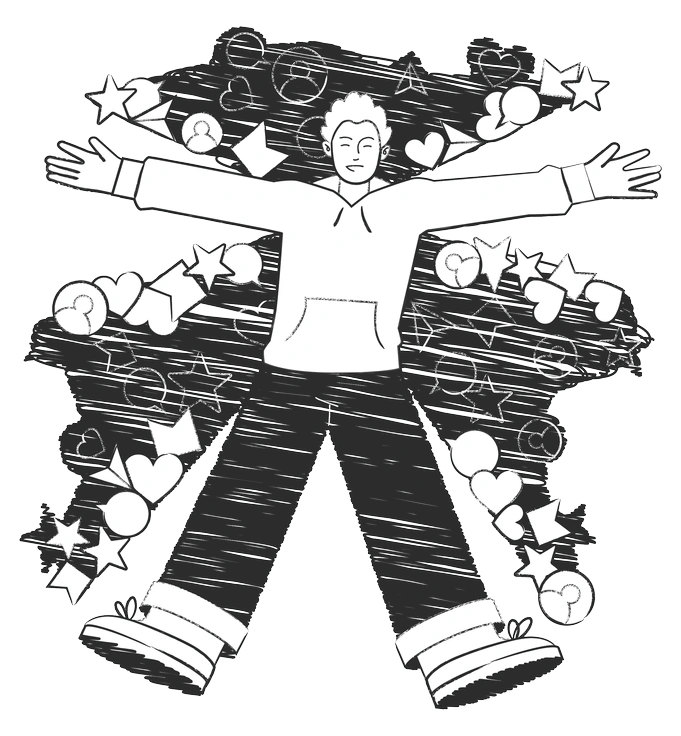
A person with arms outstretched surrounded by shapes - Graphite style illustration
Graphite

Graphite uses pencil shading and sketch-like contours while Midnight stays vector with crisp shapes and one dark tone.
321+ illustrations
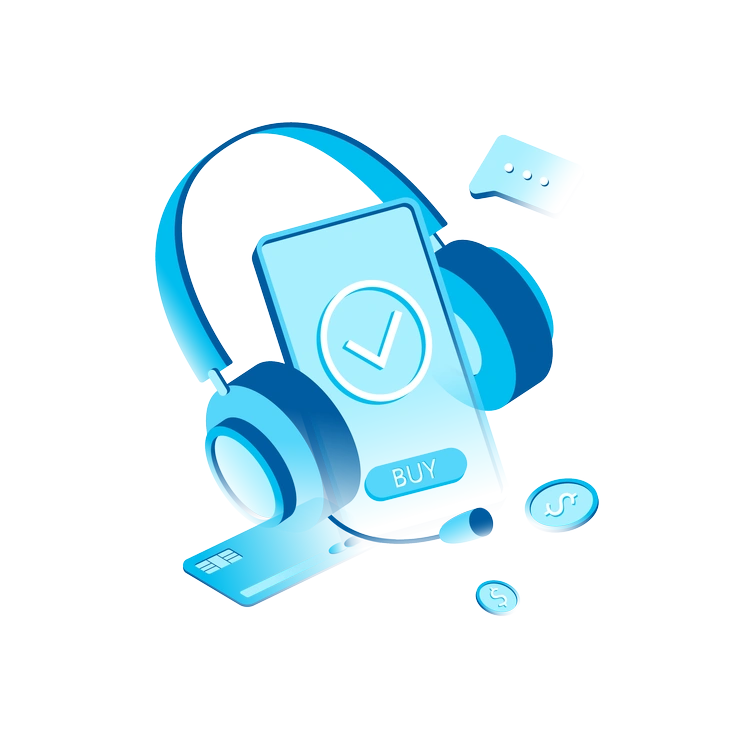
A smartphone with headphones and payment icons - Icy style illustration
Icy

Icy favors light palettes and soft gradients, so it feels brighter where Midnight keeps everything grounded in deep monochrome blocks.

267+ illustrations
Four people engaging with technology and drinks - Natty style illustration
Natty

Natty combines flat color with playful forms, better for casual interfaces, whereas Midnight supports restrained and formal product experiences.
657+ illustrations
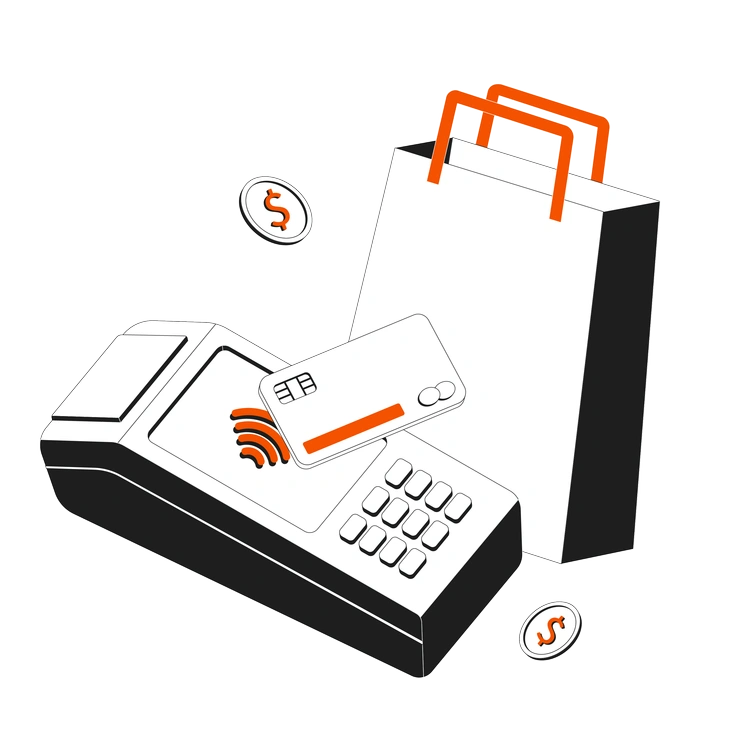
A payment terminal with a card and shopping bag - Strict style illustration
Strict

Strict sticks to wireframe-like outlines and minimal detail while Midnight fills shapes, creating bolder silhouettes suited to dramatic dark-mode layouts.
274+ illustrations
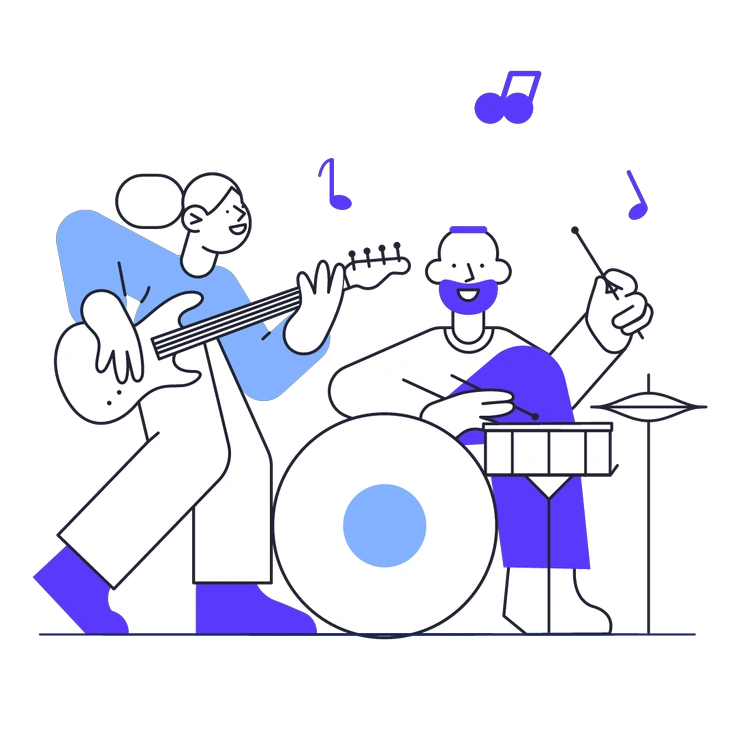
Two musicians playing guitar and drums - Pablita style illustration
Pablita

Pablita relies on bright flat colors and friendly characters, ideal for welcoming brands, while Midnight stays abstract and almost architectural.

1041+ illustrations
Animated
An upward trending graph with 3D bars - Concept style illustration
Concept

Concept explores loose compositions and experimental forms; Midnight instead locks into strict geometry and strong figure–ground contrast for structured scenes.
230+ illustrations
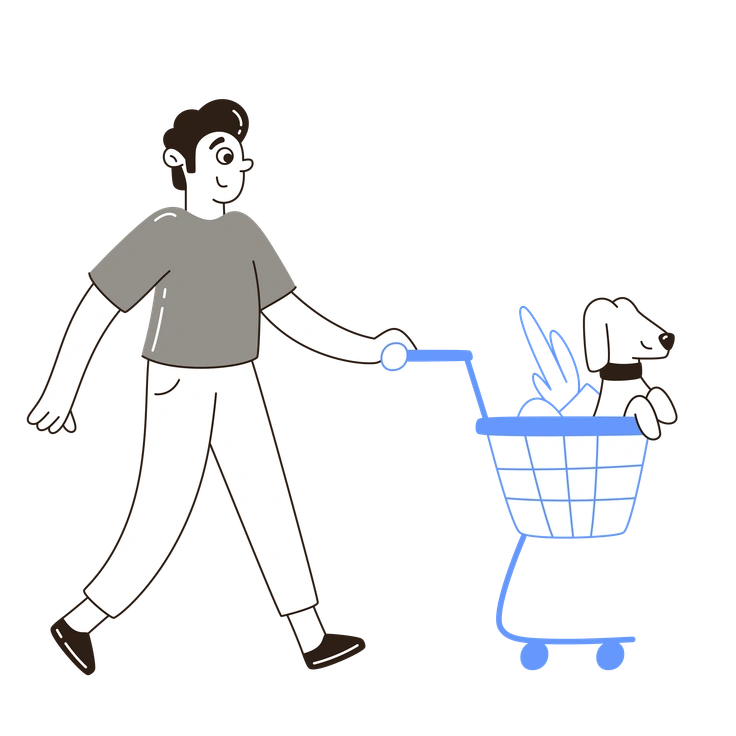
A person pushing a shopping cart with a dog - Plain style illustration
Plain

Plain delivers multicolor vectors with separation between elements, whereas Midnight compresses everything into one hue for cohesive dark branding.
463+ illustrations
Animated
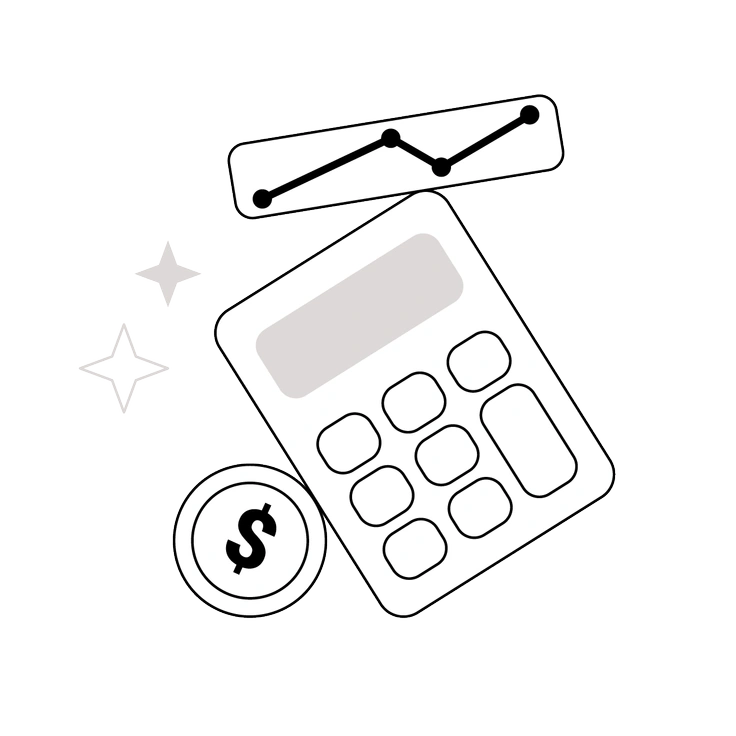
A calculator, dollar sign, and graph - Shade style illustration
Shade

Shade uses smooth gradients to model volume, giving objects softness, while Midnight keeps surfaces flat for a sharper graphic feel.
56+ illustrations
A computer displaying graphs and data analysis - Taxi style illustration
Taxi

Taxi leans into bold yellow branding and city motifs; Midnight avoids themes and focuses on abstract technology and workplace shapes.
1682+ illustrations
Animated
Design tools and elements for graphic creation - Rainbow style illustration
Rainbow

Rainbow floods scenes with saturated gradients and playful transitions, ideal for marketing, whereas Midnight stays disciplined in tone and concept.
272+ illustrations
A person holding a megaphone and icons - Indigo style illustration
Indigo

Indigo keeps a cool blue range and softer contrast, while Midnight pushes darker values for dramatic silhouettes.
261+ illustrations
A woman riding a bicycle with city skyline - Urban Line style illustration
Urban Line

Urban Line relies on thin strokes and open shapes that feel sketchy, whereas Midnight builds dense blocks and assertive silhouettes.

1277+ illustrations
Animated

Frequently asked questions

Yes, you can use Midnight in client and commercial projects according to the Icons8 license. Paid plans remove attribution requirements for PNG and SVG downloads.
The collection currently includes 455 Midnight illustrations and new scenes appear over time. You always download the latest versions directly from Icons8 or the Pichon app.
PNG assets drop into any design tool. For full editing, download SVG on a paid plan and adjust shapes in Figma or Sketch.
You can mix Midnight with color styles for emphasis or onboarding. Many designers pair monochrome scenes with brighter icons or photos to separate functional and marketing content.
Pricing lives on the Icons8 website, where you compare free and paid plans. Free users download PNG with attribution, while subscribers also get SVG and no credit requirement.
Abstract liquid sphere illustration 3D coins illustration 3D charts in metal box illustration

Start using Midnight illustrations today

Download a few scenes, drop them into your Figma or slides, and test them beside your typography. When the fit feels right, upgrade for SVG access and frictionless commercial use.

Explore Midnight library