


















Graphite Style Illustrations
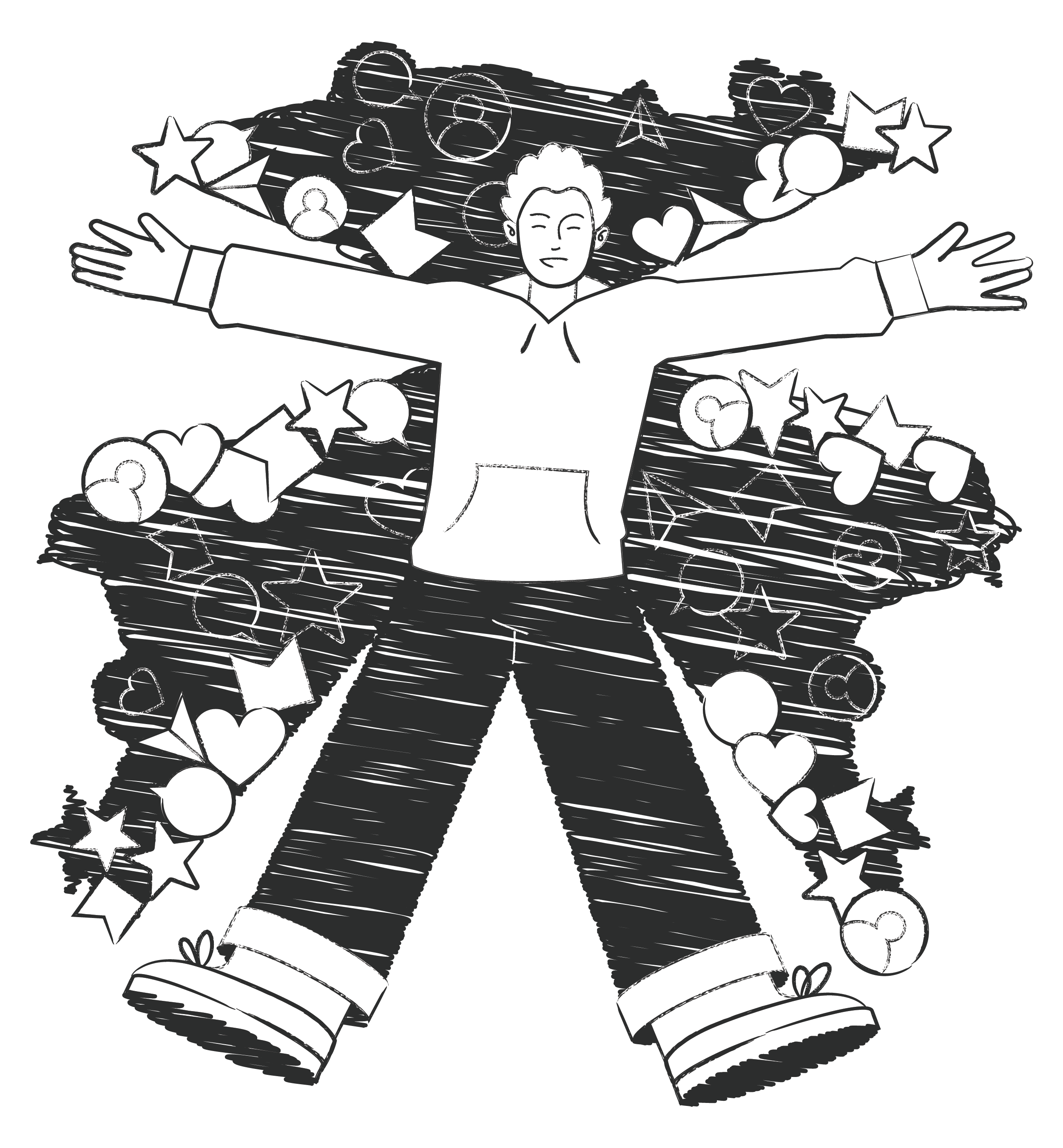
Graphite brings pencil-textured grayscale scenes to projects that prioritize content. Clean flat shapes and subtle grain sit well beside dense typography and structured documentation without pulling focus from information.


What is Graphite Style?
Each illustration in Graphite uses grayscale tones and soft charcoal textures that echo real pencil sketches. Simple geometry with varied stroke weights and gentle shading keeps scenes readable against dense text and open white space.
These illustrations show up in documentation hubs and editorial platforms that avoid color noise. Product teams drop them into wireframes or placeholder states when they need clear structure without visual distraction.
For content and product UX


Themes in Graphite



What Graphite artists draw
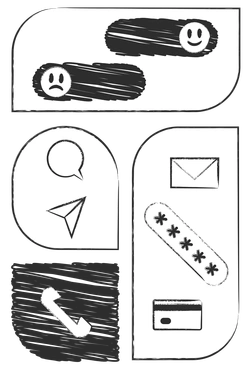
Scenes often focus on people at work and quiet home routines. Simple technology setups and abstract diagrams represent planning or focus. Browse by tag to jump straight to relevant subjects.
Pick your monochrome sketch look
Comparing styles clarifies how much texture and color you need. That decision shapes mood across products and editorial decks.

Bitmap uses chunky pixels and sharp contrast instead of Graphite's soft strokes. Choose it when you want a retro mood.
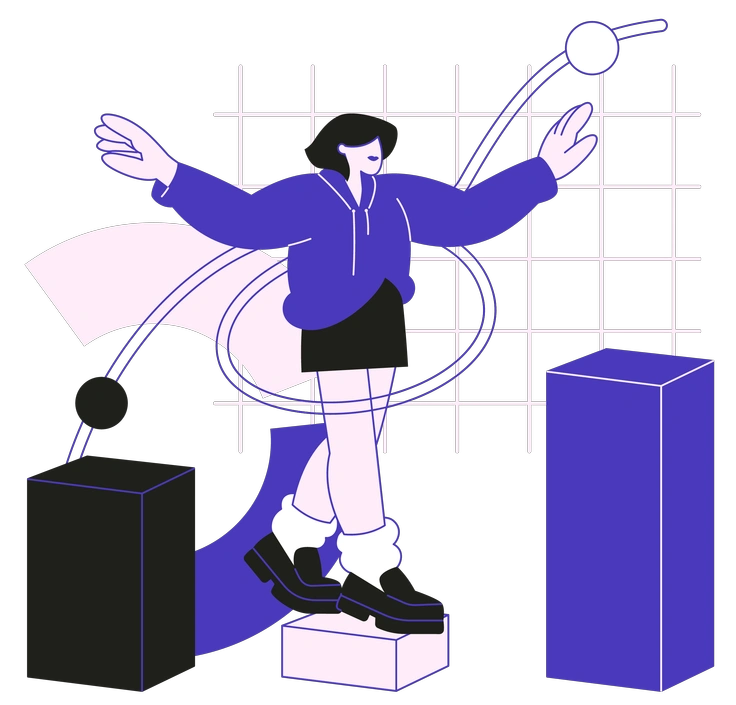
Blueberry brings gentle color fills and rounded shapes where Graphite stays monochrome. Use it when brand palettes matter.

Eastwood adds rich shading and atmospheric backgrounds. Graphite stays cleaner. Choose Eastwood for narrative scenes instead of schematic diagrams.

Indigo focuses on blue accents and smooth vector surfaces. Graphite removes color and adds grain which suits restrained product documentation.

Sammy Line uses thin outlines and no fills while Graphite relies on solid shapes. Choose Sammy for lightweight diagrams.

Tokyo introduces color blocks and playful characters. Graphite strips scenes to grayscale. Pick Tokyo when branding needs more energy.

Urban Line focuses on continuous strokes and sparse detail. Graphite adds fills and shading suited to denser editorial content.

Icy combines pale blues and soft gradients with gentle 3D volume. Graphite stays flat and grainy, ideal for low-key documentation.

Natty delivers friendly characters with clear color blocking. Graphite keeps figures stripped back to tones which suits neutral corporate environments.

Strict emphasizes geometric precision and strong grids. Graphite feels looser and more organic. Choose Strict when interfaces demand rigorous alignment.

Pablita uses flat color and simple characters. Graphite removes color and adds sketch texture, which pairs better with serious articles.

Concept leans into abstract shapes and bolder composition experiments. Graphite illustrates ideas more literally, which suits diagrams and straightforward storytelling.
Frequently asked questions


Start using Graphite illustrations today
Grab PNGs for quick content pieces or switch to SVG for full control in Figma. Place Graphite scenes into layouts and adjust strokes before you ship monochrome graphics to clients.